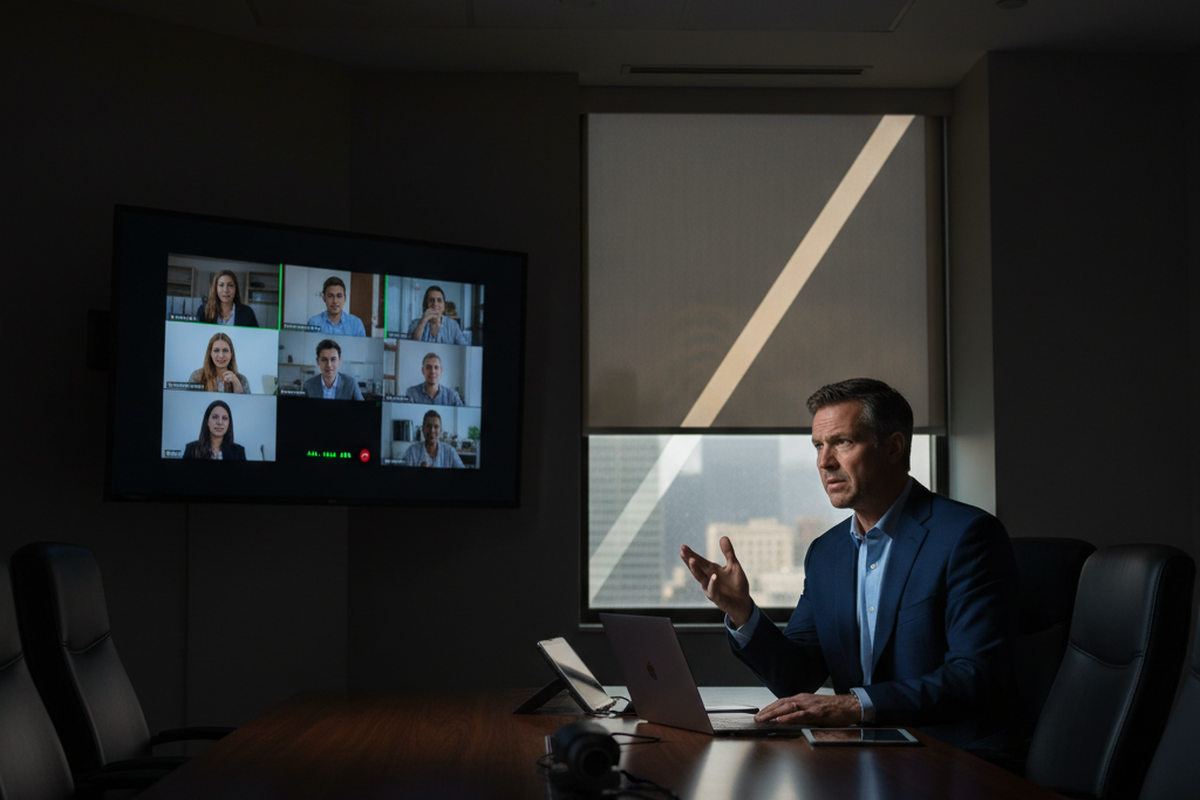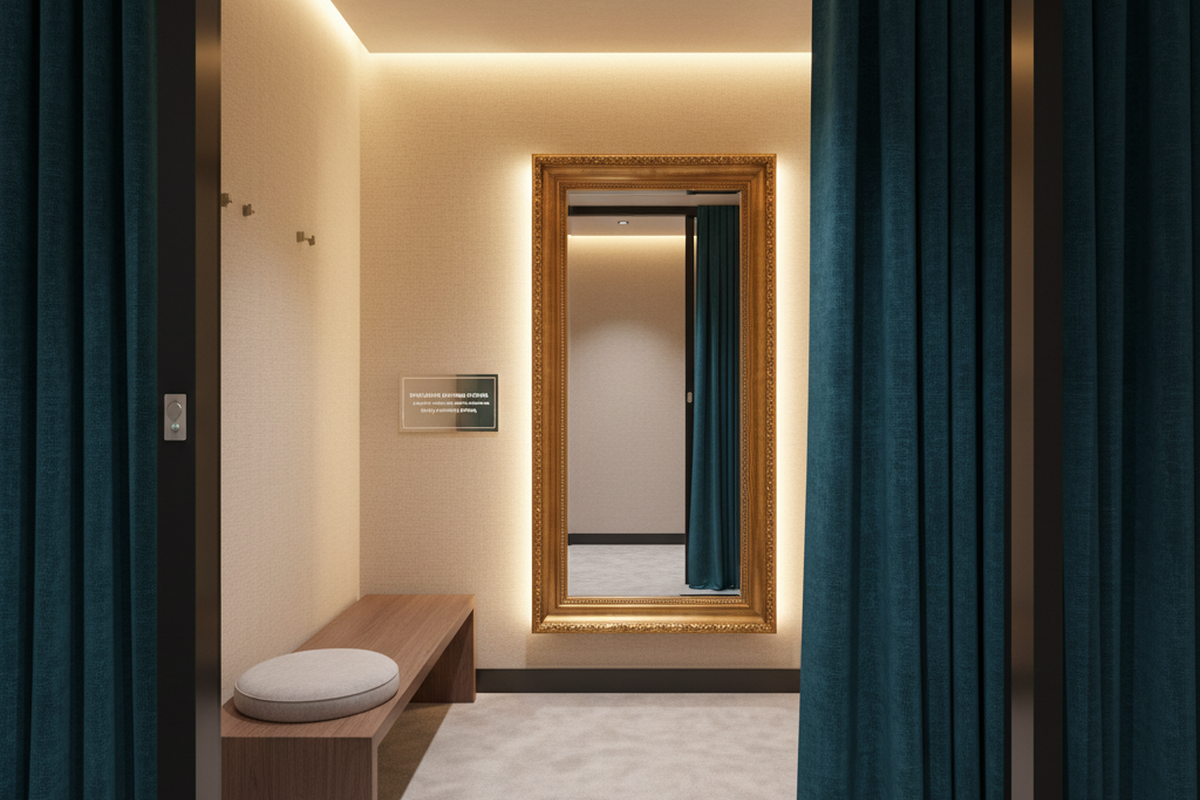
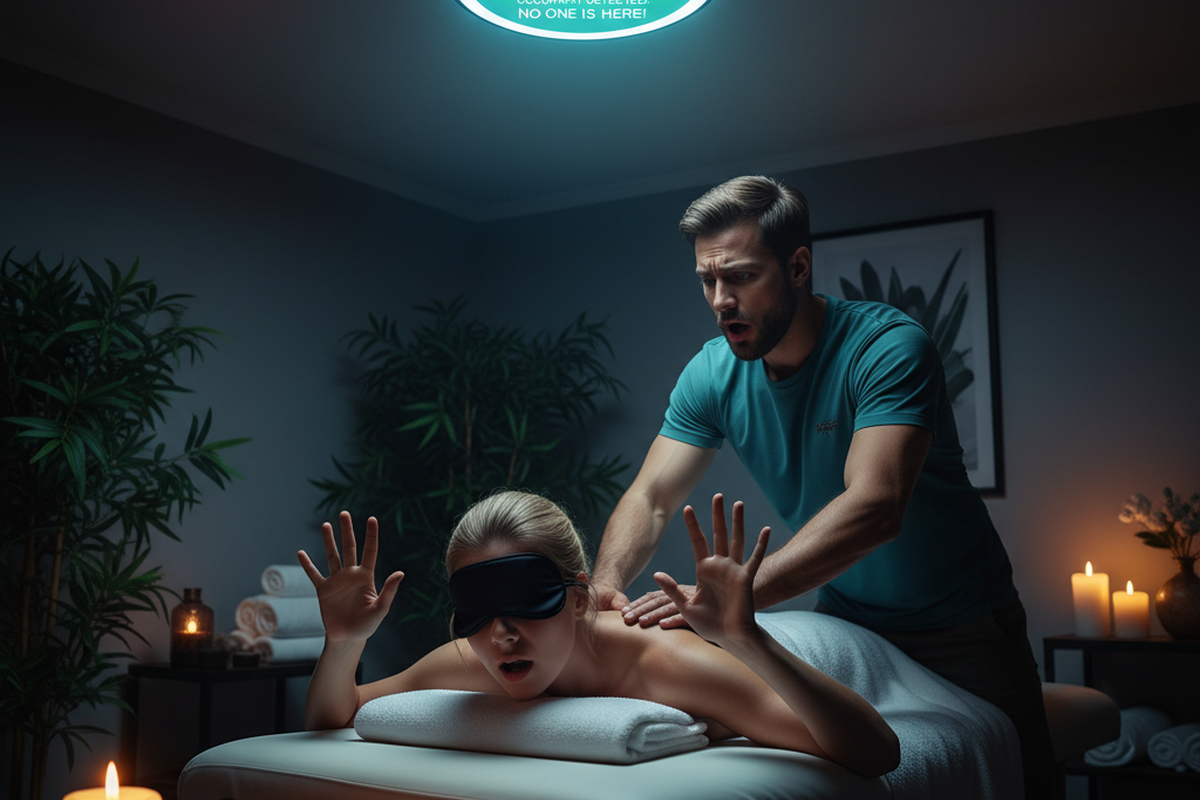
A ceiling PIR can do exactly what it was built to do and still wreck a room.
The pattern is painfully consistent in lash rooms, waxing rooms, massage, and even some quiet chair stations. The client is intentionally still, the service is intentionally calm, and the lighting is intentionally low. Then a default timeout—often something like 5 minutes—runs out. The lights drop while a person is half-draped, foiled, or mid-treatment. That moment doesn’t feel like “energy efficiency.” It feels like embarrassment, interruption, and a room that can’t be trusted.
When that happens, people don’t politely request a better spec. They crack the door. They tape over sensors. They jam a manual override or plug a lamp into an always-hot receptacle and call it a day. The energy savings disappear, and the business keeps paying—just in a different place.
Comfort outranks marginal energy savings in these rooms.
We want to prevent the second-order damage: the callbacks, the workarounds, and the “sensor is broken” tickets where the device is technically fine. Picking a magical device won’t help if the control intent doesn’t match appointment reality. You have to design for that reality, then place and commission the sensor so it can actually work in a salon full of partitions, pendants, mirrors, curtains, and staff workflows.
Control intent: decide what “normal behavior” looks like
The fastest way to spot a doomed occupancy setup is simple: if a busy stylist or front desk lead can’t be told what the lights will do in under a minute, the design is too fragile. Salons have turnover and part-time schedules; nobody has time to memorize five modes and a “walk-through” feature they didn’t ask for. If “normal” is confusing, staff will assume the system is broken and start bypassing it.
This is also where the occupancy vs. vacancy confusion shows up. An “occupancy” sensor turns lights on automatically when it detects motion. A “vacancy” (manual-on/auto-off) approach asks a person to turn lights on, then turns them off automatically later. In client-facing rooms, manual-on can be a gift: it avoids nuisance-ons from hallway traffic and makes the room feel less haunted. But it also changes expectations. Sometimes local energy codes push projects toward one method or another, but vocabulary matters less than the room behaving predictably.
A useful control intent in a chair bay or treatment room starts with one uncomfortable question: what movement is reliable? In many services, it is not the client. The client is supposed to be still. The reliable movement source is the staff: the loop from doorway to cart, cart to chair, chair to sink, back to mirror, back to product shelf. When the intent is “keep lights on when staff is working,” the sensor needs to see staff choreography, not client micro-movement.
That’s why the classic “wave test” lies. Walking into a room and waving under a ceiling sensor proves only that someone can enter and wave. It doesn’t prove that a stylist on a rolling stool, working behind a client under pendant fixtures and station partitions, will show up in the PIR’s line of sight. It doesn’t prove that a lash tech standing mostly still beside a bed, with blackout curtains and a ring light doing the real visual work, will register as “occupied” for 30–45 minutes.
A practical way to write an intent template is to do it by room type, not by brand:
- Treatment rooms (lash/massage/waxing): Prioritize “never surprise the client.” Think generous off-delays, layered lighting, and an auto-off that acts as a backstop, not the primary experience.
- Chair stations: Prioritize “detect staff workflow.” Keep automation from depending on a seated person, and assume partitions or pendants will create blind wedges.
- Support spaces (storage, staff corridor): Shorter timeouts work here because the social cost of an off event is low and visual cues are obvious.
Then there’s the code reality check. Automatic shutoff requirements and maximum timeouts vary by jurisdiction and version, so pretending a single number is universally compliant is irresponsible. But don’t punish still clients with aggressive settings; change the control method. If a space needs manual-on/auto-off to fit local rules, use that. If a space needs partial-on, zoned loads, or a different strategy, adjust the method instead of squeezing the timeout until people hate it.
System failures usually fall into three buckets—detection, intent, and context. Chasing the wrong bucket wastes money.
Looking For Motion-Activated Energy-Saving Solutions?
Contact us for complete PIR motion sensors, motion-activated energy-saving products, motion sensor switches, and Occupancy/Vacancy commercial solutions.
Why PIR misses still clients (and what actually fixes it)
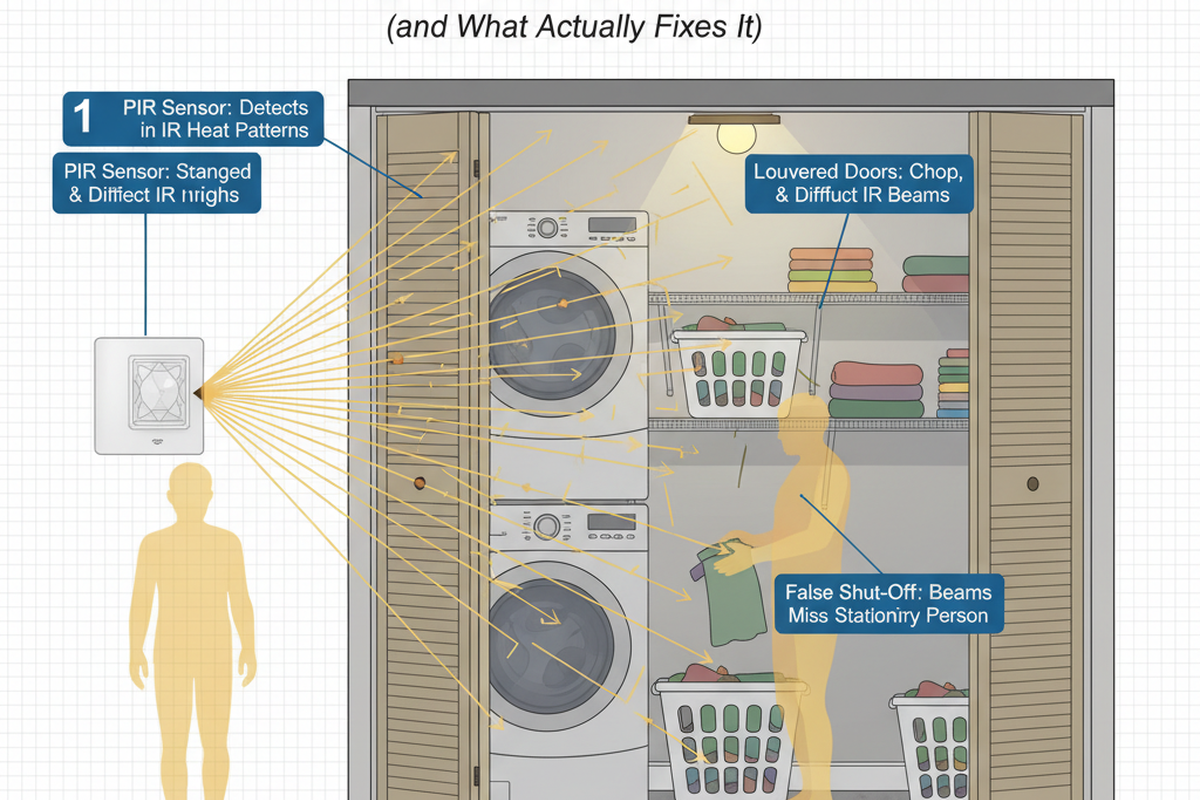
A PIR isn’t a mind reader. It relies on a field of view and line of sight. It is good at seeing people crossing zones and bad at seeing tiny, slow movement when a body stays mostly in one place—especially if the movement is blocked by a pendant, a beam, a soffit, or the geometry of a station.
That’s why chair-centered installs so often implode. A ceiling PIR centered over the chair looks logical on a reflected ceiling plan, and it looks tidy during a punch walk. In a real appointment, however, it works perfectly on entry (big motion, clear path), then times out mid-service when the staff’s movement becomes efficient and localized. In one tenant improvement scenario, the stylist did most work behind the client with minimal stepping, using a rolling stool. The PIR never got a clean “crossing motion” event, and the lights went out during a long processing stretch. The device wasn’t defective; the placement was.
Spec sheets don’t save this. Many datasheets include phrases like “minor motion” and show coverage diagrams at ideal mounting heights. Those diagrams assume a relatively open box. Salon reality is a room full of occlusions: station partitions, mirror walls, tall product displays, pendant fixtures, and sometimes curtains that move. Even mirrors can trick a team into false confidence because people see movement in reflected spaces without that movement ever crossing the sensor’s real detection zones. On paper, “minor motion” might be someone typing at a desk in a well-lit office. In a dim lash room, “minor motion” can mean a tech’s hands doing precise work while the rest of the body stays quiet. Those are not the same signal.
This drives the impulse to ask, “what’s the best sensor?” It’s a reasonable question—owners and contractors want to buy their way out of pain. While certain brands have better reliability or more predictable settings tables, a better SKU does not rescue a chair-centered intent. If the sensor is placed where it can’t see the only reliable motion source, more sensitivity isn’t empathy. It’s just more noise.
The fix that scales is placement tied to workflow. The sensor should see the tool loop: the doorway path, the cart path, the sink/back-bar path, and the staff’s predictable transitions. That means the “best” location often isn’t centered over the chair. It might be biased toward the entry and the aisle where staff actually moves, or positioned to avoid a pendant blocking the view. Reliable detection of natural movement beats maximum theoretical coverage.
A simple commissioning pass (in an already-operating room) looks like this: verify detection at the doorway, at the chair/bed, and at the sink/back bar, then test with a real workflow for 8–10 minutes—not a wave test. If there are near-misses, adjust aim and settings, then test again. This is boring work, but it determines whether the control strategy disappears or becomes a running joke.
Timeouts need the same “appointment reality” treatment. In still-client rooms, aggressive 1–5 minute settings are not a virtue; they are a warranty call being scheduled in advance. A more realistic starting range in client-facing rooms is often 10–30 minutes, depending on services and how much staff movement naturally occurs in the sensor’s view. Lash and massage rooms can justify the upper end quickly because long still stretches are normal. Color processing is another case where the room may be occupied with low movement for long intervals. The buffer matters: choose a timeout that covers the longest still interval plus a little extra, then tighten only if the system stays invisible.
If a room goes dark once a week, it will be remembered. If it goes dark twice in a single appointment, it will be bypassed. Timeouts aren’t a morality test. They determine if the system is socially survivable.
Make it hard to hate: layered light and gentle off behavior
The cleanest way to reduce drama is to stop making the entire service depend on occupancy detection.
In one small salon scenario, the most effective change wasn’t a premium sensor. It was splitting the lighting behavior: mirror/task lighting stayed manual-on and reliable, and only ambient lighting went on occupancy control with a forgiving timeout. The room could “exhale” when it was empty, but it could not punish someone mid-service by yanking the critical light away. This is the layered lighting idea: protect the light that makes the service possible, and automate the light that just needs to be present.
This also explains why short timeouts backfire. There is a popular “professional” posture that treats the shortest delay as the smartest delay. In practice, in human-facing rooms, it often creates adversarial behavior. Staff jam overrides and tape switches because they’re tired of apologizing to clients. Once that trust is broken, the building doesn’t get the savings back. The load stays on—just with worse control, more resentment, and more service calls.
Get Inspired by Rayzeek Motion Sensor Portfolios.
Doesn't find what you want? Don't worry. There are always alternate ways to solve your problems. Maybe one of our portfolios can help.
The efficiency theater version of this looks good on paper: 5 minutes, everything off, maximum savings. The field version is uglier: a 9:30 pm call because lights won’t shut off, and the root cause is that someone jammed a manual override after being stuck in darkness too many times. A system that people hate becomes a system people defeat.
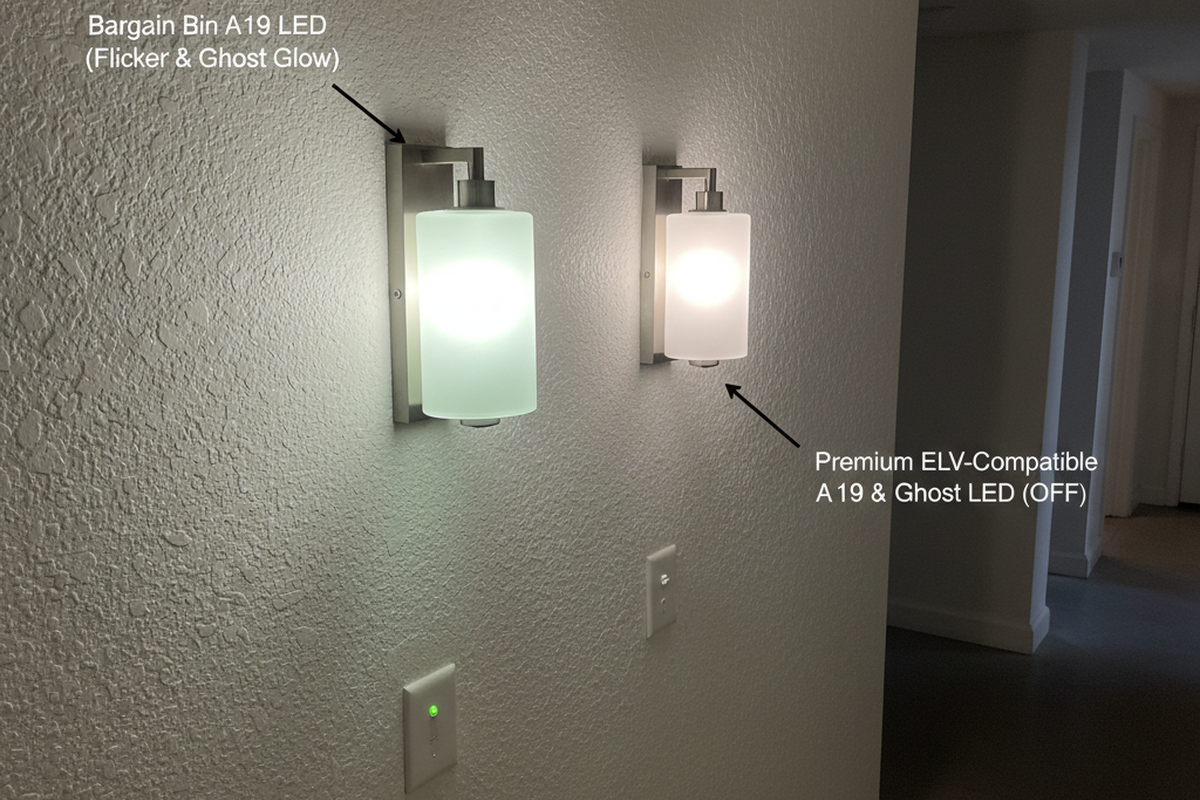
If dimming is available, dim-before-off helps keep a room from snapping into “something is wrong” mode. A short step-down (say, dropping ambient to a safe low level for a few minutes before going fully off) lets staff notice and correct without a client being startled. That only works if the fixtures and drivers support the dimming method in play (0–10V vs phase-cut and all the compatibility quirks that come with real LED drivers). It’s not a place for guesswork or DIY rewiring; it’s a coordination point with a licensed electrician and the fixture/controls documentation. If dimming isn’t feasible, the core strategy still holds: longer timeouts, better placement, and layered lighting so the room never goes abruptly dark.
There’s also a social commissioning step that gets skipped: write down how the room behaves. A one-page “How the lights behave” note—kept somewhere sensible with owner permission, like inside a cabinet door or near the panel closet—reduces tickets because it sets expectations. It can be as plain as: which lights are automatic, what the typical off-delay is, whether manual-on is required, and what to do if something acts weird (e.g., use the normal wall switch, then call the electrician if the behavior is new). Complex controls without training aren’t clever; they’re fragile.
Boundaries, hallway bleed, and where PIR shouldn’t be asked to do magic
Some “sensor problems” are actually architecture problems.
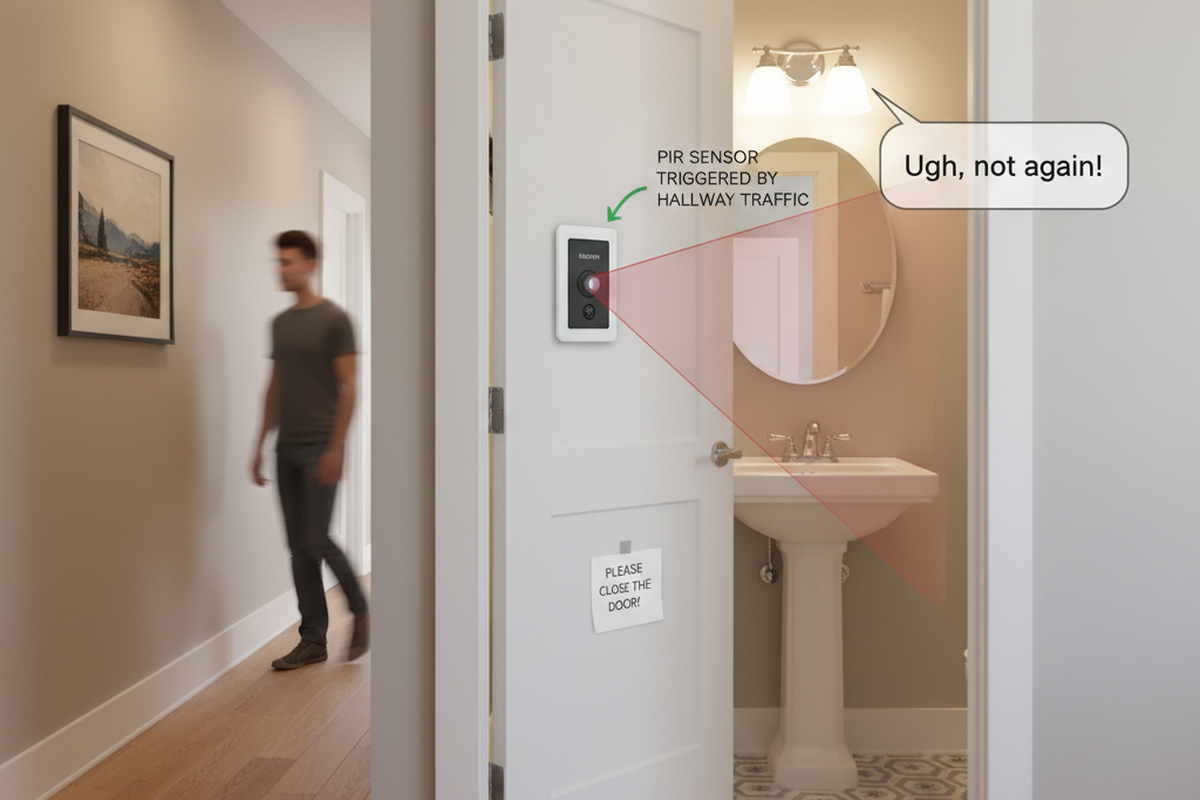
Treatment rooms in shared suites and multi-tenant strips often have soft boundaries: curtains instead of doors, half-walls, open portals, or a hallway that’s always active. In that setup, a sensor can detect motion that isn’t actually “occupancy of this room.” Hallway traffic can trigger nuisance-ons, or the sensor can behave inconsistently because the space it is trying to control isn’t physically defined.
When the room boundary is a curtain, the control boundary is also a curtain. That’s not a settings issue. It’s why, in some cases, adding a proper door solves what shielding and sensitivity tweaks never fully will. Once the room is truly its own zone, the sensor can behave because the space is real.
This is also where intentionally dim rooms deserve special handling. A spa-like treatment room with blackout curtains and a ring light is supposed to feel calm. In that context, automation that calls attention to itself is a failure. That doesn’t mean giving up on automatic shutoff; it means treating auto-off as a backstop, using generous timeouts, and protecting the critical light path. The metric is invisibility: if clients notice the system, the system is already too loud.
Practical moves in boundary-problem rooms tend to be operational and zoning-based: keep the control zone tight to the room, avoid placements that see the corridor, and consider manual-on with auto-off as a way to prevent nuisance-ons. If the space cannot be physically separated, it may need a different control strategy rather than more aggressive sensing.
One more boundary is non-negotiable: dignity. Treatment rooms are not the place to get clever with invasive sensing ideas in the name of energy savings. Controls should respect privacy and the basic fact that clients may not be able—or willing—to “wave” or move dramatically to keep the lights on. A good system assumes stillness and protects people from having to perform occupancy.
Maybe You Are Interested In
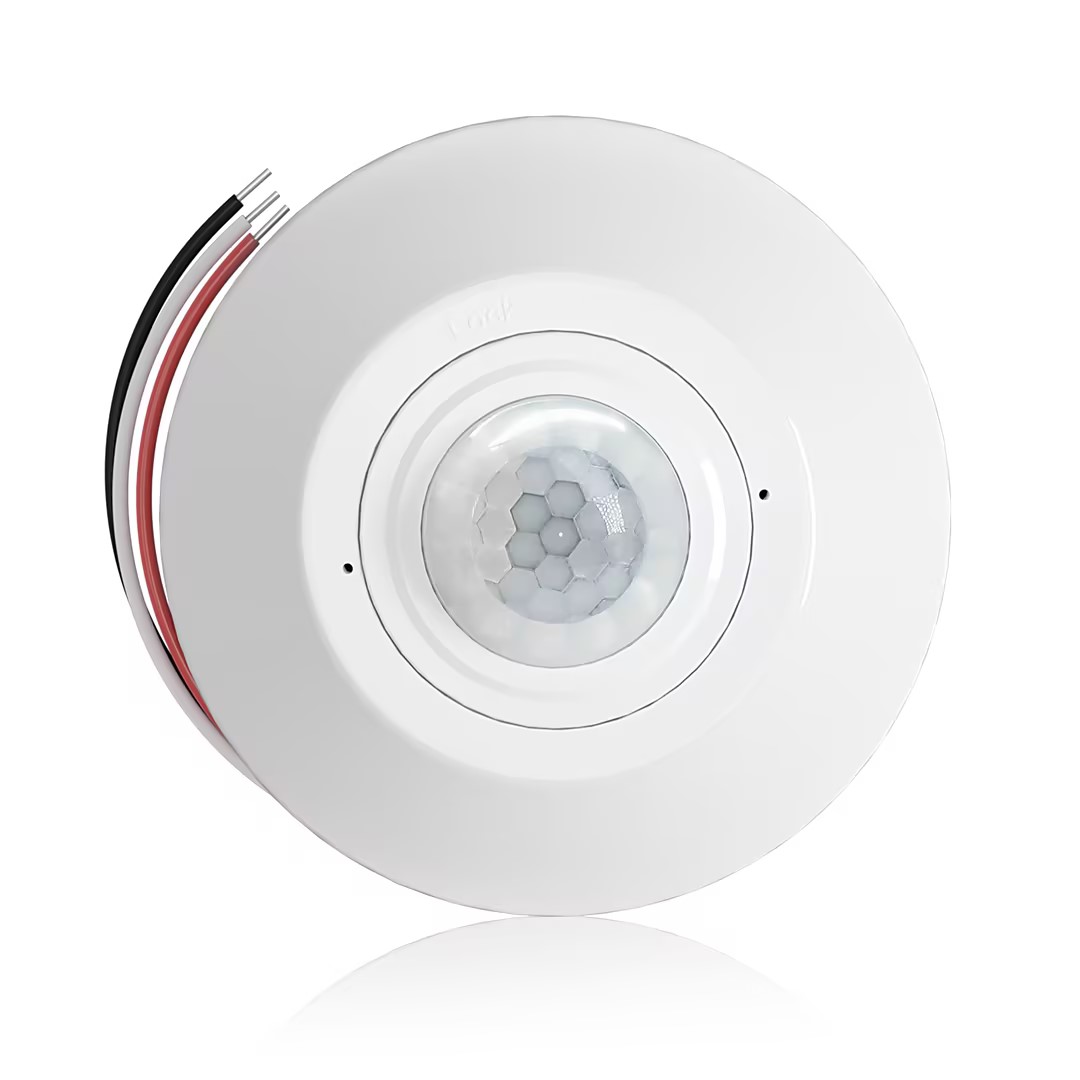
- Occupancy (Auto-ON/Auto-OFF)
- 12–24V DC (10–30VDC), up to 10A
- 360° coverage, 8–12 m diameter
- Time delay 15 s–30 min
- Light sensor Off/15/25/35 Lux
- High/Low sensitivity
- Auto-ON/Auto-OFF occupancy mode
- 100–265V AC, 10A (neutral required)
- 360° coverage; 8–12 m detection diameter
- Time delay 15 s–30 min; Lux OFF/15/25/35; Sensitivity High/Low
- Auto-ON/Auto-OFF occupancy mode
- 100–265V AC, 5A (neutral required)
- 360° coverage; 8–12 m detection diameter
- Time delay 15 s–30 min; Lux OFF/15/25/35; Sensitivity High/Low
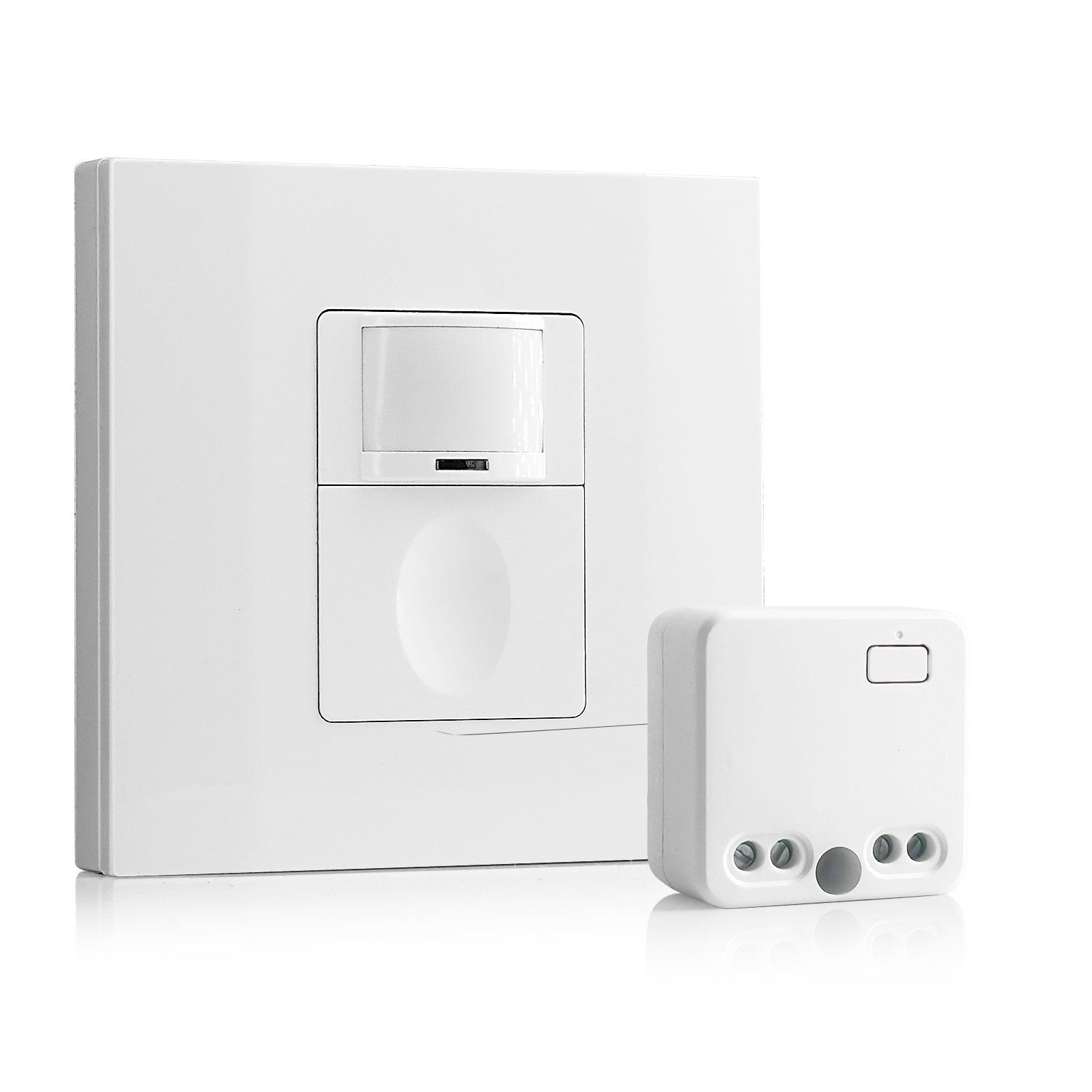
- 100V-230VAC
- Transmission Distance: up to 20m
- Wireless motion sensor
- Hardwired control
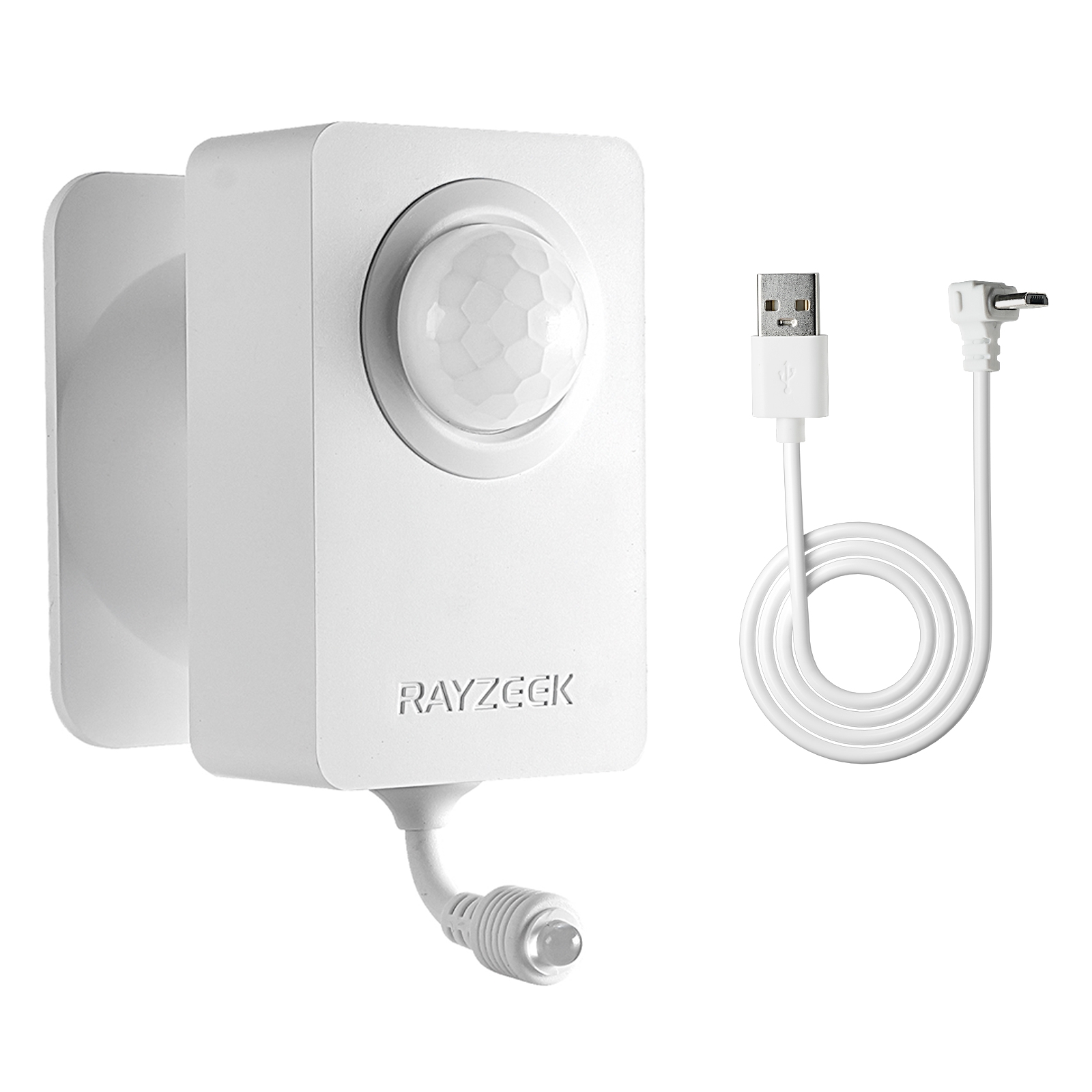
- Voltage: 2x AAA Batteries / 5V DC (Micro USB)
- Day/Night Mode
- Time delay: 15min, 30min, 1h(default), 2h
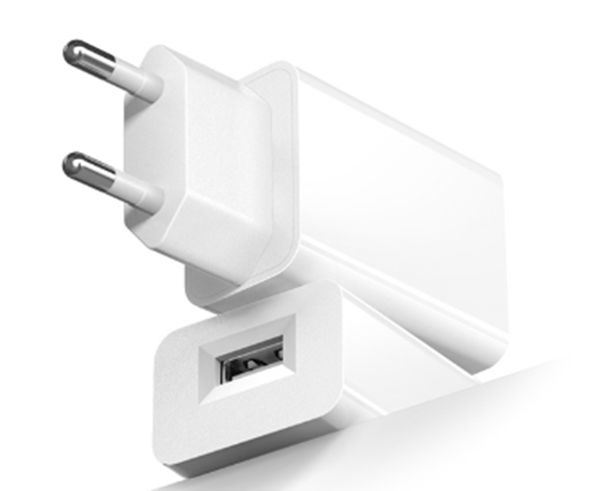
- EU plug power adapter
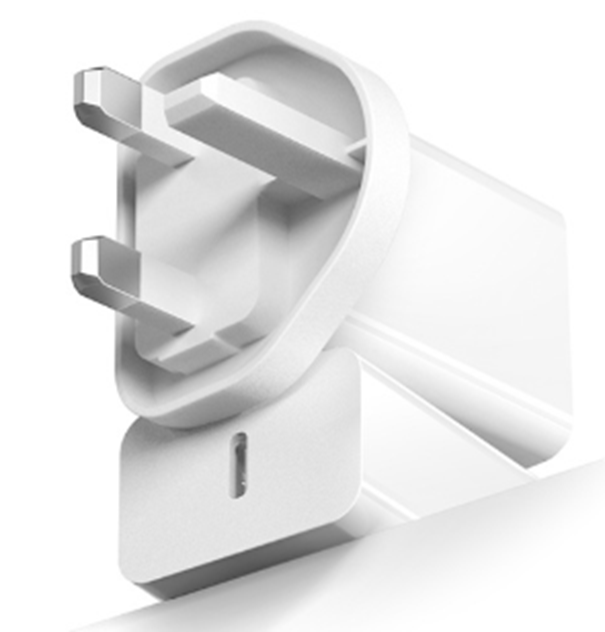
- UK plug power adapter
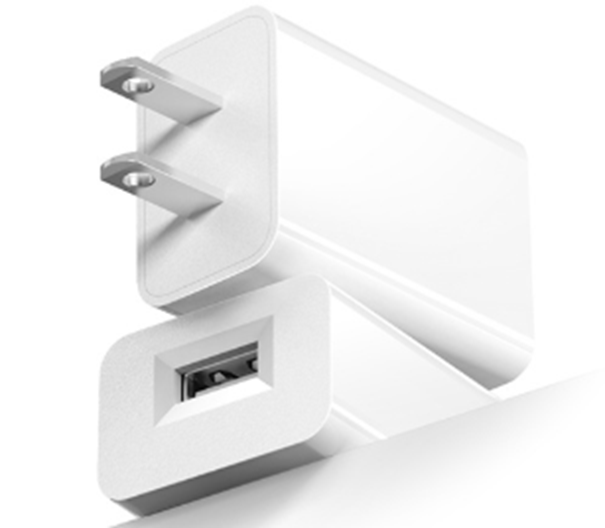
- US plug power adapter
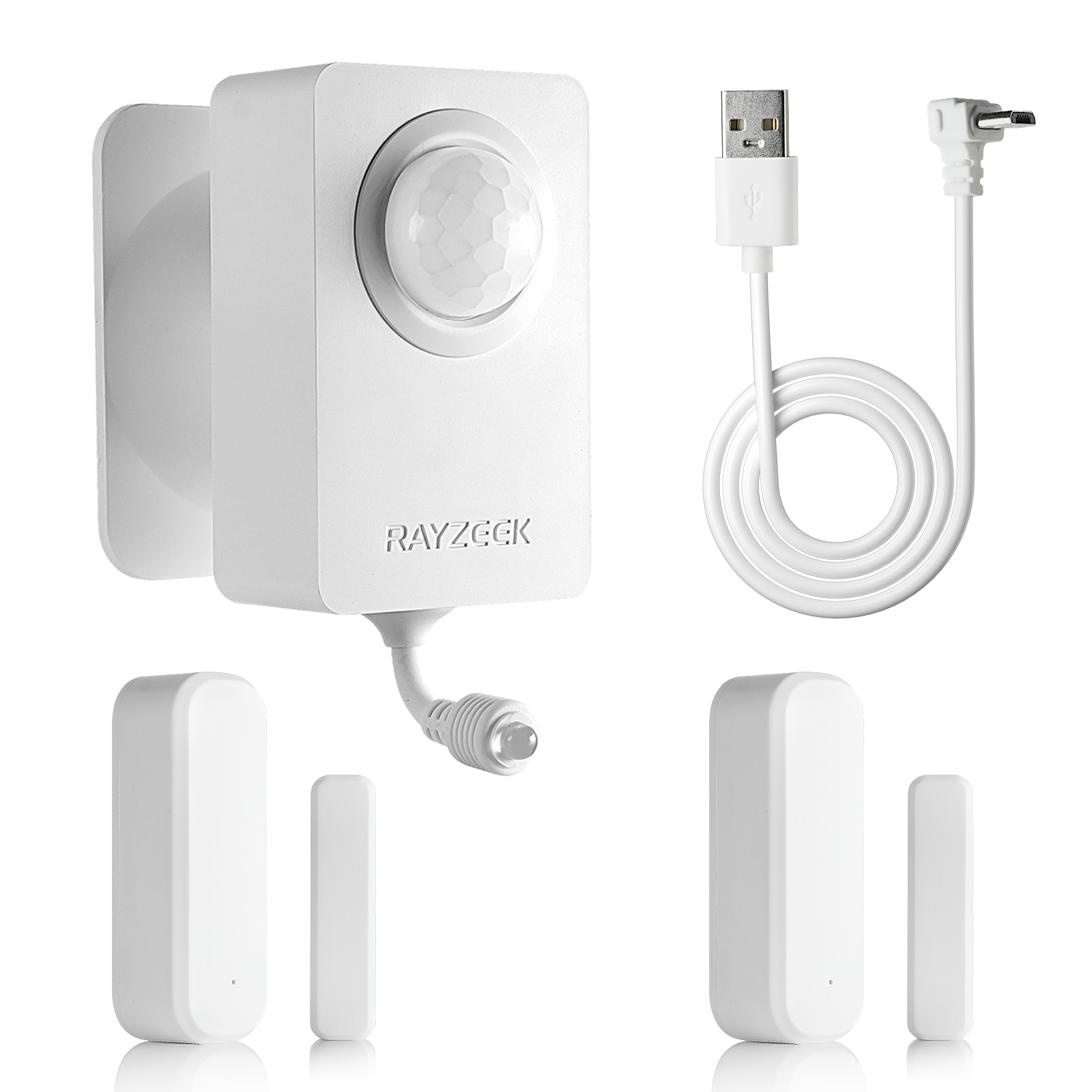
- 5V DC
- Transmission Distance: up to 30m
- Day/Night mode
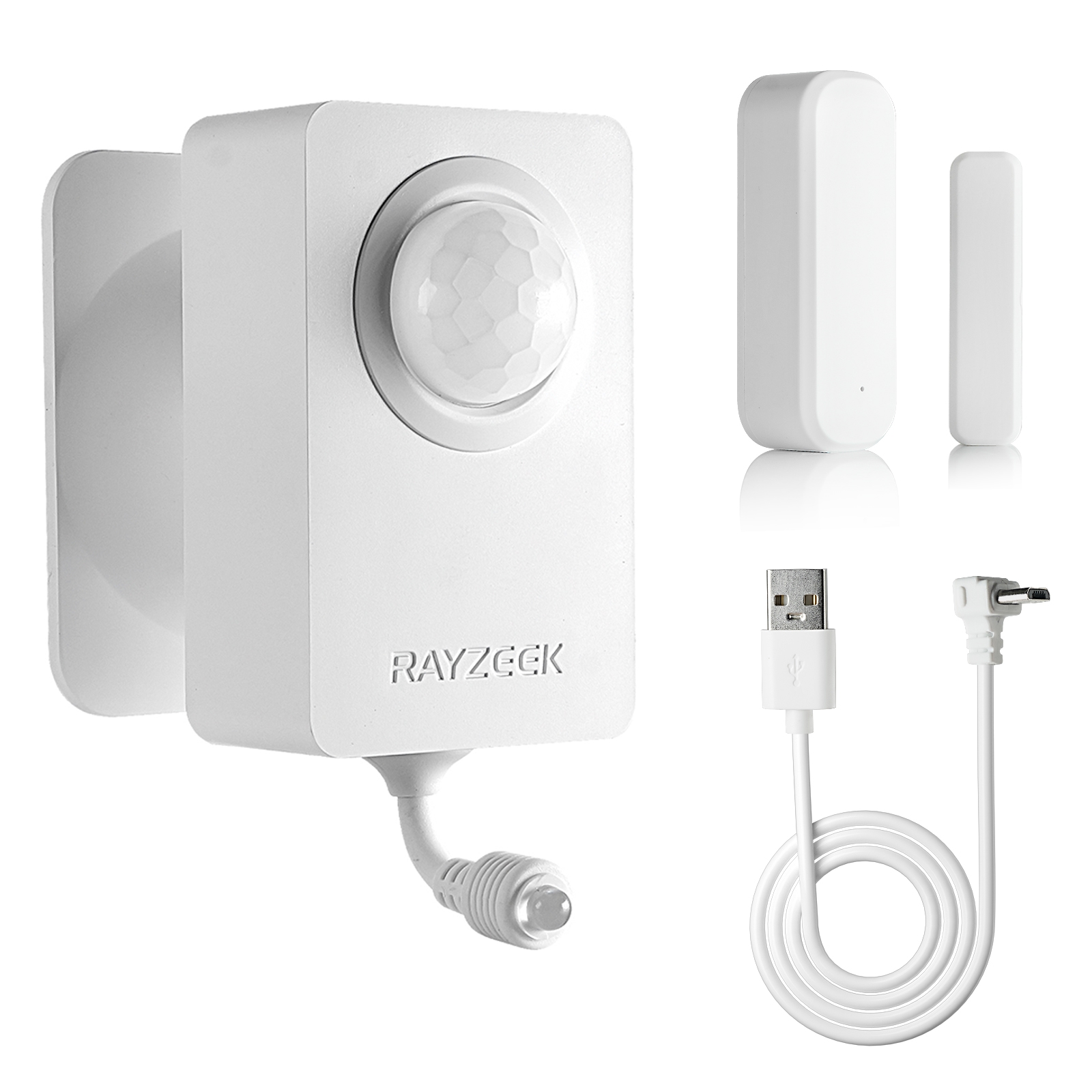
- 5V DC
- Transmission Distance: up to 30m
- Day/Night mode
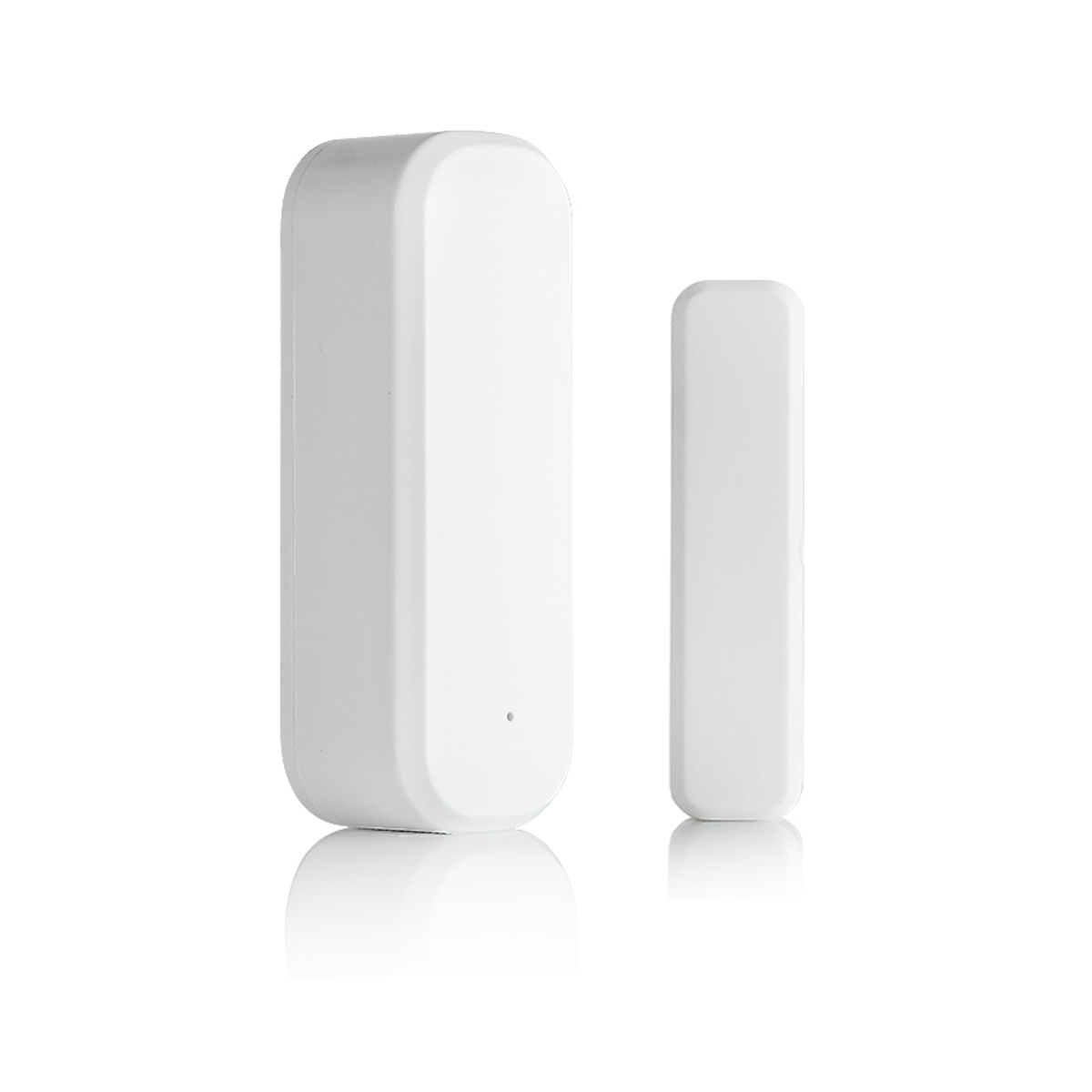
- Voltage: 2 x AAA
- Transmission Distance: 30 m
- Time delay: 5s, 1m, 5m, 10m, 30m
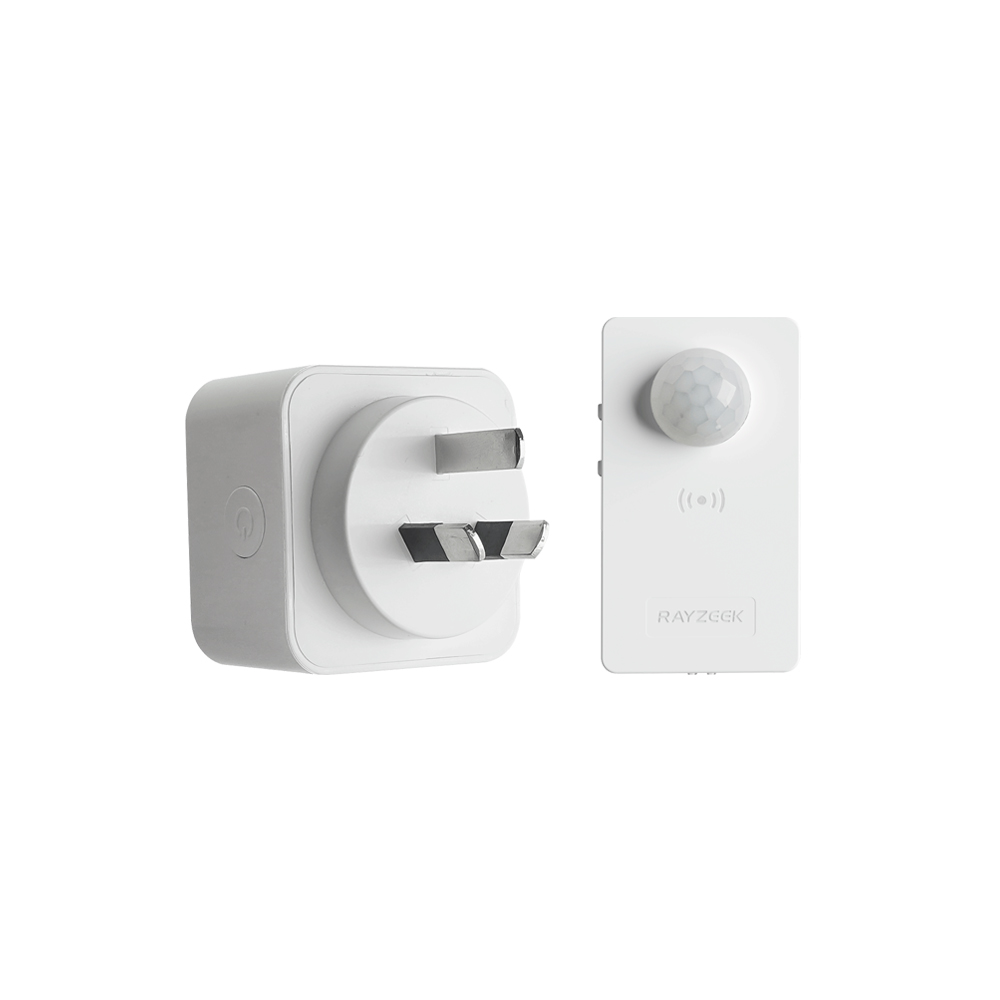
- Load Current: 10A Max
- Auto/Sleep Mode
- Time delay: 90s, 5min, 10min, 30min, 60min
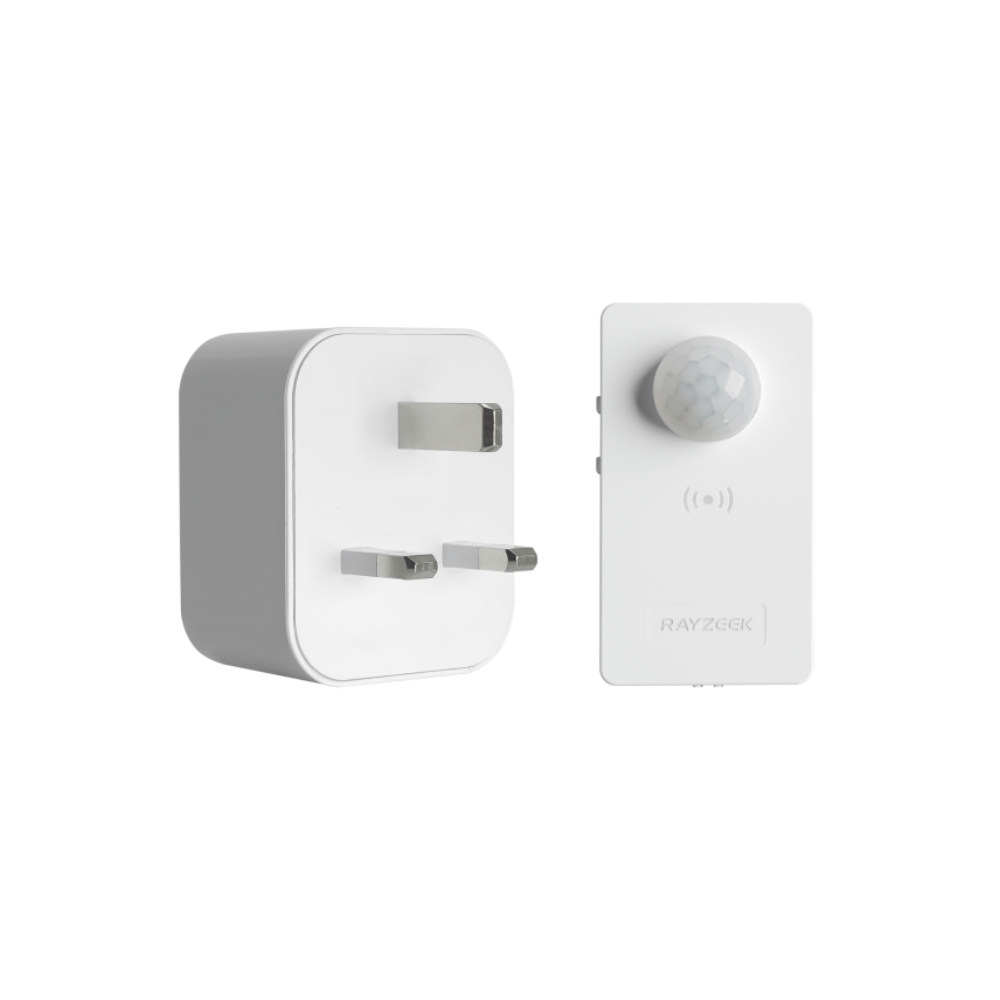
- Load Current: 10A Max
- Auto/Sleep Mode
- Time delay: 90s, 5min, 10min, 30min, 60min
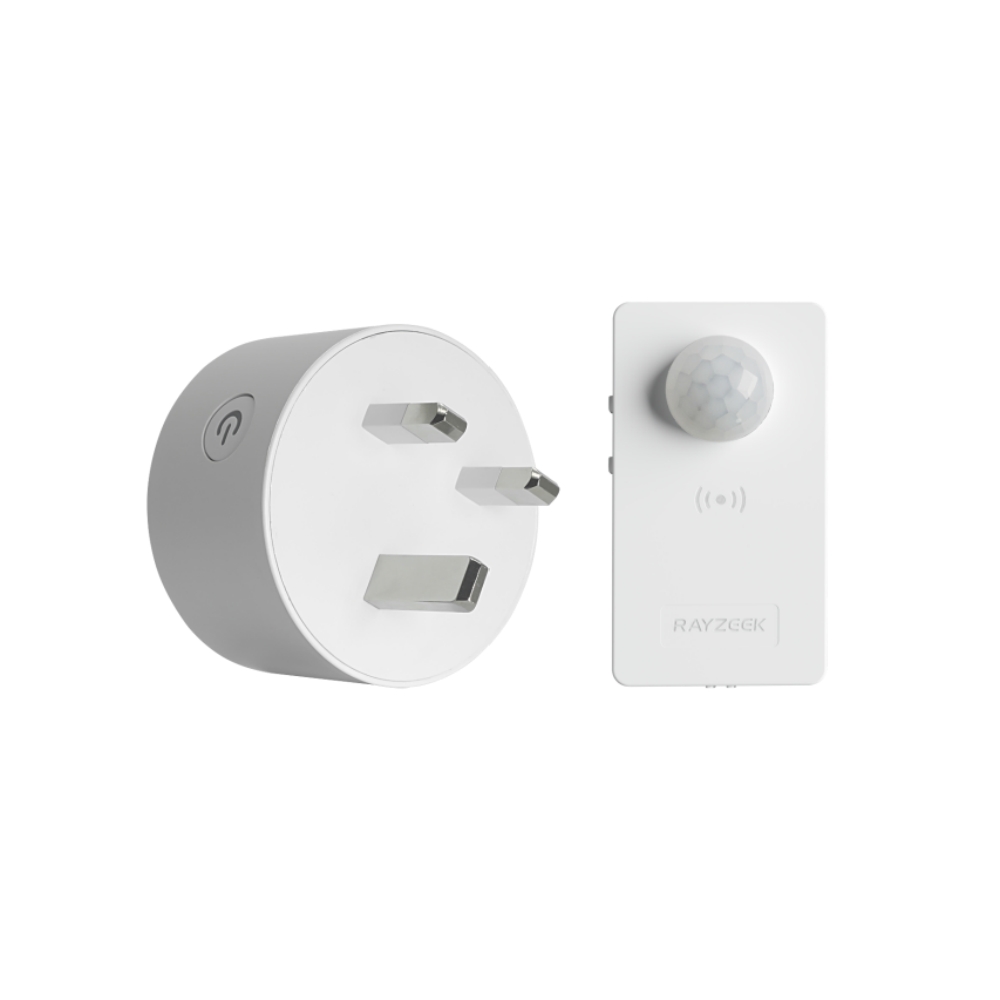
- Load Current: 10A Max
- Auto/Sleep Mode
- Time delay: 90s, 5min, 10min, 30min, 60min
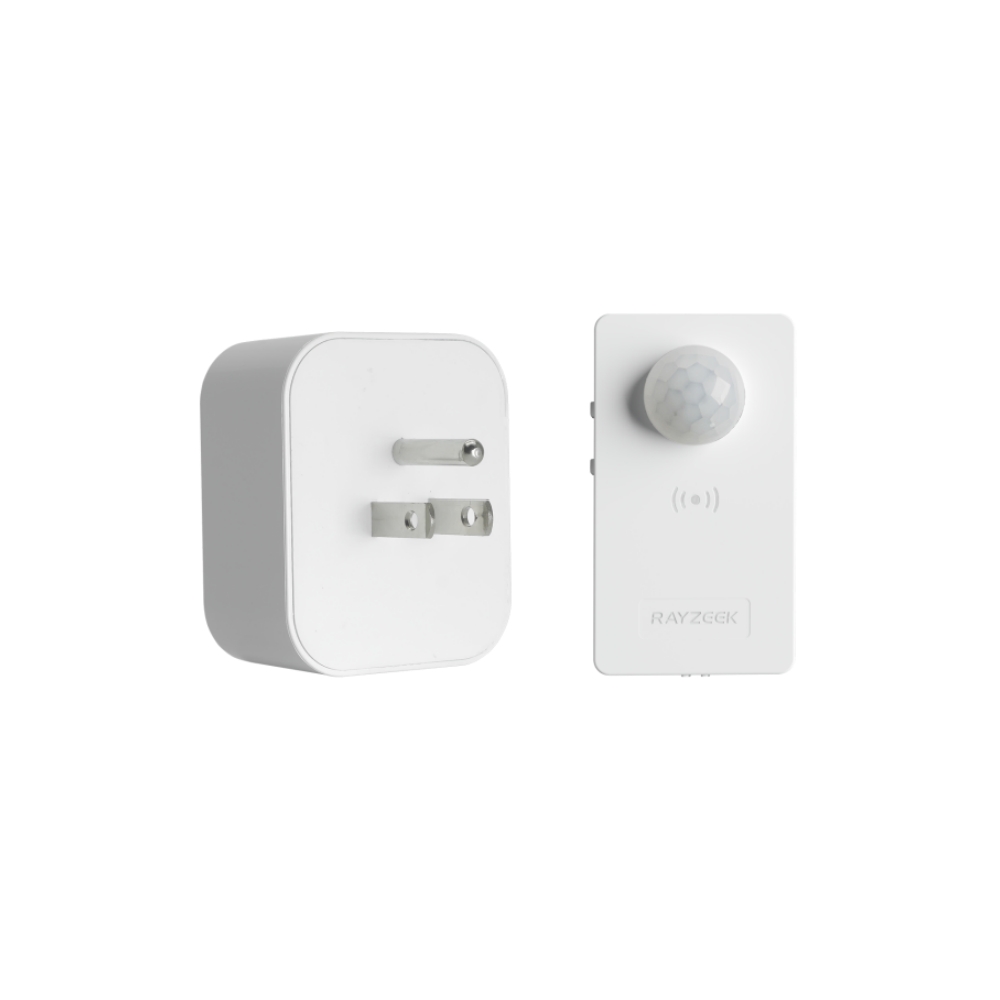
- Load Current: 10A Max
- Auto/Sleep Mode
- Time delay: 90s, 5min, 10min, 30min, 60min
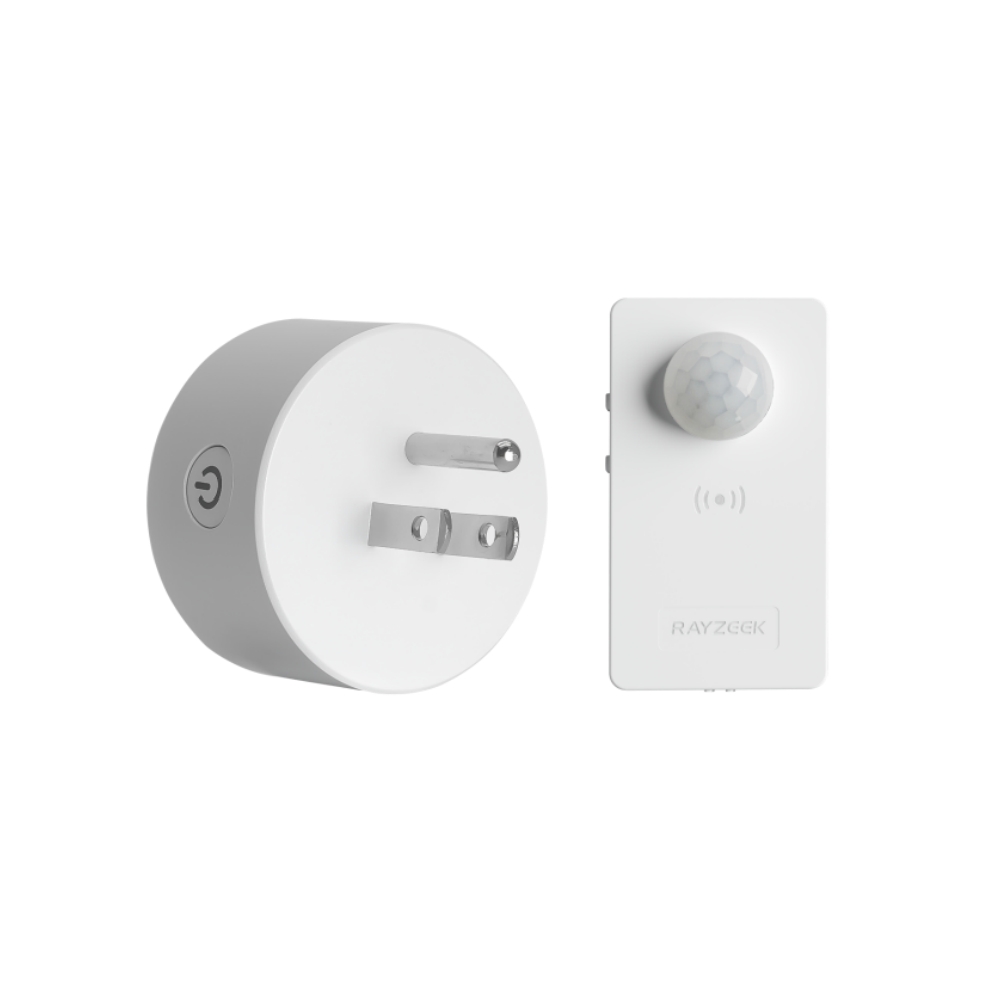
- Load Current: 10A Max
- Auto/Sleep Mode
- Time delay: 90s, 5min, 10min, 30min, 60min
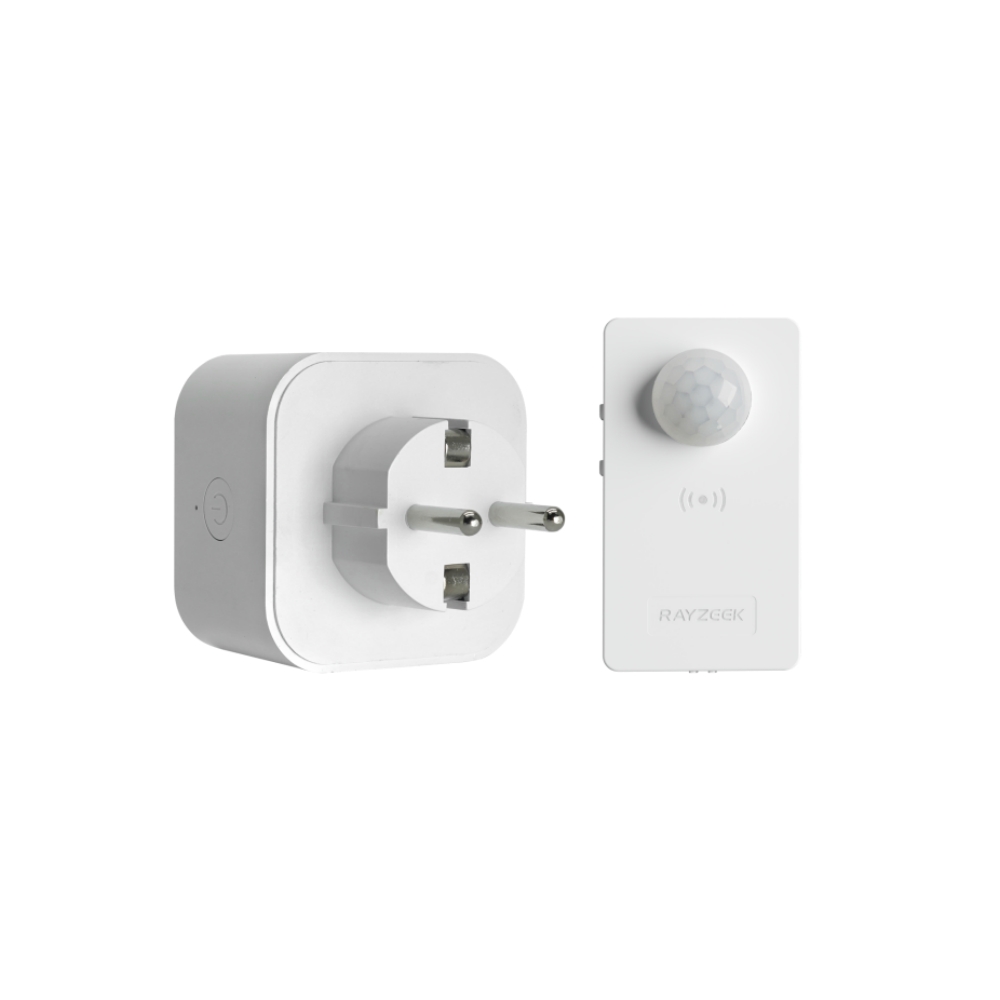
- Load Current: 10A Max
- Auto/Sleep Mode
- Time delay: 90s, 5min, 10min, 30min, 60min
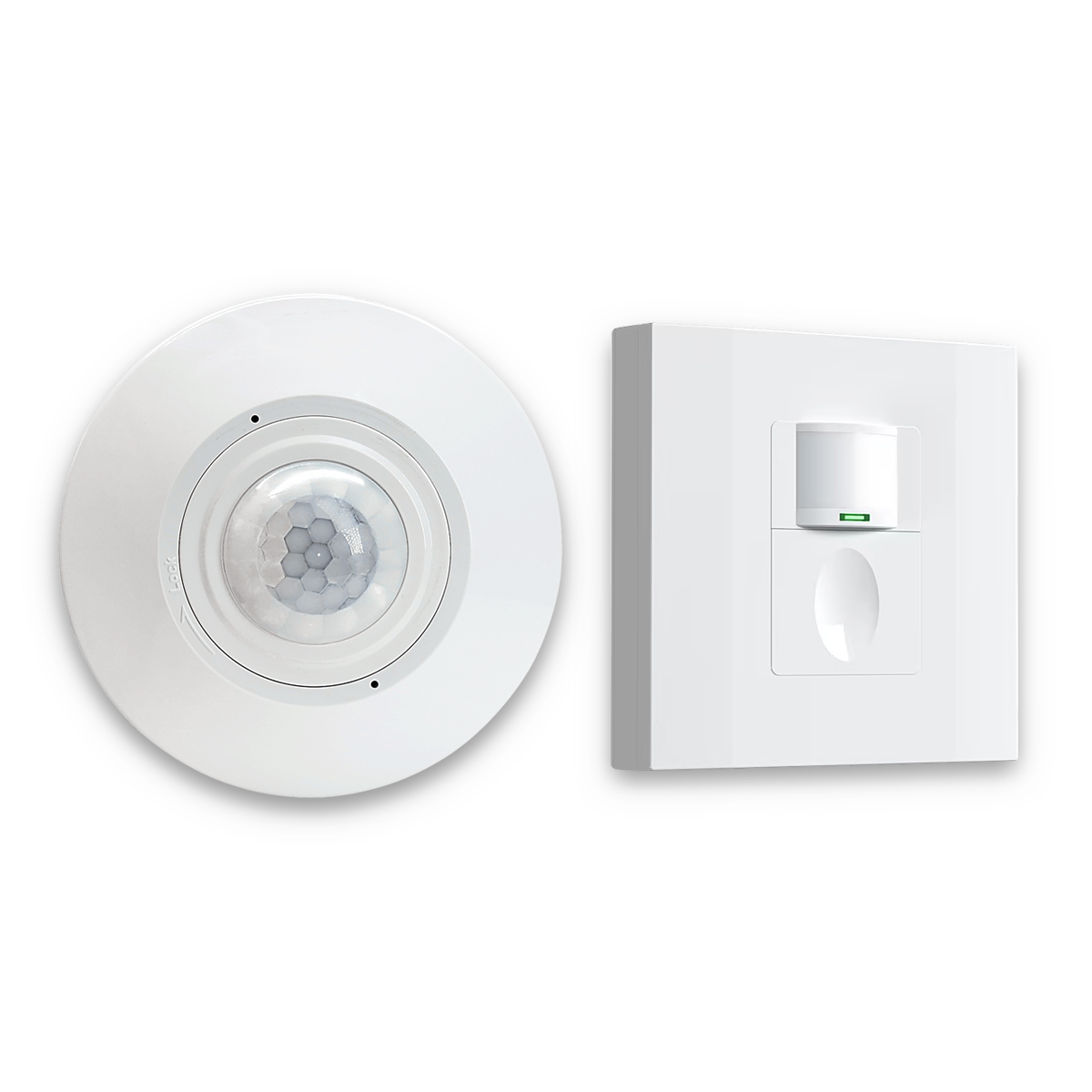
- Occupancy mode
- 100V ~ 265V, 5A
- Neutral Wire Required
- 1600 sq ft
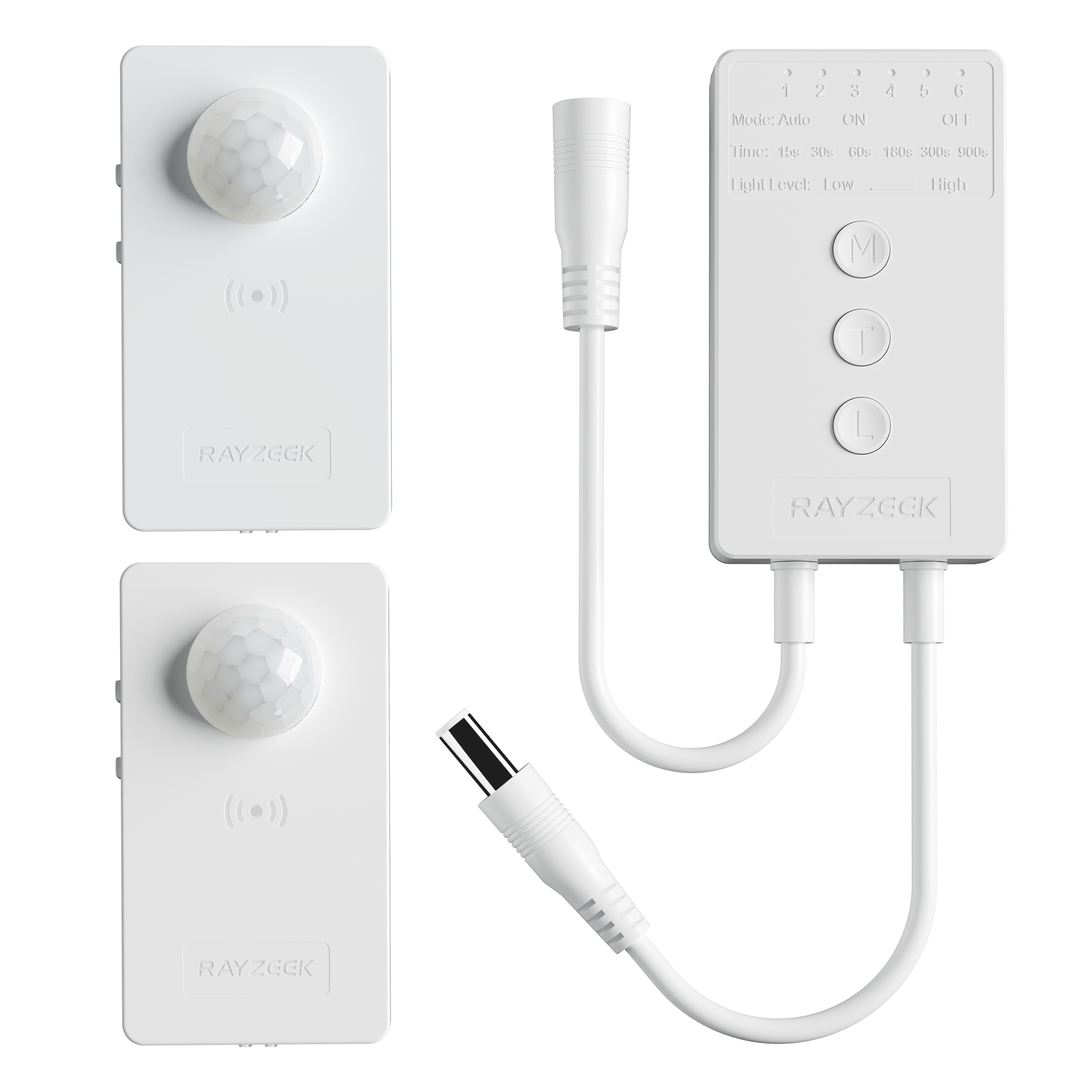
- Voltage: DC 12v/24v
- Mode: Auto/ON/OFF
- Time Delay: 15s~900s
- Dimming: 20%~100%
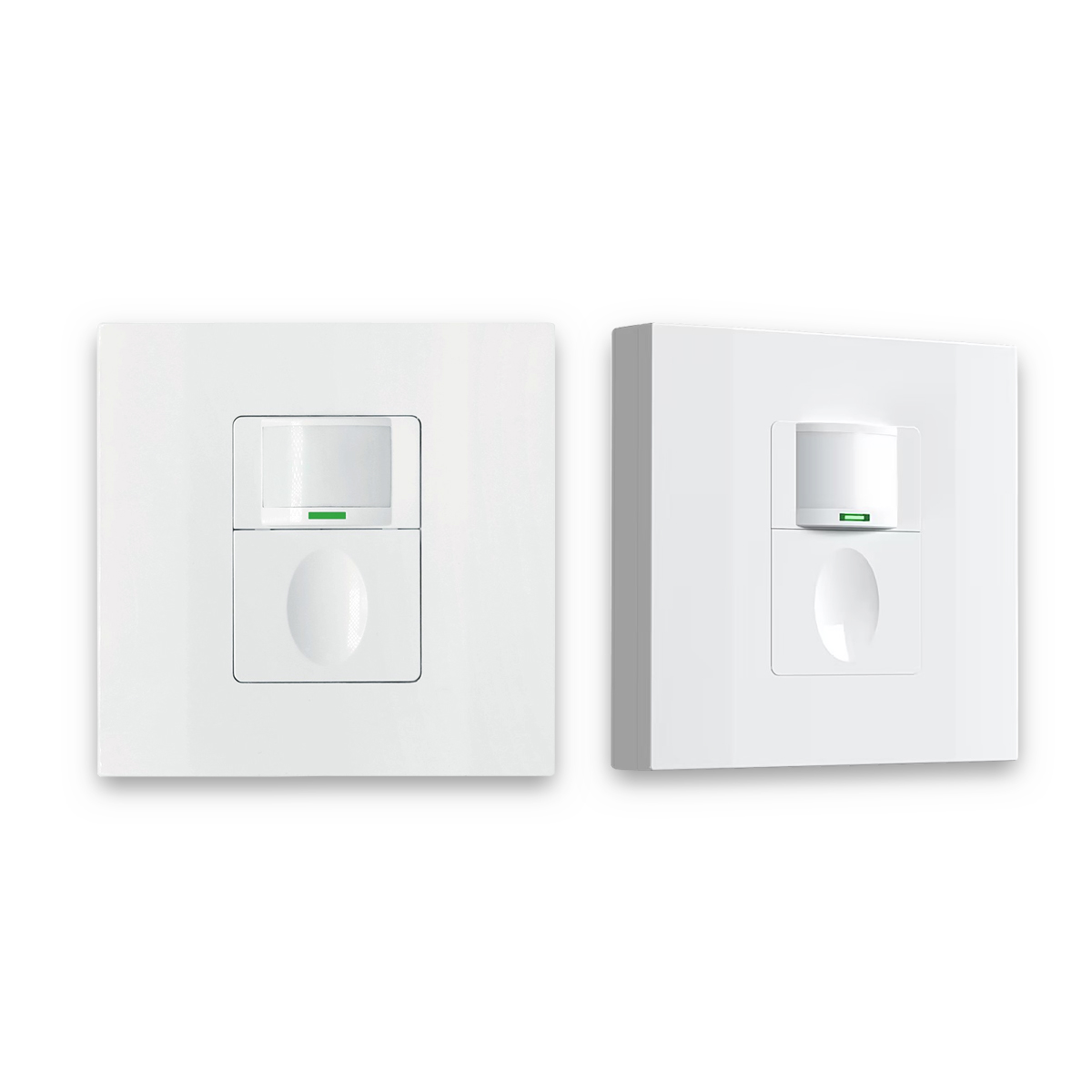
- Occupancy, Vacancy, ON/OFF mode
- 100~265V, 5A
- Neutral Wire Required
- Fits the UK Square backbox
Troubleshooting and practical starting points (without turning this into wiring advice)
When a room “acts haunted,” it helps to label the problem before swapping devices. The fastest structure is: detection, intent, or context.
- Detection: The sensor can’t reliably see the motion that exists. This shows up as “works when entering, fails mid-service.” Look for line-of-sight blocks (pendants, partitions, soffits) and aim/placement that’s staring at a chair instead of the staff path.
- Intent (settings): The sensor is executing a bad plan. This shows up as “it always times out around the same number of minutes.” Off-delay too short is the classic, but sensitivity settings and “walk-through” logic can also be the culprit.
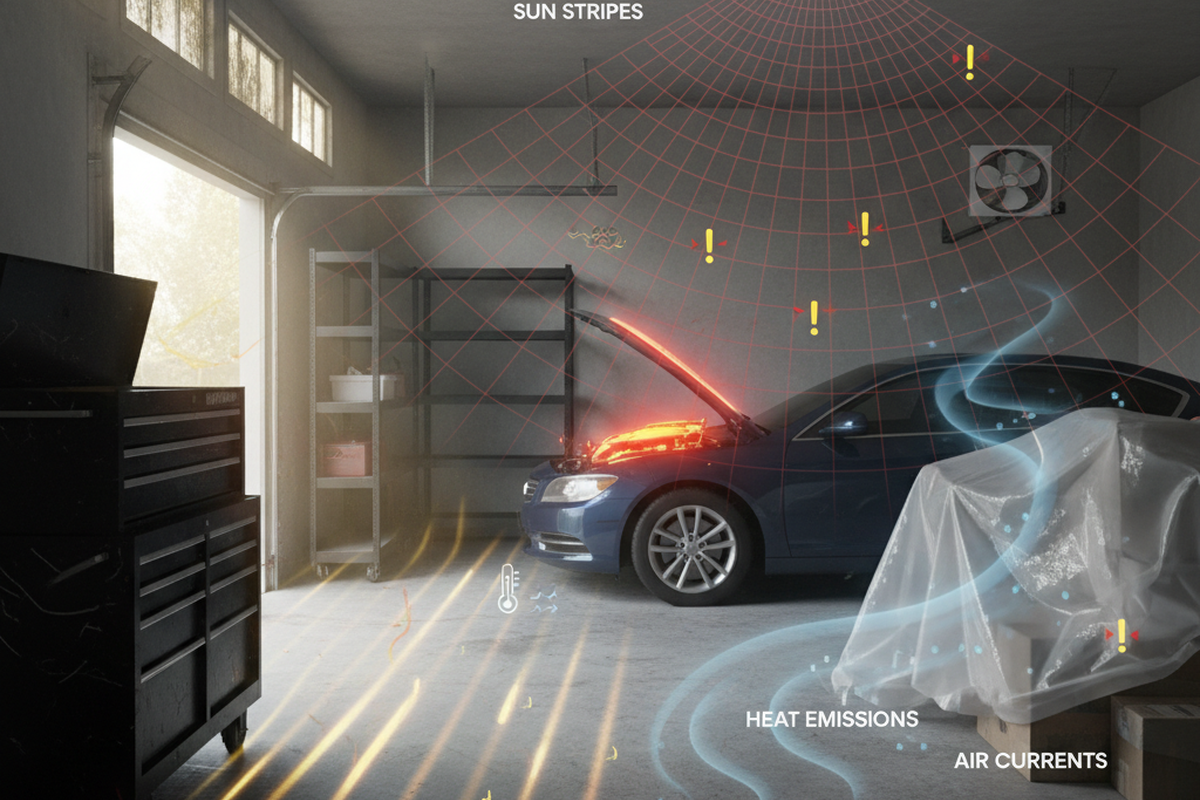
- Context (room conditions): The room is physically messing with expectations—steam in a shampoo room, airflow patterns, curtains moving, or a switch mounted where humidity hits it first. In one shampoo-room situation, humidity and airflow made a wall occupancy switch look random until sensitivity and placement were adjusted and the off-delay was made more forgiving.
For starting points in still-client rooms, the safest defaults are not the shortest defaults. A workable baseline is: generous timeout (often in that 10–30 minute band for client rooms), placement that sees staff movement paths, and layered lighting so the service doesn’t depend on the sensor being perfect. Then run a real workflow test—8–10 minutes of normal behavior—before calling it done.
Exact settings labels and ranges vary by model and manufacturer (and some devices ship with aggressive walk-through behaviors enabled by default), so the responsible move is to read the installation guide for the actual device in the wall or ceiling and verify in-room performance. Rewiring, zoning changes, and anything inside panels belongs with a licensed electrician. The point of this troubleshooting approach is to avoid paying for the wrong fix.
A room with good occupancy control feels boring. Nobody waves. Nobody jokes about ghosts. The lights just behave around the work, and the work stays the center of the room.