The “Haunted Hallway” Problem (And Why It’s Usually Fixable)
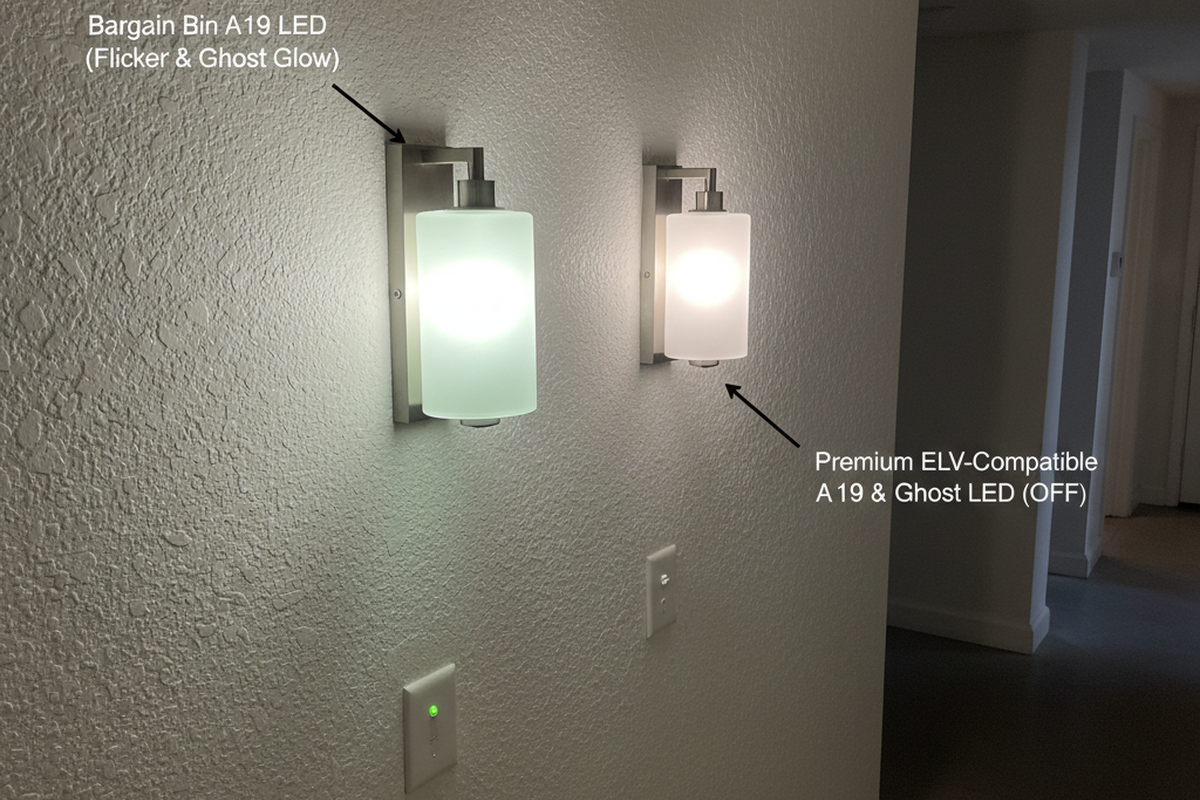
In winter 2022, a Tempe, AZ condo hallway turned into a late-night argument about whether the new motion sensor wall switches were “wasting power.” The lights were off, yet the sconces still had a faint glow at 2 a.m. Residents treated it like proof the sensors were broken.
The fix started with a move that looks almost insulting in its simplicity: one lamp got swapped. One sconce kept the bargain-bin A19 LED. The next sconce got a known-stable A19 from a van stock box—usually a Philips or Cree. These “boring” lamp lines tend to behave better under weird standby conditions. After the sensor timed out, the swapped fixture went properly dark while the others kept glowing. No rewiring. No switch change. The argument stopped because the mechanism was visible.
That pattern—“it works on paper, fails in real houses”—is why the symptom matters more than the guess. “Flicker,” “ghost glow,” and “random shutoffs” sound like one problem when someone is annoyed. In reality, they are different failure modes with different fixes. Effective troubleshooting routes by what the light actually does, not by what someone hopes is true.
Name the Symptom Before Buying Anything
A lot of bad troubleshooting is just mislabeling. When someone says “flicker,” they might mean a fast strobe. Or a slow shimmer only when the sensor is in standby. Or a periodic on/off every 30–60 seconds that’s actually the sensor re-triggering on an HVAC register. These aren’t the same problem with different levels of annoyance; they are distinct mechanisms.
This symptom taxonomy tends to save the most time on Rayzeek-class motion sensor switches:
- Ghost glow: The LED is “off” but faintly glowing in the dark. This is most noticeable in bedrooms, hallways, nurseries, and condo corridors. This is the Tempe hallway complaint in its pure form: “lights never fully turn off.”
- Flicker/shimmer: Visible instability while “on,” a pulse right as the sensor times out, or a subtle shimmer only when the switch is idle. This shows up often on low-watt loads like 1–3 globe vanity bars (Scottsdale remodels are full of this).
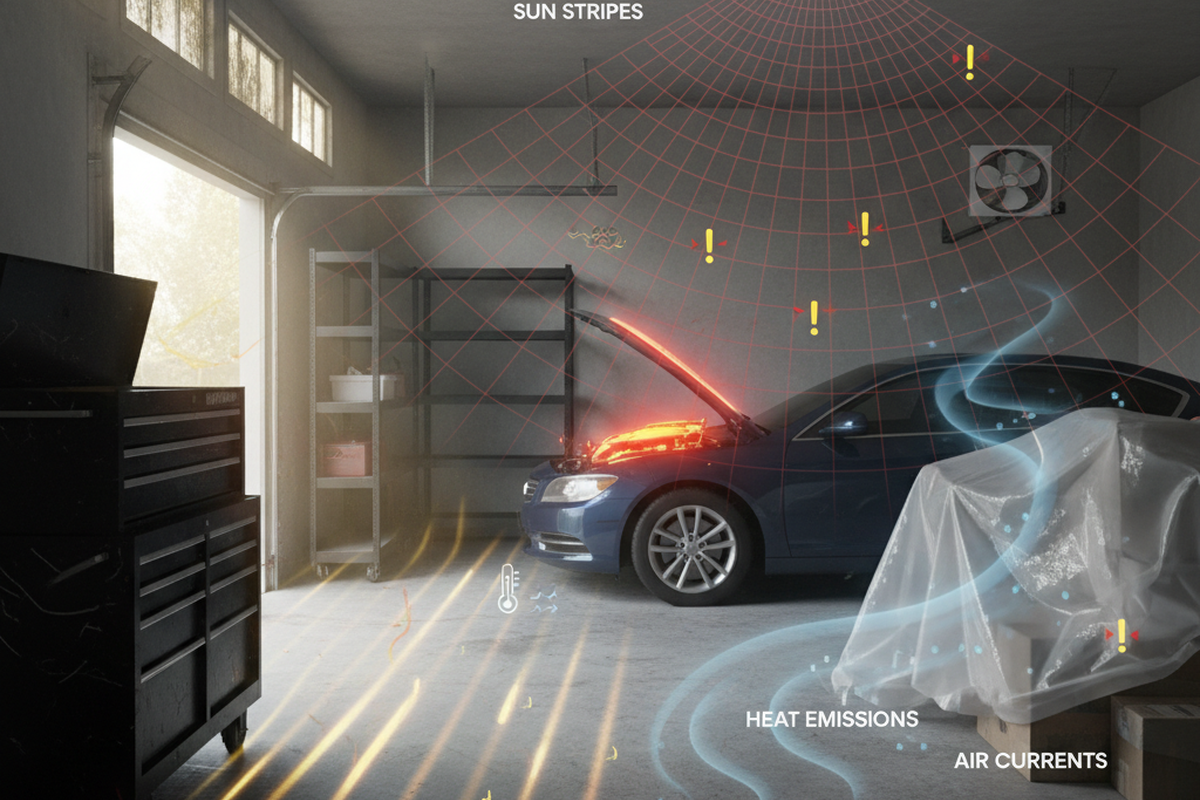
- Random shutoffs (time-based): Everything seems normal, then the lamps go dark after 5–10 minutes, come back, and go dark again. In Mesa, AZ summer heat, that pattern has a boring explanation: an enclosed ceiling fixture cooking LED bulbs into thermal protection cycling.
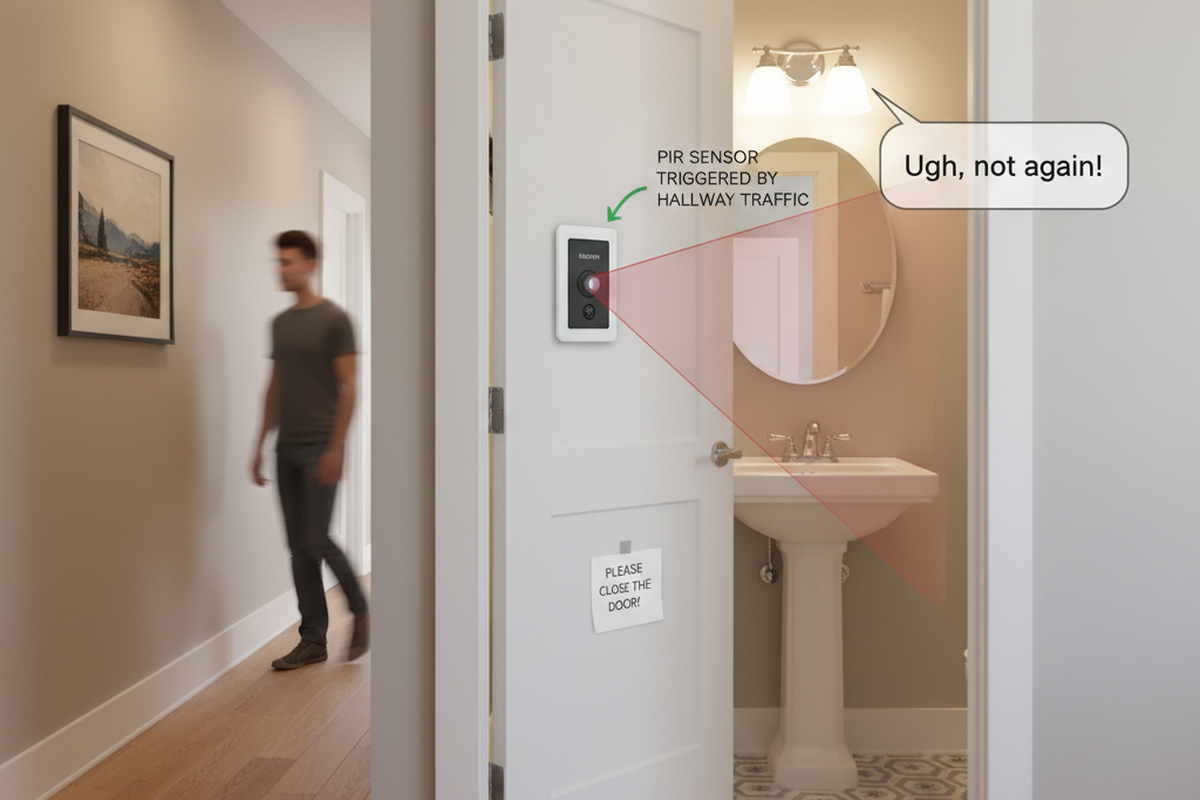
- Random turn-ons (environment-based): The light comes on “by itself,” and someone starts blaming wiring noise. In a Chandler open-plan kitchen near a supply register, the correlation test was simple: run the AC and watch the sensor trigger with the airflow.
The fastest sorting question is usually: Does it happen when the light is supposed to be off, when it’s on, or after it’s been on for a while? That single answer narrows the search from a dozen possibilities to a few.
There’s also a myth that drags people into expensive part roulette: “Just swap the switch brand,” or “Cheap LEDs are all the same now.” The 2020–2021 returns counter reality in Phoenix didn’t support that. The highest return-rate multipacks were the ones with shifting model numbers and factory codes in tiny print. Same box, “same bulb,” different driver behavior. Complaints clustered around sensors and dimmers: glow when off, flicker, buzz, early death. If the lamp’s driver keeps changing, troubleshooting becomes a supply-chain problem, not an electrician problem.
The rule for the rest of this guide is blunt: label the symptom, then run one isolating test. After that, spend money.
What a Motion Sensor Switch Is Doing When You Think It’s Off
A motion sensor wall switch isn’t a dumb mechanical disconnect. Even when the light is “off,” the switch may still be powering its own electronics—standby draw, sensing, logic—depending on the model and wiring. This creates a tiny current path even when the human thinks the circuit is open.
This is where ghost glow comes from in a lot of Rayzeek + LED setups: that standby trickle current has to go somewhere. Some LED drivers behave like a little bucket (input capacitance) that can charge and discharge at micro-current levels. Some drivers interpret the trickle as a partial wake-up. The result is what the human sees at the lamp: a faint glow, an occasional pulse, or a shimmer only after timeout. In the Tempe condo hallway, the “proof” wasn’t an argument about leakage current. It was one A19 swap showing that one driver design ignored the trickle while the bargain driver lit up on it.
Minimum load is the cousin of that story. Some electronic switches and controls behave better when the load has enough real draw to stabilize the control’s electronics and the current path. Ultra-low wattage LED loads—single lamps, 1–2 globe fixtures, vanity bars with tiny globes—can sit right on the edge where the switch and driver can’t agree on what “off” means.
In a Scottsdale bathroom remodel with a three-globe vanity bar, the problem showed up like a parting wink: a flash when the motion sensor timed out, and occasional shimmer in standby. A temporary resistive load added at the fixture stabilized the behavior instantly. That’s not magic. That is a knob you can turn: load.
Two constraints matter here:
- Minimum-load thresholds vary by model and revision. A number copied from a forum post isn’t a guarantee. The reliable approach is to check the specific Rayzeek manual for the exact model and treat the behavior—glow, shimmer, flash—as the evidence.
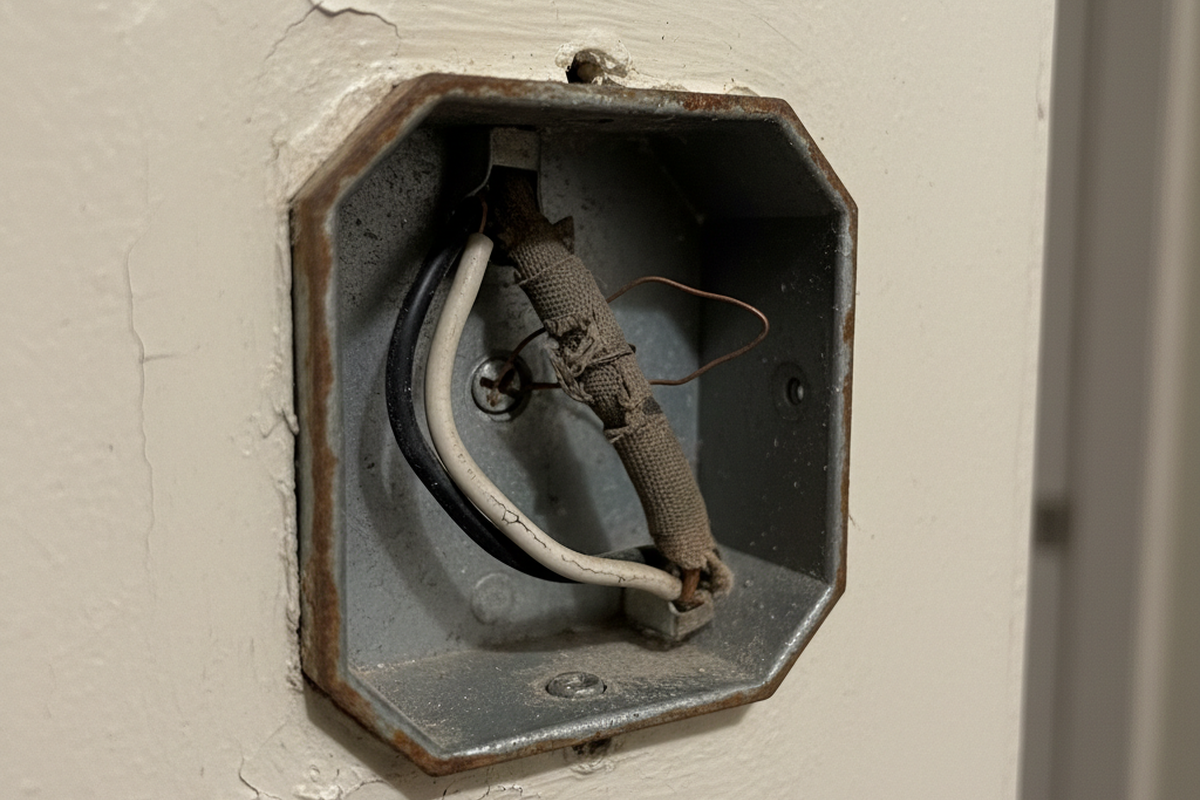
- Wiring realities can be a hard gate. If a location is a no-neutral switch box (classic 1960s ranch switch loop in Central Phoenix), some devices simply don’t belong there. The most dangerous “fix” that keeps circulating is using the equipment ground as a neutral “just to test.” That isn’t clever. It’s how people end up energizing metal parts in old homes with questionable grounds.
There’s a popular explanation that tries to flatten all of this into “it’s always the neutral.” Neutral problems are real, but ghost glow can occur even when a neutral exists and is properly connected—because the switch is still doing something when it’s “off,” and the LED driver is responding. The neutral story becomes relevant when symptoms cross circuits, change with other loads, or show up as heat, odor, or arcing. Those are stop-and-escalate signs, not “try a new bulb” signs.
Maybe You Are Interested In
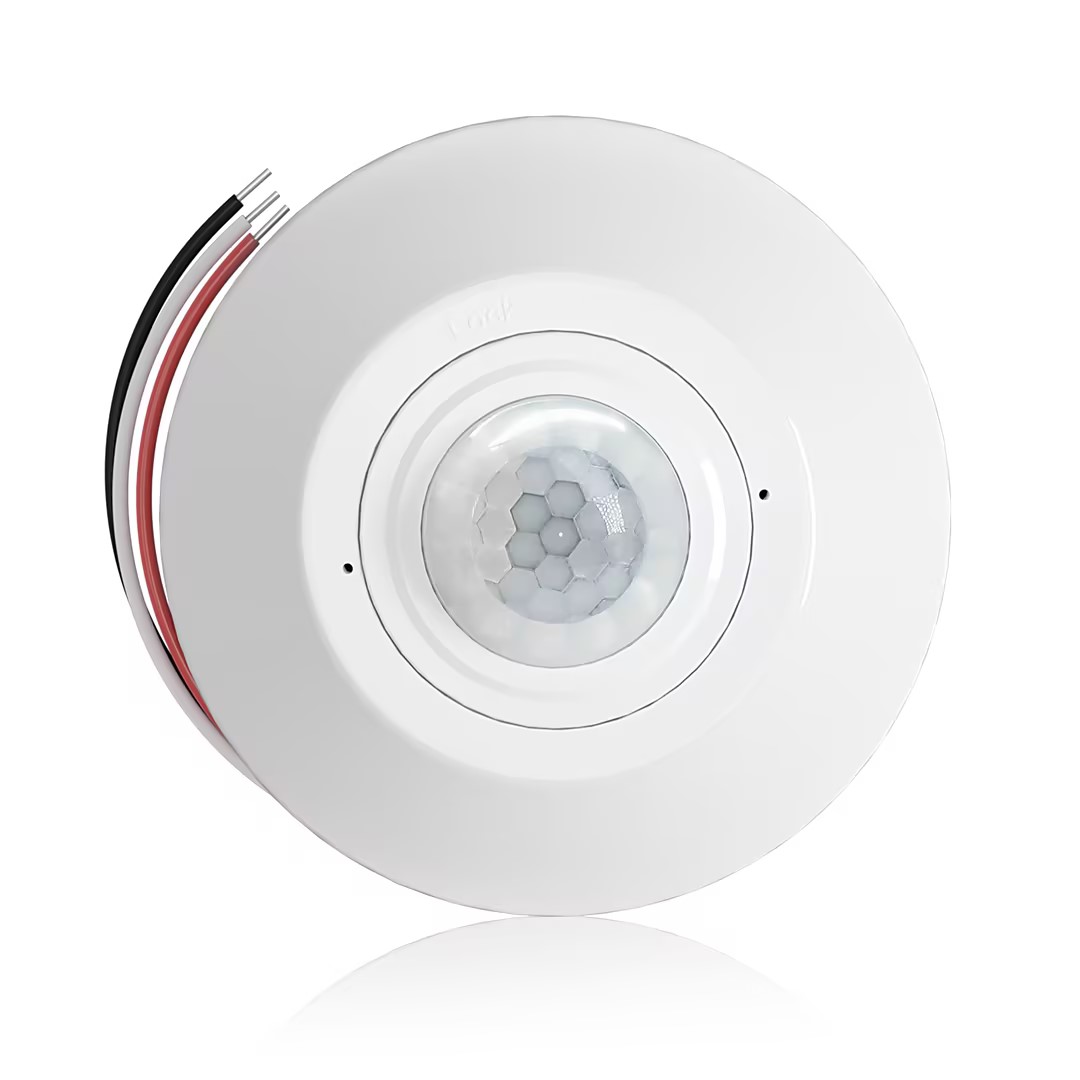
- Occupancy (Auto-ON/Auto-OFF)
- 12–24V DC (10–30VDC), up to 10A
- 360° coverage, 8–12 m diameter
- Time delay 15 s–30 min
- Light sensor Off/15/25/35 Lux
- High/Low sensitivity
- Auto-ON/Auto-OFF occupancy mode
- 100–265V AC, 10A (neutral required)
- 360° coverage; 8–12 m detection diameter
- Time delay 15 s–30 min; Lux OFF/15/25/35; Sensitivity High/Low
- Auto-ON/Auto-OFF occupancy mode
- 100–265V AC, 5A (neutral required)
- 360° coverage; 8–12 m detection diameter
- Time delay 15 s–30 min; Lux OFF/15/25/35; Sensitivity High/Low
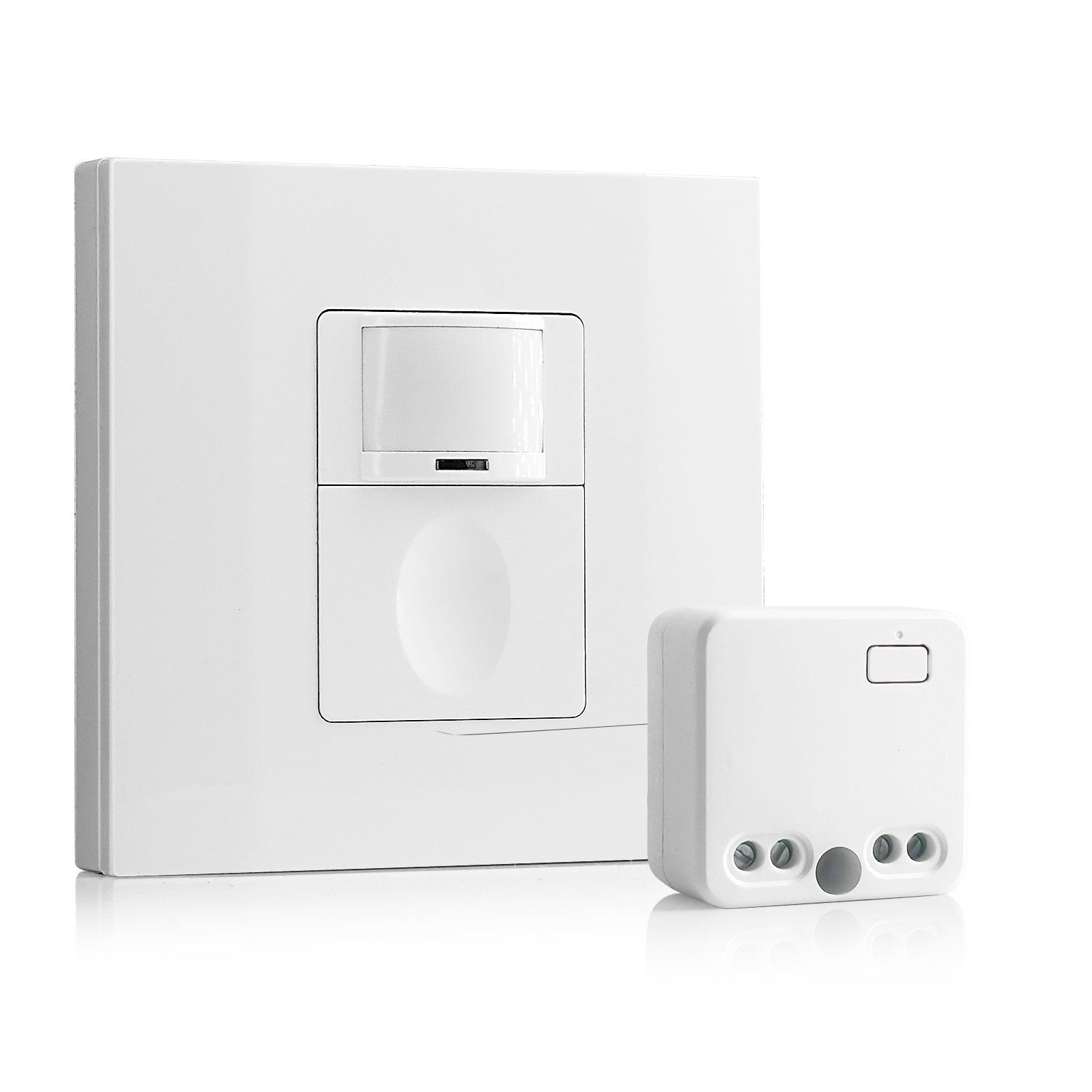
- 100V-230VAC
- Transmission Distance: up to 20m
- Wireless motion sensor
- Hardwired control
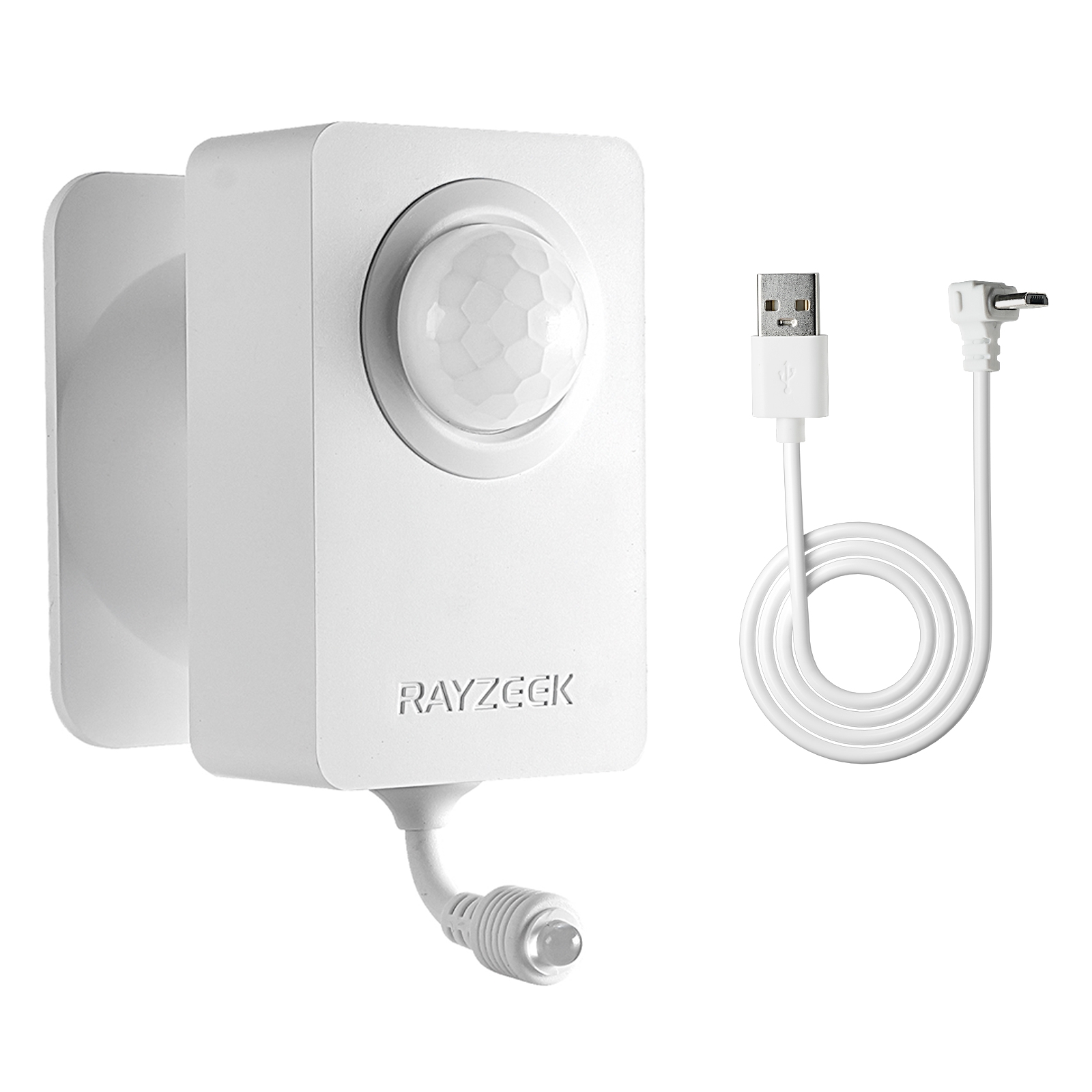
- Voltage: 2x AAA Batteries / 5V DC (Micro USB)
- Day/Night Mode
- Time delay: 15min, 30min, 1h(default), 2h
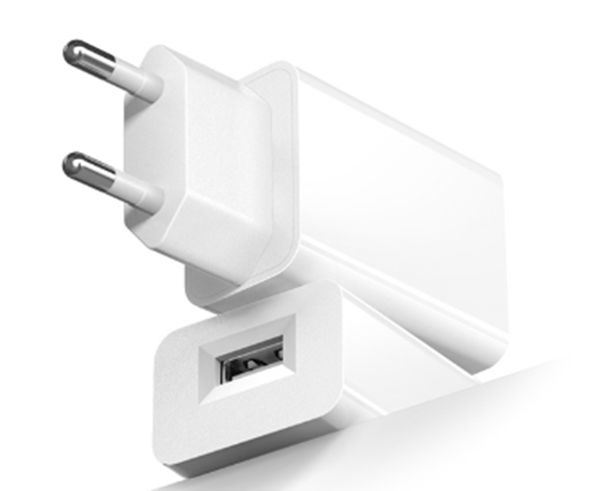
- EU plug power adapter
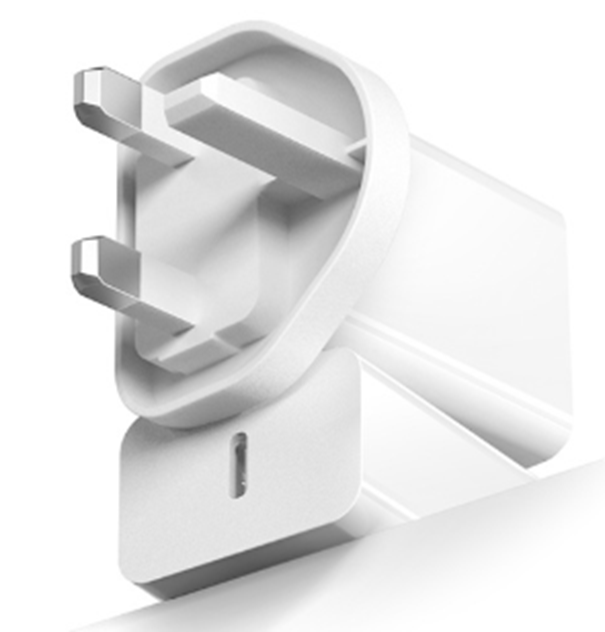
- UK plug power adapter
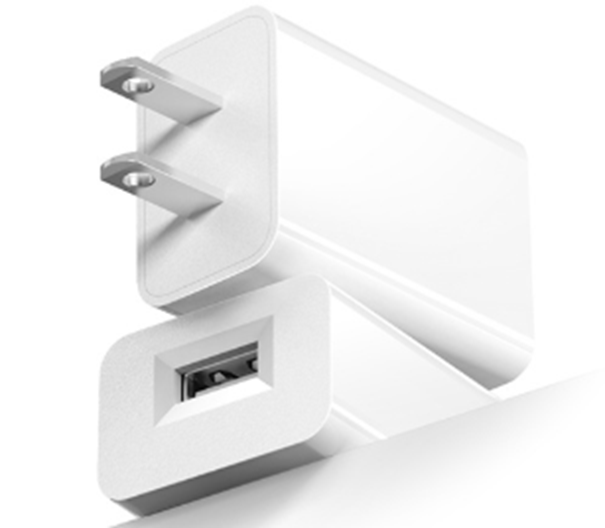
- US plug power adapter
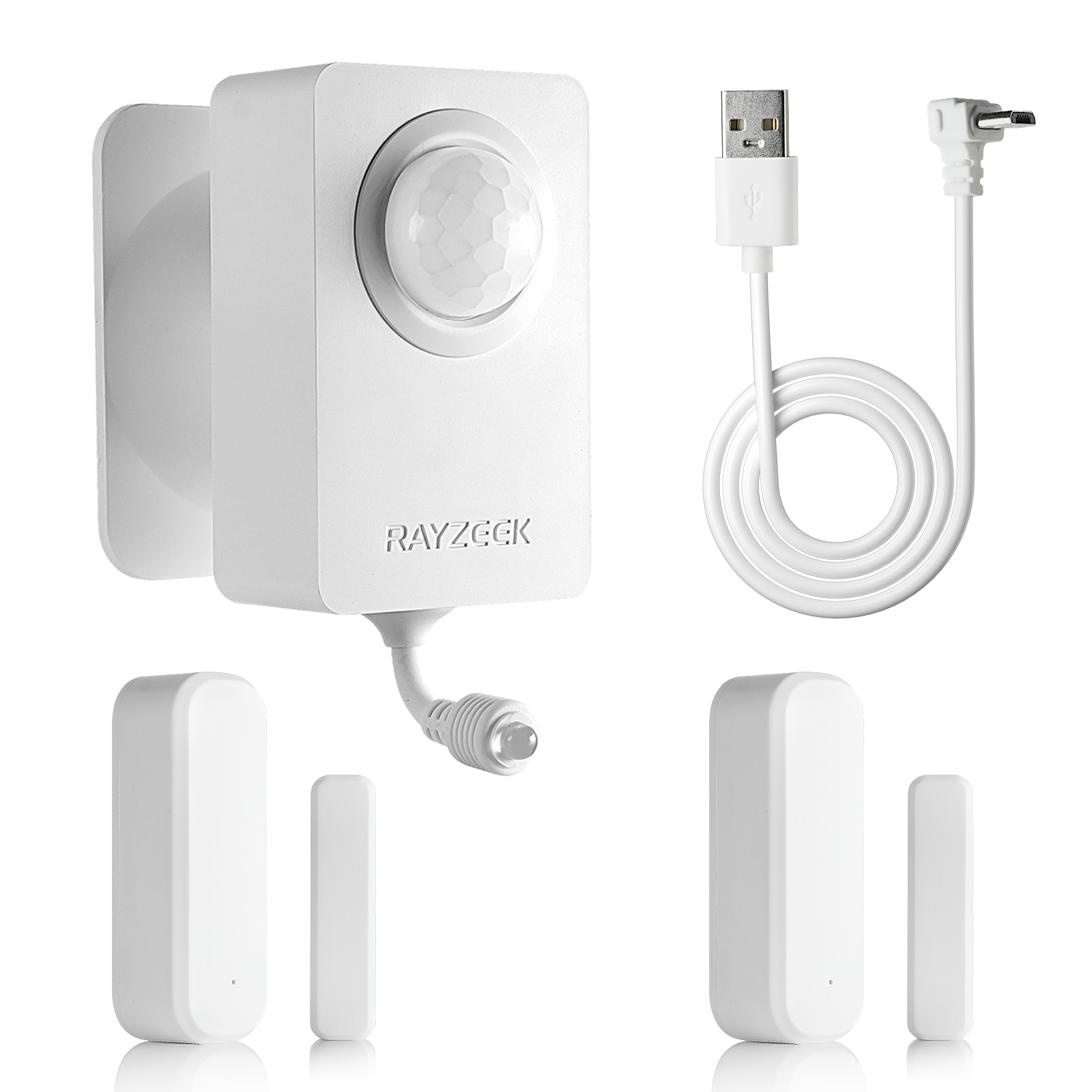
- 5V DC
- Transmission Distance: up to 30m
- Day/Night mode
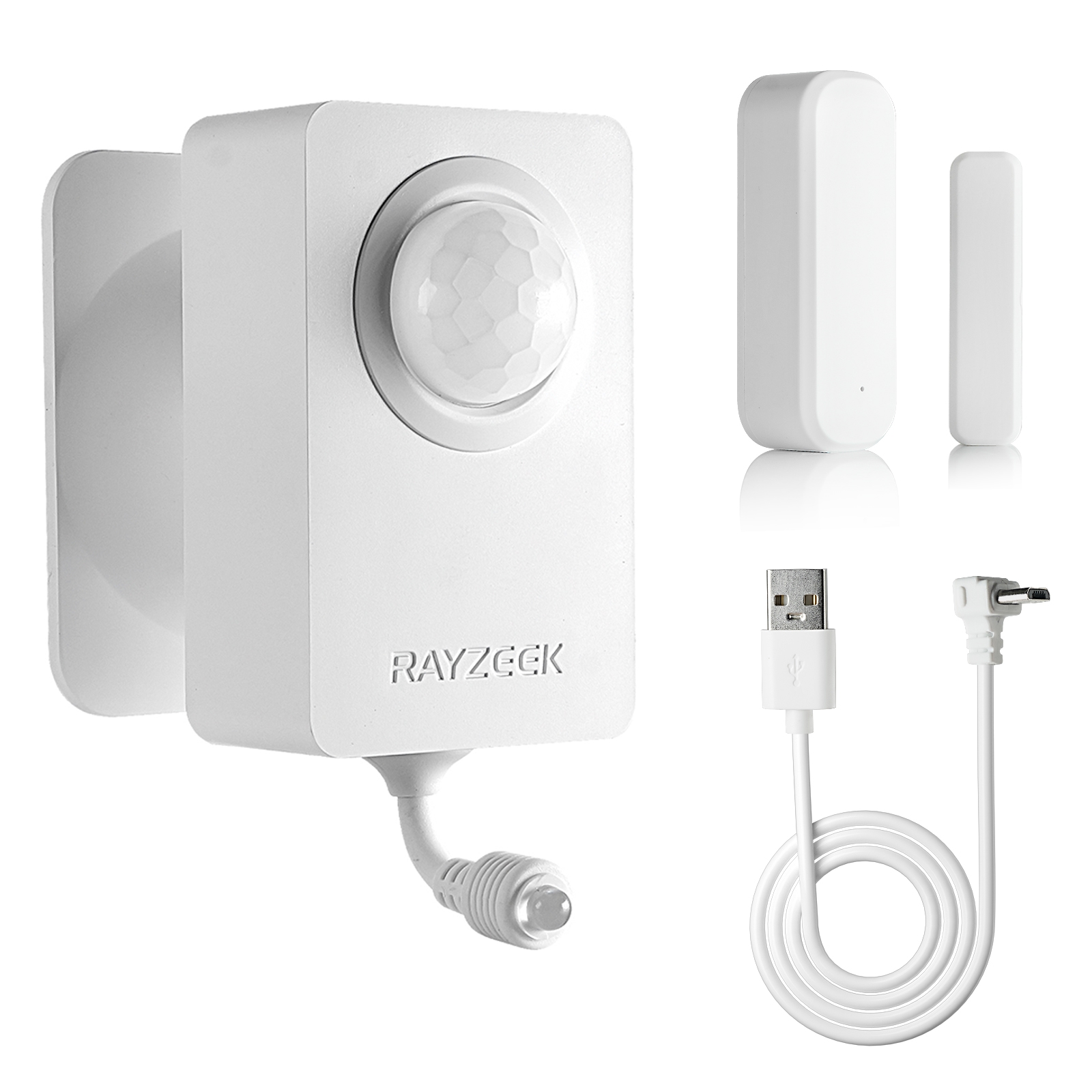
- 5V DC
- Transmission Distance: up to 30m
- Day/Night mode
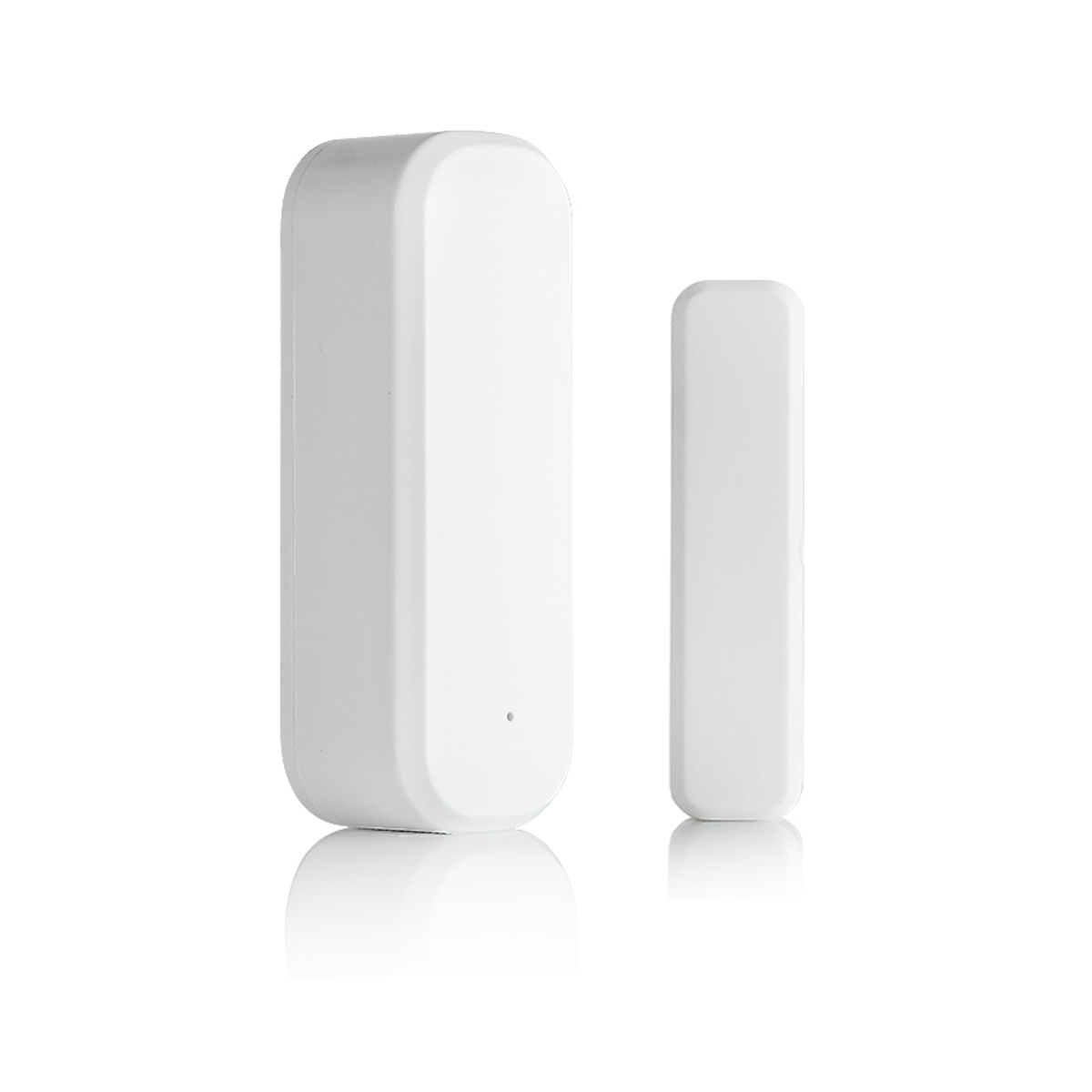
- Voltage: 2 x AAA
- Transmission Distance: 30 m
- Time delay: 5s, 1m, 5m, 10m, 30m
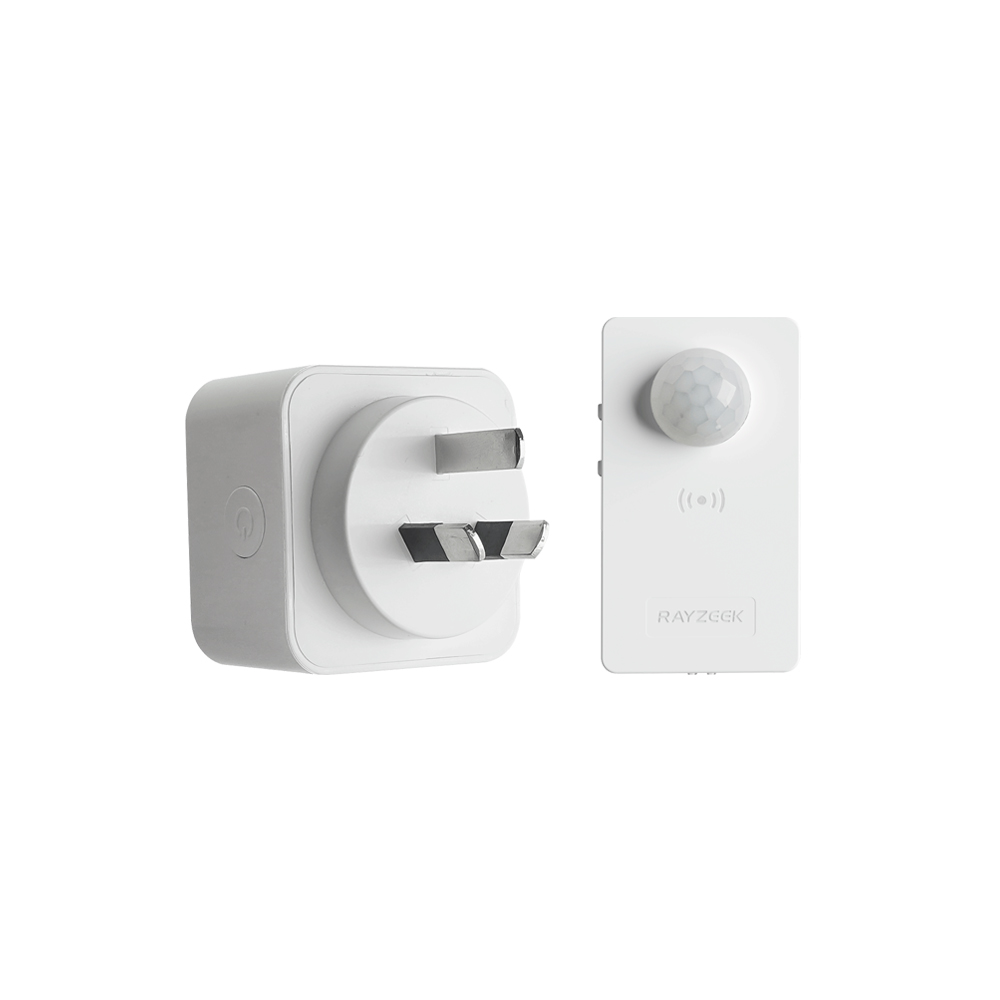
- Load Current: 10A Max
- Auto/Sleep Mode
- Time delay: 90s, 5min, 10min, 30min, 60min
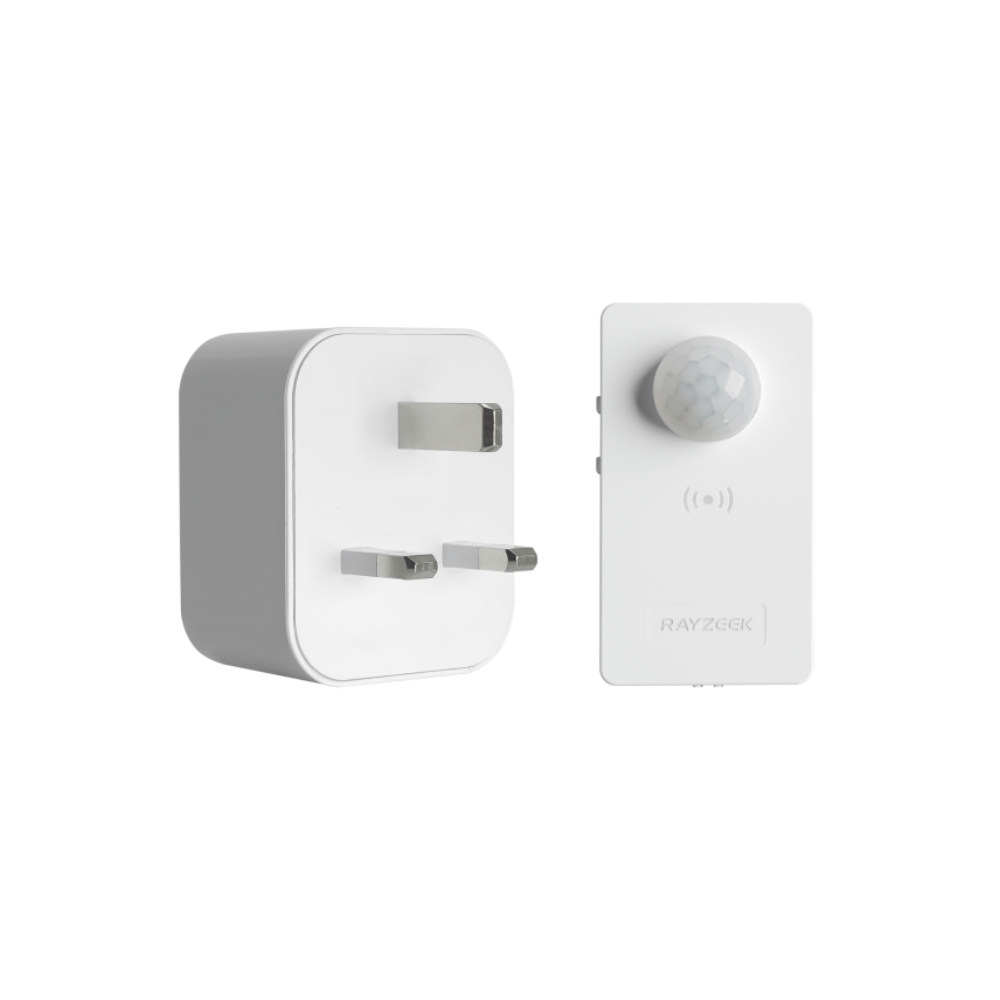
- Load Current: 10A Max
- Auto/Sleep Mode
- Time delay: 90s, 5min, 10min, 30min, 60min
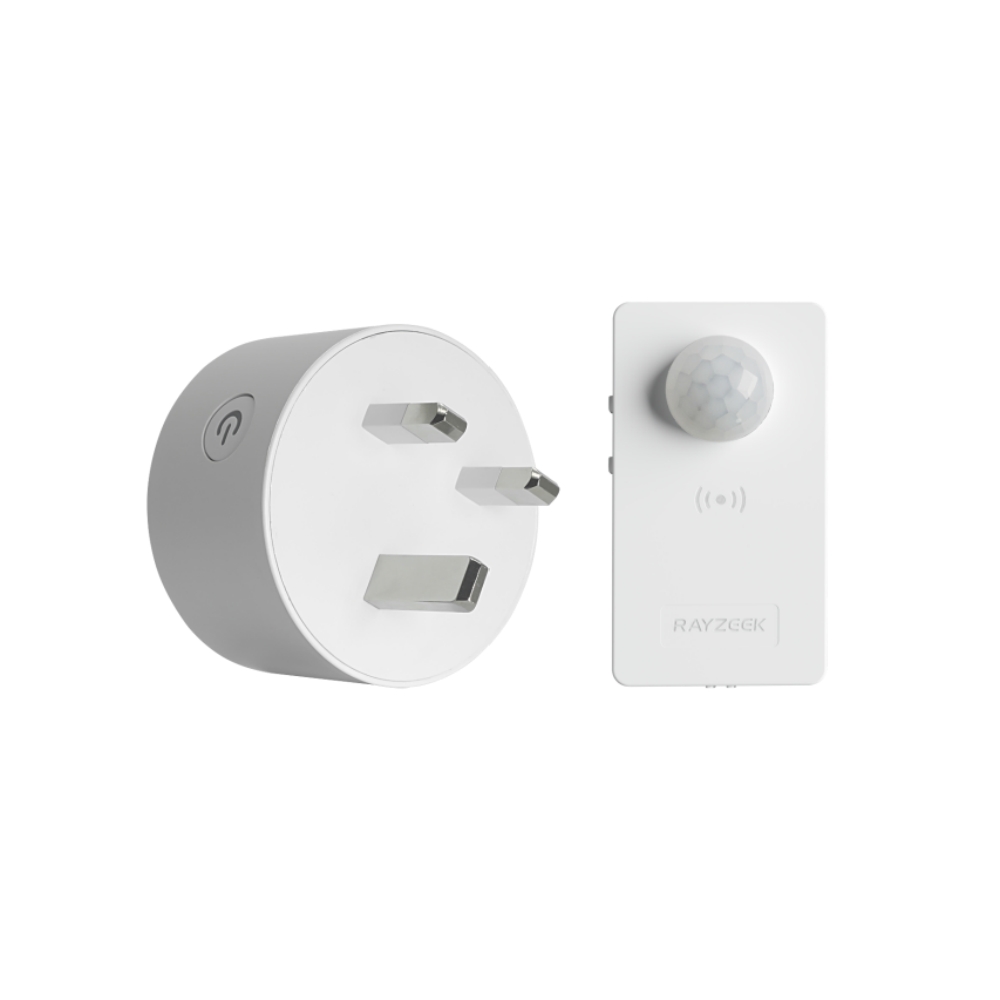
- Load Current: 10A Max
- Auto/Sleep Mode
- Time delay: 90s, 5min, 10min, 30min, 60min
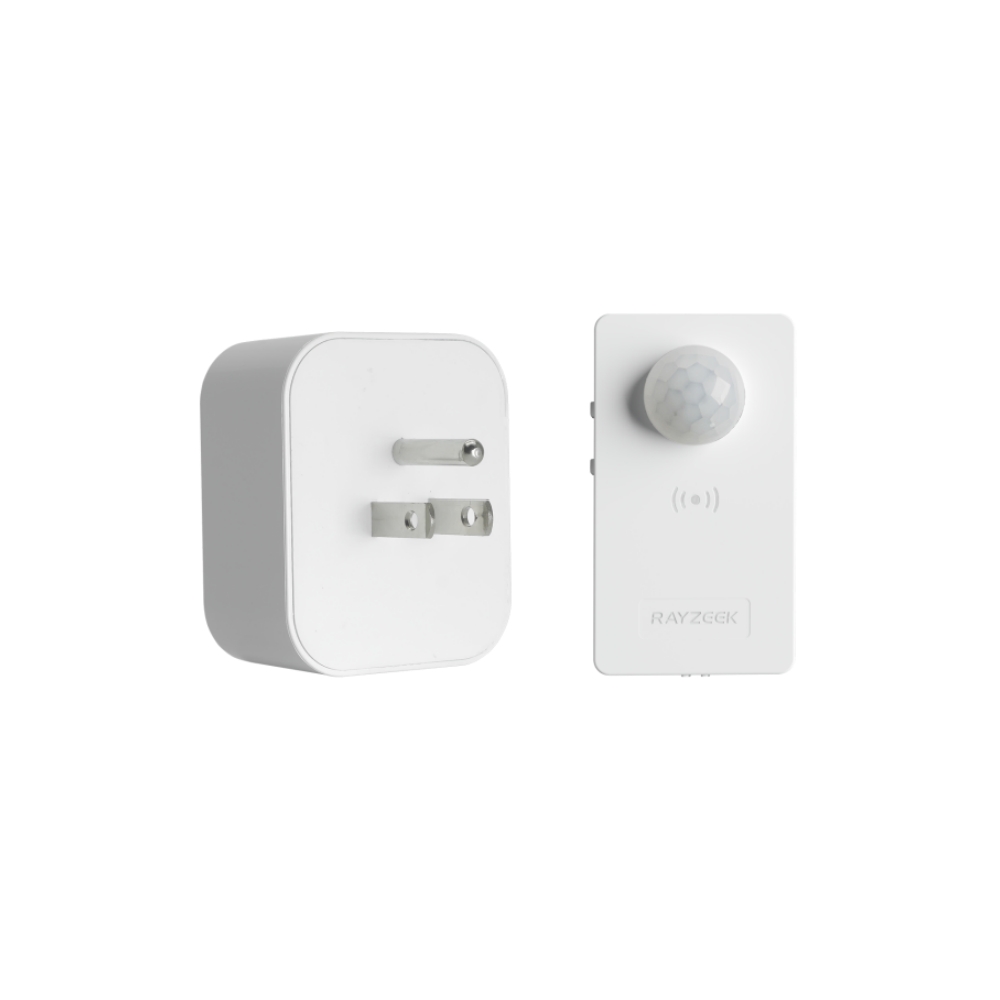
- Load Current: 10A Max
- Auto/Sleep Mode
- Time delay: 90s, 5min, 10min, 30min, 60min
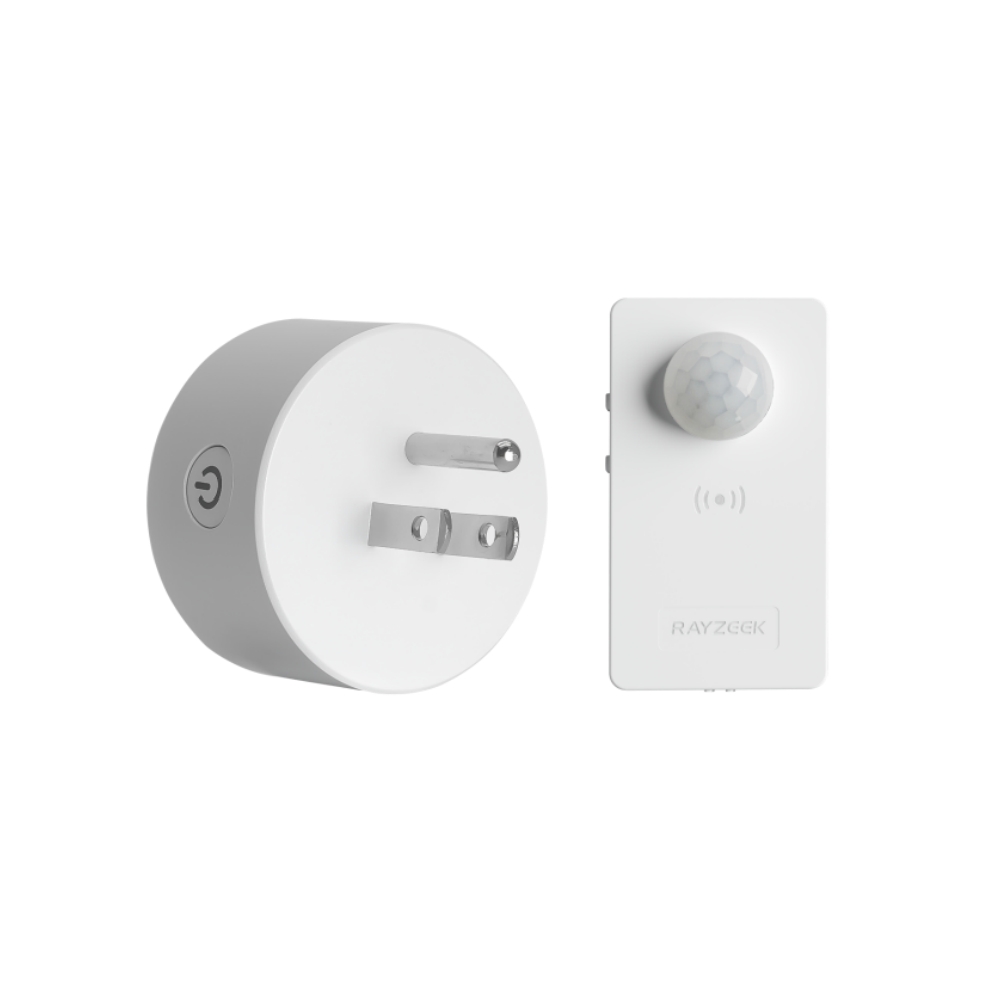
- Load Current: 10A Max
- Auto/Sleep Mode
- Time delay: 90s, 5min, 10min, 30min, 60min
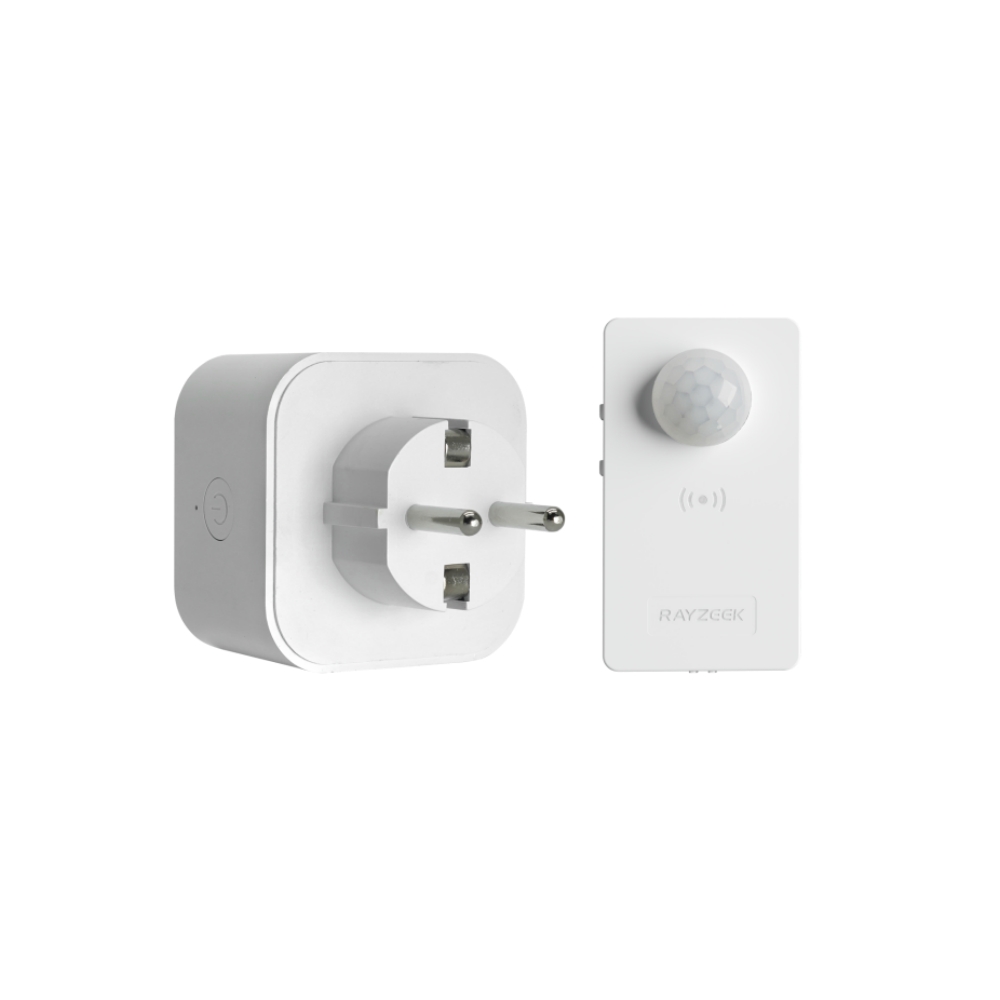
- Load Current: 10A Max
- Auto/Sleep Mode
- Time delay: 90s, 5min, 10min, 30min, 60min
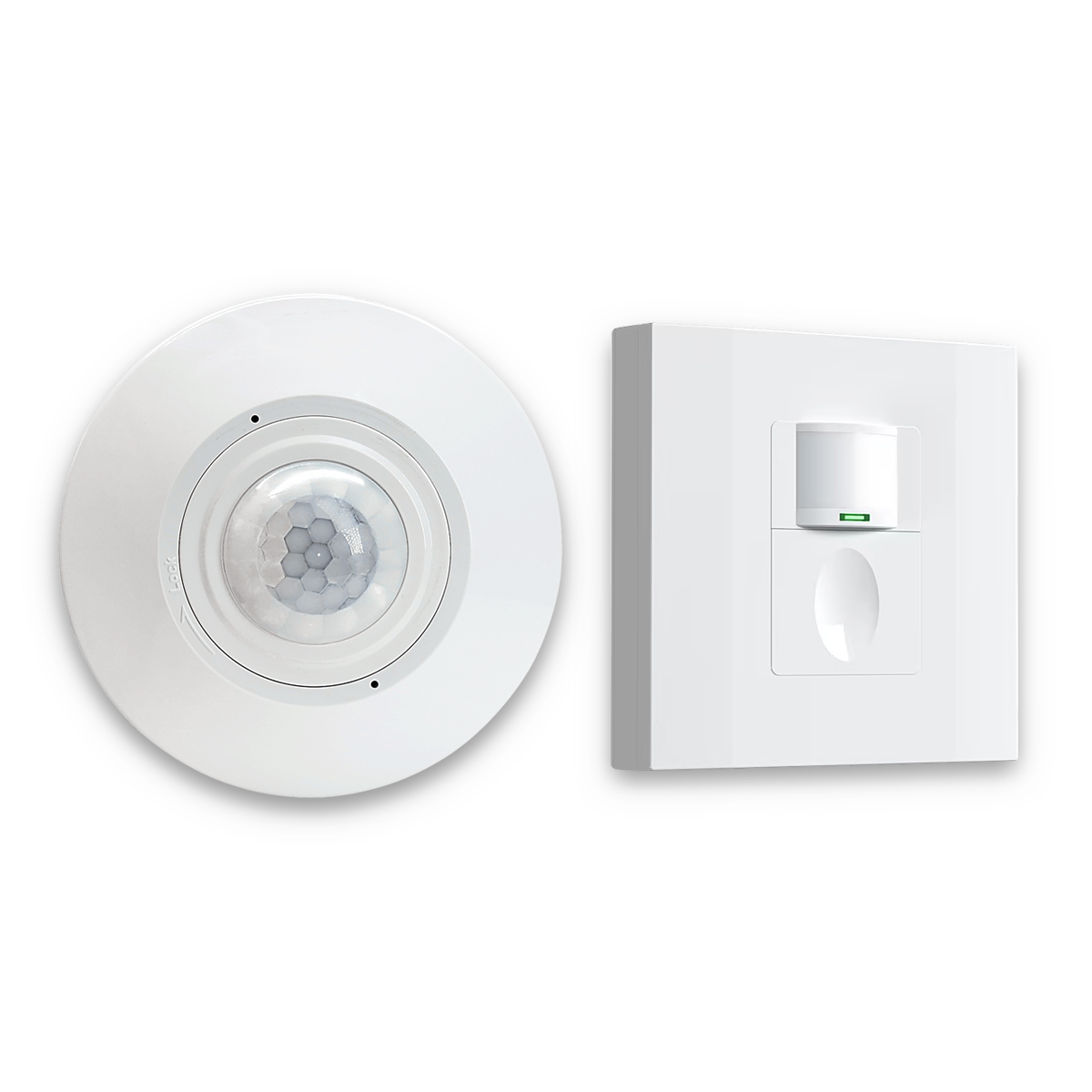
- Occupancy mode
- 100V ~ 265V, 5A
- Neutral Wire Required
- 1600 sq ft
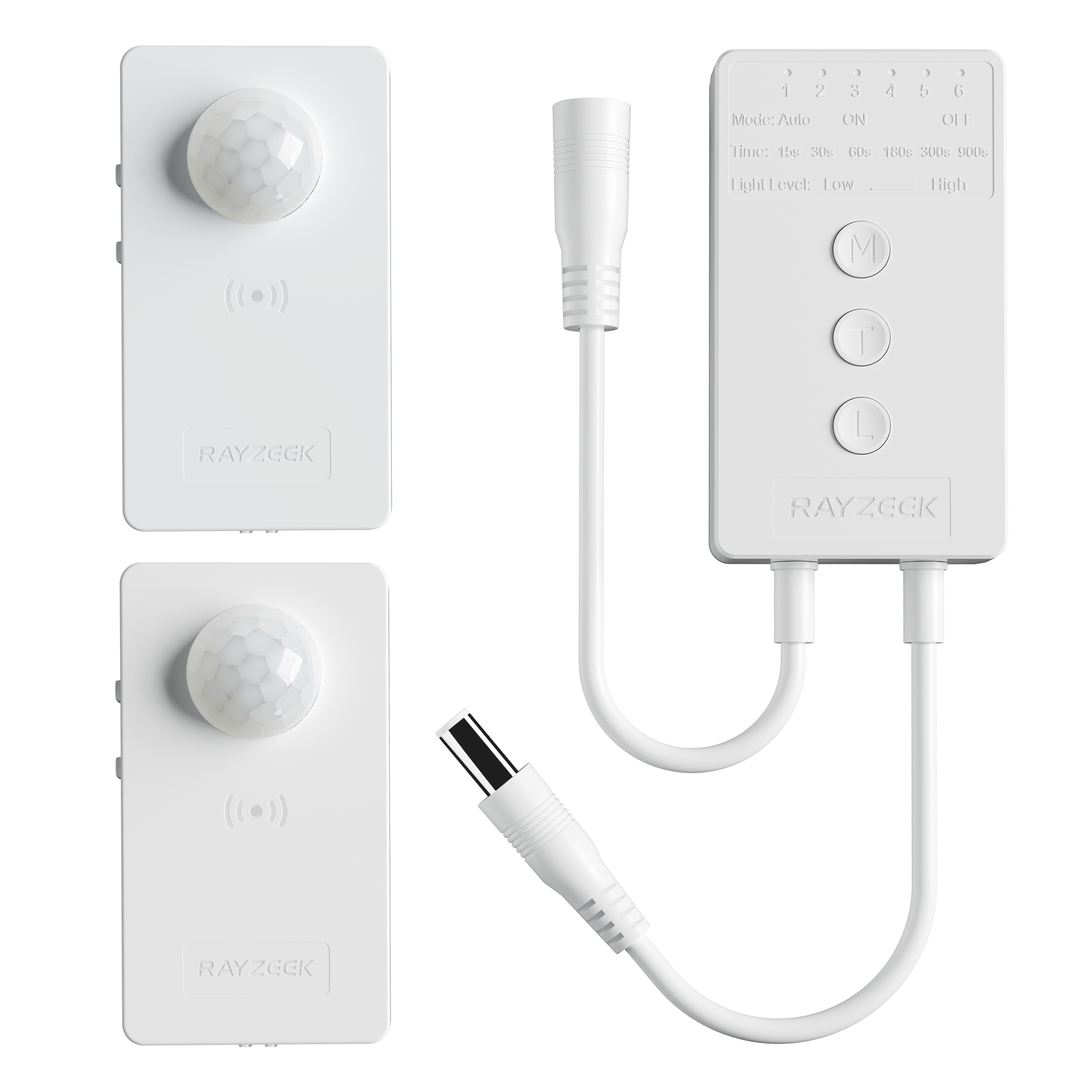
- Voltage: DC 12v/24v
- Mode: Auto/ON/OFF
- Time Delay: 15s~900s
- Dimming: 20%~100%
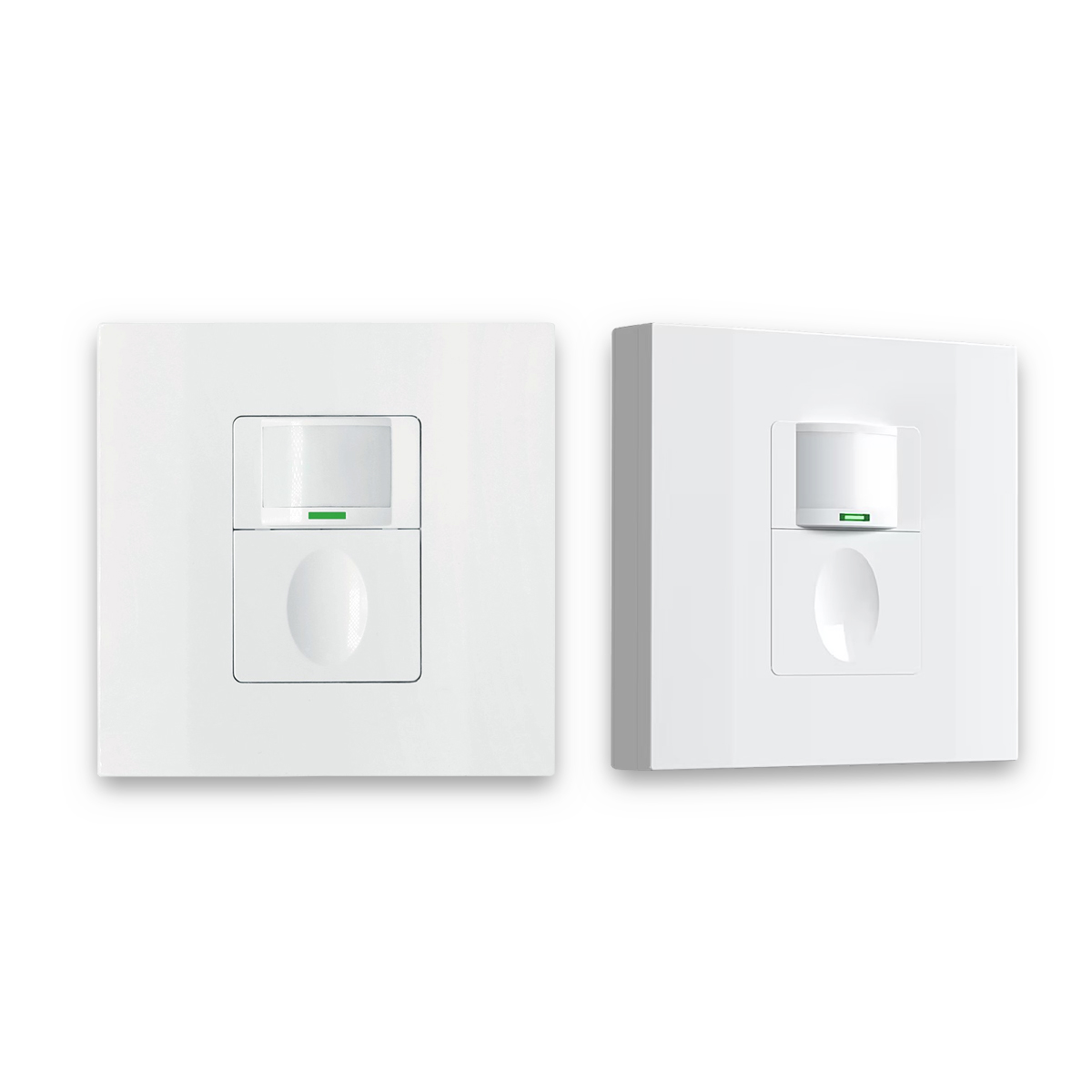
- Occupancy, Vacancy, ON/OFF mode
- 100~265V, 5A
- Neutral Wire Required
- Fits the UK Square backbox
Omit the waveform lecture. Omit the oscilloscope screenshots. The only reason to learn the mechanism is to choose the right test and avoid random swapping.
The mechanism chooses the test.
The One-Change Tests That Isolate the Culprit
The fastest troubleshooting looks boring on paper. It’s controlled. It changes one variable. It watches for a repeatable result. And it writes down what happened so the fix can survive the next random bulb replacement.
Test rule zero: change one thing at a time—one bulb, one fixture, one setting—then observe for a short, defined window (often 10 minutes after timeout, or one HVAC cycle).
Test 1: The “Known-Good Lamp” Swap (Driver Mismatch Proof)
If the symptom is ghost glow or shimmer that shows up in standby, the cleanest test is to swap one LED lamp on the circuit to a known-stable line (not an unknown multipack with shifting SKUs). Brand loyalty doesn’t matter here; driver predictability does.
- Swap one A19 in a multi-lamp fixture, or one sconce in a hallway.
- Let the Rayzeek-class motion sensor time out and go to standby.
- Observe in the dark. Don’t stare for 30 seconds and declare victory; give it a few minutes.
If the swapped lamp goes truly dark while the others keep glowing, that’s a diagnosis: the switch is not “broken”; the driver mismatch is the problem. At that point, the fastest fix is usually lamp selection or a compatible fixture/driver choice, not a switch swap.
This is also the moment to defuse the “wasted power” fear. Ghost glow is usually a driver response to micro-current, not the fixture running at full power. People hate that answer, but it keeps them from tearing out working switches because the light “looks on.”
Test 2: The Time-and-Heat Check (Thermal Cycling vs. Control Failure)
If the symptom is “random shutoffs” that happen after a predictable time window—5–10 minutes is common—treat heat as the first suspect, especially in hot climates and enclosed fixtures.
The Mesa garage case was textbook: an enclosed ceiling “boob light” fixture, brutal summer heat, LEDs too hot to touch, and cycling that looked like a control malfunction. The motion sensor switch got blamed because it was the new part. But the sensor indicator looked normal while the lamps went dark and came back. Changing the bulb type to one with better thermal behavior stopped the cycling without touching the switch.
The one-change version of that test is simple and low-risk:
- If safe and accessible, swap one bulb for a different type rated for enclosed fixtures (or temporarily open the fixture if designed to be opened normally).
- Run the light continuously and time the failure window.
- If the cycling disappears, it wasn’t the sensor deciding to turn off; it was the bulb protecting itself from heat.
A bypass will not fix a bulb overheating in a sealed globe. A new switch will not fix a lamp that can’t survive the fixture and the climate.
Test 3: The Minimum-Load Differentiator (Does Load Stabilize It?)
If the symptom is a flash at timeout or shimmer in standby on a low-watt setup—vanity bars, a single LED in a closet—minimum-load behavior moves to the top of the list.
In the Scottsdale three-globe vanity case, a temporary resistive load at the fixture stabilized the system instantly. That’s the diagnostic value: it tells you whether the circuit needs a more robust load path to behave predictably.
To avoid unsafe modifications, frame the test carefully: use the load change as a diagnostic signal. If the behavior clearly changes, choose a compliant fix (often a purpose-built bypass installed at the fixture by someone qualified, or a lamp/fixture change that increases effective load).
The important observation is repeatability: if adding load makes the shimmer/flash stop, it confirms the mechanism. If adding load does nothing, stop pushing the bypass idea and look elsewhere.
Get Inspired by Rayzeek Motion Sensor Portfolios.
Doesn't find what you want? Don't worry. There are always alternate ways to solve your problems. Maybe one of our portfolios can help.
Test 4: The HVAC Correlation (False Triggers That Look Like “Electrical Noise”)
If the complaint is “it turns on by itself,” treat the environment as part of the circuit. In Chandler, a motion sensor switch near a supply register was triggering with AC airflow and temperature gradients. The homeowner wanted an electrical explanation; the useful move was correlation: does it happen when the AC runs?
One-change protocol:
- Run the HVAC and watch for triggering.
- Temporarily reduce sensitivity and adjust timeout (settings vary by device; the concept doesn’t).
- If the false triggers drop or stop, the device isn’t haunted and the wiring isn’t failing. The sensor is in a bad spot or set too aggressively.
This is also where many people accidentally diagnose a “flicker problem” that is actually a “re-trigger problem.” The light turning on repeatedly can look like instability if someone is not watching the room and the air movement.
The documentation habit that prevents repeat complaints
At the end of any of these tests, the fix should be written down like a service note: bulb line/model family if known, fixture type (open vs enclosed), whether the switch box has a neutral, sensor mode (occupancy/vacancy), timeout, sensitivity, and whether a bypass was installed. This isn’t just bureaucracy. It prevents the next bulb swap from undoing the solution.
Now the map is straightforward: once the test points at the mechanism, the fix should match that mechanism.
Match the Fix to the Mechanism (Not to the Vibe)
There are two broad styles of fixing Rayzeek + LED complaints. One is expensive: swap parts until the customer stops texting. The other is boring: pick a stable lamp/fixture and a configuration that behaves on standby, at low load, and in the real environment.
The boring approach wins in fleets and rentals because of what the returns desk showed in 2020–2021: “same bulb” isn’t always the same driver. A property manager can save $2 per lamp across 120 lamps and still lose money if it generates nine after-hours tickets in the first month. That’s not an abstract moral about quality; it’s callback economics. The labor is the expensive component.
So the fix mapping tends to look like this:
- Ghost glow confirmed by one-lamp swap → choose a different lamp/driver line that ignores standby trickle, or (in low-load cases) add a proper bypass at the fixture so the trickle current has a benign path.
- Flash/shimmer at timeout that changes with load → treat minimum load as the issue; a bypass or a different lamp/fixture class is more coherent than a switch-brand swap.
- Shutoff after minutes that tracks heat → lamps/fixture ventilation, enclosed-fixture ratings, and thermal behavior; do not chase switch features.
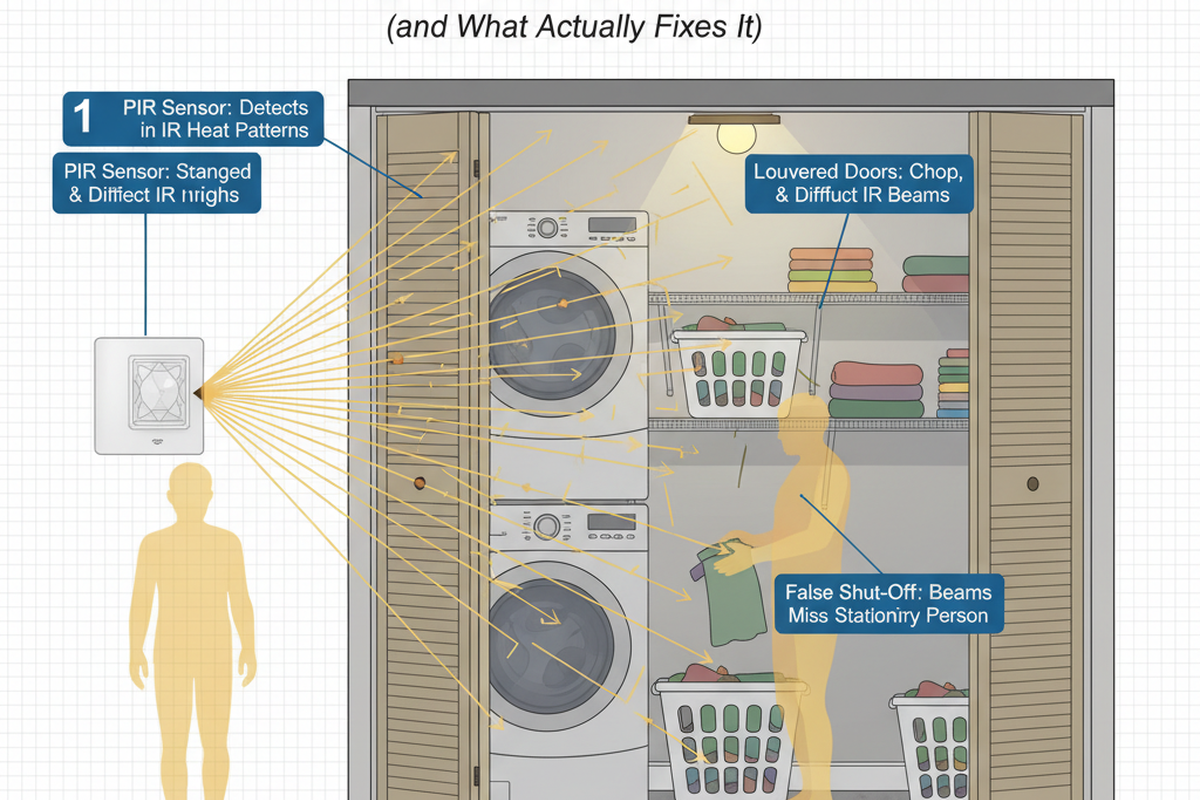
- False triggers tied to HVAC, pets, sightlines → settings and placement decisions; do not treat it like a wiring defect until correlation fails.
This is also the place to stop people from accidentally creating a second problem: multi-way circuits.
A Gilbert, AZ stairwell with a 3-way setup is a classic trap. Someone upgrades one location to a motion sensor switch and leaves the other as a standard switch, expecting both ends to behave like “dumb switches.” Then the lights flicker, or the off behavior depends on which switch was last used, and the homeowner repeats, “but it worked before.”
In a multi-way circuit, topology isn’t optional. Introducing electronics changes what combinations are valid. The fix isn’t a mood. It’s either correct device pairing for the 3-way arrangement or a different sensor strategy (sometimes moving sensing to a different location or using a fixture-side control method).
A shorter detour that saves a lot of confusion: smart bulbs. If someone is trying to use a motion sensor wall switch to control smart bulbs (Hue-class, Wi‑Fi lamps), the system is fighting itself. Smart bulbs want constant power; the wall switch is designed to cut power. The coherent choice is: either use dumb LEDs with the sensor switch, or keep the bulbs always powered and do motion sensing through the smart system. Mixing those two control hierarchies is how people end up diagnosing “flicker” that is actually a device rebooting.
One last red-team point because it matters: “Just add a bypass, it fixes everything” is as lazy as “it’s always the neutral.” A bypass is the right tool for minimum-load/leakage behavior. It is irrelevant for thermal cycling, false triggers, and multi-way topology mismatches. Treating bypass as a universal cure just adds parts while leaving the real cause untouched.
Safety Gates and “Call a Pro” Triggers
Some problems are genuinely electrical safety issues, and it’s important to put a gate here so readers don’t improvise into danger.
Looking For Motion-Activated Energy-Saving Solutions?
Contact us for complete PIR motion sensors, motion-activated energy-saving products, motion sensor switches, and Occupancy/Vacancy commercial solutions.
The hard line is simple: don’t invent a neutral. In a Central Phoenix 1960s ranch, the no-neutral switch box was a wiring architecture problem. A homeowner tried ground-as-neutral “just to test,” and it created weird glow on a nearby lamp by energizing conductors in ways that didn’t match expectations. Backing that out to safe wiring took longer than the original install would have.
If a Rayzeek-class device requires a neutral and the box doesn’t have one, the safe options are limited: run a proper neutral (real work), choose a different device type or sensor location that doesn’t require that wiring at that point, or involve a qualified electrician to design a compliant approach. Anything else is gambling with old houses.
There are also “stop and inspect basics” triggers that should override the urge to keep swapping bulbs:
- Symptoms across multiple circuits at the same time (not just one hallway) can point to loose neutrals, shared neutrals, or service issues.
- Heat, burning smell, sizzling, discoloration, or a warm switch/fixture is not an LED compatibility puzzle; it’s an immediate safety concern.
- Loose connections and backstabs can mimic flicker in ways that no lamp swap will cure.
Power quality and neighborhood voltage swings exist, but they’re a later branch. The practical sanity check is: if multiple circuits are doing the same thing simultaneously, stop treating it as a single switch + bulb issue and get qualified measurement. Blaming “dirty power” first is just outsourcing responsibility to a vague culprit.
Invoice-Grade Summary: A “Boring but Works” Configuration
For a landlord, HOA, or anyone who wants this to be maintainable, the goal is not just “fixed today.” The goal is a configuration that will still behave after the next turnover when someone replaces one bulb.
A repeatable template looks like a service note, because that’s exactly what it is:
- Load class: Note whether the circuit is a low-watt load (one lamp, 1–3 globe vanity bar) or a higher, stable load (multiple lamps, robust fixture).
- Fixture class: Note enclosed vs. open fixtures (garages and enclosed globes behave differently in Phoenix summers).
- Lamp strategy: Standardize on a known-stable LED line for sensor-controlled circuits; avoid mystery multipacks with shifting SKUs for these locations.
- Control settings: Record mode (occupancy/vacancy), timeout, sensitivity, and any ambient light threshold used, especially in open-plan areas near HVAC registers.
- Hardware notes: Record neutral present/absent, and whether a bypass was installed at the fixture (Y/N) for minimum-load/leakage behavior.
A warning belongs on the same page, based on the 2020–2021 returns pattern: compatibility can drift. Packaging can look identical while driver behavior changes. For bulk purchases, buy a small test batch first and record the line name and any packaging codes that help identify a consistent run.
The boring win condition is simple: observe the symptom, confirm the mechanism with one change, apply the fix that matches that mechanism, and document the configuration so the fix survives the next “helpful” bulb replacement.