
It usually starts with a ticket logged at 3:00 AM on a Sunday. The facility logs show a spike in power draw, or the intrusion detection system flags motion in a secure suite where no badge swipe occurred. You rush to the site, review the footage, and see nothing but rows of humming racks. Yet, the logs don’t lie: the lights cycled on and off four thousand times over the weekend.
It feels like a haunting, but it’s actually a specification failure. In standard commercial real estate, lighting control is about convenience and code compliance. In a data center, MDF, or even a dense telecom closet, it is a battle against physics. The server room environment is defined by high-velocity airflow, extreme thermal deltas, and dense electromagnetic fields. It is fundamentally hostile to the cheap, passive sensors sold at the hardware store. Installing the wrong device here does more than annoy the staff—it introduces a “phantom load” that stresses your electrical infrastructure and masks real security threats.
The Thermal Lie of Passive Infrared
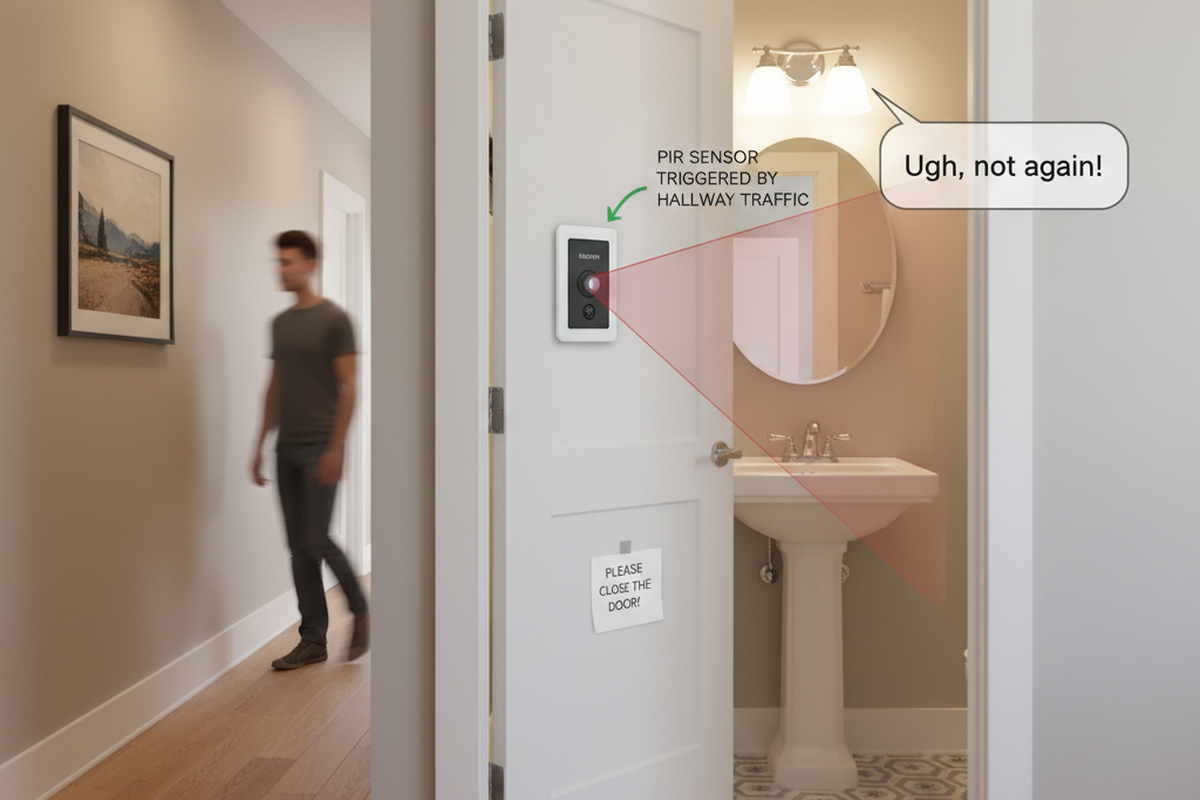
To stop the cycling, you need to know what a Passive Infrared (PIR) sensor actually sees. It doesn’t see “motion” in the way a camera does. It sees heat. Specifically, it looks for a rapid change in infrared energy across its field of view—a warm body moving against a cooler background. In an office hallway or a breakroom, this works perfectly because the background temperature is stable.

In a server room, the background is a chaotic variable. Consider a standard blade chassis or a high-density storage array. When it ramps up under load, it vents exhaust air that can easily reach 110°F. This exhaust doesn’t just dissipate; it forms a plume, a concentrated column of hot air blasting into the room. If that plume crosses a PIR sensor’s field of view, the pyroelectric element detects a sudden spike in infrared energy. It registers a “differential,” assumes a human has entered the hot aisle, and triggers the contact closure.
The lights turn on. The HVAC system detects the added heat load and ramps up. The room cools slightly. The sensor times out and kills the lights. Then the server fans ramp up again, spitting out another heat plume, and the cycle repeats. This is the mechanism of the “haunted closet.” You are asking a device designed to detect body heat to function in a room where the equipment mimics the thermal signature of a human being every ninety seconds.
The Doppler Effect and the Dual-Tech Standard
If heat is the enemy, the logical pivot is to sound. Enter Ultrasonic technology. Unlike PIR, which passively watches for heat, an ultrasonic sensor is an active device. It fills the room with high-frequency sound waves (usually between 32kHz and 45kHz) and listens for the echo. If the room is empty, the return signal matches the broadcast. If a person moves, the return signal shifts frequency—the Doppler effect.
Ultrasonic sensors are blind to heat plumes. They don’t care about the 110°F exhaust or the cold aisle intake. They are, however, sensitive to vibration. In a poorly isolated room, the low-frequency rumble of a CRAH (Computer Room Air Handler) unit or a loose rack panel can sometimes fool a cheap ultrasonic sensor.
Get Inspired by Rayzeek Motion Sensor Portfolios.
Doesn't find what you want? Don't worry. There are always alternate ways to solve your problems. Maybe one of our portfolios can help.
This is why the industry standard for mission-critical spaces is Dual-Technology. A Dual-Tech sensor combines both PIR and Ultrasonic elements into a single housing with a specific logic gate: it requires both technologies to trigger the “On” state, but only one to maintain it.
This logic is crucial for the “technician scenario.” We have all seen the technician standing on a ladder, terminating fiber in a patch panel, barely moving a muscle. A PIR sensor will lose them and plunge the room into darkness, creating a safety hazard that leads to workers’ comp claims. With Dual-Tech, even the slight motion of crimping a cable is enough for the active Doppler radar to keep the lights on, even if the PIR has lost the thermal signal.
Mapping Invisible Rivers: Placement Strategy
Even a top-tier Dual-Tech sensor, like a Wattstopper or Leviton commercial unit, will fail if you bolt it to the ceiling without respecting the room’s invisible geography. You cannot simply place a sensor in the center of the room as if it were a conference table. You have to map the airflow.

Before mounting anything, perform an airflow visualization trace. Identify your cold aisles (intake) and your hot aisles (exhaust). Draw the vectors of where the air is moving. The rule is simple: Never place a sensor where it faces a direct exhaust source.
The ideal placement is usually on the entry wall, looking into the room, masked so it cannot see the equipment racks directly. You want the sensor to catch the door opening and the person entering the “Cold Aisle.” You do not want it staring down the barrel of a server rack’s exhaust fans. If you are retrofitting a room where the racking diagram has changed, you may need to apply masking tape to the sensor lens to blind it to turbulence zones where hot and cold air mix violently.
Ignore this physics, or place a sensor purely for symmetry, and you will inevitably deal with the “Waving Technician” complaint—staff forced to stop their delicate work every ten minutes to wave their arms at the ceiling because the sensor is blinded by a rack or confused by the airflow.
The Case for Dumb Hardware
There is a scenario where even Dual-Tech is over-engineering. If you are managing small telecom closets, IDFs, or rooms under 100 square feet, the best sensor is often a mechanical switch.
Maybe You Are Interested In
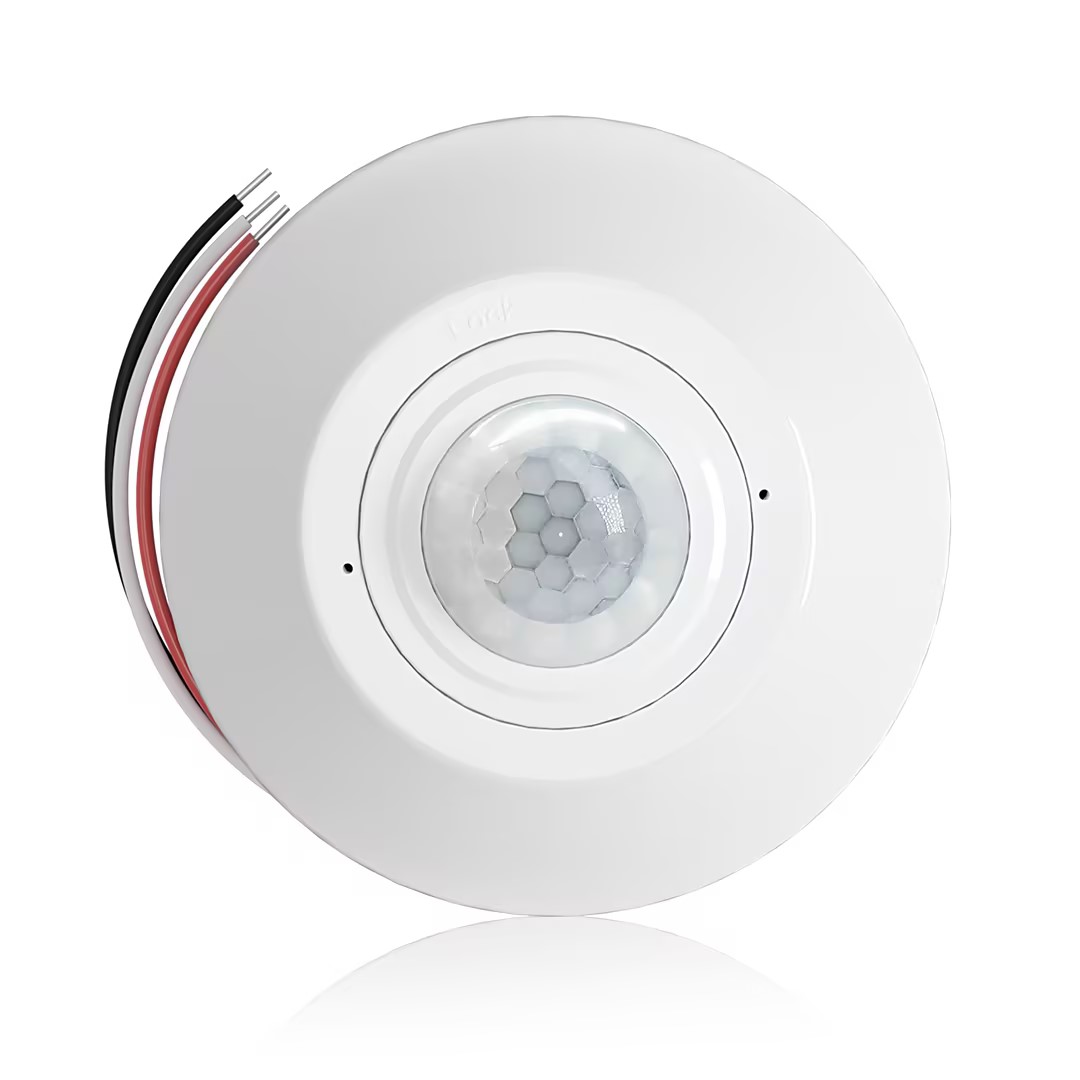
- Ceiling-mounted PIR occupancy sensor with dry-contact relay output
- 12/24VDC or 12/24VAC low-voltage supply
- COM, NO, and NC isolated relay contacts for EMS, HVAC, and building control inputs
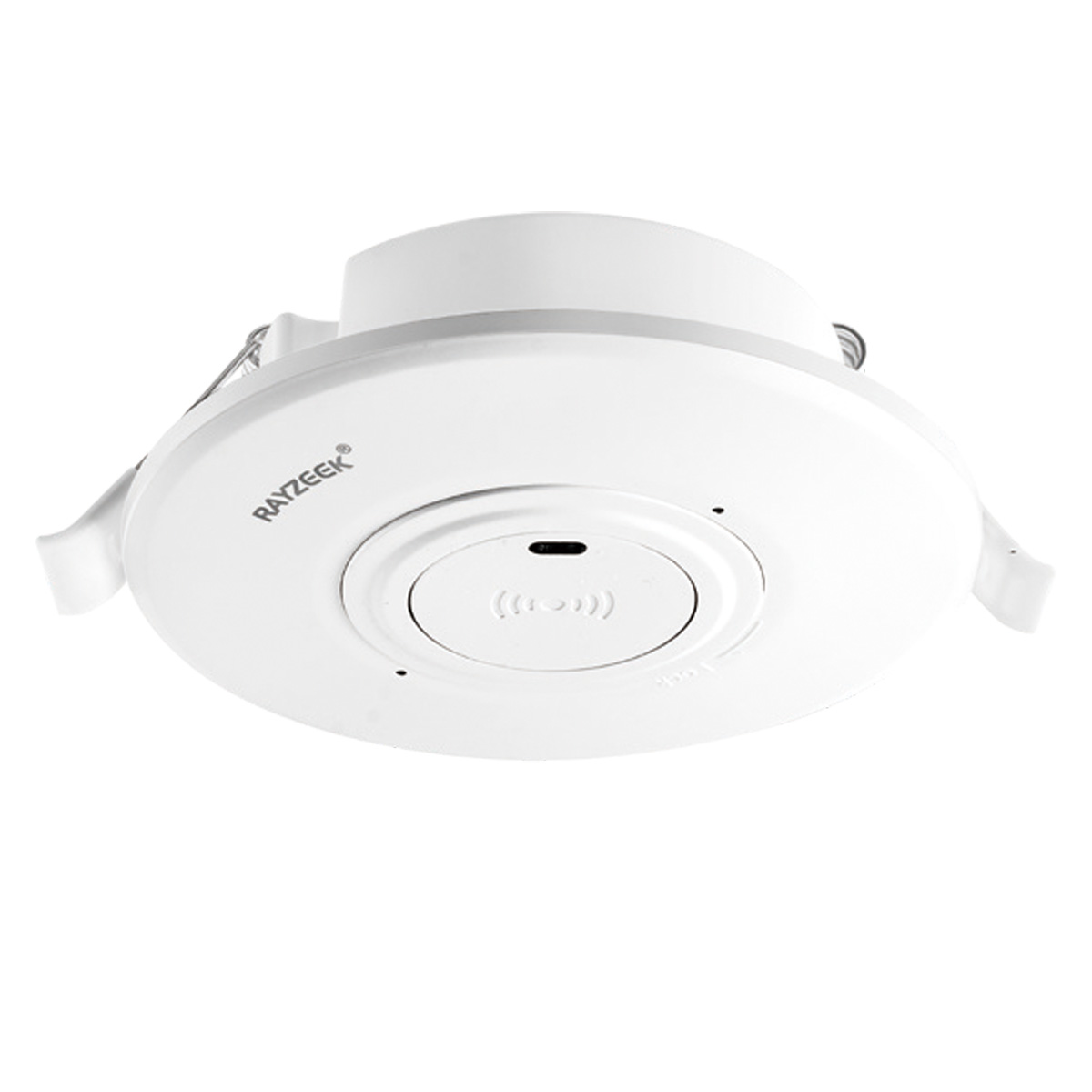
- Low-voltage DC recessed ceiling-mounted microwave motion sensor switch
- 12 VDC / 24 VDC input with 10-30 VDC range
- 10A max work current with adjustable time delay, Lux threshold, and sensitivity
- Higher-load recessed ceiling-mounted microwave motion sensor switch
- 100-265 VAC line-voltage input, 10A model
- 5.8 GHz microwave sensing with adjustable time delay, Lux threshold, and sensitivity
- Recessed ceiling-mounted microwave motion sensor switch
- 100-265 VAC line-voltage input, 5A model
- 5.8 GHz microwave sensing with adjustable time delay, Lux threshold, and sensitivity
- Ceiling-mounted RZ037 PIR occupancy sensor dimmer for 220V power
- 3A maximum working current with 660W rated load
- LUX button controls light-sensor ON/OFF and user-set dimming brightness
- Ceiling-mounted RZ037 PIR occupancy sensor dimmer for 110V power
- 3A maximum working current with 330W rated load
- LUX button controls light-sensor ON/OFF and user-set dimming brightness
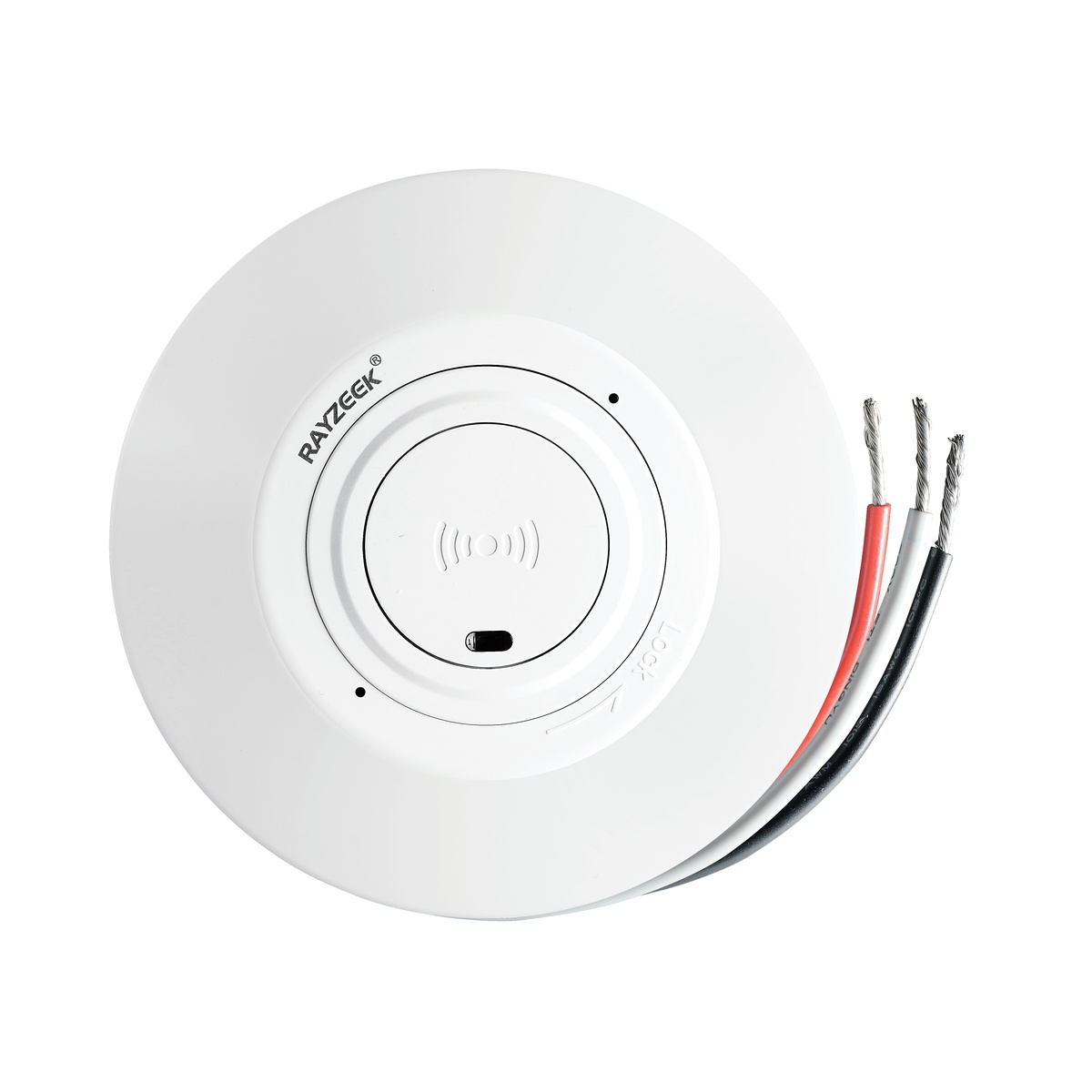
- Low-voltage DC ceiling-mounted microwave motion sensor switch
- 12 VDC / 24 VDC input with 10-30 VDC range
- 10A max work current with adjustable time delay, Lux threshold, and sensitivity
- Higher-load ceiling-mounted microwave motion sensor switch
- 100-265 VAC line-voltage input, 10A model
- 5.8 GHz microwave sensing with adjustable time delay, Lux threshold, and sensitivity
- Ceiling-mounted microwave motion sensor switch
- 100-265 VAC line-voltage input, 5A model
- 5.8 GHz microwave sensing with adjustable time delay, Lux threshold, and sensitivity
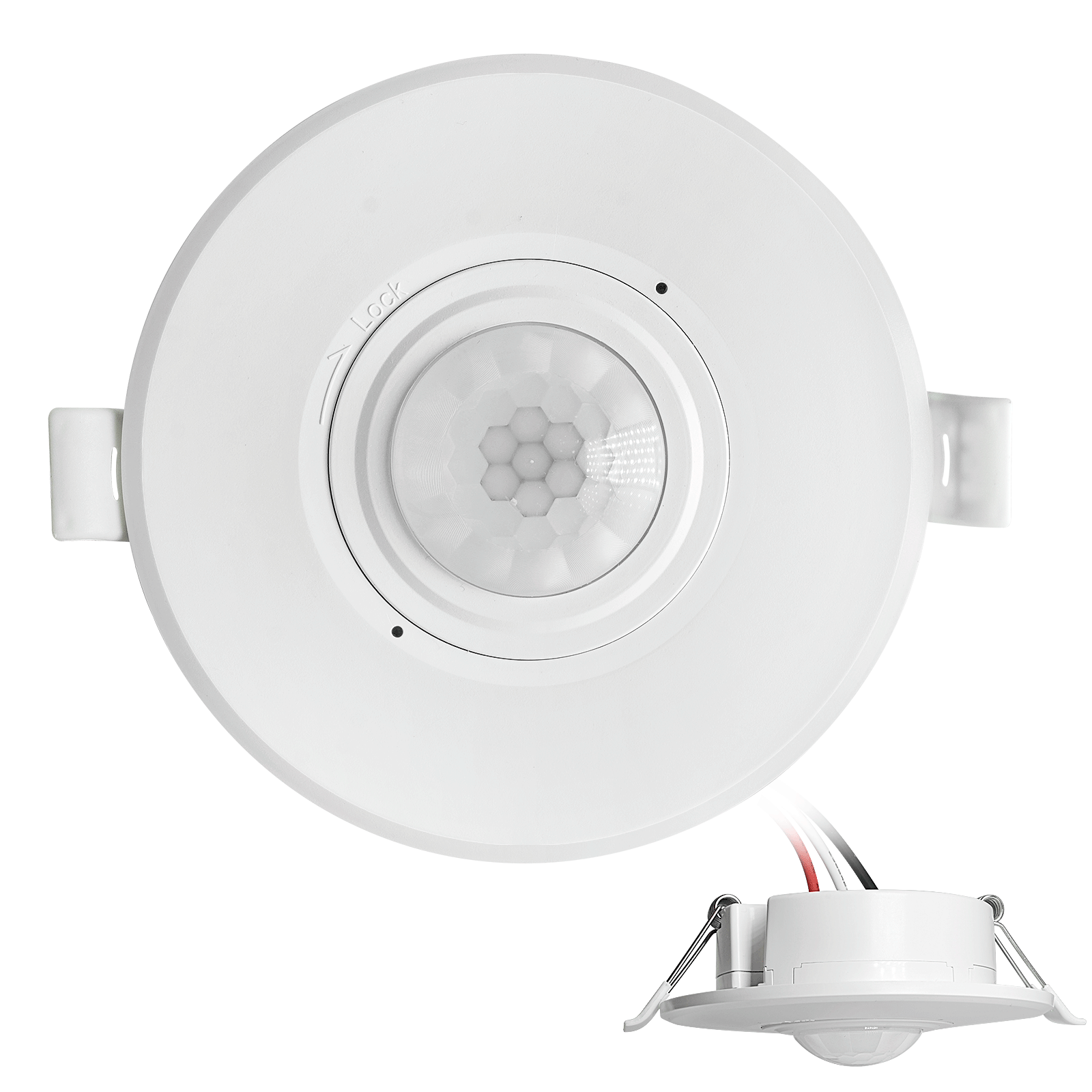
- Low-voltage DC recessed ceiling mount PIR motion sensor switch
- 12 VDC / 24 VDC input with 10-30 VDC range
- Max work current 10A with adjustable time delay, Lux threshold, and sensitivity
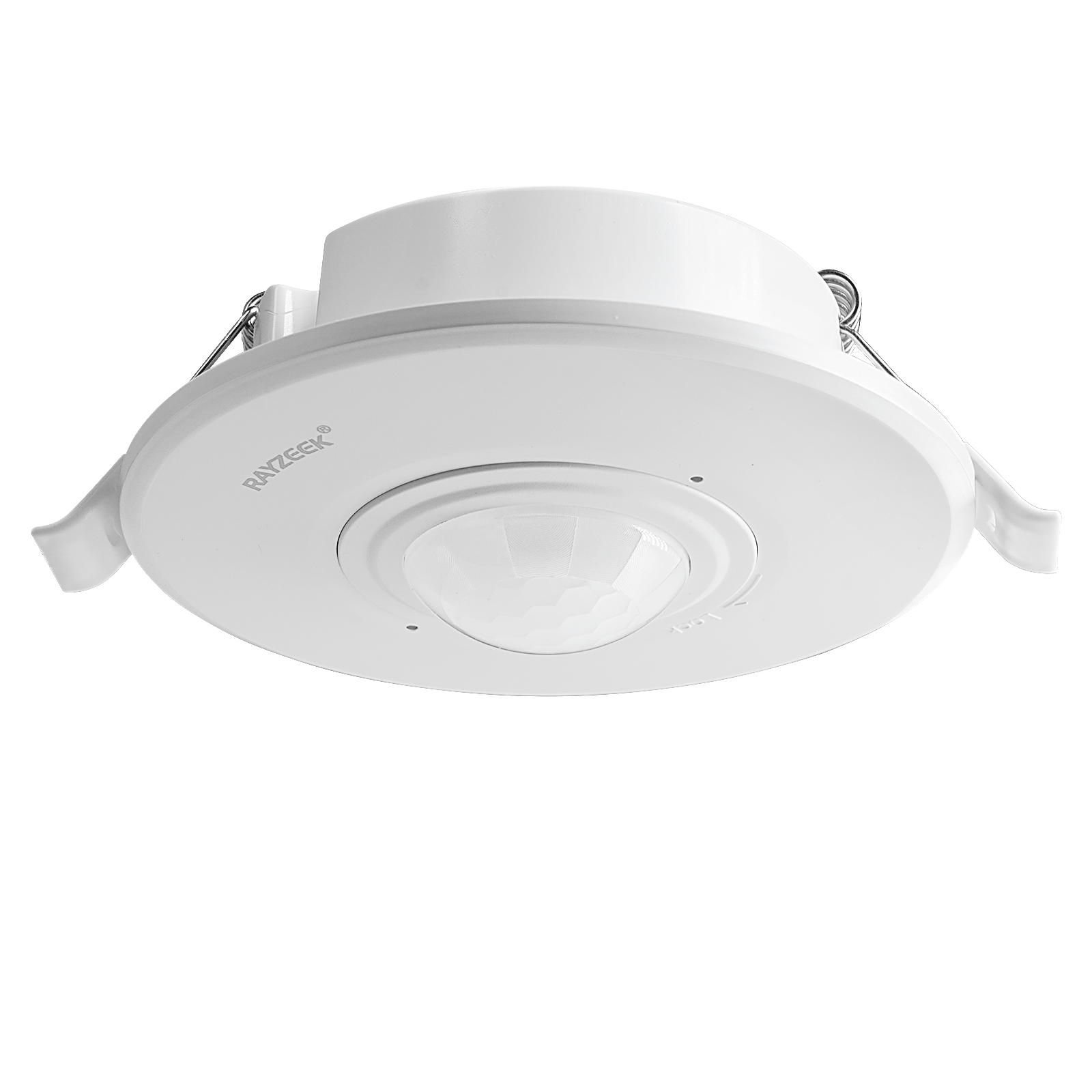
- Higher-load recessed ceiling mount PIR motion sensor switch
- 100-265 VAC line-voltage input, 10A model
- 360-degree detection with adjustable time delay, Lux threshold, and sensitivity
- Recessed ceiling mount PIR motion sensor switch
- 100-265 VAC line-voltage input, 5A model
- 360-degree detection with adjustable time delay, Lux threshold, and sensitivity
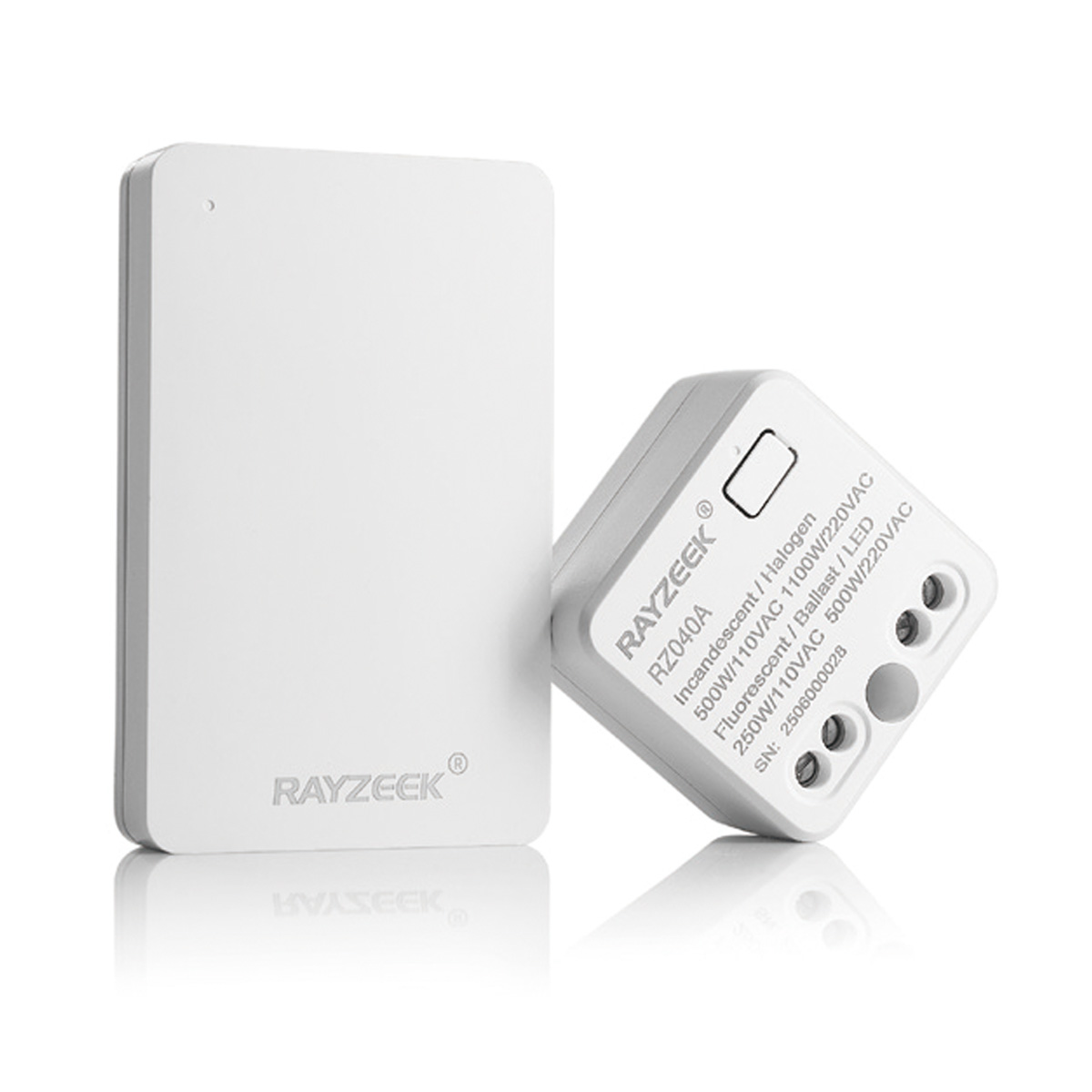
- Wireless switch and receiver kit for indoor ON/OFF lighting control
- 100-230VAC, 50/60Hz receiver with 5A rated current
- CR2032-powered wireless switch with 2.4GHz communication
- Occupancy (Auto-ON/Auto-OFF)
- 12–24V DC (10–30VDC), up to 10A
- 360° coverage, 8–12 m diameter
- Time delay 15 s–30 min
- Light sensor Off/15/25/35 Lux
- High/Low sensitivity
- Auto-ON/Auto-OFF occupancy mode
- 100–265V AC, 10A (neutral required)
- 360° coverage; 8–12 m detection diameter
- Time delay 15 s–30 min; Lux OFF/15/25/35; Sensitivity High/Low
- Auto-ON/Auto-OFF occupancy mode
- 100–265V AC, 5A (neutral required)
- 360° coverage; 8–12 m detection diameter
- Time delay 15 s–30 min; Lux OFF/15/25/35; Sensitivity High/Low
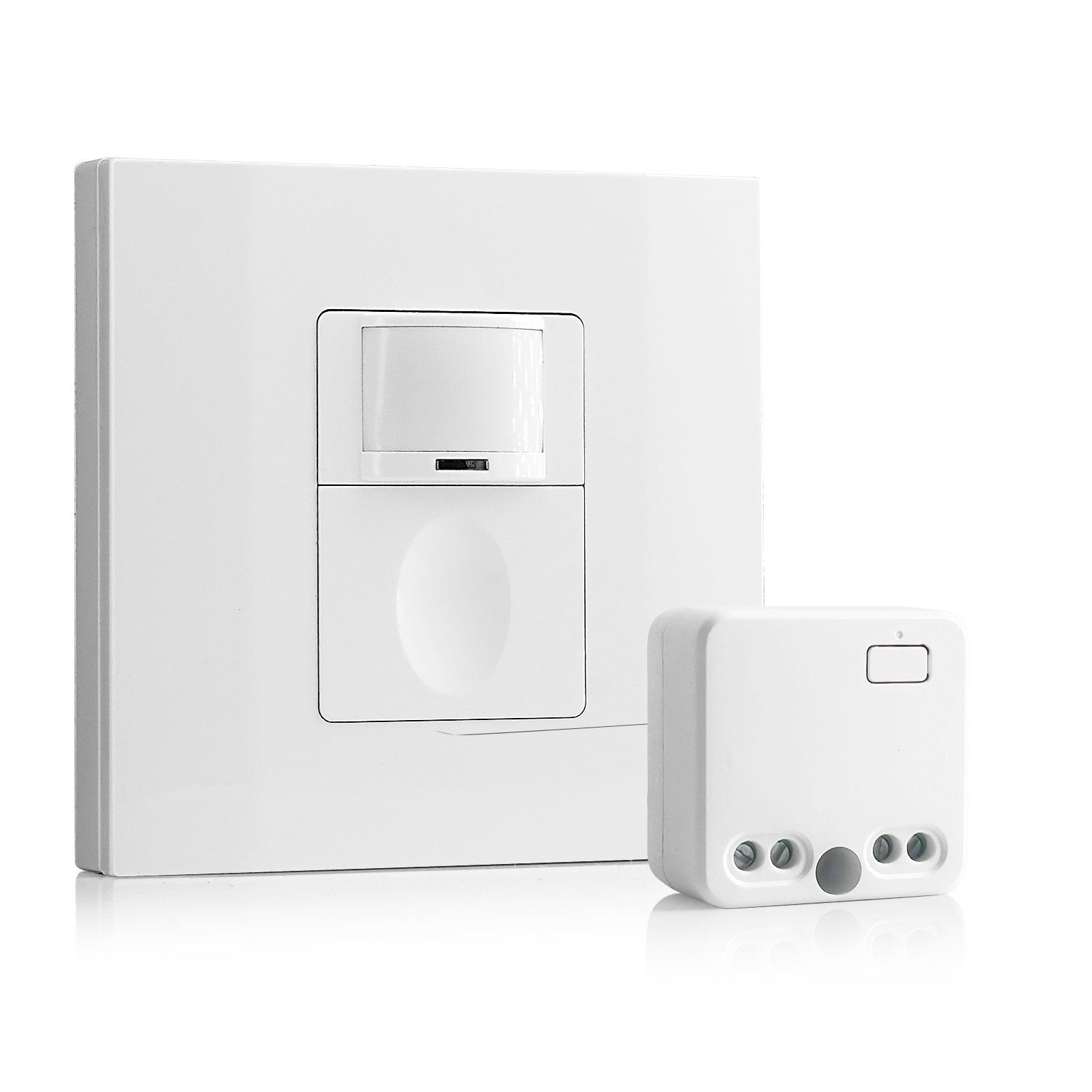
- 100V-230VAC
- Transmission Distance: up to 20m
- Wireless motion sensor
- Hardwired control
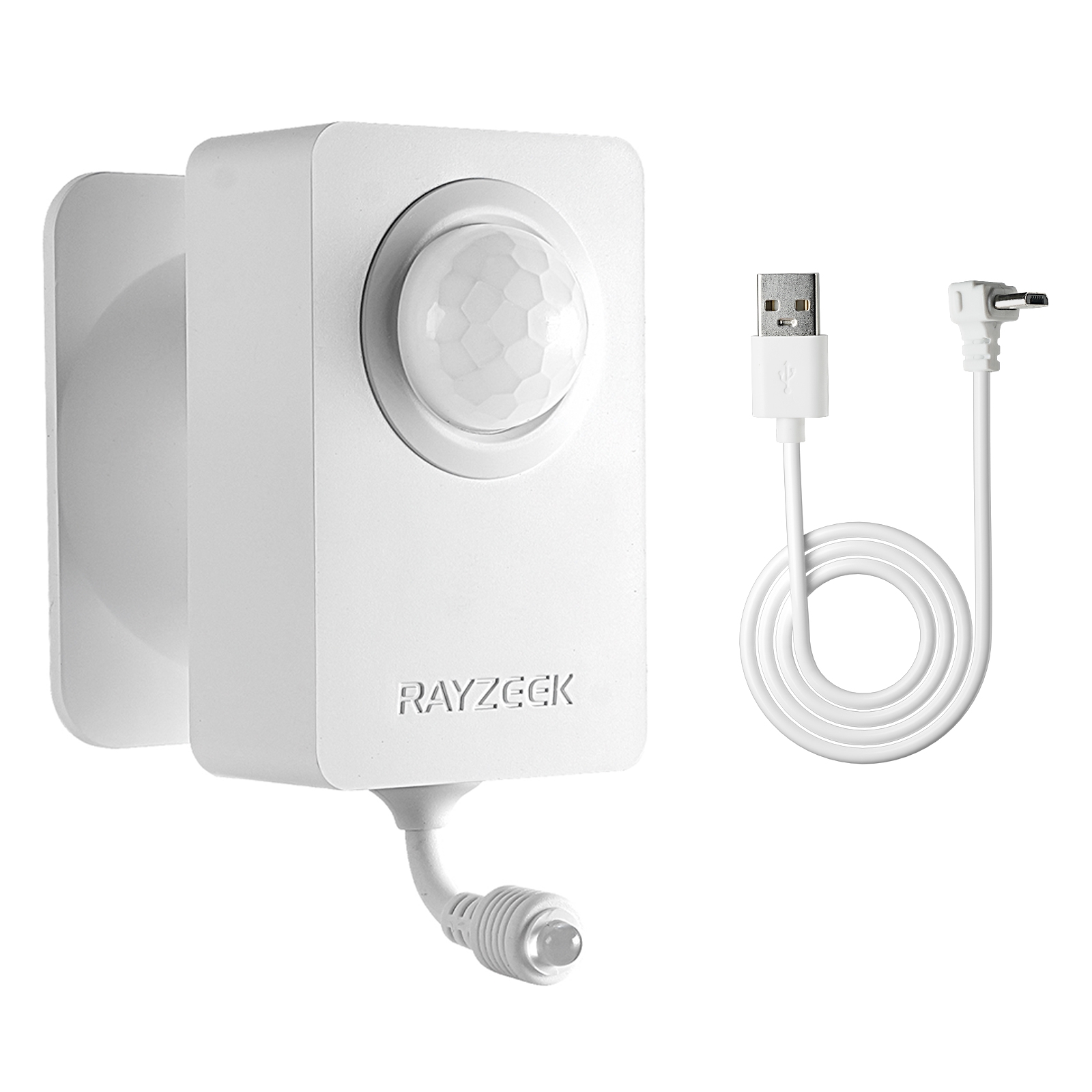
- Voltage: 2x AAA Batteries / 5V DC (Micro USB)
- Day/Night Mode
- Time delay: 15min, 30min, 1h(default), 2h
- EU plug power adapter
- UK plug power adapter
Sensors have lag, timeouts, and electronics that can fail. A magnetic reed switch or a plunger switch on the door frame has none of these. It is binary. When the door opens, the circuit closes, and the light turns on. When the door closes, the light cuts.
This passes the “Door-Kick Reliability Test.” Imagine a technician kicking the door open, hands full of replacement servers or a crash cart. They need light instantly. They do not need a 500-millisecond processing delay while a microprocessor decides if the motion profile meets a threshold. For small, rarely accessed spaces, a hardwired door contact wired to a power pack is the most robust solution. It never fails due to heat, vibration, or firmware bugs.
The Hidden Thermal Tax
Why go through this trouble? Why not just leave the lights on, or use a standard toggle switch? The argument against “always on” is usually framed as electricity savings, but in a server room, the math is more punishing.
Every watt of electricity consumed by a light fixture converts to heat. If you have 400 watts of lighting running 24/7 in a closet, you are effectively running a 400-watt heater. Your cooling system must then burn additional energy to remove that heat. This is the “Double Penalty” of lighting in a cooled environment: you pay to generate the light, and you pay again to remove the byproduct.
According to ASHRAE guidelines and basic thermodynamics, removing 3.41 BTUs (1 watt) of heat requires a specific amount of cooling energy. While LED drivers run cooler than the metal halides or fluorescents of the 90s, they still produce heat. In a marginal cooling environment—like a crowded closet in an old office building—stripping out that continuous 400-watt heat load can be the difference between a stable room and a thermal alarm during a summer heatwave.
Operational Reality & The Wireless Trap
A final warning on installation. You will encounter vendors pushing wireless, battery-operated sensors. They will promise a fast install with no conduit and no high-voltage electrician required.
Looking For Motion-Activated Energy-Saving Solutions?
Contact us for complete PIR motion sensors, motion-activated energy-saving products, motion sensor switches, and Occupancy/Vacancy commercial solutions.
Reject this for any secure or critical room. Wireless sensors rely on batteries, typically CR2032 or CR123A cells. In a facility with two hundred closets, that is two hundred points of failure. A dead battery in a server room sensor means a technician entering a pitch-black room, tripping over a UPS battery, and filing a lawsuit. It means maintenance tickets to change batteries in secure rooms that require escorted access.
Wireless is a Capex shortcut that becomes an Opex nightmare. The labor cost of replacing batteries over five years will dwarf the cost of running a hardwired conduit once.
Reliability in critical infrastructure is defined by what doesn’t happen. The lights don’t flicker. The alarm doesn’t ring at 3 AM for no reason. The technician doesn’t fall in the dark. Achieve this by respecting the physics of the room, using active sensing technology, and keeping the batteries out of your infrastructure.