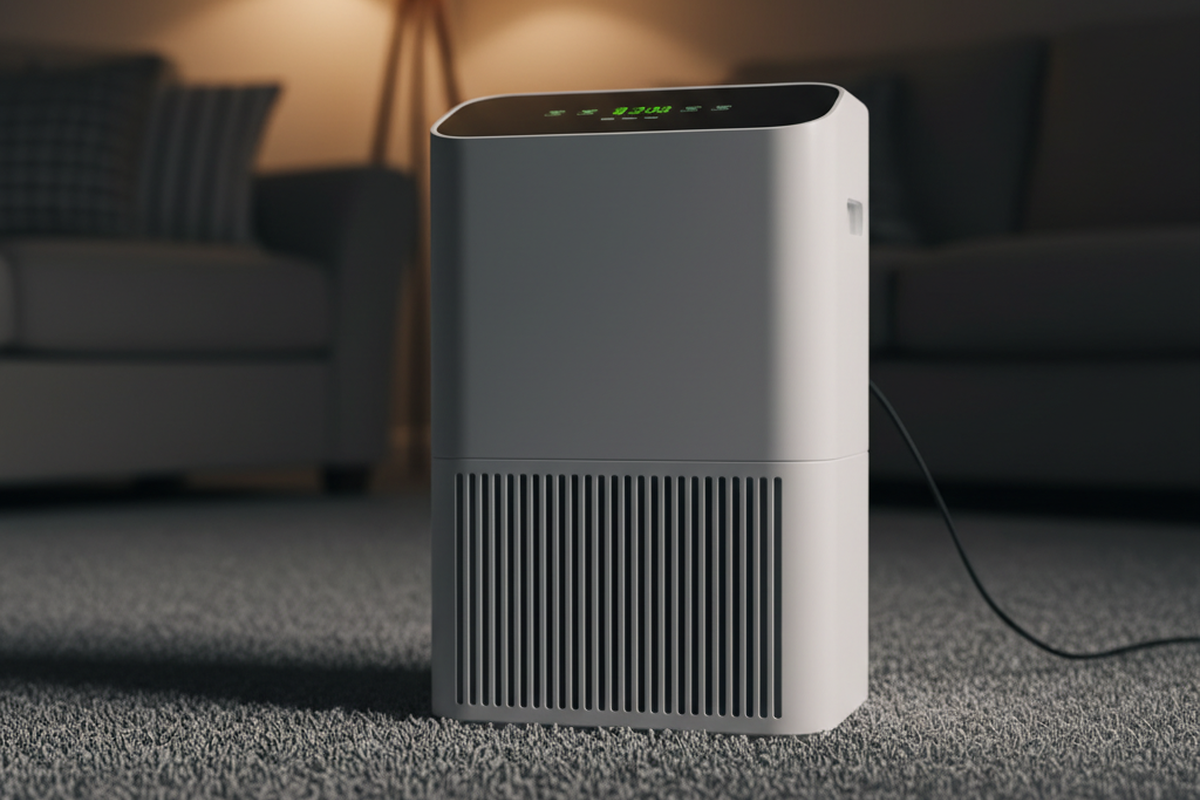
You know the sound. It’s the low-frequency drone of a 50-pint compressor vibrating against the concrete floor. It kicks on right when the movie gets quiet, or hums beneath the master bedroom floorboards all night long.
The instinct to walk over and pull the plug is overwhelming. You tell yourself you’ll plug it back in tomorrow morning. Then tomorrow becomes next Tuesday, and by the time you remember, the basement smells like wet cardboard and earth.
This is the cycle that leads to five-figure remediation bills.
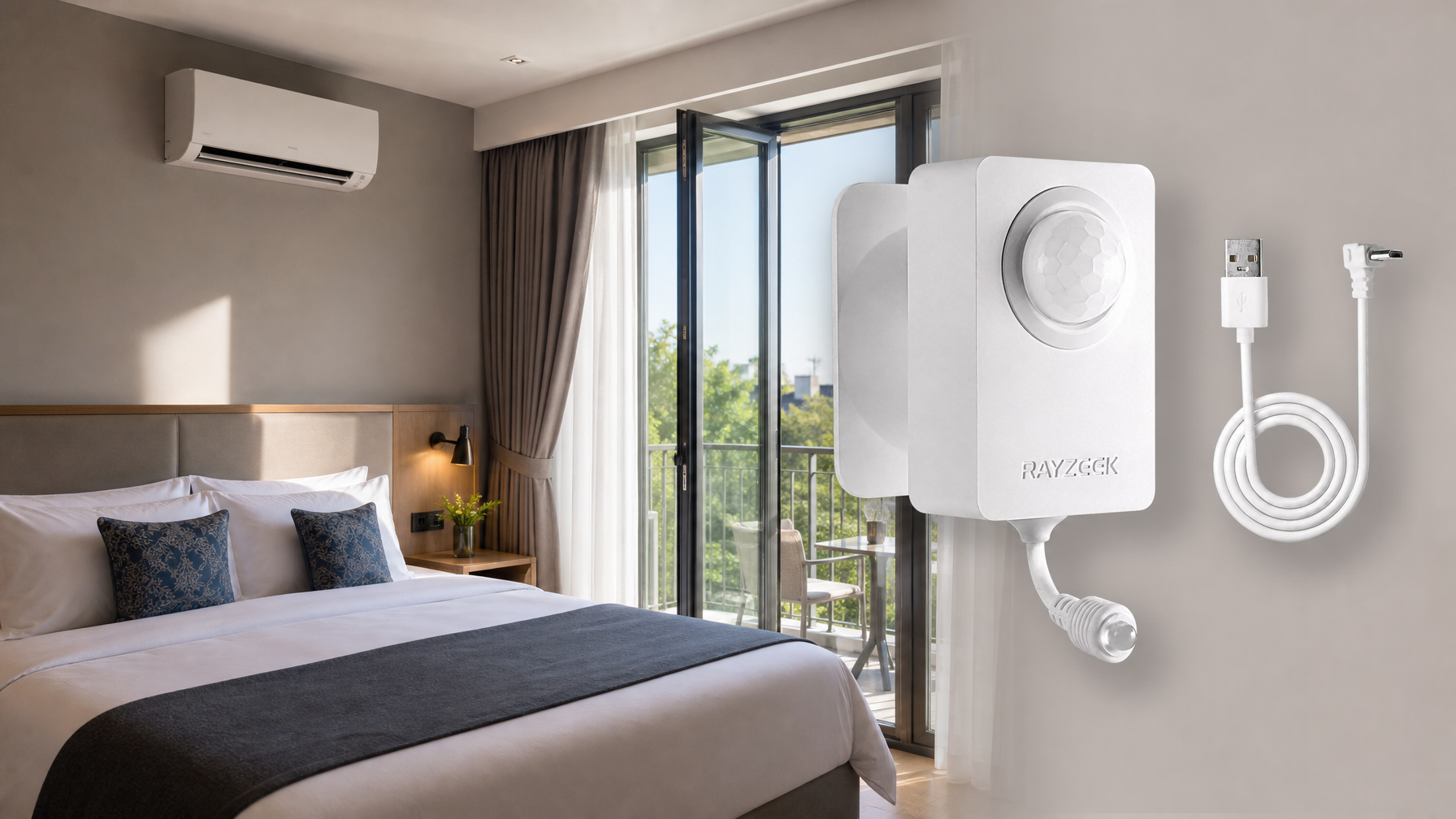
To solve the noise problem without rotting the framing, homeowners often drift toward “smart” solutions. They buy Wi-Fi plugs that disconnect during storms, or they look at motion sensors like the Rayzeek RZ series to automate the process. The logic seems sound: If I’m not in the room, why does the machine need to run?
That logic is flawed. But if you are determined to use a motion sensor to control your dehumidifier—either to save electricity or save your sanity—you have to rig it with a very specific set of safeguards. Get the settings wrong, and you won’t just have a damp basement; you’ll burn out your compressor in less than a season.
The Problem: People vs. Water
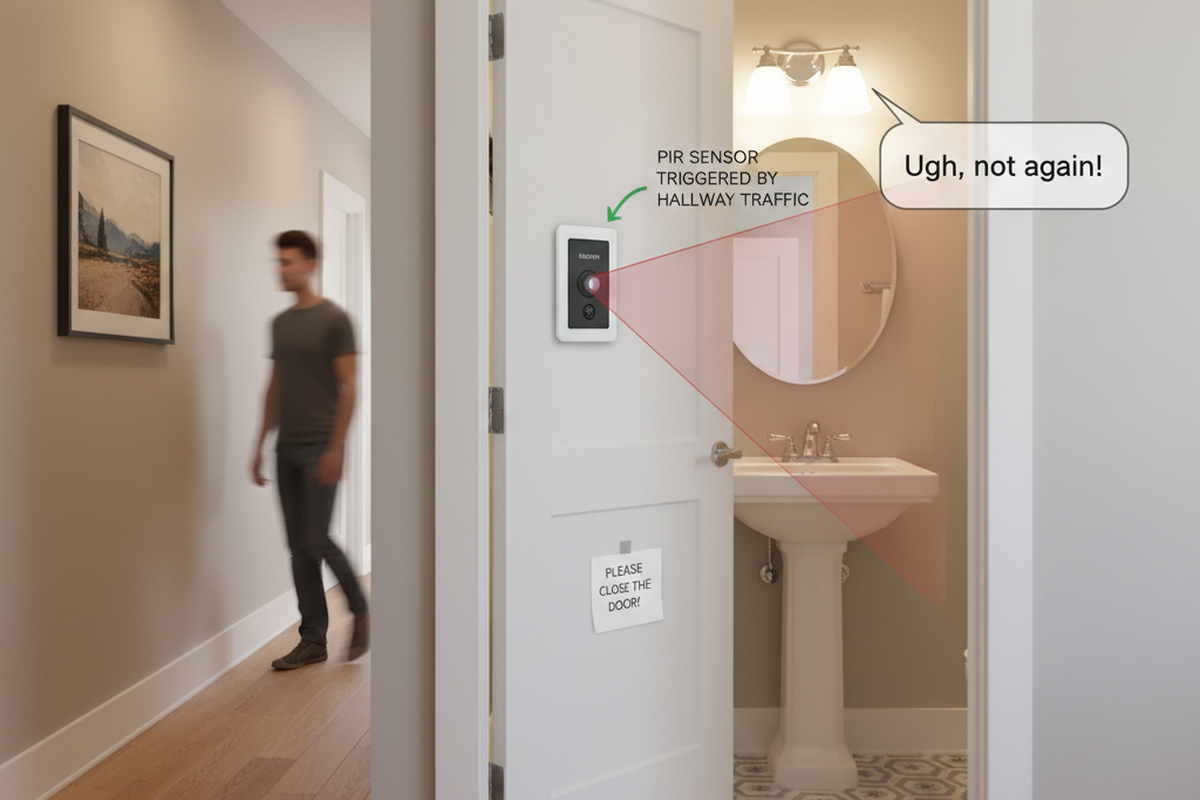
Before you buy a Rayzeek or any other occupancy sensor, you have to understand the fundamental error in using one for climate control. A motion sensor (PIR) detects infrared heat signatures moving across its field of view. It sees people, not water.

Water vapor does not care if you are in the room. In fact, in many basements, the humidity spikes exactly when you aren’t there—at night when the temperature drops and relative humidity climbs, or during a rainy week when you’re stuck at work.
If you plug a dehumidifier into a standard motion sensor, the default behavior is: No Motion = Power Cut. This is catastrophic for a general-purpose basement. You leave the room, the power cuts, and moisture begins to accumulate in the drywall and carpet pad. By the time you return three days later to do laundry, the fungal colonies have already had a head start.
The only valid use case for a motion-triggered dehumidifier is when the moisture load is activity-dependent. Think of a home gym where three people are sweating for an hour, or a workshop where you are gluing up wood and need to keep air movement high while you work. In those cases, your presence is the moisture event. For everything else, you are fighting physics.
The Hardware Handshake
If you decide the noise reduction is worth the risk, verify your equipment before spending $20 on a sensor. This setup relies on a “hard” power cut. The Rayzeek kills voltage to the outlet completely when it times out.
Walk down to your dehumidifier right now. With the unit running and the compressor engaged (listen for the deeper buzz, not just the fan), reach down and pull the plug. Wait ten seconds. Plug it back in.
Looking For Motion-Activated Energy-Saving Solutions?
Contact us for complete PIR motion sensors, motion-activated energy-saving products, motion sensor switches, and Occupancy/Vacancy commercial solutions.
Does it turn back on automatically and resume dehumidifying?
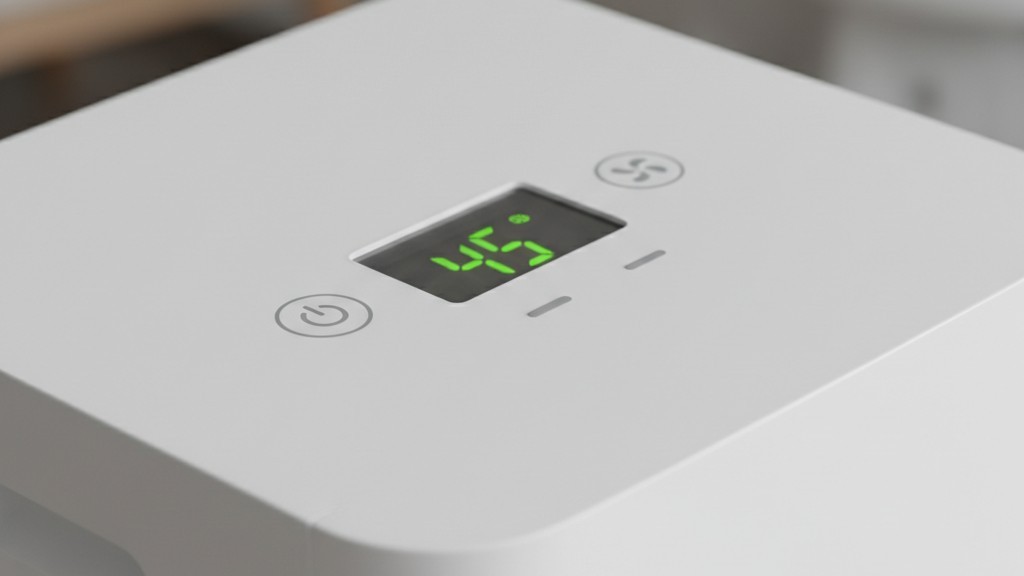
If it stays off, or goes into a “Standby” mode waiting for a button press, stop. This project is over. You cannot use an external sensor on a machine that requires a manual reset. Older mechanical units with physical dials work best for this. Many modern digital units—like certain Frigidaire Gallery or GE models—have a “memory” function that resumes the last setting, but cheaper units often revert to “Off.” If your unit doesn’t auto-restart, putting it on a motion sensor means it will turn off once and never turn on again.
Furthermore, ignore the internal humidistat on the dehumidifier itself. Set the target humidity to “Continuous” or as low as it will go (30-35%). You are moving the control logic to the motion sensor; if the internal humidistat satisfies and shuts off the compressor while you are still in the room, the motion sensor becomes irrelevant. You want the machine running hard whenever the circuit is live.
Get Inspired by Rayzeek Motion Sensor Portfolios.
Doesn't find what you want? Don't worry. There are always alternate ways to solve your problems. Maybe one of our portfolios can help.
The Kill Switch (And How to Avoid It)
The Rayzeek RZ021 isn’t a smart plug. No app, no cloud. Just dip switches or small dials under the faceplate. This is where you save your compressor or kill it.
The most critical setting is the Time Delay.
Factory defaults on motion sensors are often set to 1 minute or 5 minutes. Fine for a light bulb; a death sentence for a refrigeration compressor.
Compressors need to run for a sustained period to reach operating temperature and effectively pull moisture. More importantly, once a compressor shuts off, the pressure in the system needs time to equalize before it starts again. If your sensor is set to a 1-minute delay, and you walk in and out of the laundry room three times in ten minutes to grab a basket, you are “short-cycling” the unit.
Short-cycling forces the compressor to try to start against high head pressure. It will overheat, draw massive current (Locked Rotor Amps), and eventually trip the thermal overload or seize permanently.
You must set the Rayzeek time delay to its maximum setting—usually 30 minutes.
This accomplishes two things:
- Compressor Safety: It ensures that once triggered, the unit runs for a meaningful cycle, preventing rapid on/off toggling.
- The “Run-On” Dry Out: When you leave the room (removing the noise source), the unit continues to run for half an hour. This pulls the latent moisture you generated (sweat, breath) out of the air and, crucially, dries off the evaporator coil so it doesn’t sit there wet and grow mold inside the machine.
Do not get cute with the sensitivity dial. Crank it to high. In a cluttered basement, line-of-sight is often blocked by ductwork or shelving. You want the unit to trigger if you so much as wave a hand near the doorway.
The Vacation Blind Spot
There is a massive hole in this plan: Vacancy.
If you go on vacation for two weeks in August, or simply don’t go down to the basement for a few days, the dehumidifier will never run. The sensor sees no motion, so it delivers no power. Meanwhile, a thunderstorm rolls through, humidity hits 75%, and you aren’t there to trigger the drying cycle.
This is why this setup is dangerous for general home health.
If you rely on this method, you need a fail-safe. The Rayzeek has a small slider switch on the front (usually labeled ON / OFF / AUTO).
- AUTO: Motion sensing mode (Daily use).
- ON: Bypass mode (Always on).
You must discipline yourself to flip that switch to ON every time you leave the house for more than 24 hours. If you rely on the motion sensor during a two-week trip, you will come home to a science experiment on your baseboards.
Maybe You Are Interested In
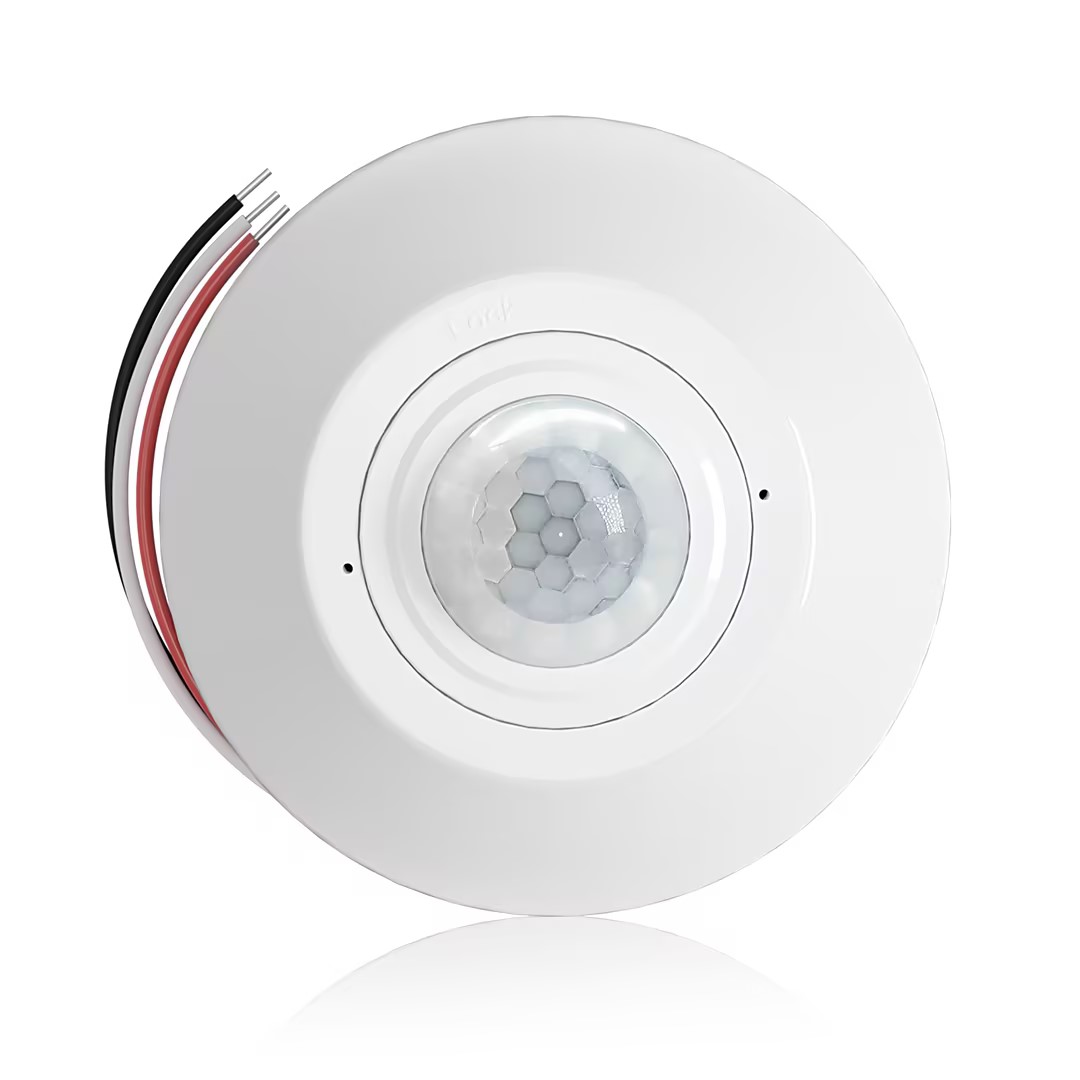
- Ceiling-mounted PIR occupancy sensor with dry-contact relay output
- 12/24VDC or 12/24VAC low-voltage supply
- COM, NO, and NC isolated relay contacts for EMS, HVAC, and building control inputs
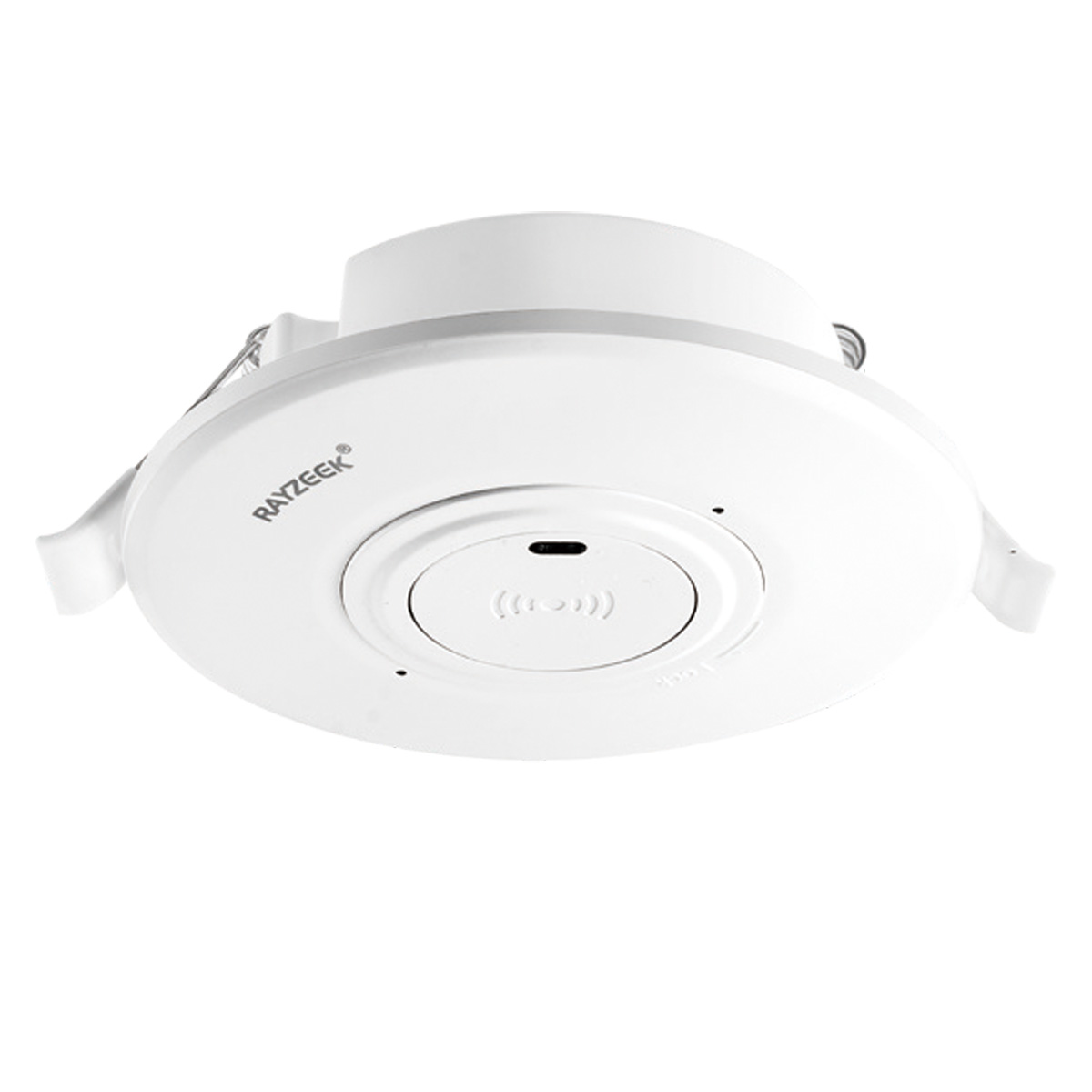
- Low-voltage DC recessed ceiling-mounted microwave motion sensor switch
- 12 VDC / 24 VDC input with 10-30 VDC range
- 10A max work current with adjustable time delay, Lux threshold, and sensitivity
- Higher-load recessed ceiling-mounted microwave motion sensor switch
- 100-265 VAC line-voltage input, 10A model
- 5.8 GHz microwave sensing with adjustable time delay, Lux threshold, and sensitivity
- Recessed ceiling-mounted microwave motion sensor switch
- 100-265 VAC line-voltage input, 5A model
- 5.8 GHz microwave sensing with adjustable time delay, Lux threshold, and sensitivity
- Ceiling-mounted RZ037 PIR occupancy sensor dimmer for 220V power
- 3A maximum working current with 660W rated load
- LUX button controls light-sensor ON/OFF and user-set dimming brightness
- Ceiling-mounted RZ037 PIR occupancy sensor dimmer for 110V power
- 3A maximum working current with 330W rated load
- LUX button controls light-sensor ON/OFF and user-set dimming brightness
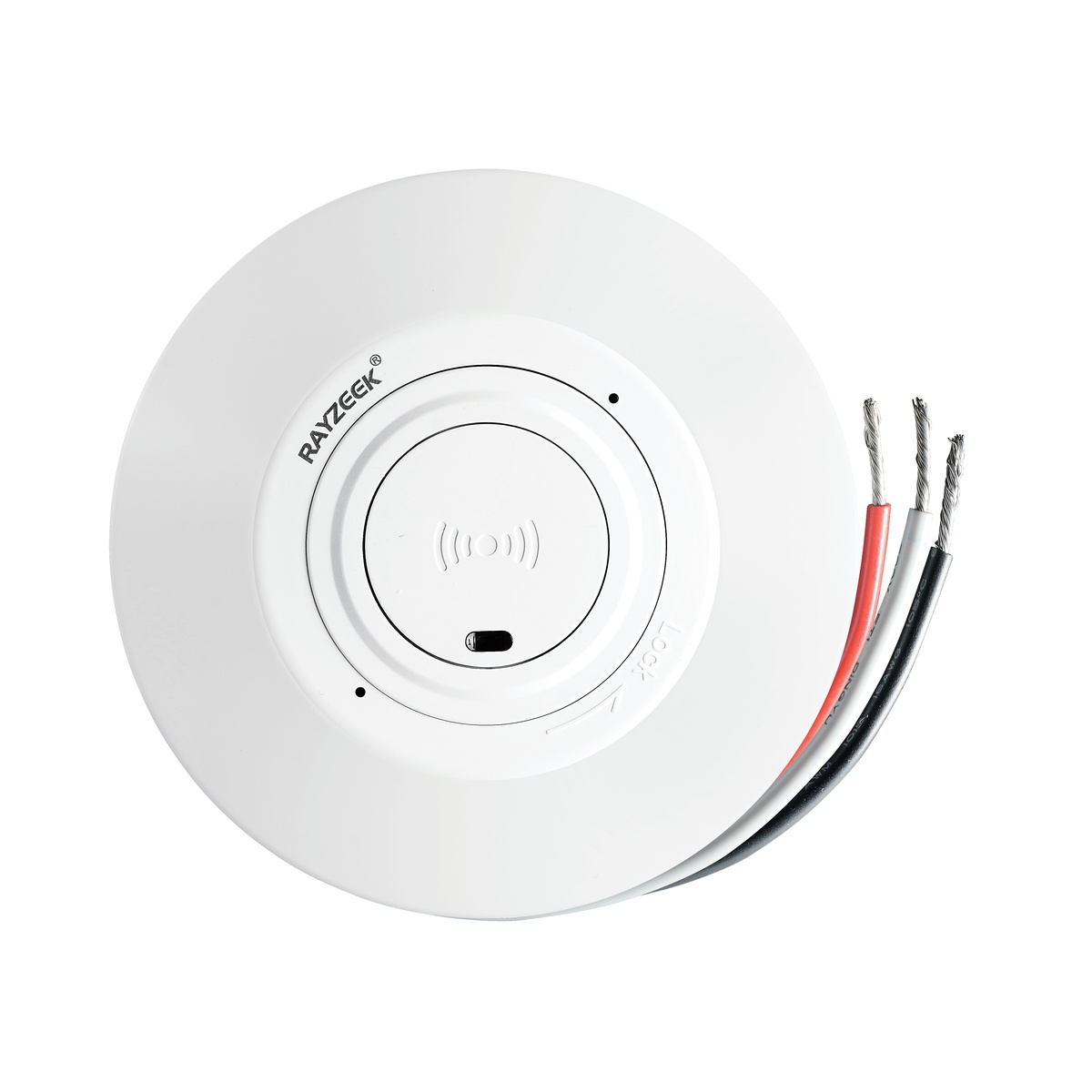
- Low-voltage DC ceiling-mounted microwave motion sensor switch
- 12 VDC / 24 VDC input with 10-30 VDC range
- 10A max work current with adjustable time delay, Lux threshold, and sensitivity
- Higher-load ceiling-mounted microwave motion sensor switch
- 100-265 VAC line-voltage input, 10A model
- 5.8 GHz microwave sensing with adjustable time delay, Lux threshold, and sensitivity
- Ceiling-mounted microwave motion sensor switch
- 100-265 VAC line-voltage input, 5A model
- 5.8 GHz microwave sensing with adjustable time delay, Lux threshold, and sensitivity
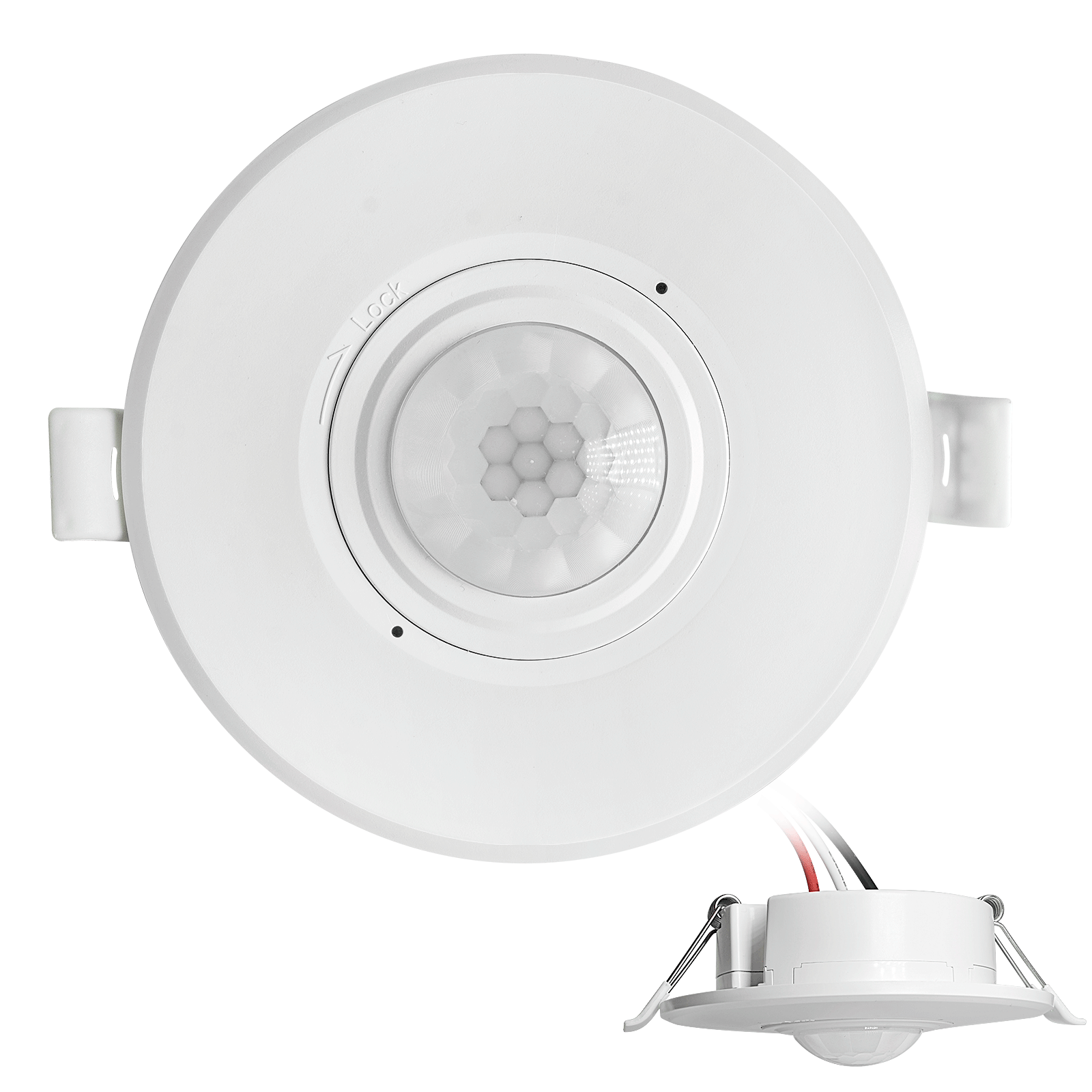
- Low-voltage DC recessed ceiling mount PIR motion sensor switch
- 12 VDC / 24 VDC input with 10-30 VDC range
- Max work current 10A with adjustable time delay, Lux threshold, and sensitivity
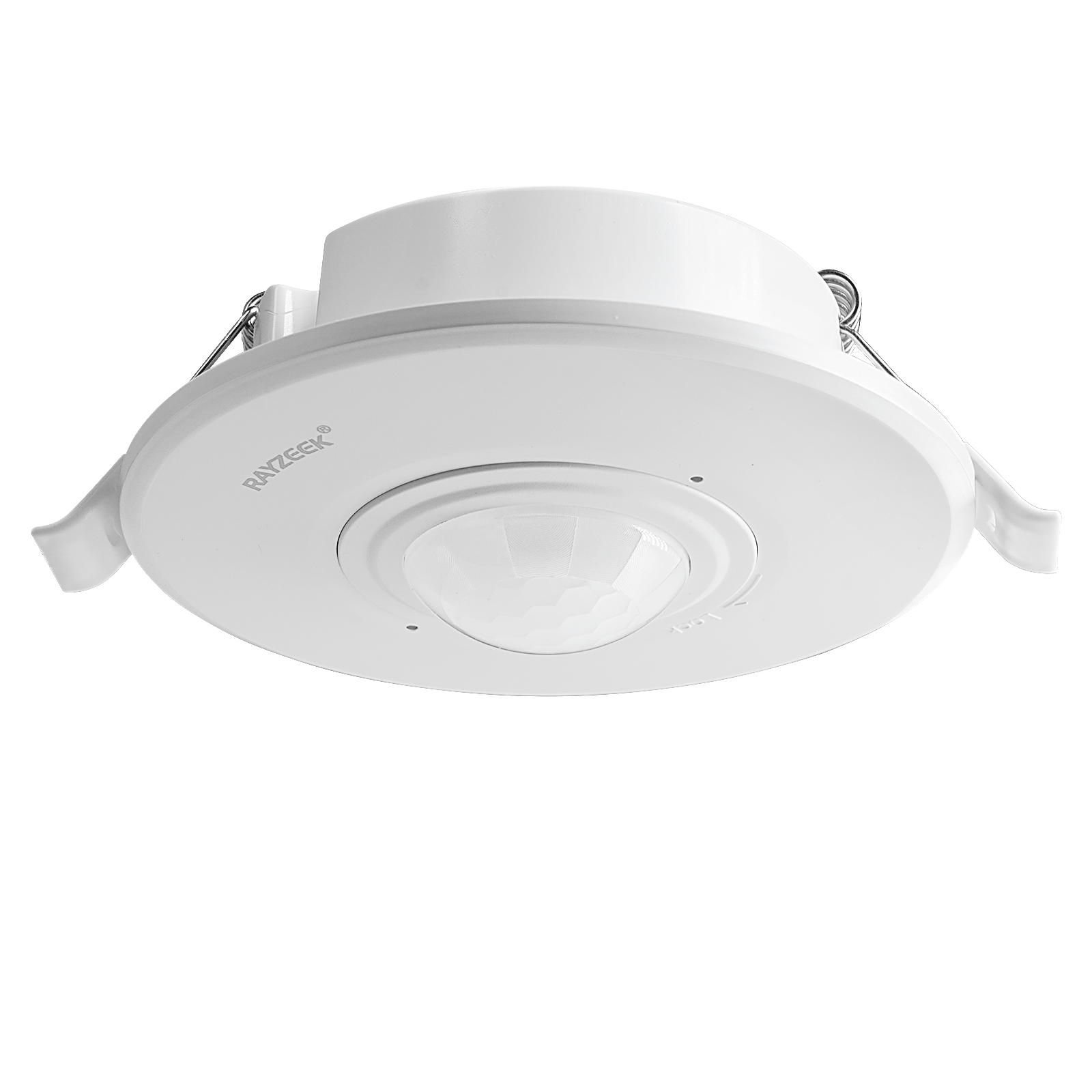
- Higher-load recessed ceiling mount PIR motion sensor switch
- 100-265 VAC line-voltage input, 10A model
- 360-degree detection with adjustable time delay, Lux threshold, and sensitivity
- Recessed ceiling mount PIR motion sensor switch
- 100-265 VAC line-voltage input, 5A model
- 360-degree detection with adjustable time delay, Lux threshold, and sensitivity
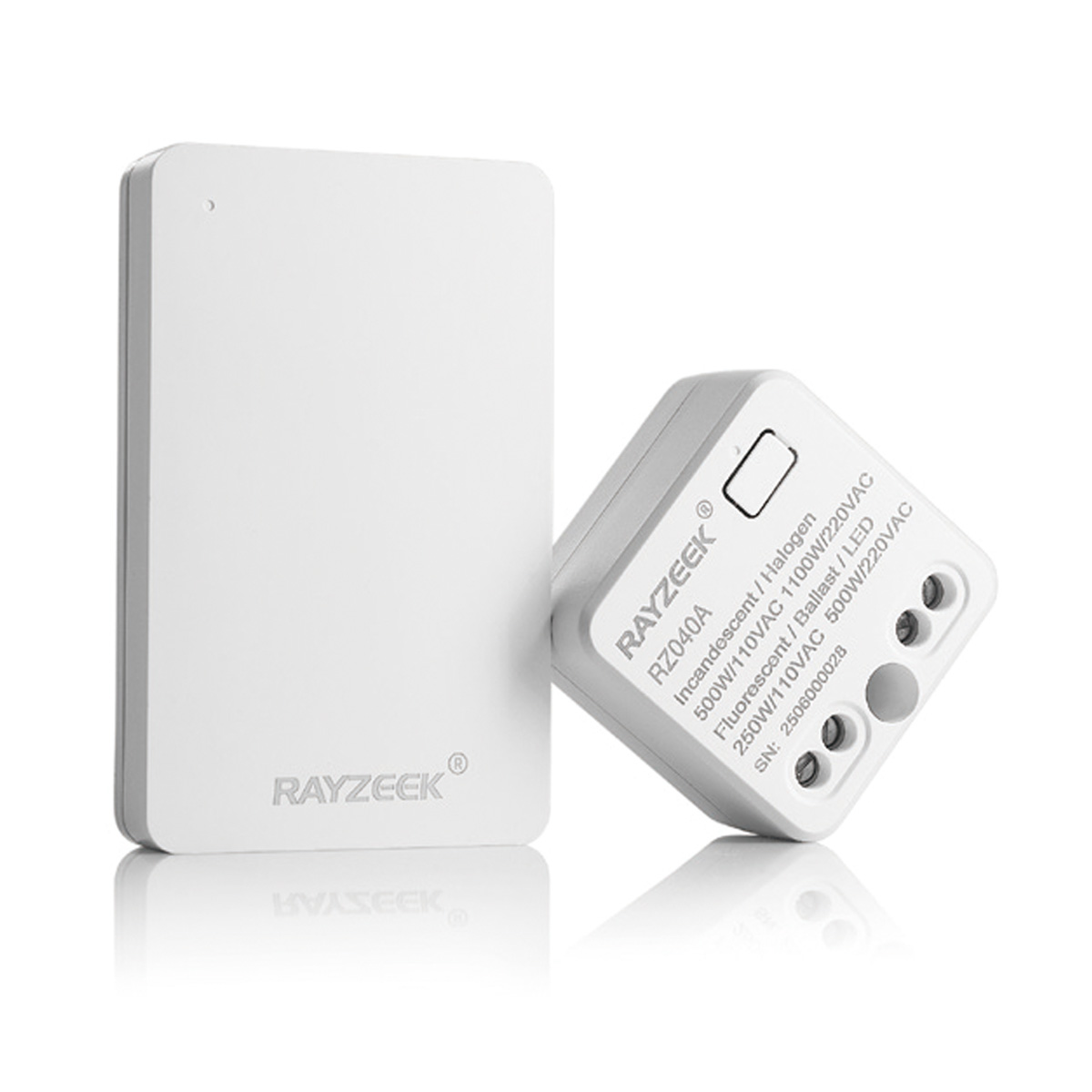
- Wireless switch and receiver kit for indoor ON/OFF lighting control
- 100-230VAC, 50/60Hz receiver with 5A rated current
- CR2032-powered wireless switch with 2.4GHz communication
- Occupancy (Auto-ON/Auto-OFF)
- 12–24V DC (10–30VDC), up to 10A
- 360° coverage, 8–12 m diameter
- Time delay 15 s–30 min
- Light sensor Off/15/25/35 Lux
- High/Low sensitivity
- Auto-ON/Auto-OFF occupancy mode
- 100–265V AC, 10A (neutral required)
- 360° coverage; 8–12 m detection diameter
- Time delay 15 s–30 min; Lux OFF/15/25/35; Sensitivity High/Low
- Auto-ON/Auto-OFF occupancy mode
- 100–265V AC, 5A (neutral required)
- 360° coverage; 8–12 m detection diameter
- Time delay 15 s–30 min; Lux OFF/15/25/35; Sensitivity High/Low
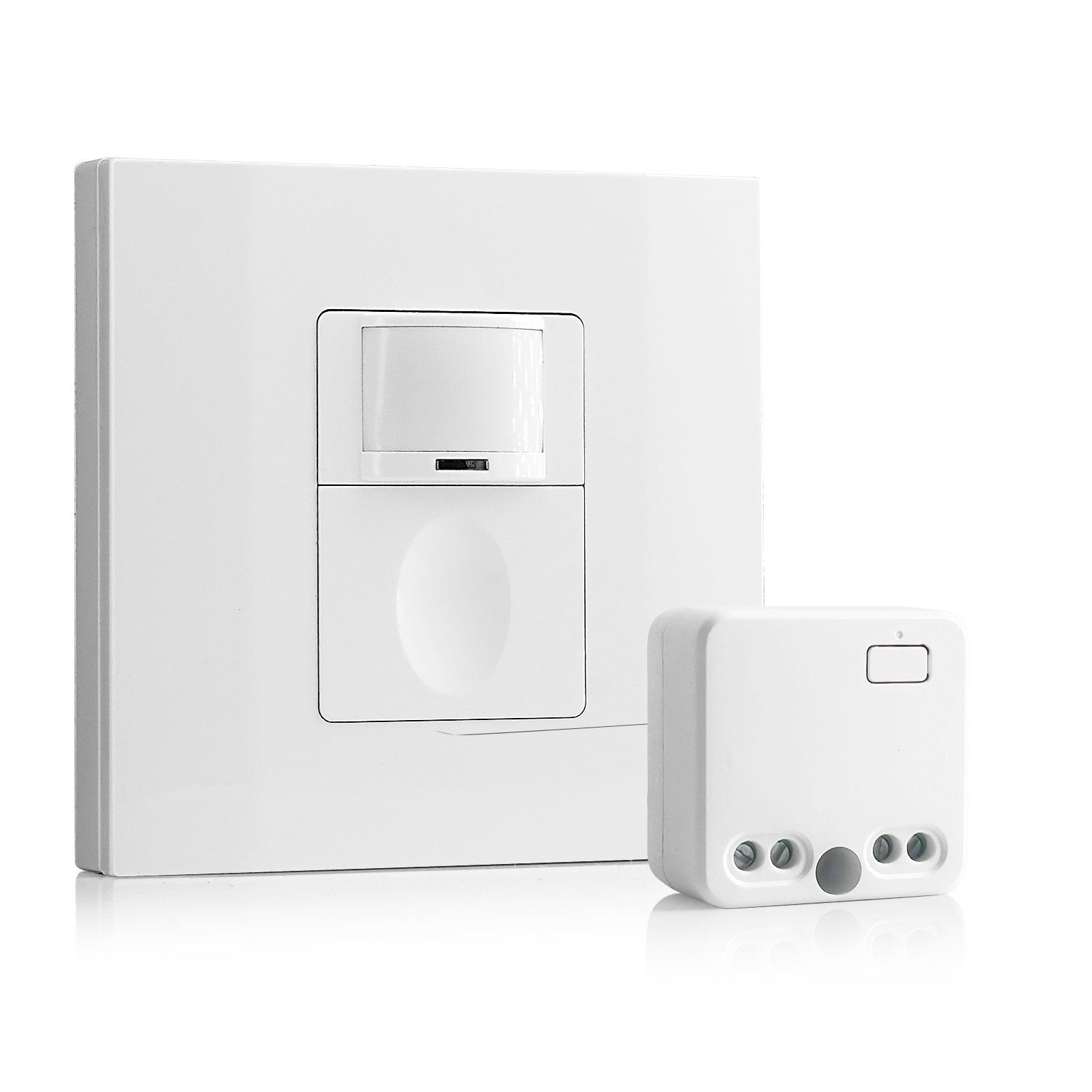
- 100V-230VAC
- Transmission Distance: up to 20m
- Wireless motion sensor
- Hardwired control
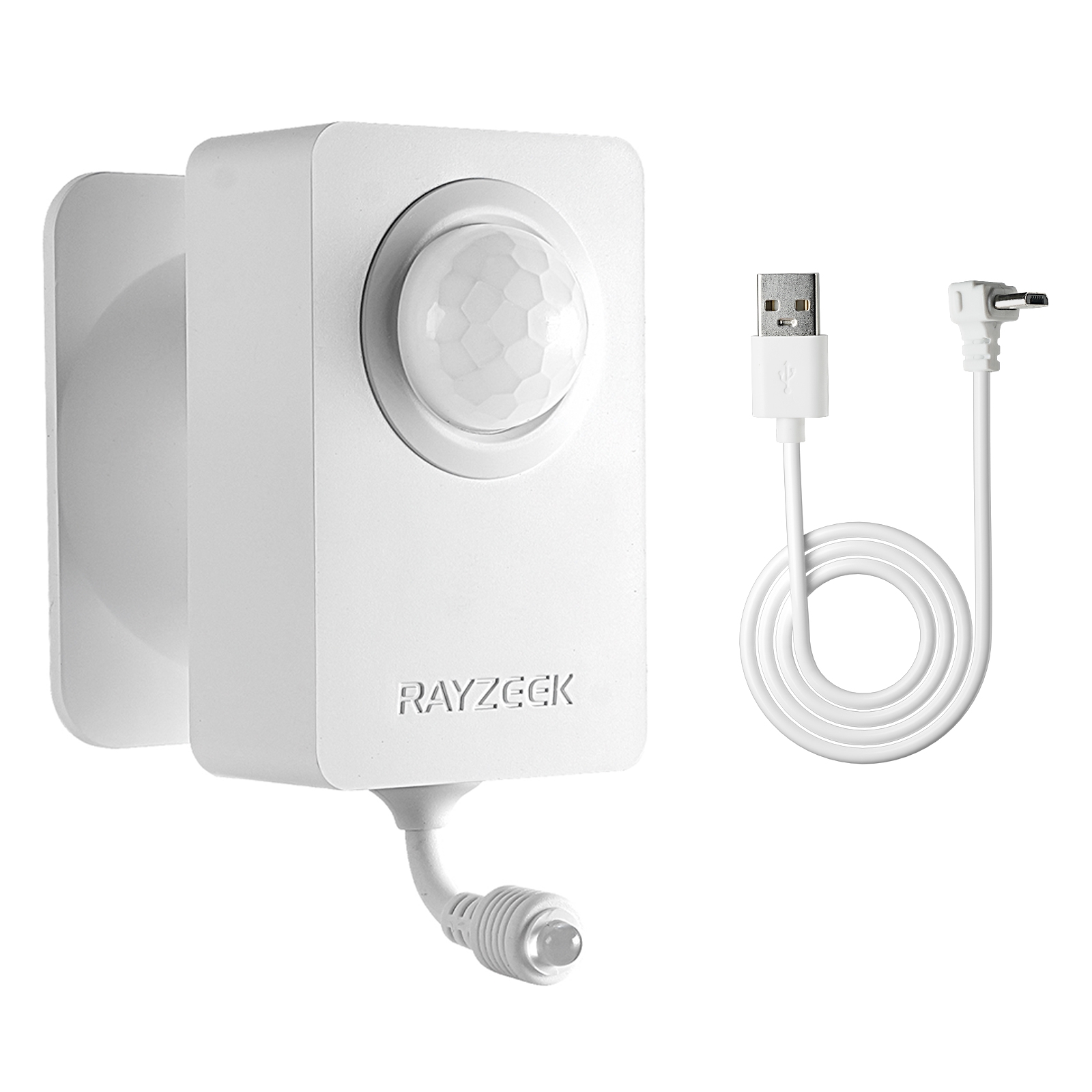
- Voltage: 2x AAA Batteries / 5V DC (Micro USB)
- Day/Night Mode
- Time delay: 15min, 30min, 1h(default), 2h
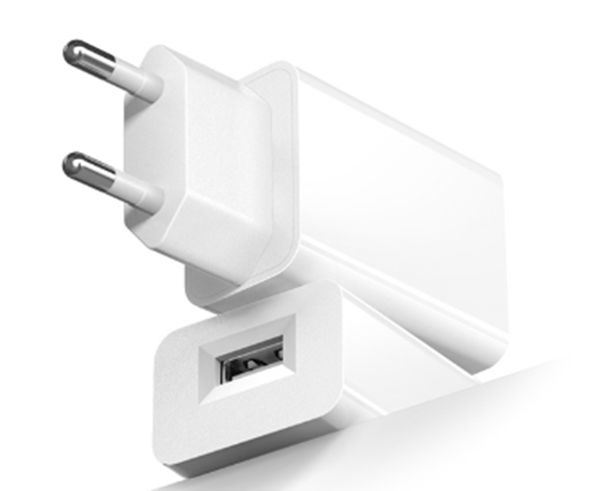
- EU plug power adapter
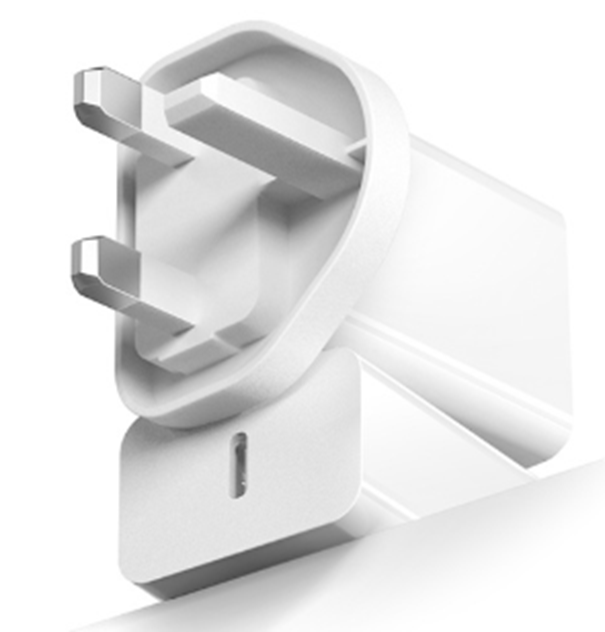
- UK plug power adapter
The Verdict
Is it worth it?
If you are trying to save $15 a month on electricity, no. The cost of one mold remediation job—tearing out drywall and scrubbing studs—will wipe out twenty years of energy savings.
But if you are doing this for noise control in a finished space—using the sensor to ensure the unit is off during a movie and on after you go to bed—it can work. Just make sure your delay is set to 30 minutes, your unit auto-restarts, and you remember to bypass the sensor when you leave town. The goal is to make the machine invisible, not incompetent.