
The most dangerous room in a multifamily building isn’t the boiler room or the roof deck—it’s the package room at 7:00 PM on a Tuesday.
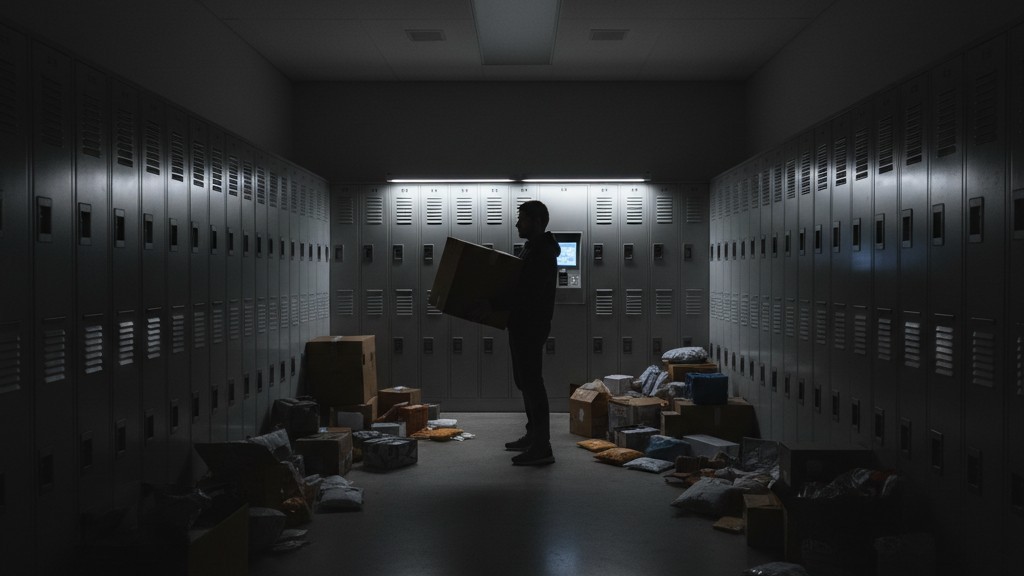
Picture a resident entering the room, arms loaded with a fifty-pound box of kitty litter and two oversized Chewy parcels. They step behind a bank of floor-to-ceiling metal lockers to check the label on a third box. Suddenly, absolute darkness. The motion sensor on the wall, blinded by the very lockers installed to organize the chaos, decides the room is empty. The resident is left standing in a pitch-black maze of cardboard trip hazards, unable to “wave” the lights back on without dropping fifty pounds of freight on their toes.
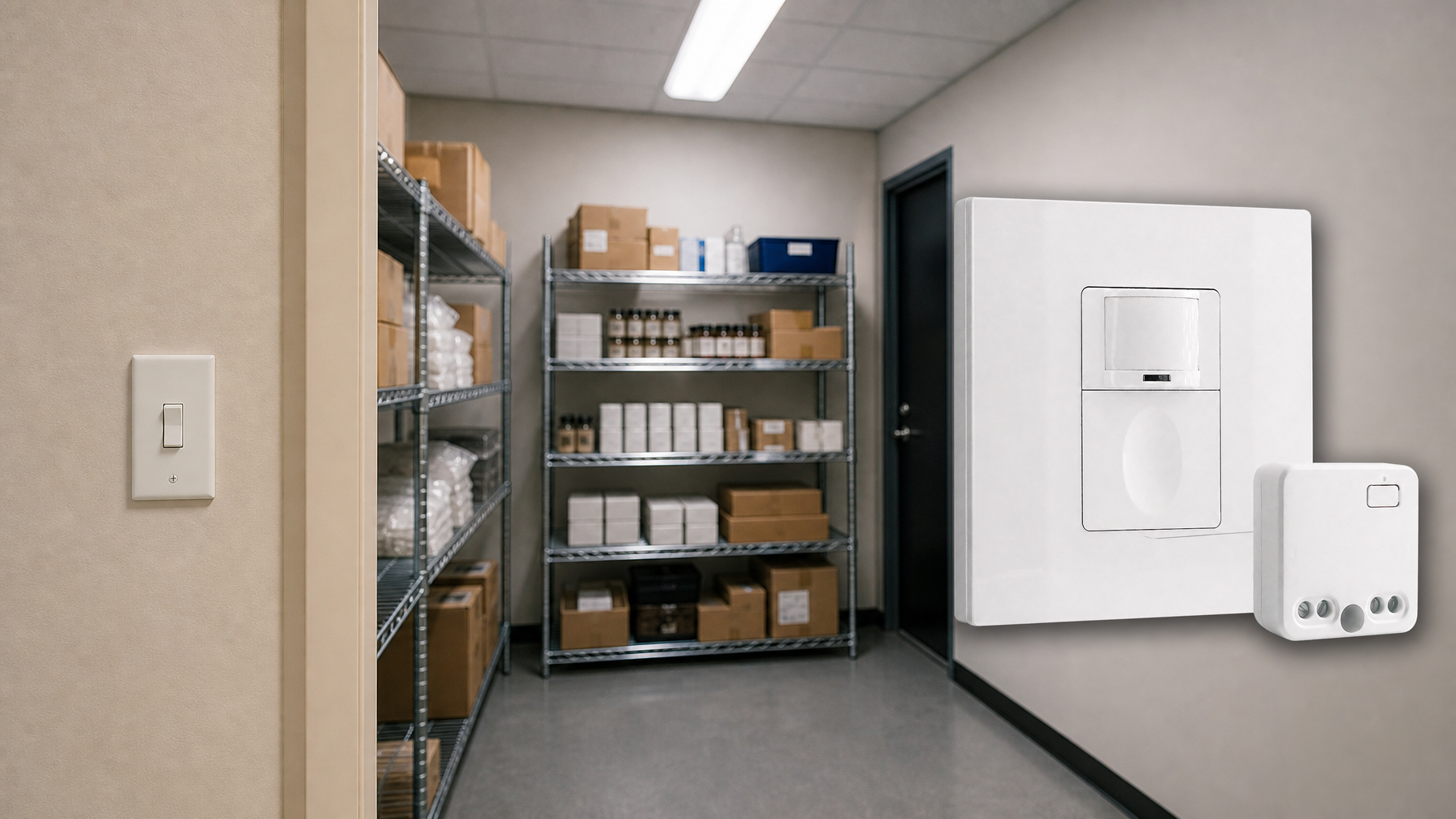
This scenario plays out nightly in thousands of “modernized” buildings. It is a failure of specification, not technology. Property managers often treat package rooms like oversized closets, slapping a standard residential motion switch on the wall to satisfy energy codes or shave a few dollars off the common-area electric bill. But a high-density package room is not a closet. It is a dynamic, obstructed workspace where the “line of sight” constantly shifts as Amazon totes pile up and vanish. When the lighting control fails here, it doesn’t just save a few kilowatt-hours; it creates a liability engine fueled by frustrated tenants and injury claims.
The Physics of the “Dead Zone”
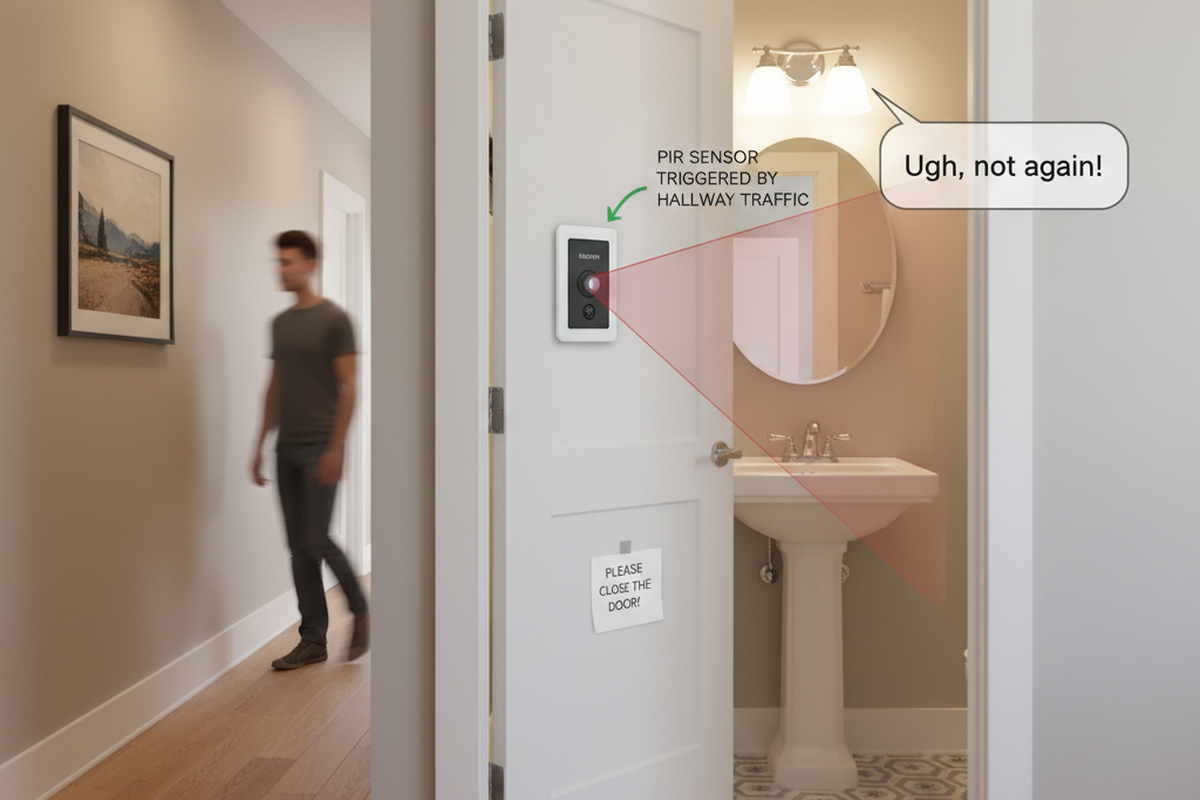
Standard sensors view the world through a fatal limitation. The vast majority of wall-switch sensors in these spaces rely on Passive Infrared (PIR) technology. PIR looks for a heat source (a human body) moving across its field of view. It is cheap, energy-efficient, and effective in an open square room. But PIR cannot see through solid objects.
In a package room, the “furniture” is taller than the occupants. A standard bank of Luxer One or Parcel Pending lockers stands over six feet tall. If the sensor is mounted on the wall by the door—the standard electrician’s default—every locker bank creates a massive triangular “dead zone” behind it.
When a resident walks into that dead zone to retrieve a package, they effectively vanish from the sensor’s reality. The PIR sensor sees a still, ambient-temperature room and begins its countdown. If the timeout is set aggressively—say, five minutes to meet a strict interpretation of IECC energy codes—the lights will cut out while the resident is still reading a label. This isn’t a malfunction. The sensor is doing exactly what it was designed to do. It was just designed for a laundry room, not a metal labyrinth.
The Ultrasonic Imperative
You don’t need to rip out the sensor and burn electricity 24/7 to fix this. You just need to change the physics of detection.
Looking For Motion-Activated Energy-Saving Solutions?
Contact us for complete PIR motion sensors, motion-activated energy-saving products, motion sensor switches, and Occupancy/Vacancy commercial solutions.
For obstructed spaces, “Dual-Technology” sensors are the only professional standard. These devices combine standard PIR with an Ultrasonic emitter. While PIR looks for heat in motion, the Ultrasonic component fills the volume of the room with high-frequency sound waves (usually between 32kHz and 45kHz) and listens for the Doppler shift caused by movement.
Sound waves don’t need a direct line of sight. They bounce around corners, over locker banks, and into the dead zones. More importantly, they are sensitive to “minor motion”—the small movements of a person shifting their weight, typing a code into a kiosk screen, or rummaging through a tote.
If you have ever seen lights flashing on and off rapidly in a hallway (the dreaded “Disco Effect”), it is often because an Ultrasonic sensor was set too sensitively near a drafty HVAC vent or a vibrating elevator shaft. But inside a package room, this sensitivity is a feature, not a bug. A properly commissioned Dual-Tech sensor, like the Wattstopper DT-300 or the Leviton ODS-series, keeps the lights on even if the resident is completely hidden. The PIR triggers the initial “On” (requiring a major movement like entering the room), but the Ultrasonic keeps it “On” as long as there is a presence in the volume.
Maybe You Are Interested In
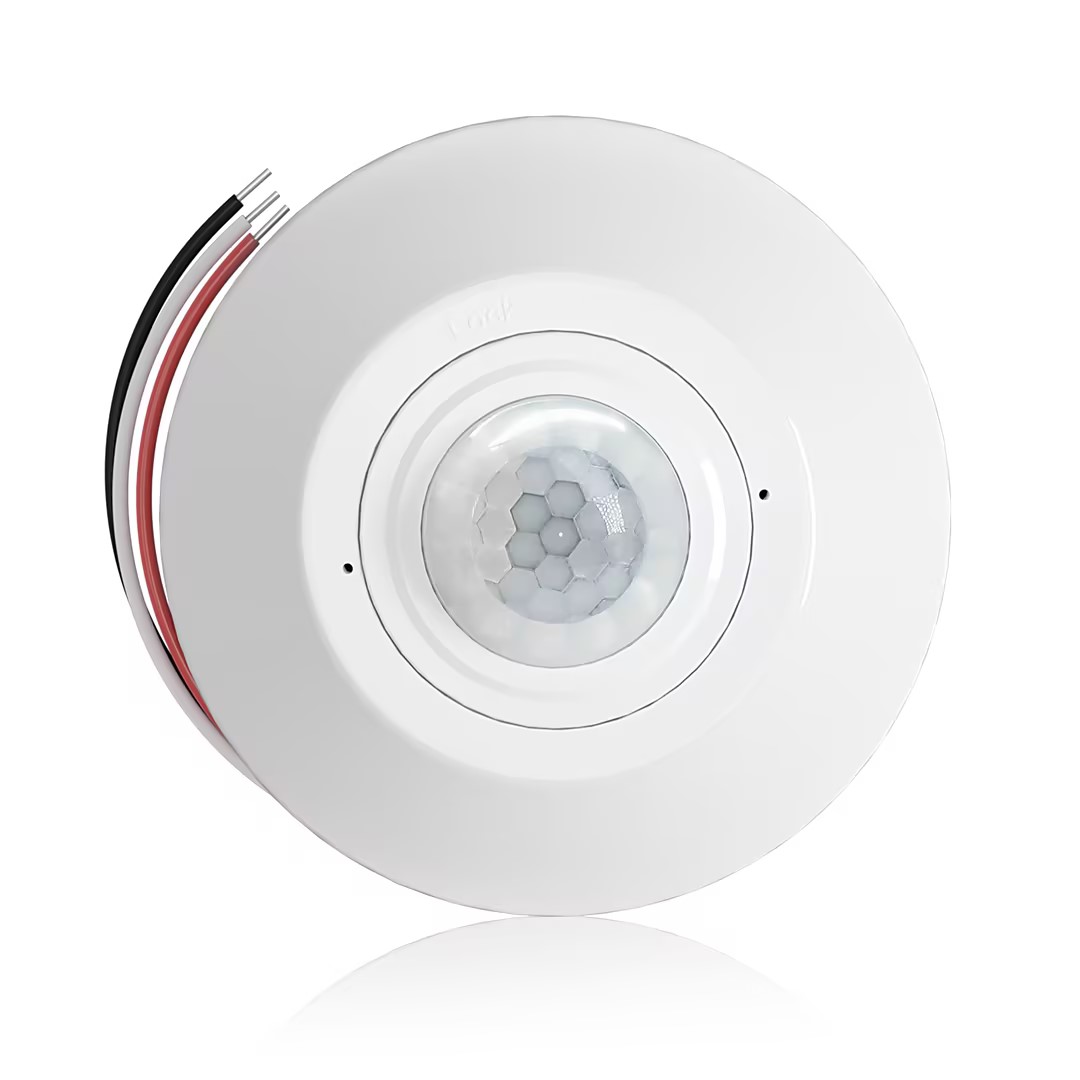
- Ceiling-mounted PIR occupancy sensor with dry-contact relay output
- 12/24VDC or 12/24VAC low-voltage supply
- COM, NO, and NC isolated relay contacts for EMS, HVAC, and building control inputs
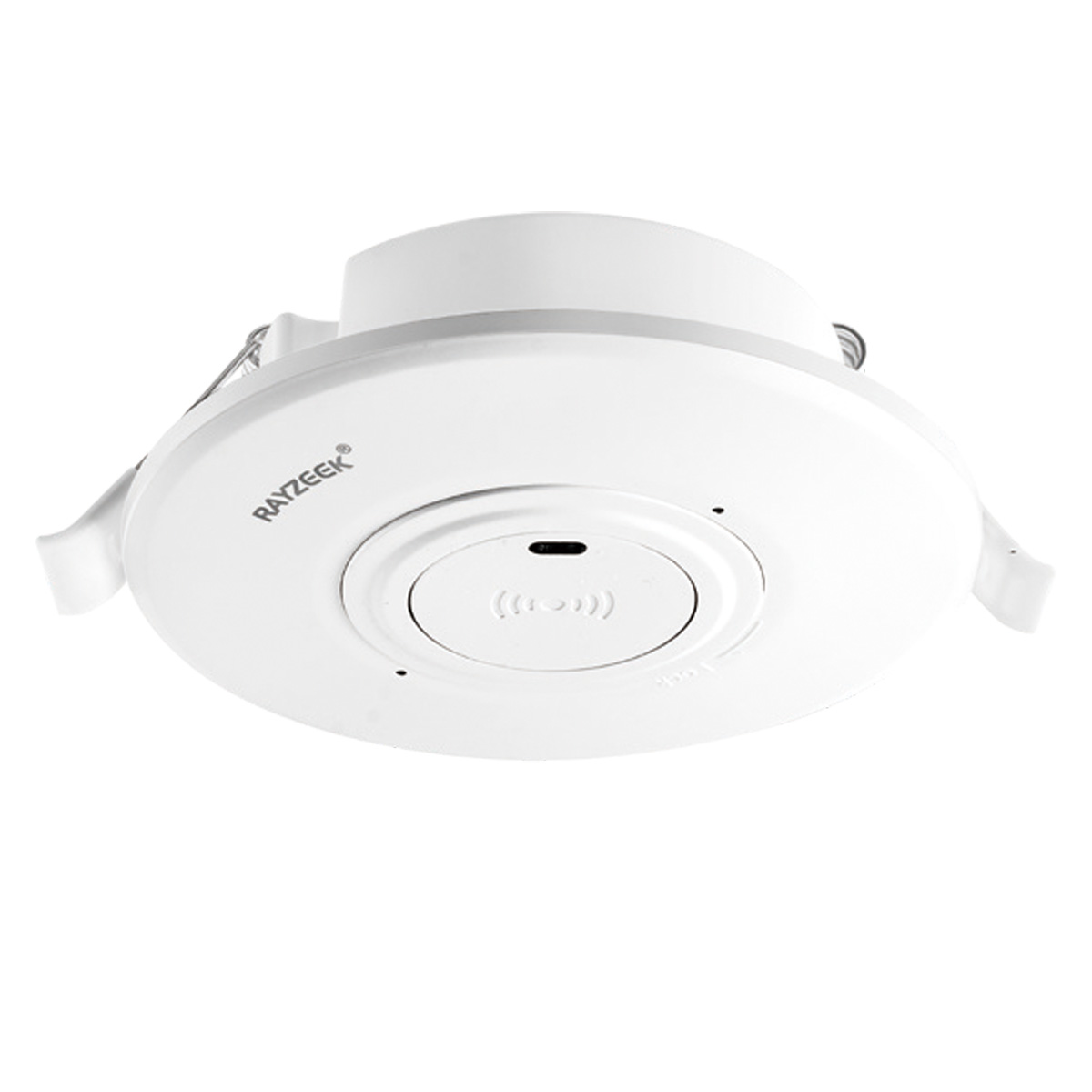
- Low-voltage DC recessed ceiling-mounted microwave motion sensor switch
- 12 VDC / 24 VDC input with 10-30 VDC range
- 10A max work current with adjustable time delay, Lux threshold, and sensitivity
- Higher-load recessed ceiling-mounted microwave motion sensor switch
- 100-265 VAC line-voltage input, 10A model
- 5.8 GHz microwave sensing with adjustable time delay, Lux threshold, and sensitivity
- Recessed ceiling-mounted microwave motion sensor switch
- 100-265 VAC line-voltage input, 5A model
- 5.8 GHz microwave sensing with adjustable time delay, Lux threshold, and sensitivity
- Ceiling-mounted RZ037 PIR occupancy sensor dimmer for 220V power
- 3A maximum working current with 660W rated load
- LUX button controls light-sensor ON/OFF and user-set dimming brightness
- Ceiling-mounted RZ037 PIR occupancy sensor dimmer for 110V power
- 3A maximum working current with 330W rated load
- LUX button controls light-sensor ON/OFF and user-set dimming brightness
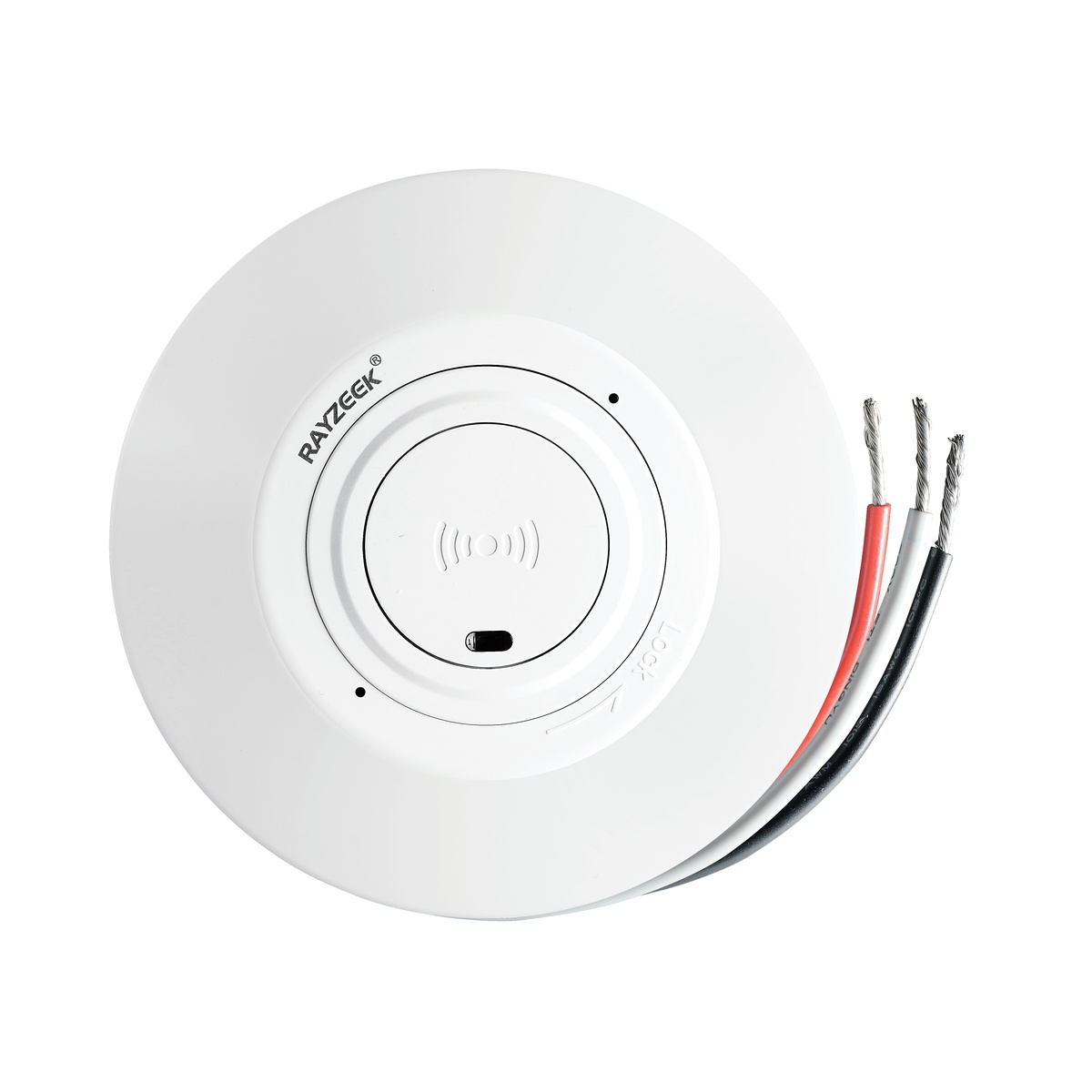
- Low-voltage DC ceiling-mounted microwave motion sensor switch
- 12 VDC / 24 VDC input with 10-30 VDC range
- 10A max work current with adjustable time delay, Lux threshold, and sensitivity
- Higher-load ceiling-mounted microwave motion sensor switch
- 100-265 VAC line-voltage input, 10A model
- 5.8 GHz microwave sensing with adjustable time delay, Lux threshold, and sensitivity
- Ceiling-mounted microwave motion sensor switch
- 100-265 VAC line-voltage input, 5A model
- 5.8 GHz microwave sensing with adjustable time delay, Lux threshold, and sensitivity
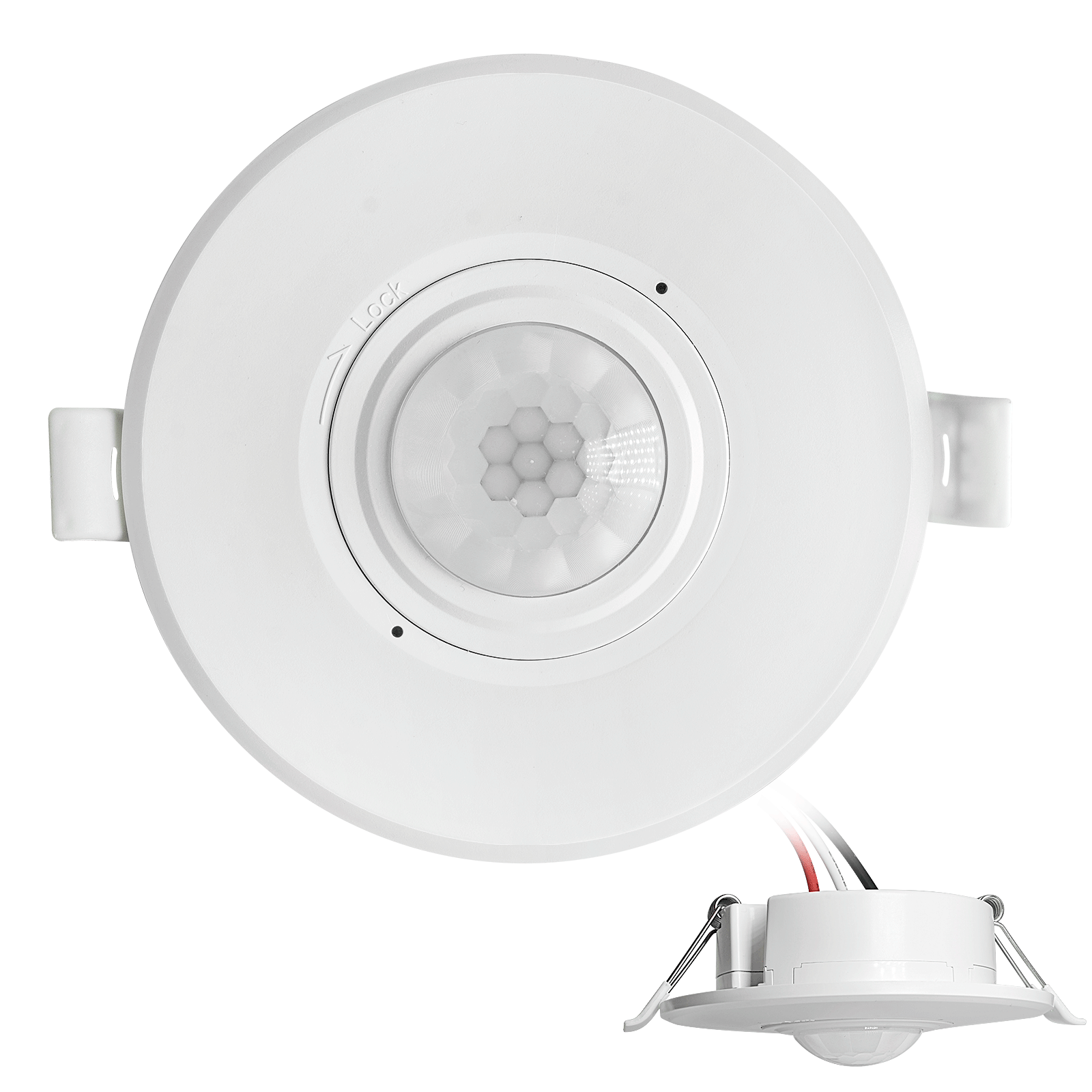
- Low-voltage DC recessed ceiling mount PIR motion sensor switch
- 12 VDC / 24 VDC input with 10-30 VDC range
- Max work current 10A with adjustable time delay, Lux threshold, and sensitivity
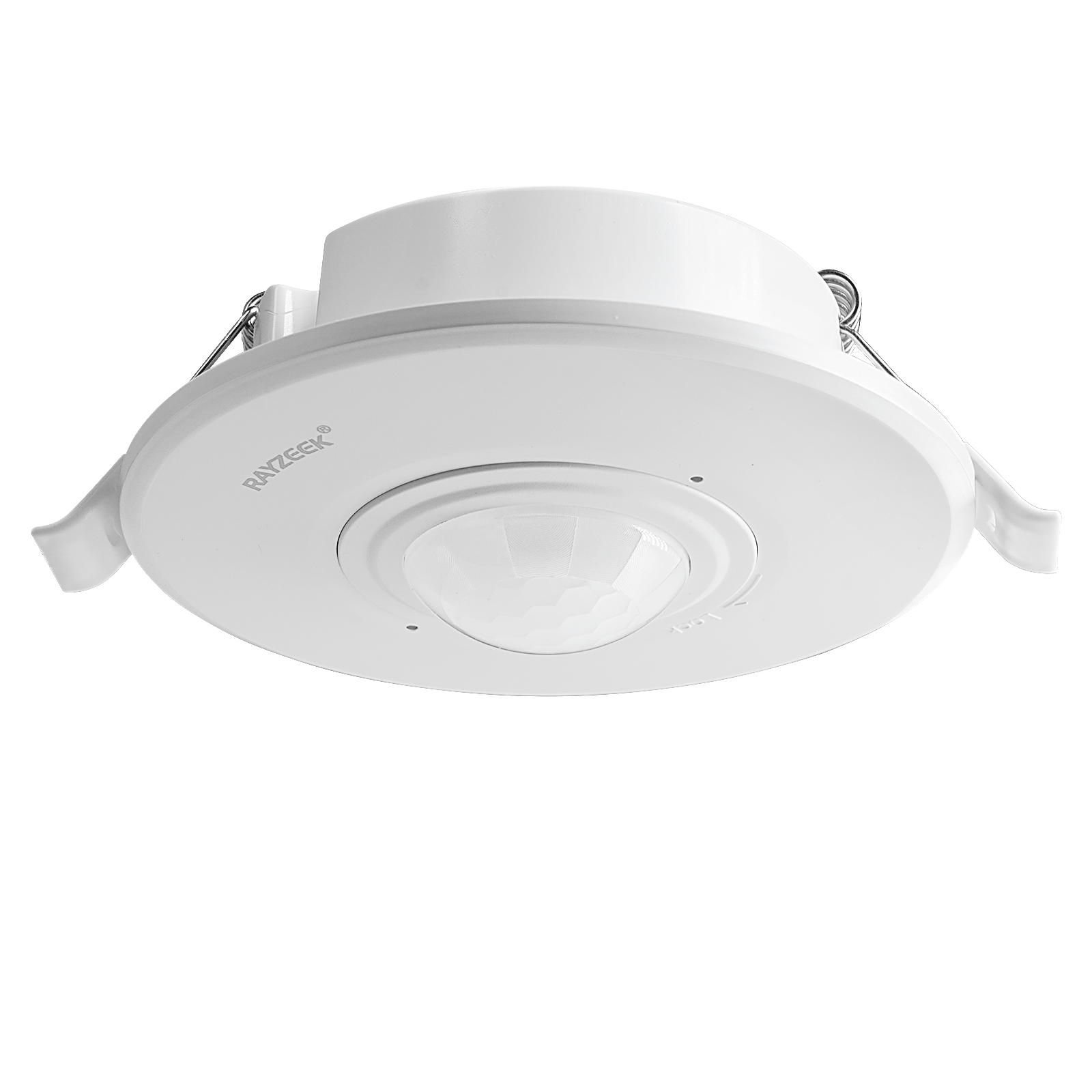
- Higher-load recessed ceiling mount PIR motion sensor switch
- 100-265 VAC line-voltage input, 10A model
- 360-degree detection with adjustable time delay, Lux threshold, and sensitivity
- Recessed ceiling mount PIR motion sensor switch
- 100-265 VAC line-voltage input, 5A model
- 360-degree detection with adjustable time delay, Lux threshold, and sensitivity
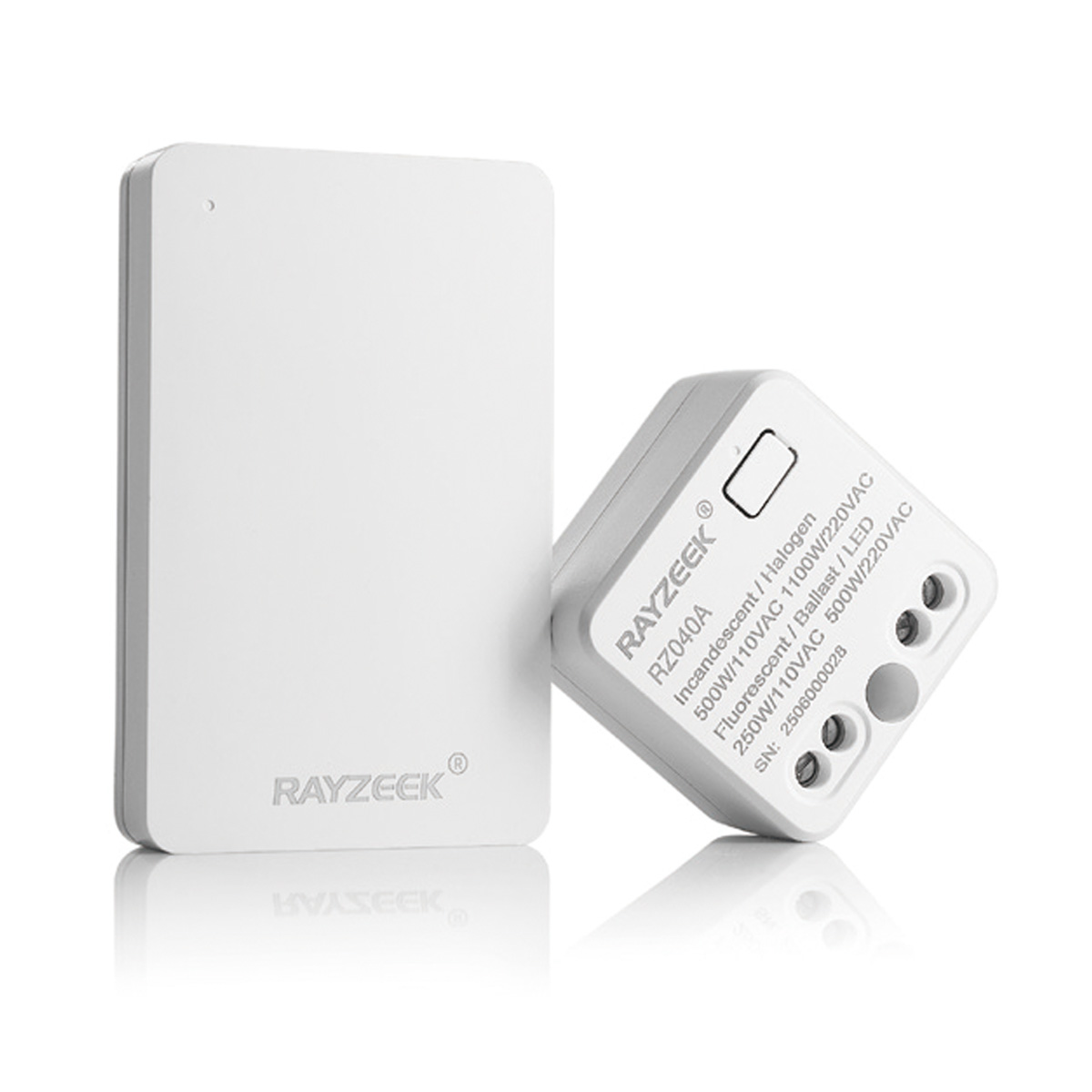
- Wireless switch and receiver kit for indoor ON/OFF lighting control
- 100-230VAC, 50/60Hz receiver with 5A rated current
- CR2032-powered wireless switch with 2.4GHz communication
- Occupancy (Auto-ON/Auto-OFF)
- 12–24V DC (10–30VDC), up to 10A
- 360° coverage, 8–12 m diameter
- Time delay 15 s–30 min
- Light sensor Off/15/25/35 Lux
- High/Low sensitivity
- Auto-ON/Auto-OFF occupancy mode
- 100–265V AC, 10A (neutral required)
- 360° coverage; 8–12 m detection diameter
- Time delay 15 s–30 min; Lux OFF/15/25/35; Sensitivity High/Low
- Auto-ON/Auto-OFF occupancy mode
- 100–265V AC, 5A (neutral required)
- 360° coverage; 8–12 m detection diameter
- Time delay 15 s–30 min; Lux OFF/15/25/35; Sensitivity High/Low
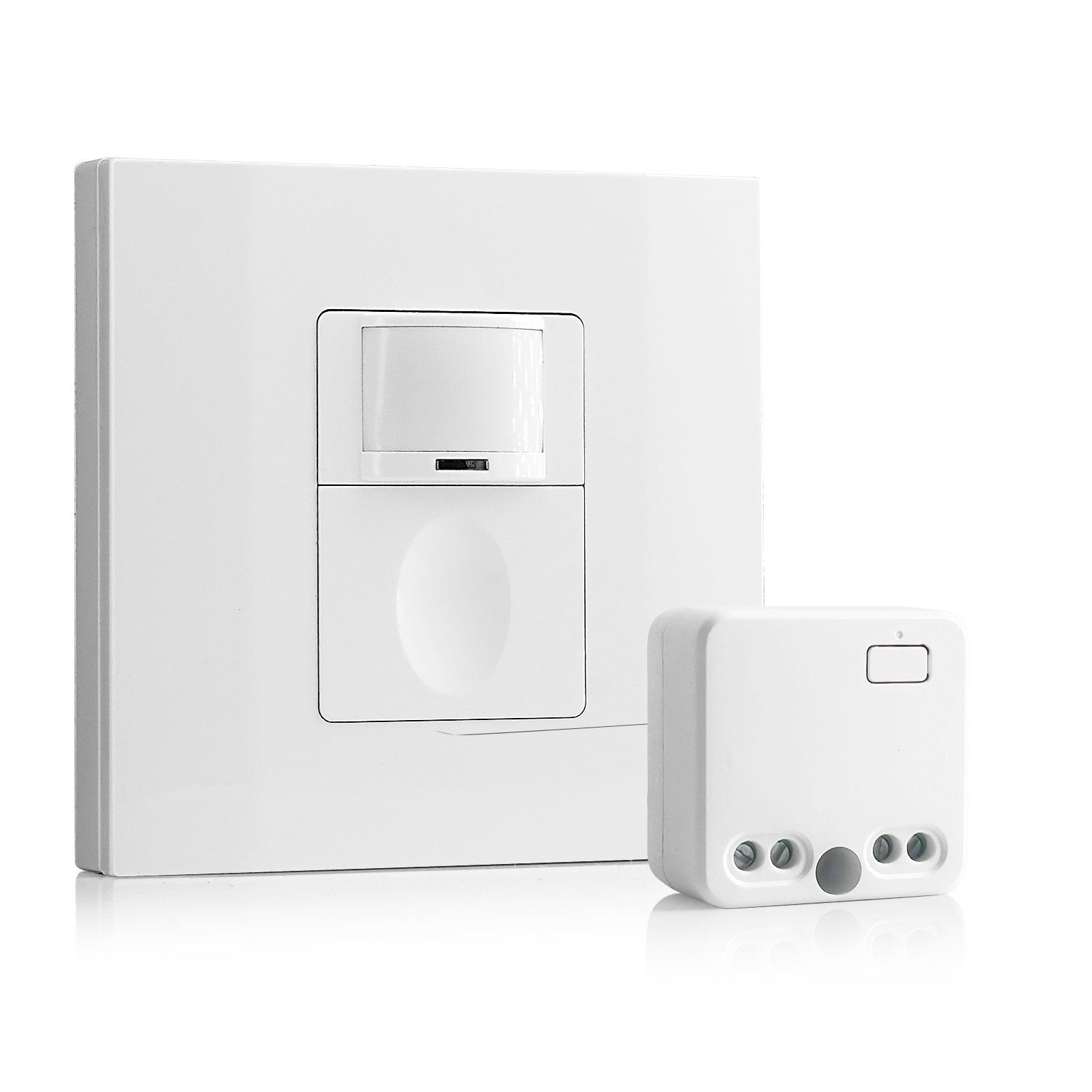
- 100V-230VAC
- Transmission Distance: up to 20m
- Wireless motion sensor
- Hardwired control
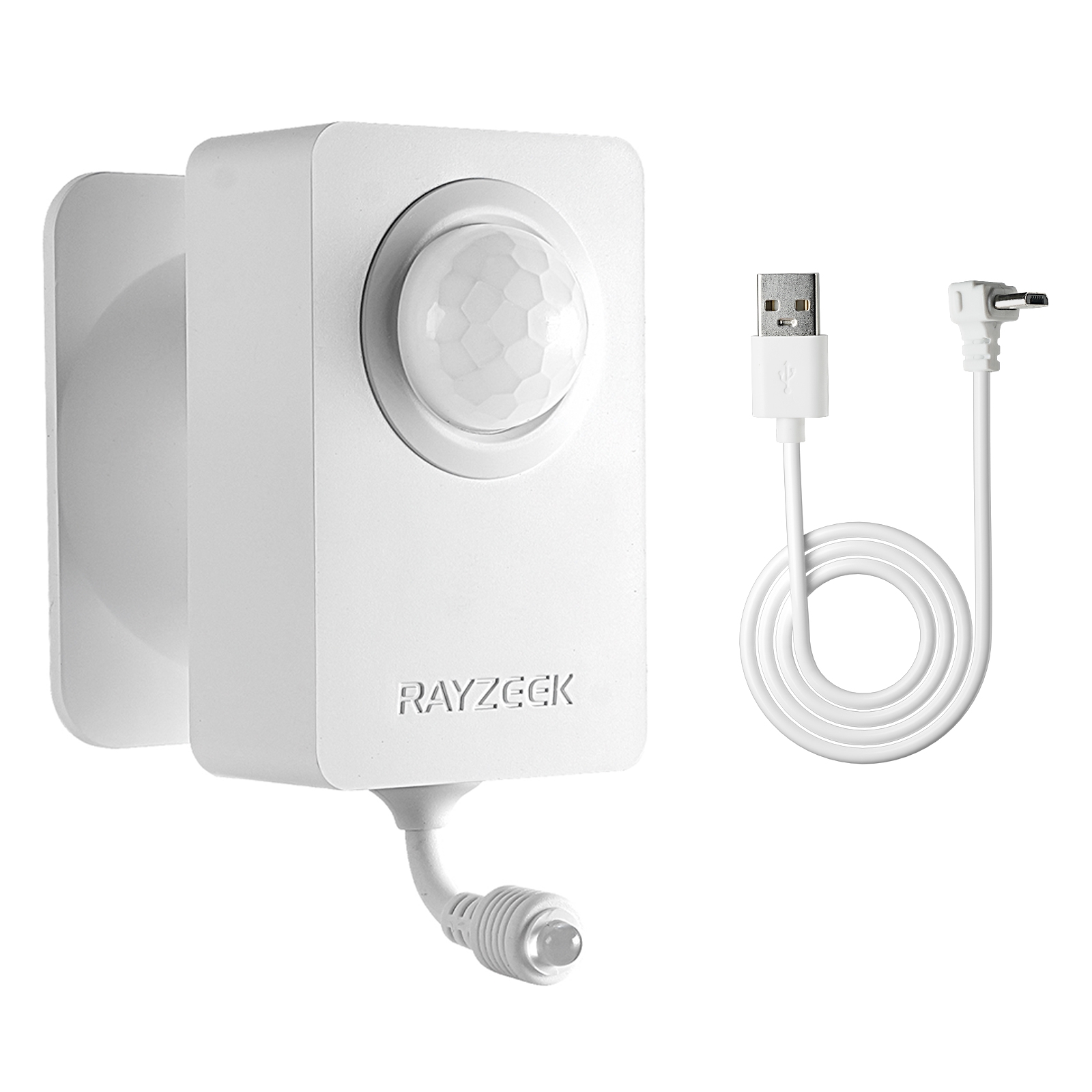
- Voltage: 2x AAA Batteries / 5V DC (Micro USB)
- Day/Night Mode
- Time delay: 15min, 30min, 1h(default), 2h
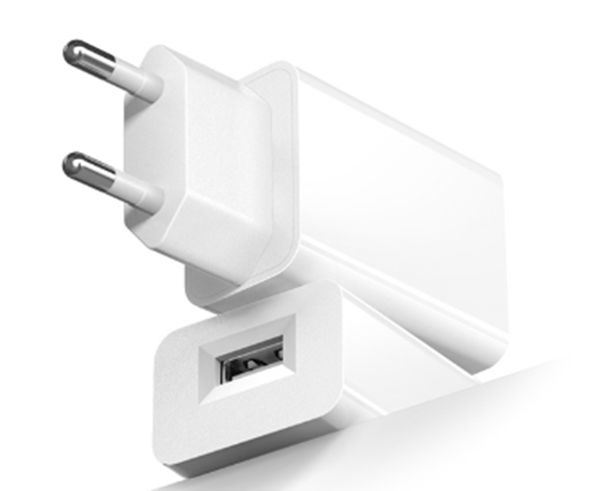
- EU plug power adapter
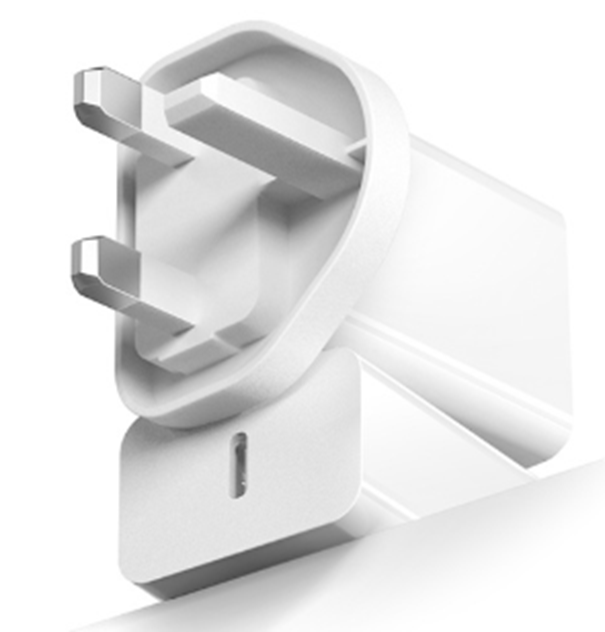
- UK plug power adapter
Heat and the Perishable Box
Lighting in these small, enclosed spaces isn’t just a matter of visibility. It is a climate factor. We often see converted closets or mailrooms where the property manager has opted for “brightest possible” bulbs, installing 100W-equivalent fixtures to deter theft. In a 10×10 room with the door closed, two or three of these fixtures running 24/7 can raise the ambient temperature significantly.

Consider the “HelloFresh” problem. Meal kit boxes are insulated, but they are not refrigerators. If a package room runs hot—pushing 80°F or 82°F because of waste heat from lighting drivers and lack of ventilation—that insulation fails faster. We have seen instances where a constantly lit room accelerated spoilage, leading to smell complaints and furious residents.
This is where the argument for “just leaving the LED on” falls apart. While LEDs run cooler than the incandescents of the past, the drivers still generate heat, and the cumulative effect in a small, unventilated box room is real. The goal is a room that is dark and cool when empty, and instantly bright when occupied.
The Fishbowl Effect
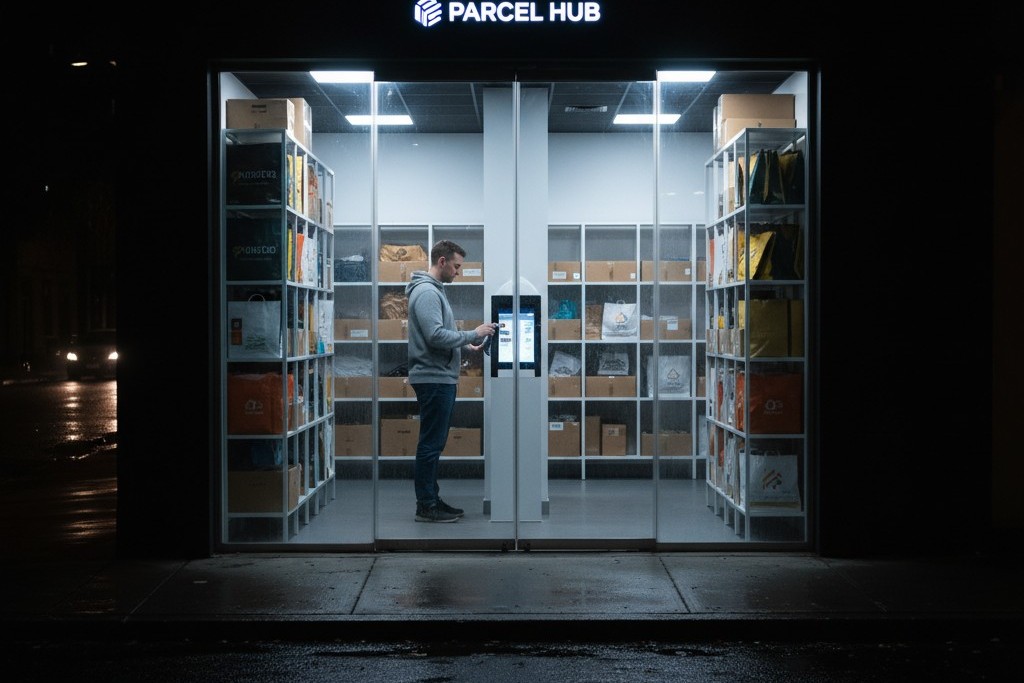
It is tempting to light the package room so brightly that it glows like a beacon. This is a mistake. Lighting the glass door or the lobby area of the package room creates a “fishbowl” effect at night. The resident inside is illuminated for anyone outside to see, while the reflection on the glass prevents the resident from seeing out.
This is a security failure. It also wreaks havoc on security cameras, which often struggle with the high contrast between a glowing lobby and a dark street, resulting in “veiling glare” that obscures the faces of potential thieves. The lighting design should focus on vertical illuminance—lighting the face of the lockers and the labels on the boxes—rather than flooding the floor or the entryway. Fixtures should be zoned so that the working area is bright, but the transition to the hallway is managed.
The 20-Minute Safety Margin
Finally, check the timeout setting. Energy codes and factory defaults often push for short durations—5 or 10 minutes. In a package room, this is negligence. Watch an Amazon Flex driver sort through three totes of deliveries; it is rarely a five-minute job. Watch an elderly resident try to manage a heavy box and a cane.
If the lights go out, the “Wave of Despair” begins—that frantic waving of arms to trigger the sensor. If your hands are full, you cannot wave. You have to drop the box.
The timeout setting is a safety control. Set it to 15 or 20 minutes. Yes, you might burn an extra 10 minutes of LED power (costing fractions of a penny) after someone leaves, but you eliminate the risk of a slip-and-fall in the dark. While local codes vary and some strictly enforce shorter vacancies, most inspectors will accept a longer timeout in a “storage” or “risk” area if the safety justification is documented.
Red Team: The “Smart Bulb” Trap
Do not try to solve this with Wi-Fi connected “smart bulbs” or consumer-grade app-based switches. It is tempting to buy a system that lets you set schedules from a phone, but commercial infrastructure must not rely on a Wi-Fi connection. If the building’s router resets, the password changes, or the cloud server has an outage, the package room lights stop working.
Get Inspired by Rayzeek Motion Sensor Portfolios.
Doesn't find what you want? Don't worry. There are always alternate ways to solve your problems. Maybe one of our portfolios can help.
Furthermore, the latency of a cloud-based sensor is dangerous. When a resident opens the door, the light must be on instantly—under 1 second. Consumer smart home gear often lags by 2-3 seconds as it pings a server. In that 3-second window, a resident has already stepped into the room and tripped over a box. Keep the logic local, hardwired, and dumb. The sensor should talk to the switch directly, every time.
The Decision Checklist
If you are retrofitting a package room, ignore the residential aisle at the hardware store.
- Sensor Type: Ceiling-mounted Dual-Technology (PIR + Ultrasonic).
- Placement: Center of the room volume, not the wall by the door.
- Timeout: Minimum 15 minutes.
- Bulbs: 4000K LED (neutral white) for label readability; avoid “warm white” 2700K which makes barcodes harder to scan.
- Zoning: Ensure the light hits the locker faces, not just the floor.