In bright glass rooms, the most visible “failure” isn’t missed motion. It’s the lights snapping on at 11 a.m. when the room already feels like an outdoor patio.
That single behavior is why occupants stop trusting automation and start flipping breakers, taping switches, or disabling features. In summer 2018, a south-facing sunroom in Arvada, Colorado, turned into that exact moment: full-height glass, polished floor glare, and a ceiling fan moving air all day. A basic PIR wall switch did exactly what it was designed to do—detect motion—and still made the install look dumb at noon.
Occupancy sensors aren’t the villains here. The friction comes because “occupancy” and “daylight-aware” are different subsystems, and most of the frustration in sunrooms and glass-walled offices comes from assuming one implies the other. People searching phrases like “motion sensor turns on even when it’s bright” are usually describing a control strategy mismatch, not a wiring problem.
The spine that holds up in places like the Denver/Boulder corridor—big sun, fast-moving clouds, and winter snow glare—runs in this order: space-use profile first, then geometry, then timeout, then daylight inhibit threshold, and only then a two-weather validation that survives seasons.
Pick the Control Strategy Before Touching a Dial
Daylight inhibit is the highest-leverage feature in bright rooms, but it cannot rescue a bad control philosophy. A lot of “constant fiddling” is really the room telling the installer: the strategy is wrong for how people use this space.
A simple profile catches most of it. Is the room used in short bursts (2–10 minute visits) or long settled sessions? And do people enter with hands full or not? In 2021–2022 Denver retrofits, the most annoying rooms were not living rooms; they were in-between rooms—sunrooms for morning coffee, glassed-in office nooks, laundry/mud transitions—where the use cadence was bursty and the daylight was aggressive.
In bursty bright rooms, don’t try to make the sensor smarter. Change what the switch is allowed to do. Many manufacturers call it “vacancy mode,” some call it “manual-on/auto-off,” and labels vary with code context. The behavior is the key: the lights do not automatically turn on with motion; they automatically turn off after the timeout. Paired with daylight inhibit, it stops the room from announcing itself with light every time someone crosses the threshold for two minutes.
This is where confusion shows up: people ask “vacancy vs occupancy mode” as if it is a minor preference. In glass rooms, it is often the difference between calm and irritation. A glass-walled office used for quick calls in a Boulder coworking space (2019) generated complaints when the default was auto-on for every entry; the short meetings meant the waste and the “why did it turn on?” feeling happened constantly. When daylight inhibit and shorter timeouts were piloted in the worst rooms first, the complaint emails stopped—not because the energy bill changed, but because the space stopped feeling clueless.
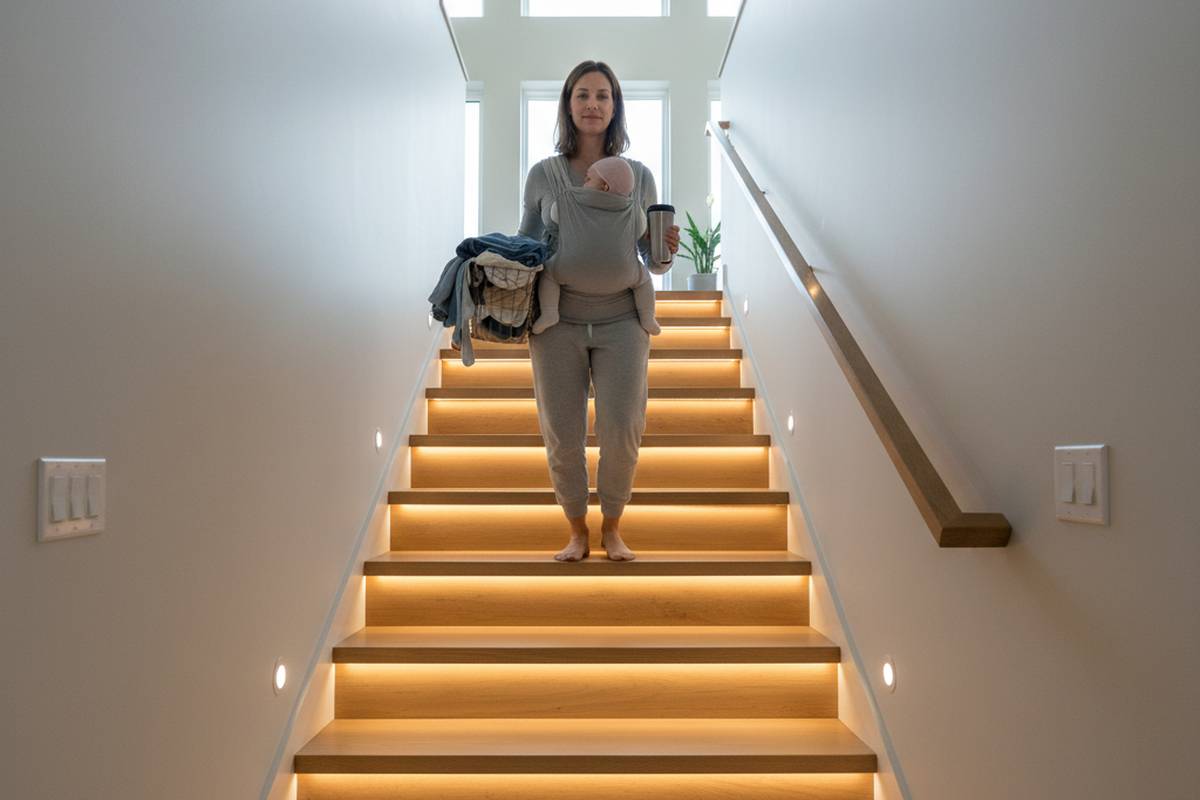
Exceptions matter, and pretending they don’t is dishonest. Accessibility needs, safety-critical paths (stairs, egress), or any space where hands-free entry is non-negotiable can justify auto-on even in a bright room. In those cases, the guidance shifts: the goal becomes “turn on when needed, but avoid embarrassing noon behavior,” which means more careful daylight threshold testing and less aggressive inhibit.
The other exception is organizational: if a small commercial building has a documented maintenance platform and stable credentials, app configuration can be workable. That is not a default assumption for a sunroom or a two-person office suite. The goal here is set-and-forget behavior that survives ownership changes and winter storms without a settings dashboard.
What the Sensor “Sees” (and Why Glass Rooms Break Assumptions)
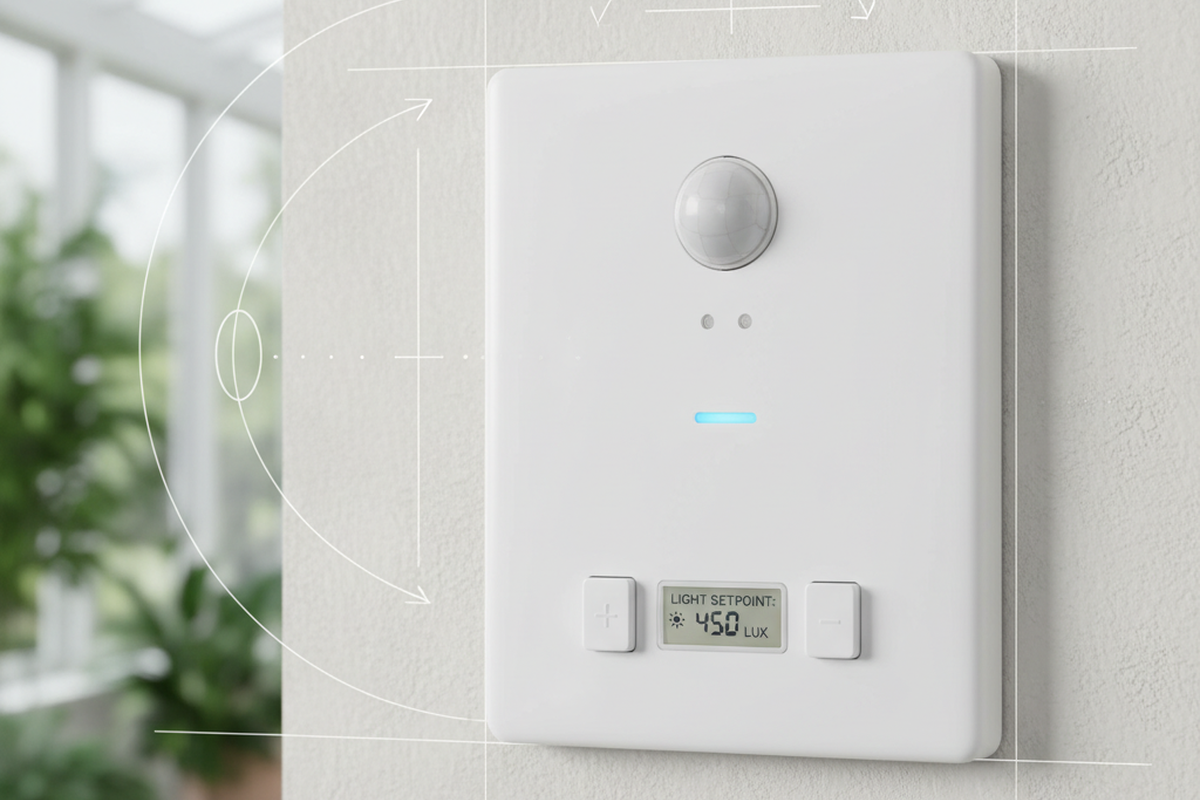
A daylight-aware PIR switch is two different things living in one device: motion sensing (PIR) and ambient light sensing (the daylight inhibit gate). When these feel “wrong,” it is usually because the device is not experiencing the room the way humans do.
A case that keeps showing up in some form is the Louisville, Colorado, snow-glare office in March 2023. The room looked like a lightbox—courtyard reflections off snow made laptop screens harsh—yet the lights still triggered as if the space were dim. The fix wasn’t mystical. A cheap lux meter (a Dr.meter LX1330B-class tool) read very differently at desk height versus right under the sensor. The sensor’s “ambient” sample point simply didn’t match human perception in the seating area. The geometry was wrong: the sensor was effectively “seeing” a different light environment than the work surface. Re-aiming away from the glass wall brought the ambient reading closer to what occupants experienced, and only then did a small threshold adjustment behave predictably.
Don’t let the sensor see the window.
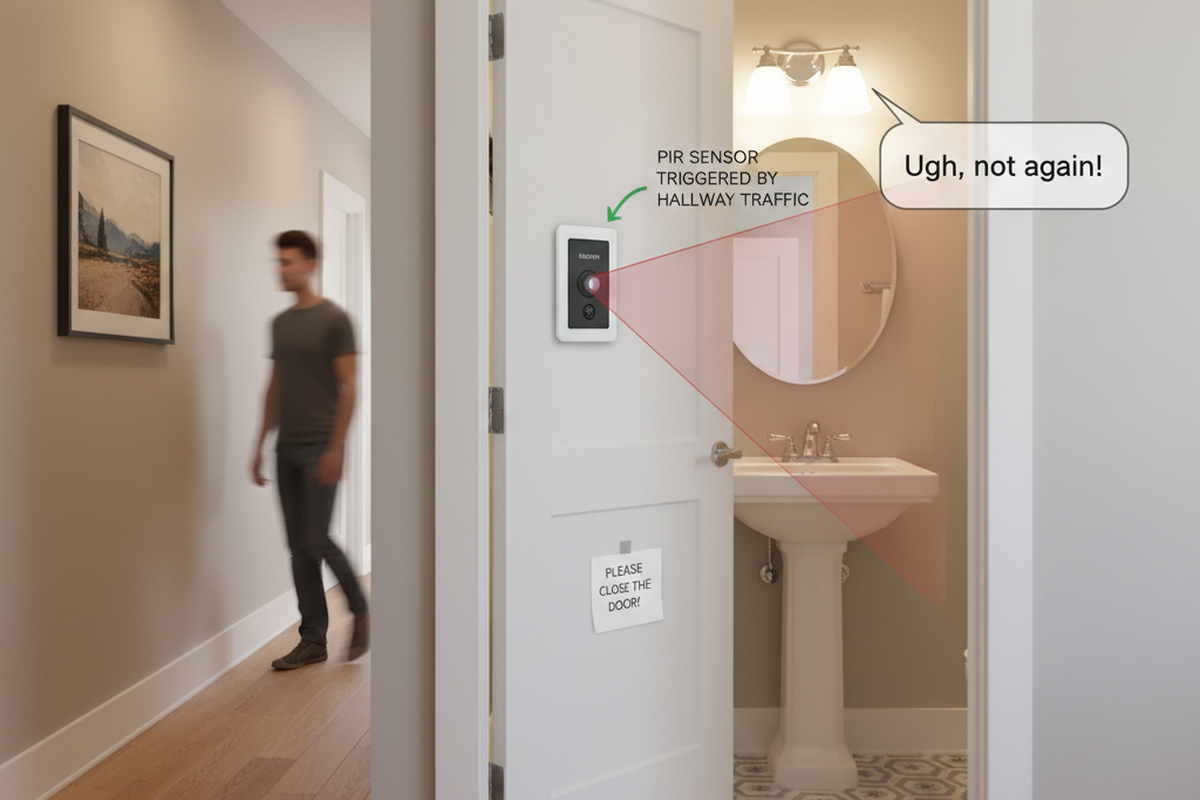
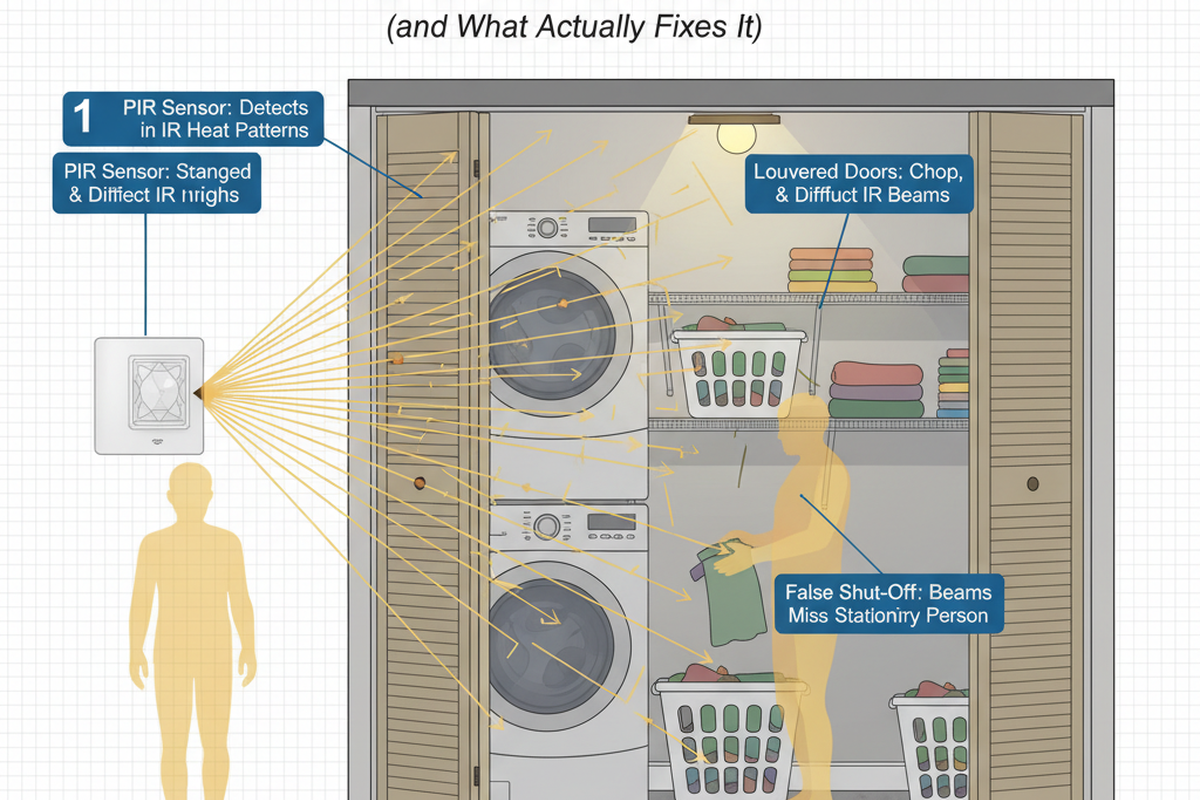
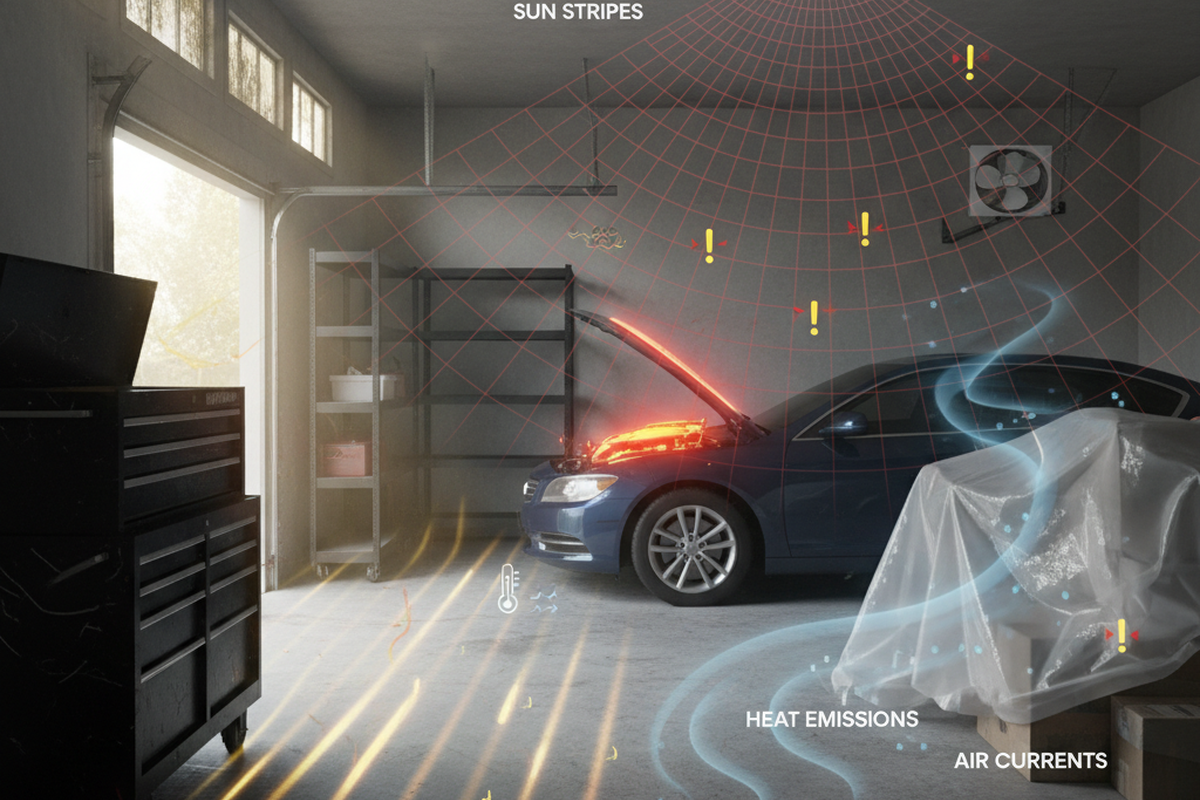
That line sounds simplistic until a glass room makes it true. In sunrooms and glass-walled offices, a PIR sensor’s field of view becomes a camera-framing problem: glare, moving shadows from tree branches or plants, and even sharp shadow edges can look like “motion.” In the Arvada sunroom (summer 2018), the ceiling fan and airflow were part of the story; warm air shifts and moving leaves created motion-like signals. Turning up sensitivity would have made the false triggers worse. The stable fix came from changing what the sensor could observe—moving or aiming it off the window wall and away from supply vents—then lowering sensitivity, then tightening the timeout. Only then was the daylight inhibit dialed in so auto-on was blocked when the room was obviously bright.
This priority order is the difference between one competent visit and months of tinkering: aim/location first, then sensitivity, then timeout, then the daylight threshold. “More sensitivity” is a common instinct when motion is missed, but in high-glare spaces it is frequently the wrong lever. A sensor that behaves perfectly in a hallway can become nonsense in a greenhouse room with moving shadow edges and heat plumes.
A few concrete geometry triggers repeat in service logs:
Looking For Motion-Activated Energy-Saving Solutions?
Contact us for complete PIR motion sensors, motion-activated energy-saving products, motion sensor switches, and Occupancy/Vacancy commercial solutions.
- Sensors mounted where they directly face glass.
- Sensors near HVAC supply vents in sunrooms.
- Ceiling fans creating airflow disturbances.
- Polished floors or white desktops reflecting daylight back toward the sensor.
- Plant shadows that move all day even when no person does.
None of that is solved by a better app screen. It is solved by treating the sensor’s view as part of the install.
This is also where uncertainty has to be acknowledged plainly: exact lux numbers are not portable between rooms, and often not even portable between two mounting locations in the same room. Manufacturer dials are rarely calibrated to a universal scale. A “300 lux” setting on one model is not guaranteed to behave like “300 lux” on another model, and placement can dominate the outcome.
The Set-and-Forget Setup Ritual (Two-Weather Test)
Escaping the tweak-loop requires a survivable setup ritual rather than a perfect sunny-day tune. You have to anticipate the conditions that embarrass controls: cloudy-bright mornings, winter low-angle sun, and snow reflection.
A good example is the 2019 Boulder coworking pilot: the worst complaints came from perimeter glass meeting rooms where occupancy sensors did exactly what they were told—turn on with motion—while the room was already bright. The thresholds were set on a bright overcast morning, then checked again on a sunny afternoon. That choice sounds small, but it is the difference between a sensor that works for one Instagram-worthy noon and a sensor that works for real weather.
Maybe You Are Interested In
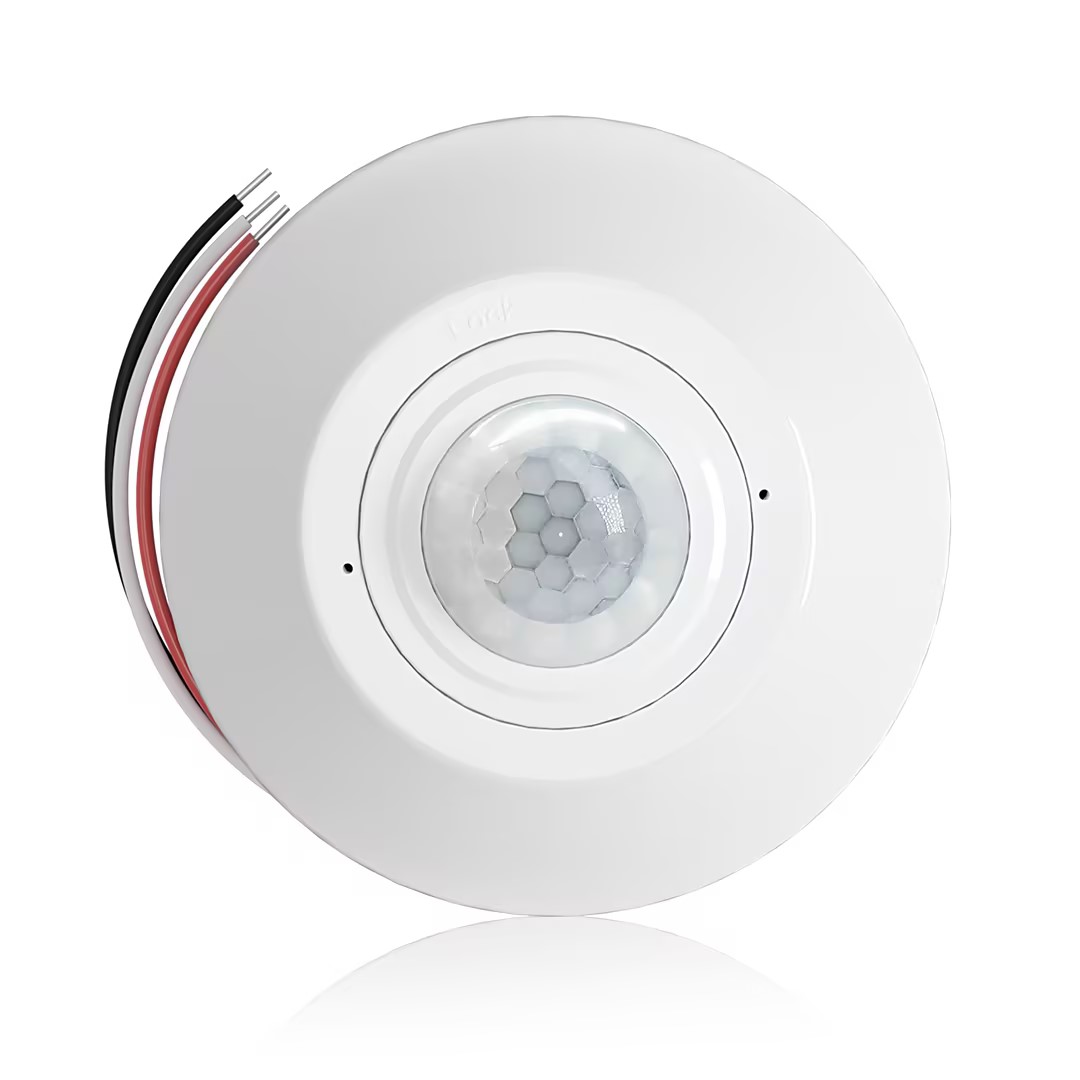
- Occupancy (Auto-ON/Auto-OFF)
- 12–24V DC (10–30VDC), up to 10A
- 360° coverage, 8–12 m diameter
- Time delay 15 s–30 min
- Light sensor Off/15/25/35 Lux
- High/Low sensitivity
- Auto-ON/Auto-OFF occupancy mode
- 100–265V AC, 10A (neutral required)
- 360° coverage; 8–12 m detection diameter
- Time delay 15 s–30 min; Lux OFF/15/25/35; Sensitivity High/Low
- Auto-ON/Auto-OFF occupancy mode
- 100–265V AC, 5A (neutral required)
- 360° coverage; 8–12 m detection diameter
- Time delay 15 s–30 min; Lux OFF/15/25/35; Sensitivity High/Low
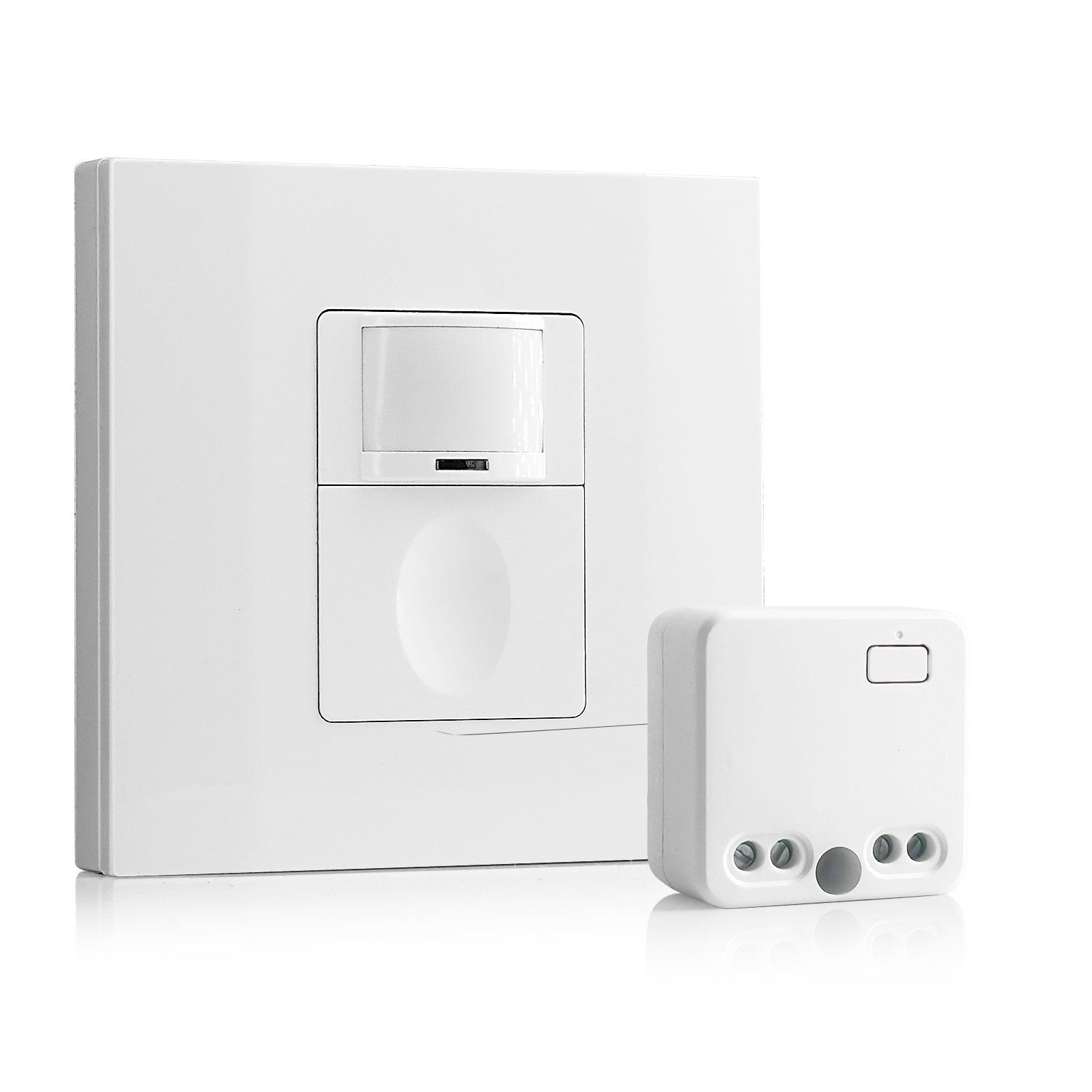
- 100V-230VAC
- Transmission Distance: up to 20m
- Wireless motion sensor
- Hardwired control
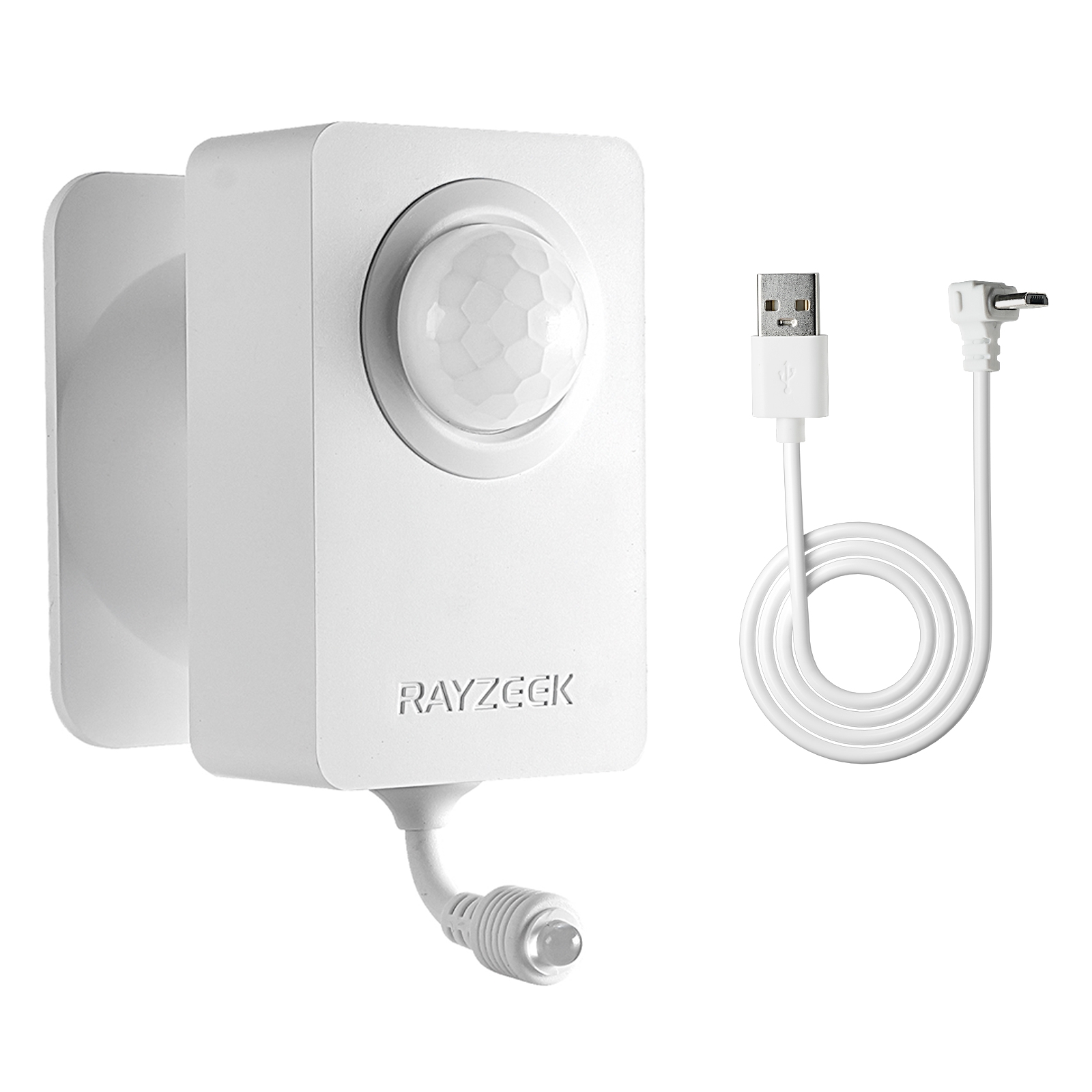
- Voltage: 2x AAA Batteries / 5V DC (Micro USB)
- Day/Night Mode
- Time delay: 15min, 30min, 1h(default), 2h
- EU plug power adapter
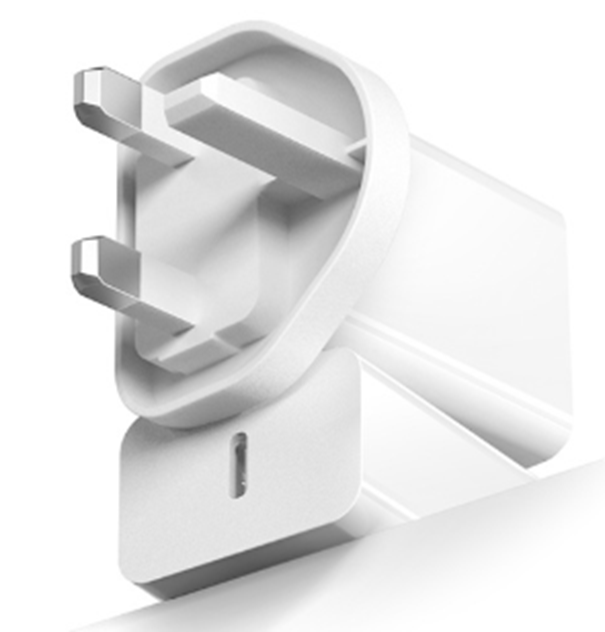
- UK plug power adapter
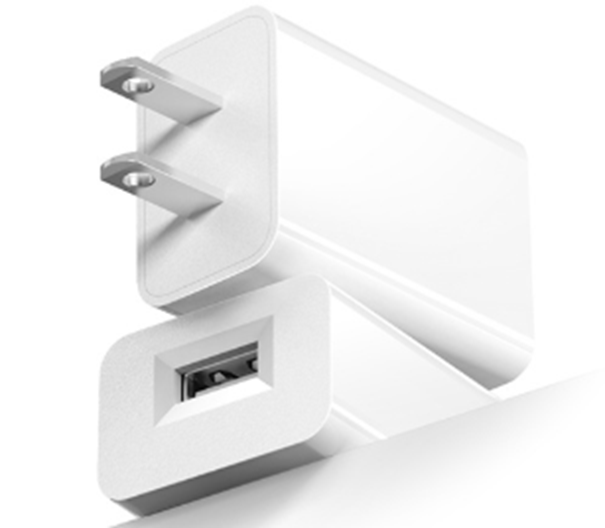
- US plug power adapter
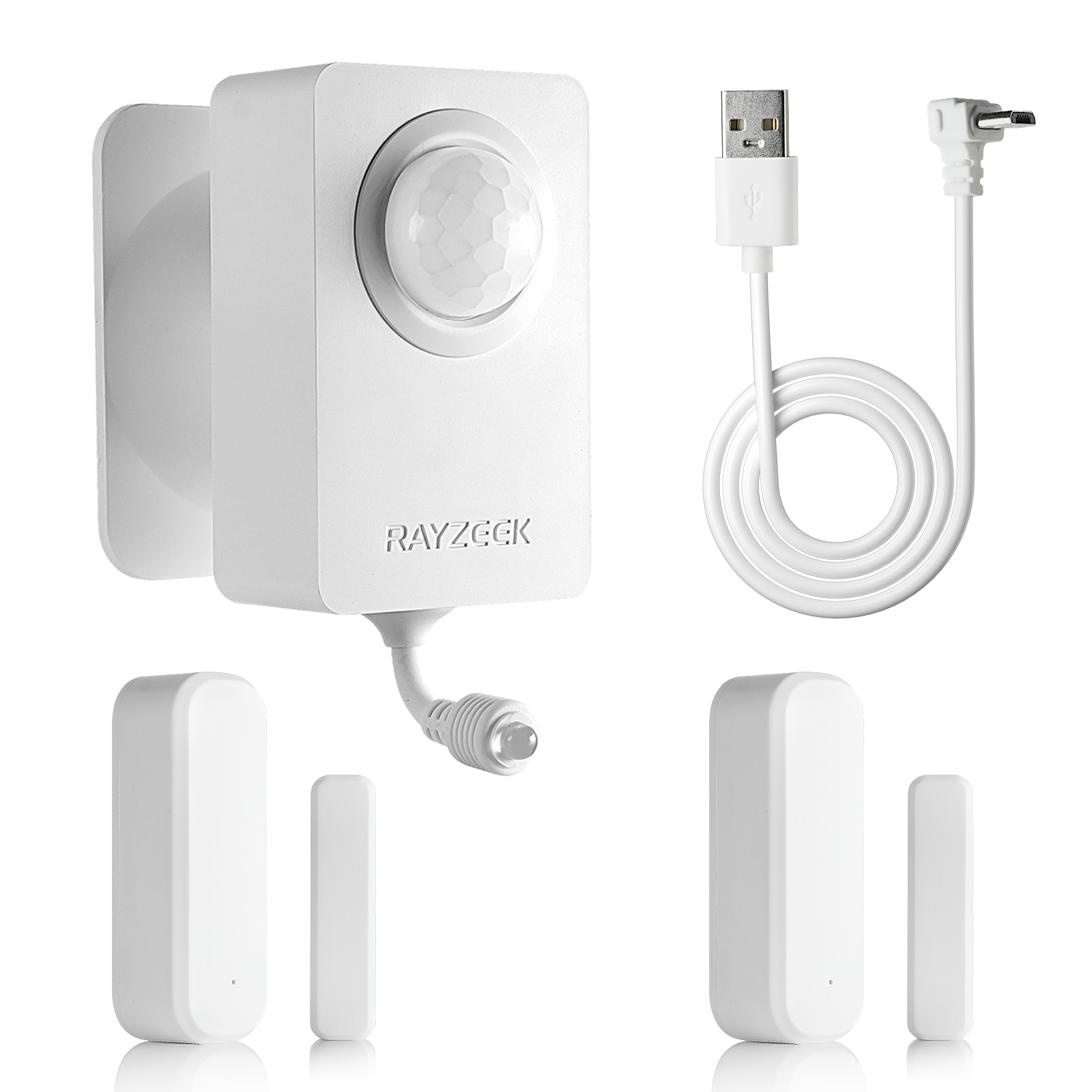
- 5V DC
- Transmission Distance: up to 30m
- Day/Night mode
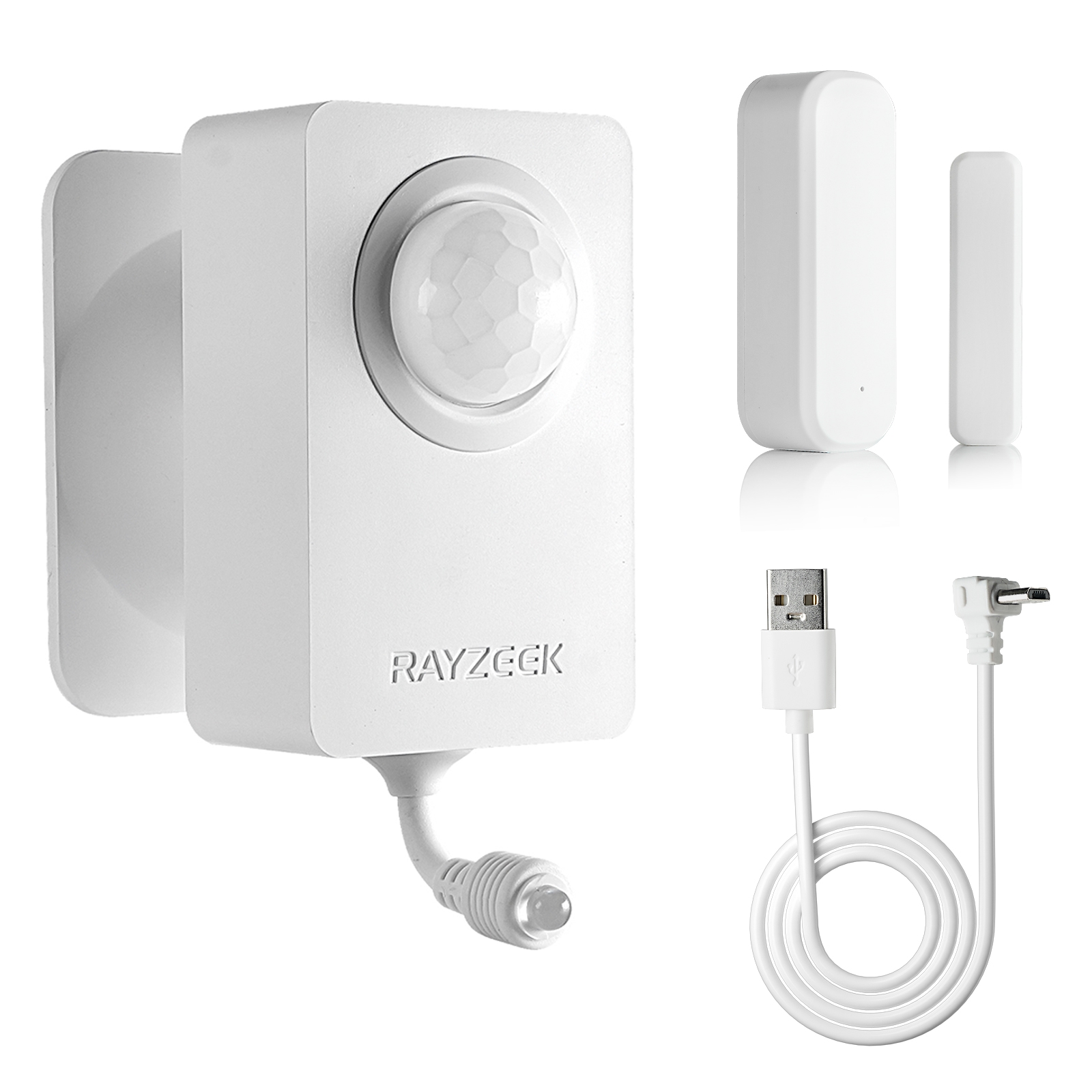
- 5V DC
- Transmission Distance: up to 30m
- Day/Night mode
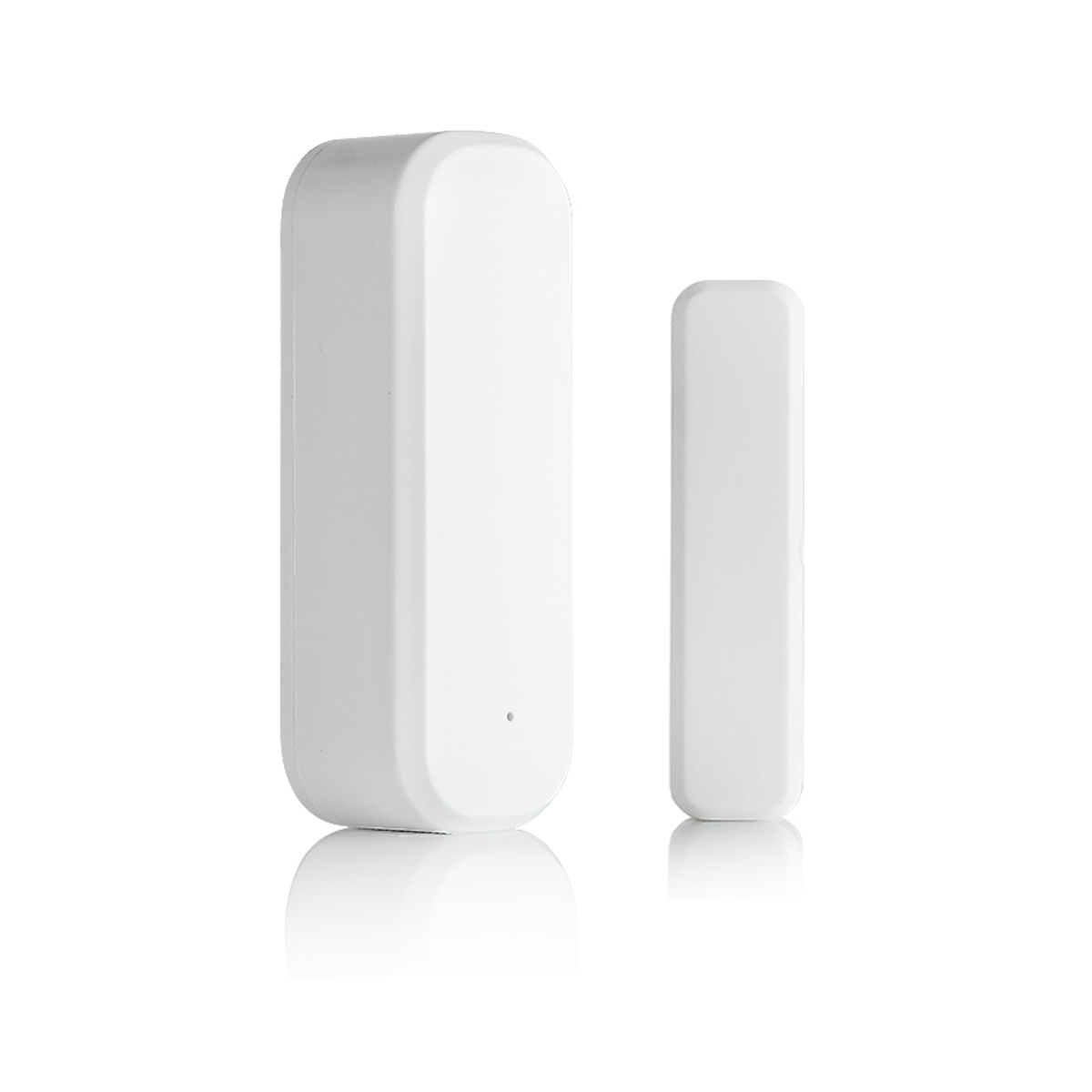
- Voltage: 2 x AAA
- Transmission Distance: 30 m
- Time delay: 5s, 1m, 5m, 10m, 30m
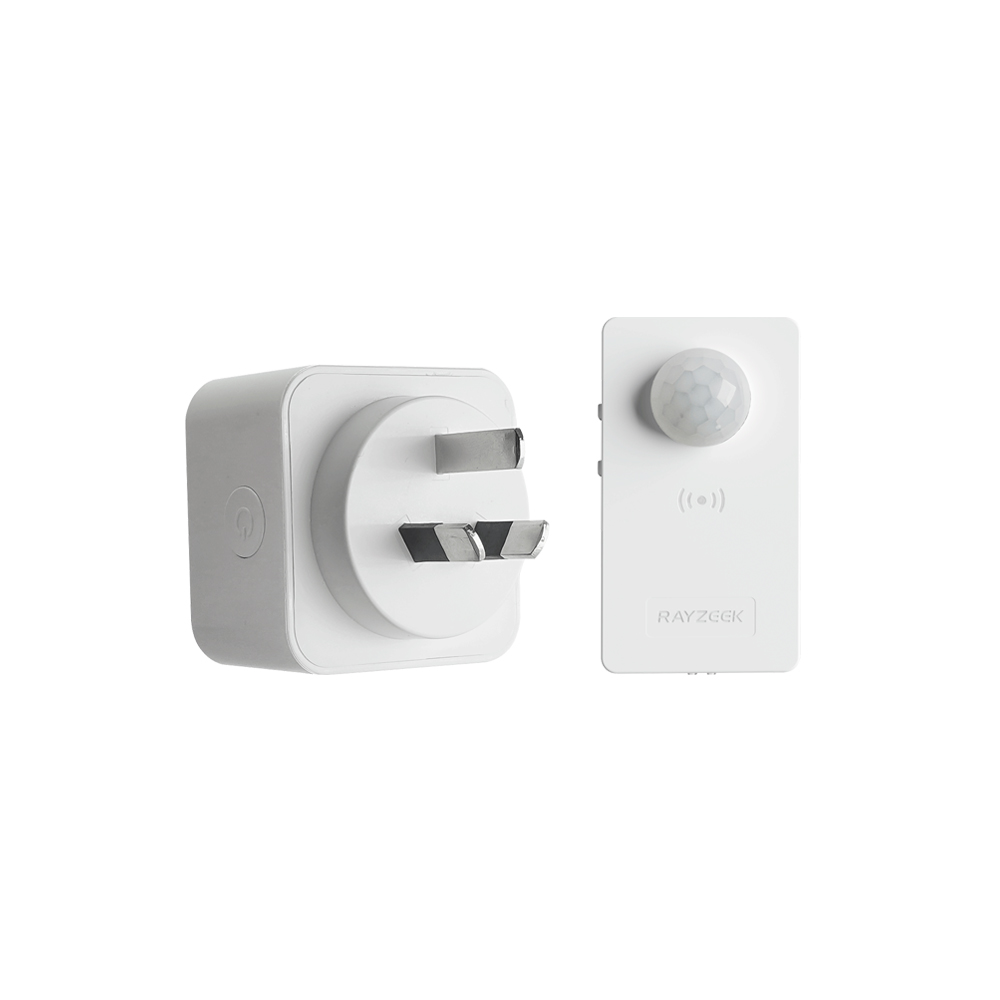
- Load Current: 10A Max
- Auto/Sleep Mode
- Time delay: 90s, 5min, 10min, 30min, 60min
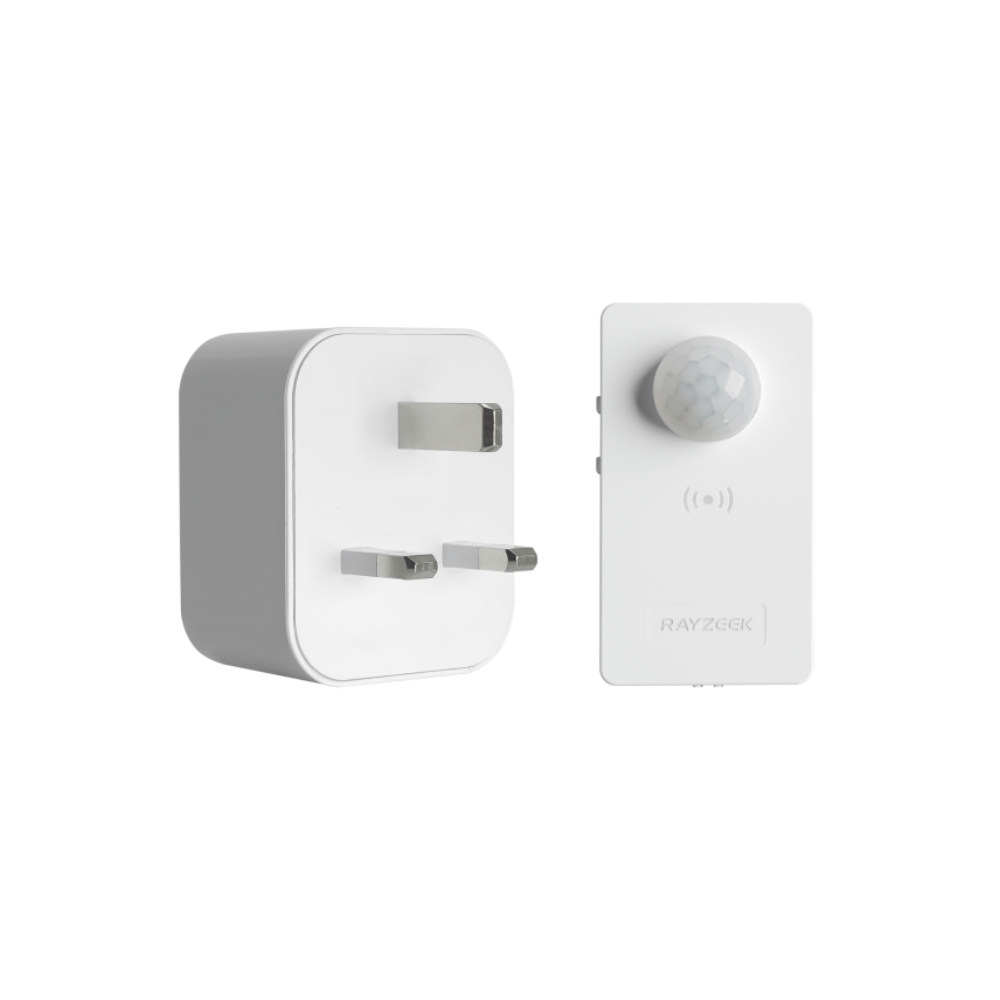
- Load Current: 10A Max
- Auto/Sleep Mode
- Time delay: 90s, 5min, 10min, 30min, 60min
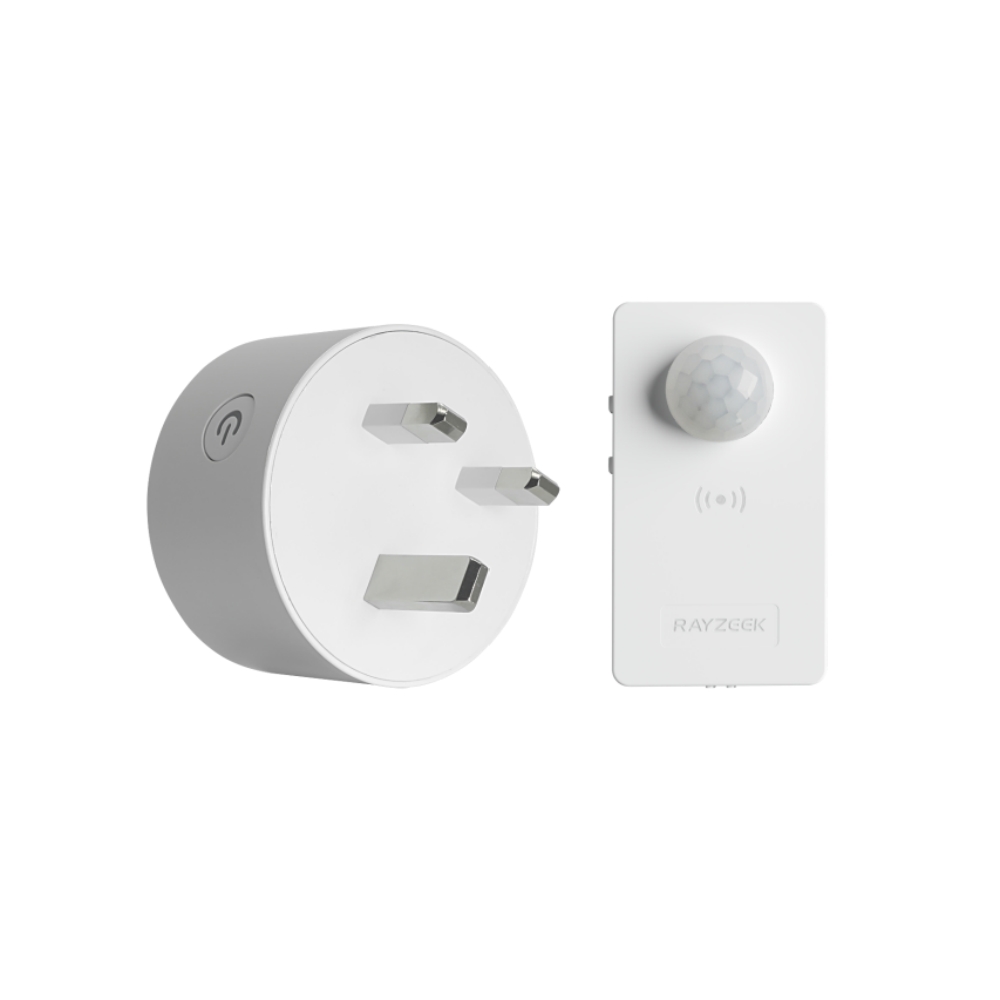
- Load Current: 10A Max
- Auto/Sleep Mode
- Time delay: 90s, 5min, 10min, 30min, 60min
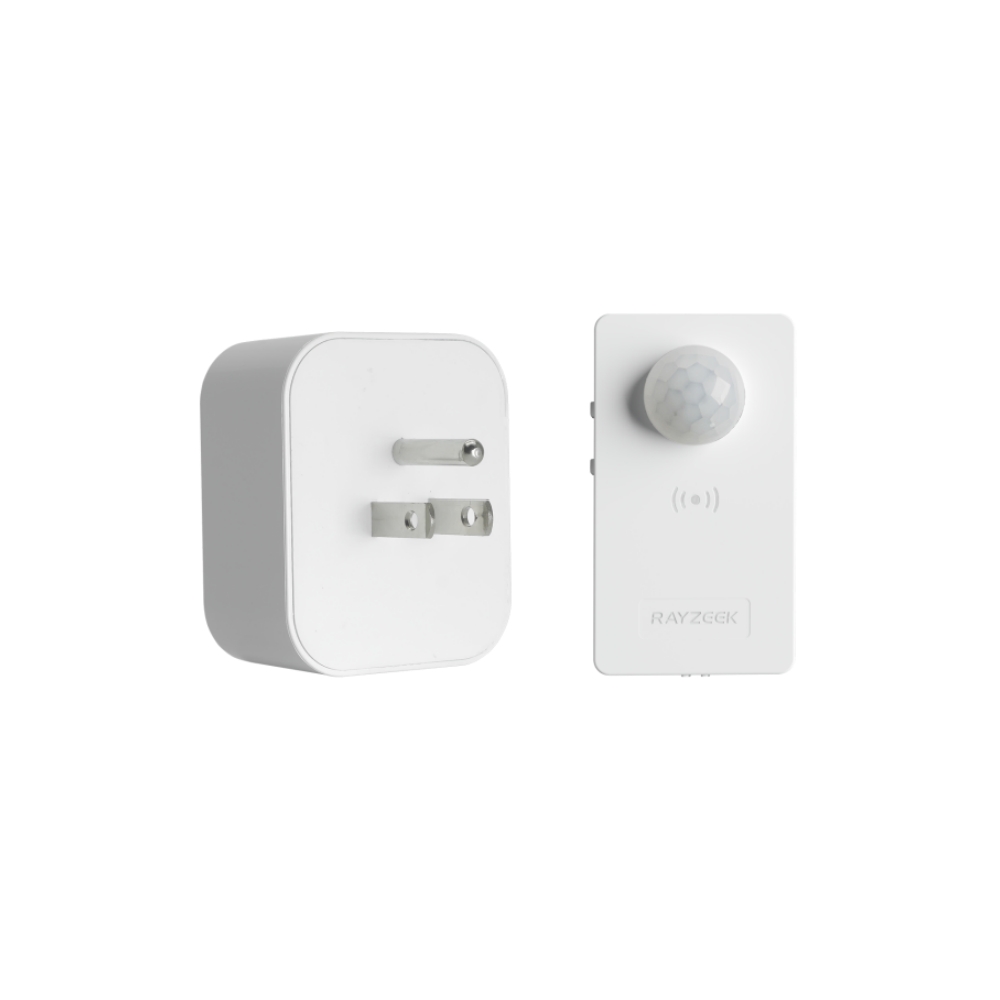
- Load Current: 10A Max
- Auto/Sleep Mode
- Time delay: 90s, 5min, 10min, 30min, 60min
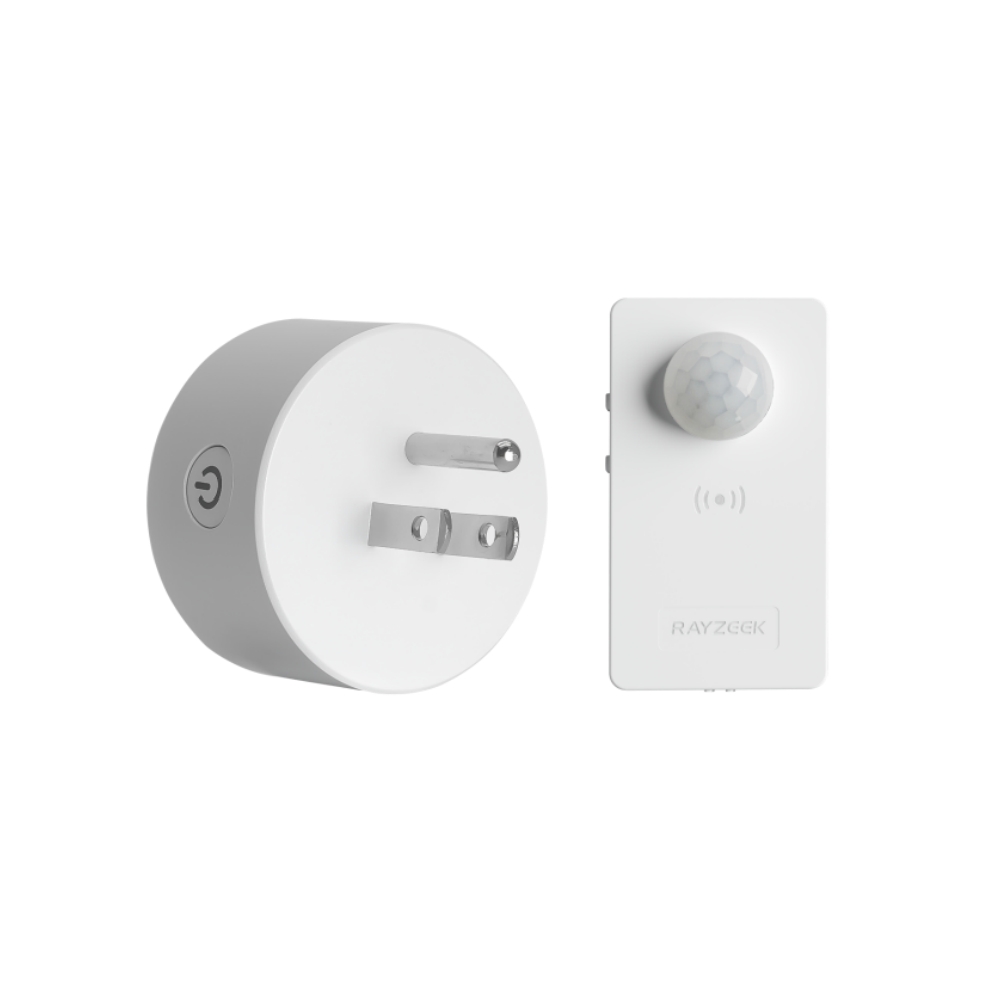
- Load Current: 10A Max
- Auto/Sleep Mode
- Time delay: 90s, 5min, 10min, 30min, 60min
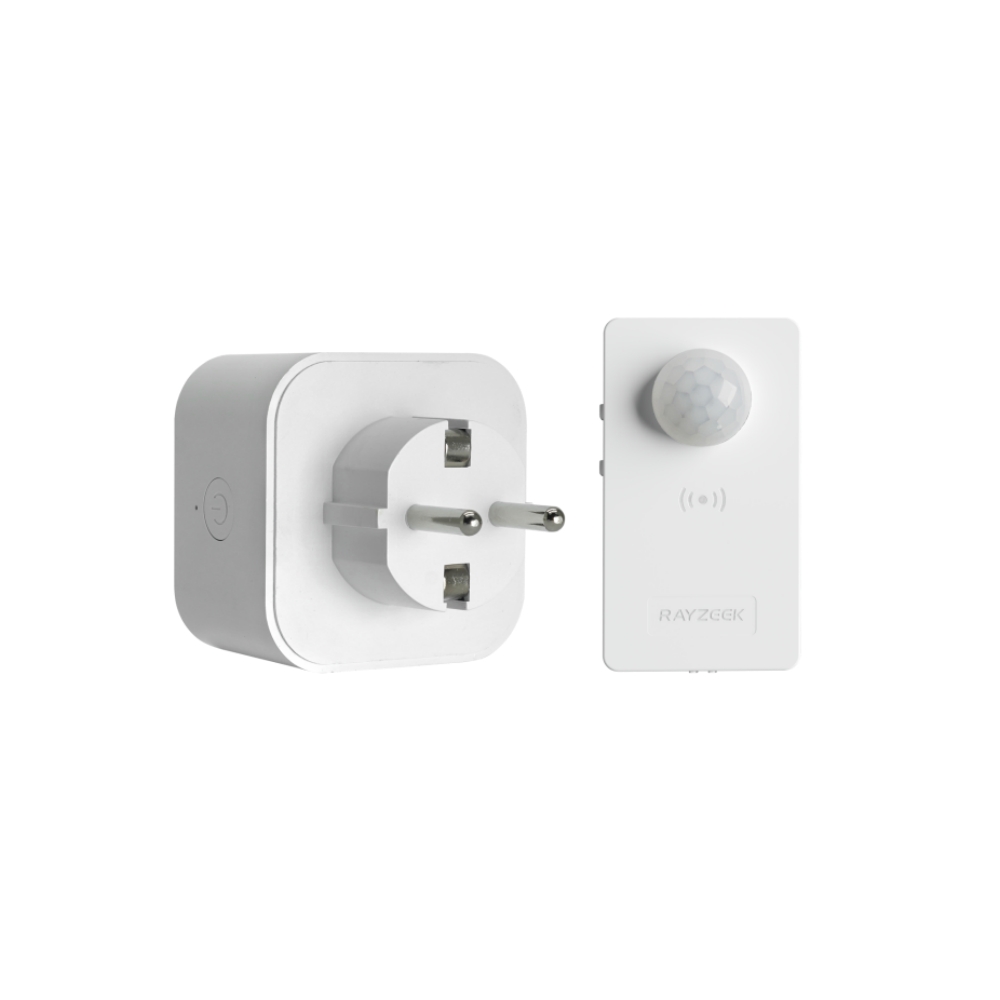
- Load Current: 10A Max
- Auto/Sleep Mode
- Time delay: 90s, 5min, 10min, 30min, 60min
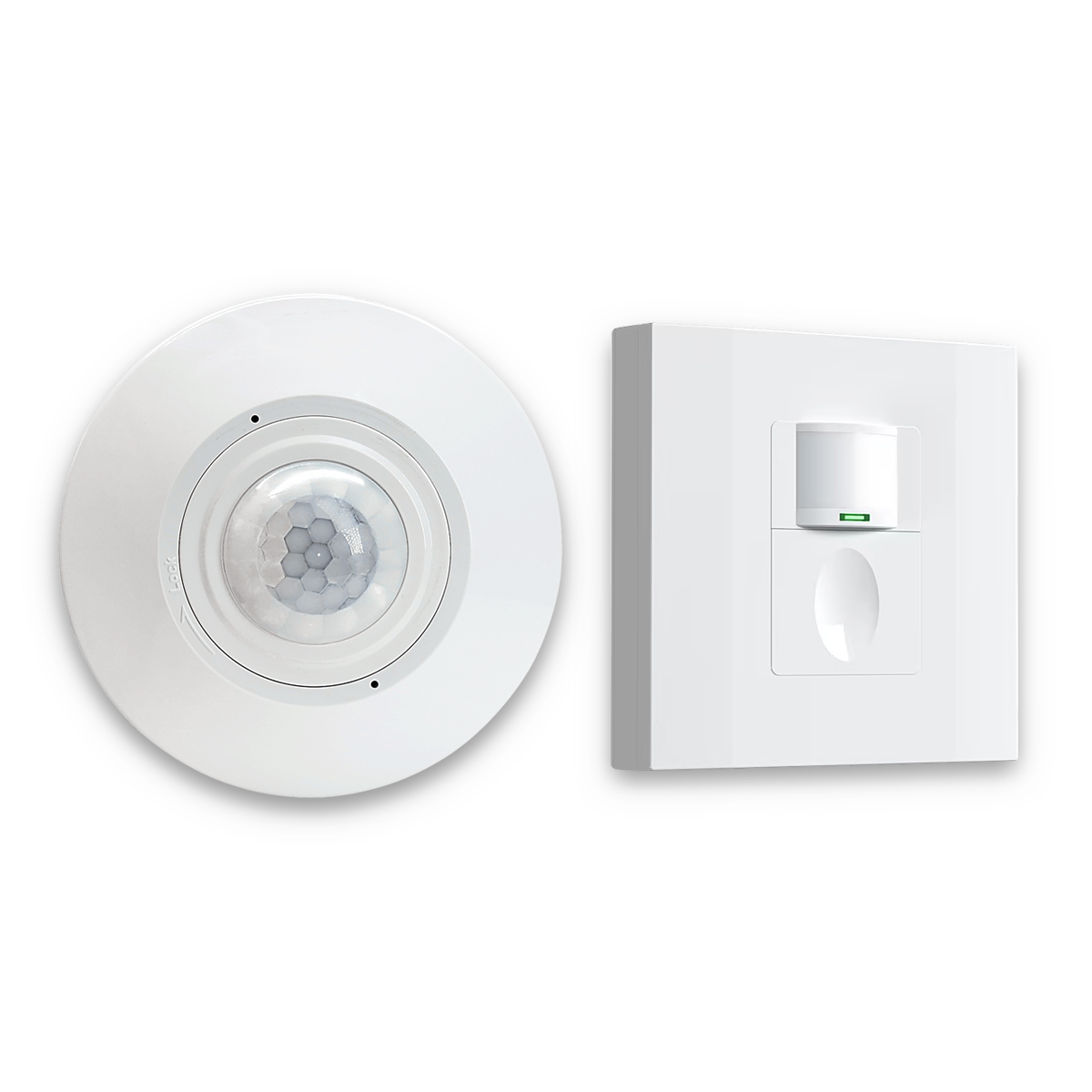
- Occupancy mode
- 100V ~ 265V, 5A
- Neutral Wire Required
- 1600 sq ft
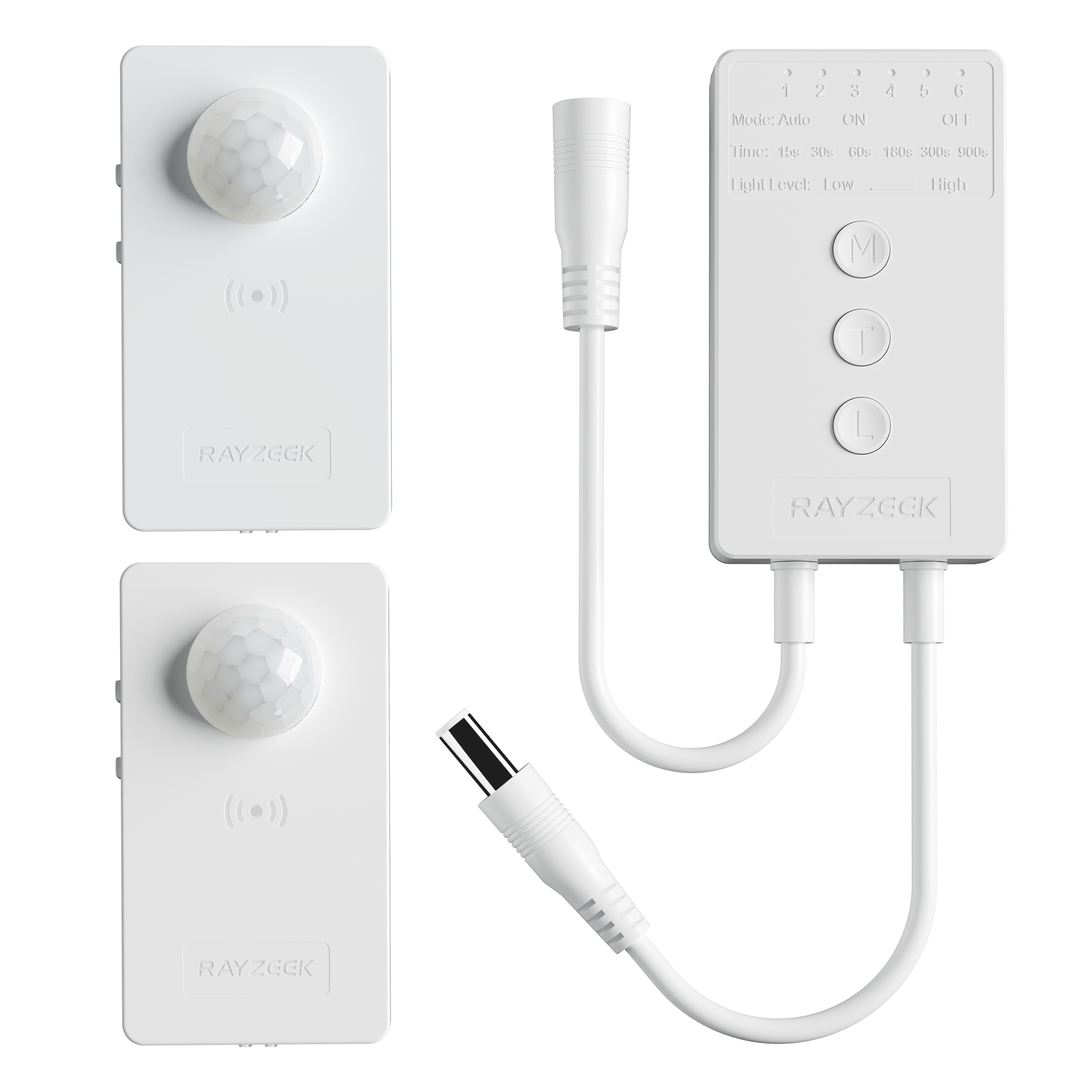
- Voltage: DC 12v/24v
- Mode: Auto/ON/OFF
- Time Delay: 15s~900s
- Dimming: 20%~100%
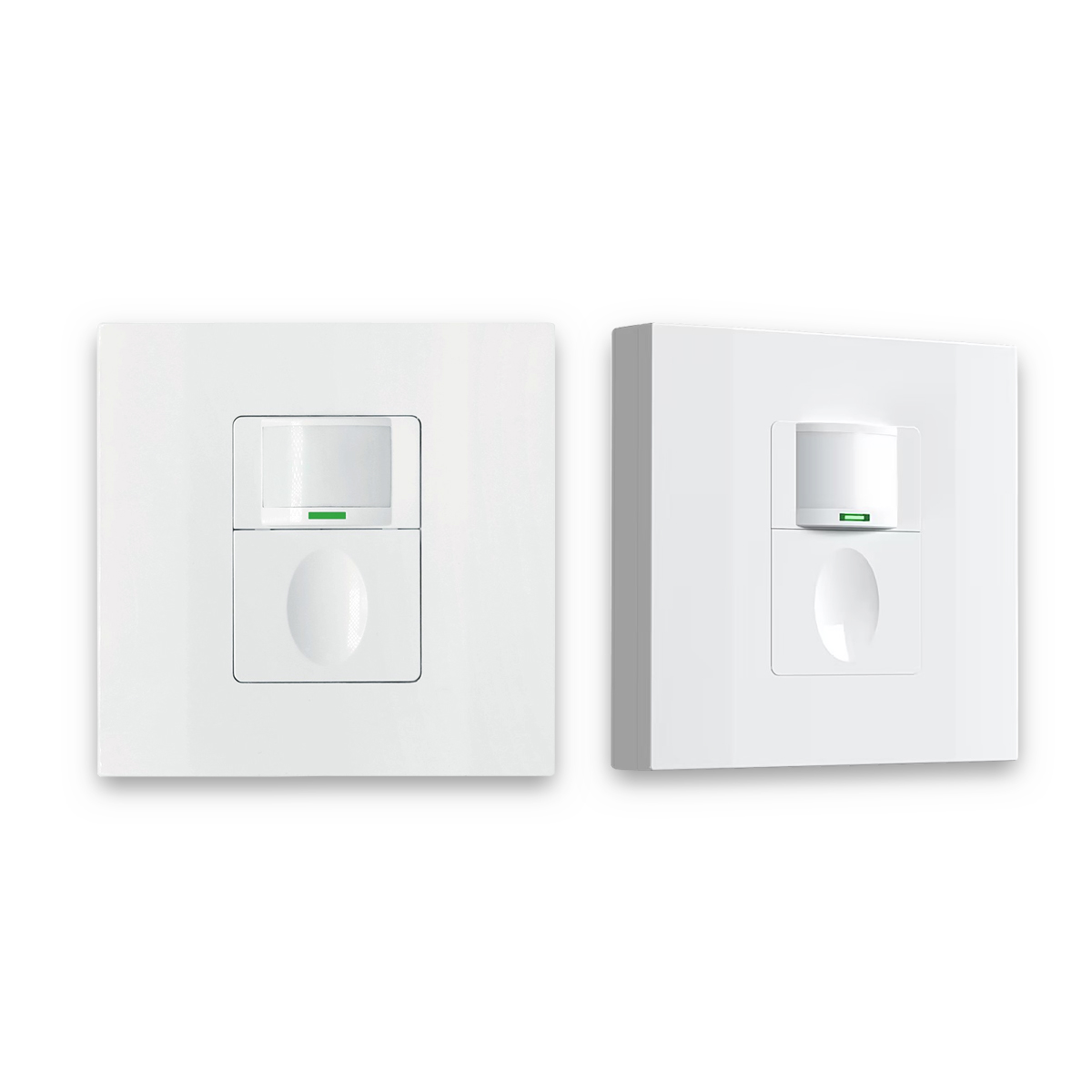
- Occupancy, Vacancy, ON/OFF mode
- 100~265V, 5A
- Neutral Wire Required
- Fits the UK Square backbox
The ritual starts before any dial turns. First, confirm the sensor isn’t “watching the problem.” If the device’s lens or body orientation faces the window wall, or if the sensor is mounted where reflections dominate its view, the ambient sensing will be local to the wrong place. In glass rooms, that often means the sensor needs to face into the room rather than toward glass, and it should not be directly in the airflow line of a supply vent or under a ceiling fan that runs all day.
Next comes the control strategy check: in a bursty bright room, vacancy/manual-on with auto-off is often the calmer default. For auto-on installs, timeout discipline matters more than many expect. A room used for 2–7 minute phone calls with a 15-minute timeout will waste light-hours even with LEDs, and it will teach occupants that the system is oblivious. Shortening timeouts isn’t just about energy; it matches the room’s cadence so the space stops drawing attention.
Then the “ugly day” principle gets applied to daylight inhibit. A stable threshold is not set on a perfect blue-sky afternoon. It is set for the bright-but-not-bright conditions that fool humans and devices: overcast mid-mornings, fast cloud swings, and winter shoulder seasons. That is the core of the two-weather test: it forces the threshold to survive both the best and worst days, not just the best.
Here is a workable two-weather routine that does not require becoming a lighting engineer:
- Day 1 (bright overcast if possible): Set the daylight inhibit so auto-on is blocked when the room looks “obviously usable without lights,” then walk typical paths and confirm motion behavior; document the dial position or config value.
- Day 1 (same visit): Set a sane timeout for the room’s use cadence (short-burst rooms rarely need long defaults), and avoid “fixing” misses by cranking sensitivity if shadows or airflow are present.
- Day 2 (blue-sky noon): Confirm the room stays calm—no lights popping on when the sun is blasting through glass.
- Day 2 (dusk or winter-like dim): Confirm the room still gets light when it is genuinely dim; adjust slightly if winter mornings would be too dark.
- After validation: Record the final settings (photo of dial, note in a handoff sheet, or label inside the panel if appropriate and permitted).
That “document it” step sounds boring until the alternative shows up. There is a recurring category of service call where a setting was changed, forgotten, and later blamed on wiring. In 2022, a homeowner-adjusted threshold in an app led to confusion later when winter storms arrived; the system “stopped working,” but only because the remembered baseline was wrong. A physical dial that can be verified in under two minutes standing under the sensor avoids that class of support problem.
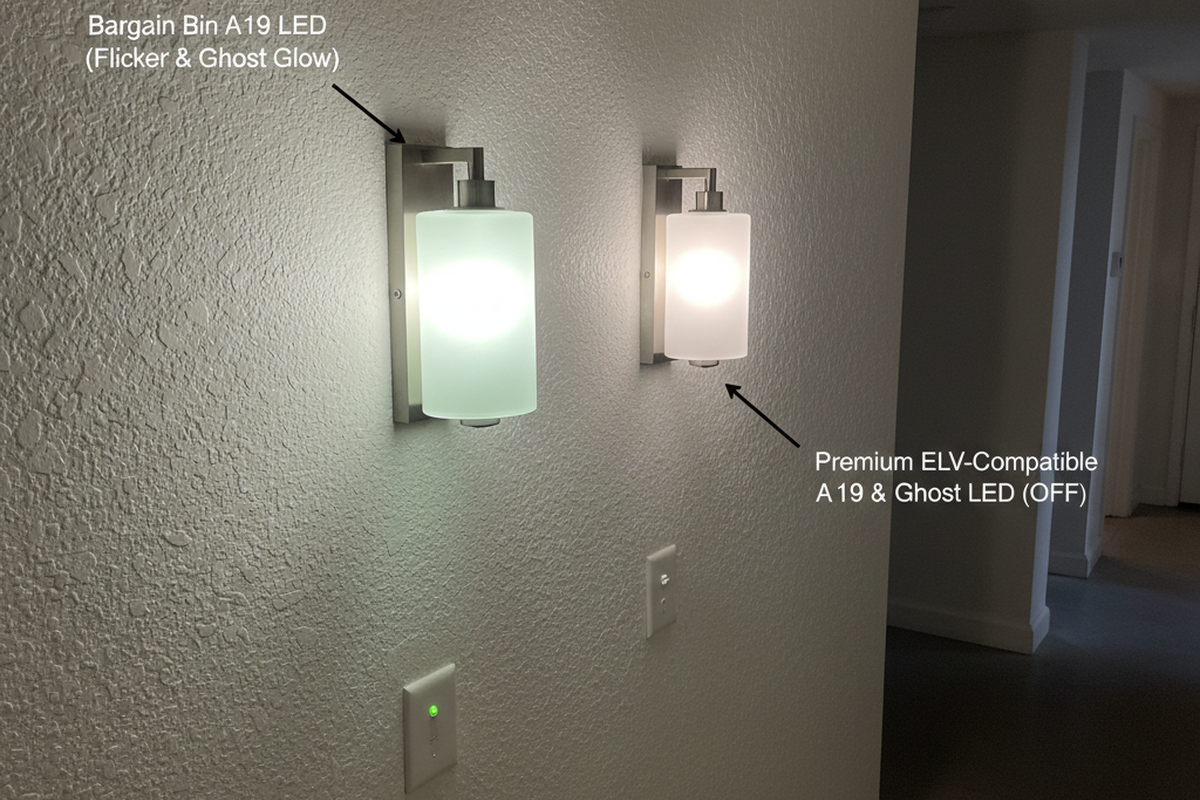
Buying and device quality matter, but mostly as a way to avoid fake controls. In Westminster, Colorado (2022), a no-name marketplace PIR switch claimed “lux adjust,” but the dial was essentially a suggestion; the sensor behaved inconsistently with temperature and time of day. The callback came within 48 hours: it either never turned on or always turned on depending on the hour. A swap to a known-brand unit with a real ambient inhibit and predictable timeout behavior made the problem vanish. The practical heuristic isn’t “never buy cheap.” It’s “don’t buy undocumented.” Insist on a real datasheet, predictable behavior, and a return policy, because the labor cost of debugging a lying dial exceeds the hardware delta quickly.
When the ritual fails, the troubleshooting ladder stays the same. Start by confirming the device actually supports daylight inhibit and it is enabled for the intended mode. Then check geometry again: if the sensor has line-of-sight to the window wall, or if reflections dominate its view, move or re-aim. Only then adjust sensitivity downward in sunrooms with fan airflow or moving shadows. Tighten timeout to fit the room’s bursty cadence. Then re-run the “ugly day” threshold step.
This is also the honest place to say what cannot be promised. A single-visit compromise is possible—set a conservative threshold and warn that one seasonal check may be needed—but true set-and-forget behavior in high-variability glass rooms is earned by a two-weather validation. This isn’t a sales pitch; it is a recognition that Colorado-style fast cloud shifts and winter angles change what “bright” means.
Why App-Tuned Sensors and “Smart” Fixes Become Support Tickets
In small buildings and homes, “smart” often means “orphaned later.” This isn’t ideology. It’s a failure mode with a paper trail.
In fall 2020, an Aurora, Colorado clinic used an app-configured sensor because ladder time was expensive. It worked until the space changed hands through a sublease. Winter arrived, behavior shifted, and nobody had the login credentials. The complaint was not dramatic; it was intermittent and time-consuming: sometimes the lights did not come on early enough, sometimes they did, and nobody could say what had changed. The resolution required a factory reset and reconfiguration visit, then a documented handoff (including storing access details inside the electrical panel with permission). A physical dial would have prevented the entire chain.
That story is why a blunt “Rule of Two” exists in field-first practice: if a setting cannot be verified in under two minutes standing under the sensor, it will become a future support problem. App control isn’t inherently bad, but it introduces a dependency. Dependencies need ownership, credentials, and continuity. Homes and small office suites frequently lack that continuity.
This is the support economics that gets ignored in product comparisons. One callback can erase the savings of a “feature-rich” device choice. A $240 visit to reset and reconfigure is not unusual once travel and troubleshooting time are counted, and it is paid in attention even when it is billable. For a sunroom or a two-person office, a documented dial and a photo of settings is often “future-proof” in a way a cloud dashboard is not.
There are legitimate exceptions: high ceilings where ladder time is truly expensive, or organizations with stable facility management and credential tracking. Those are cases where app tuning can reduce physical labor without creating an access trap. But the default for residential and small office PIR installs that need to survive seasons is still the boring solution: physical controls, documented settings, and geometry treated as the primary configuration.
Red-Team: Three Popular Fixes That Backfire in Glass Rooms
The first popular line is “LEDs are so efficient it doesn’t matter.” Pure dollars are not the whole story. In 2019, the Boulder coworking complaints were not about the bill; they were about the vibe of waste—lights firing in sunlit glass rooms like the building did not understand its own daylight. That “obviously pointless light” is what makes people distrust automation and disable it, which loses whatever savings were available.
The second fix is “just use smart bulbs and scenes.” In shared spaces, that often becomes a maintenance treadmill: credentials, Wi‑Fi changes, app updates, occupants changing settings, and nobody owning the configuration two years later. It can work in a tightly managed system, but it is fragile as a default strategy for a sunroom or a small suite.
The third line is “if it misses you, increase sensitivity.” In sunrooms, that advice is frequently gasoline. The Arvada sunroom problem was not that it missed motion; it was that shadows and airflow created motion-like signals. More sensitivity amplifies false triggers and flicker behavior. In glass rooms, stability usually comes from aiming and placement, then a disciplined timeout, then a daylight inhibit threshold set for ugly conditions—not from turning the sensor up until it reacts to everything.
FAQ and Boundaries (Where Set-and-Forget Stops Being Honest)
When is auto-on still the right choice in a bright glass room? When accessibility, safety, or hands-free entry is the primary requirement. In those cases, daylight inhibit becomes a guardrail rather than a strict gate, and the threshold should be validated against winter mornings and overcast days rather than sunny afternoons.
What if the room looks bright to occupants, but the sensor behaves like it is dim? Treat that as a geometry and measurement mismatch, not a moral failure of the device. The Louisville, Colorado snow-glare case (March 2023) is the template: measure at task height and at sensor height, then re-aim so the sensor’s ambient sample resembles the work area. Only then adjust the inhibit.
How can someone tell whether a switch truly has daylight inhibit? The device has to explicitly support an ambient light gate (and the mode has to use it). Many “occupancy” switches do not. If the complaint is “occupancy sensor turns on in daylight,” the first check is capability and configuration before assuming the dial is “broken.”
Get Inspired by Rayzeek Motion Sensor Portfolios.
Doesn't find what you want? Don't worry. There are always alternate ways to solve your problems. Maybe one of our portfolios can help.
Is dual-tech (PIR + microwave) worth considering? Sometimes, especially in small offices where very still occupants are missed by PIR. It is not the first move in homes for many installers because of perceived creepiness and occasional RF oddities. In glass rooms, placement and daylight gating still matter even when detection improves.
The boundary condition is simple: some spaces are too variable to be perfectly set-and-forget, especially where blinds, reflections, and seasonal angles change unpredictably. The practical target isn’t perfection. It is calm behavior that survives the ugliest bright day, documented settings that the next person can verify in two minutes, and a refusal to chase universal lux numbers in a room where “lux is local.”