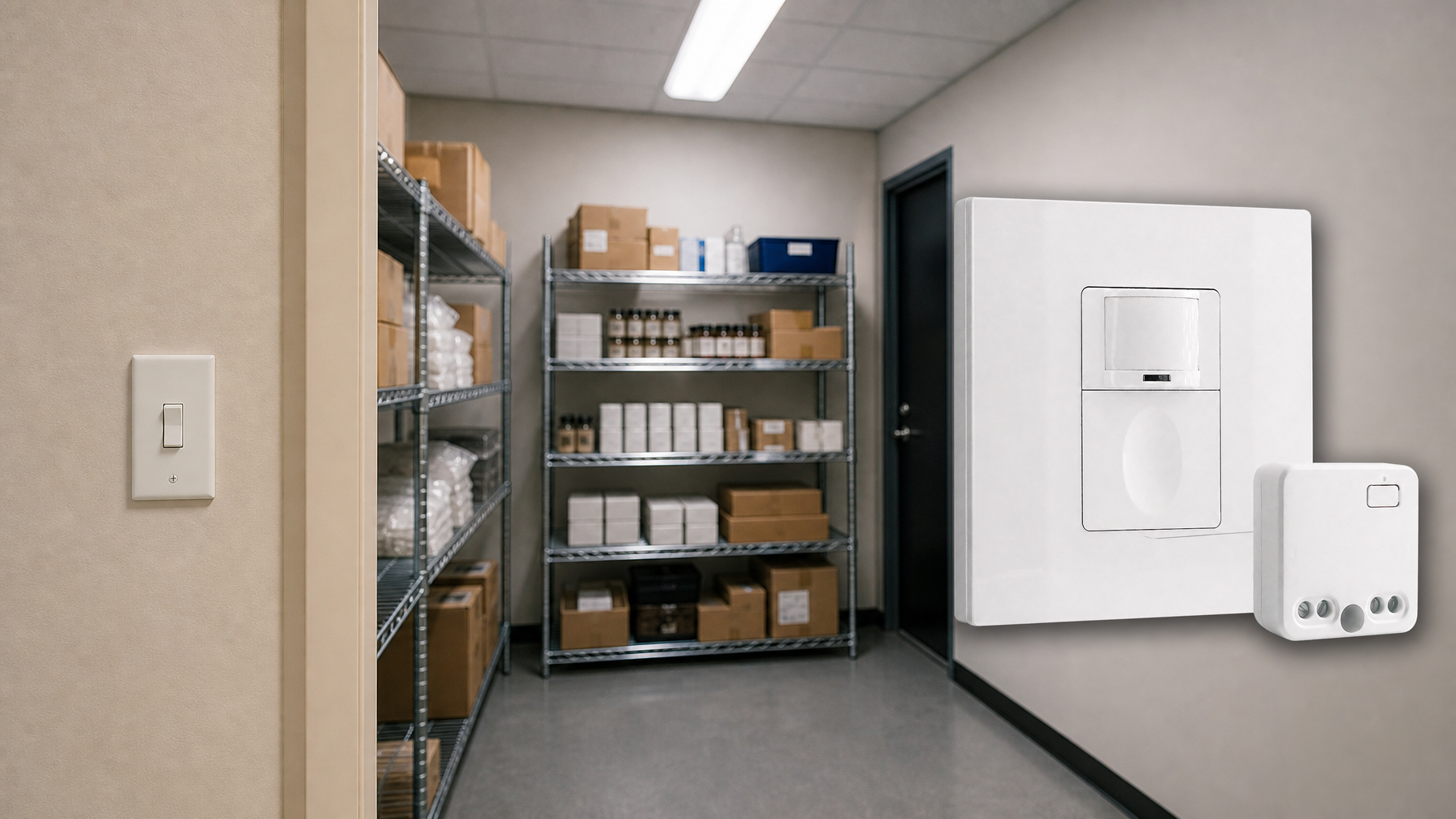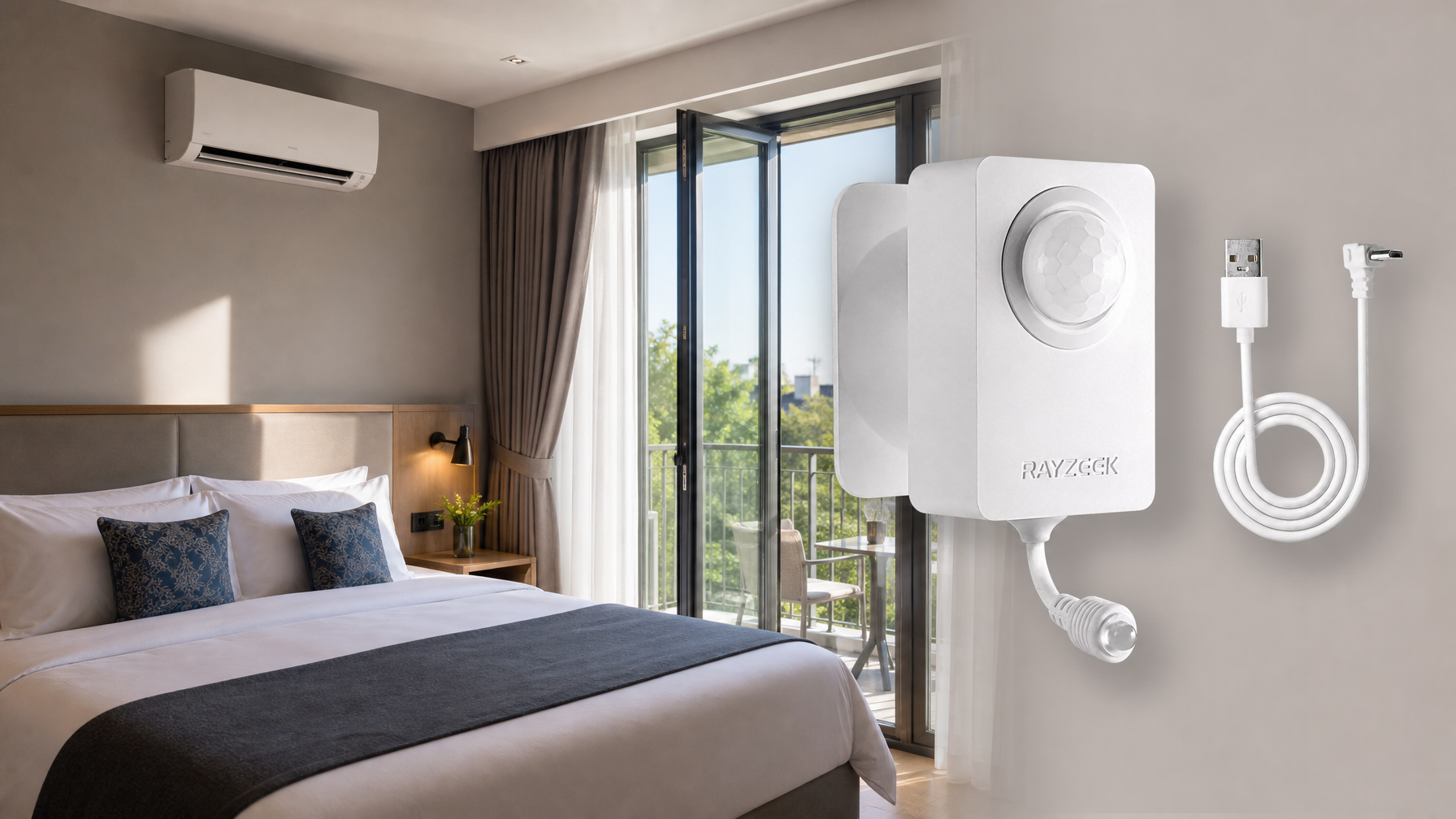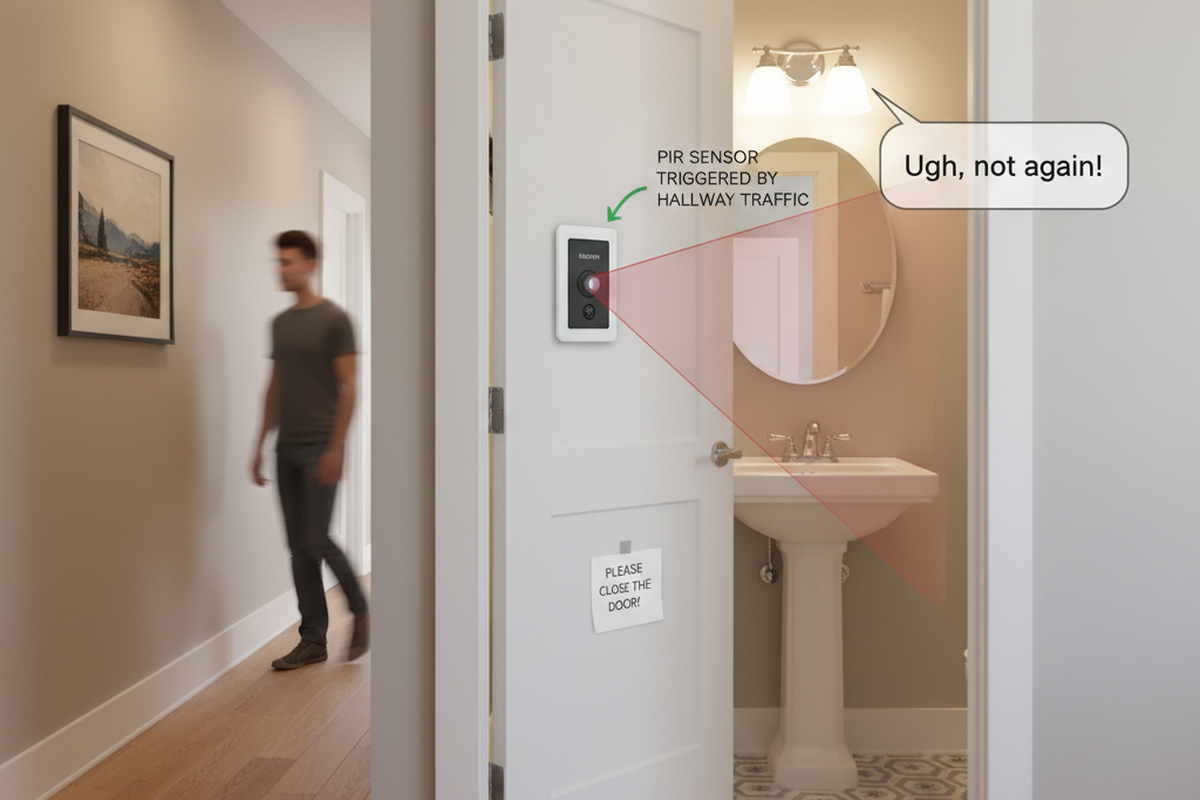
In the self-storage game, a flickering light isn’t just an annoyance. It’s a vacancy notice waiting to happen. Tenants don’t move out because the rent went up five dollars. They move out because they felt unsafe walking down a windowless corridor on a Tuesday night.

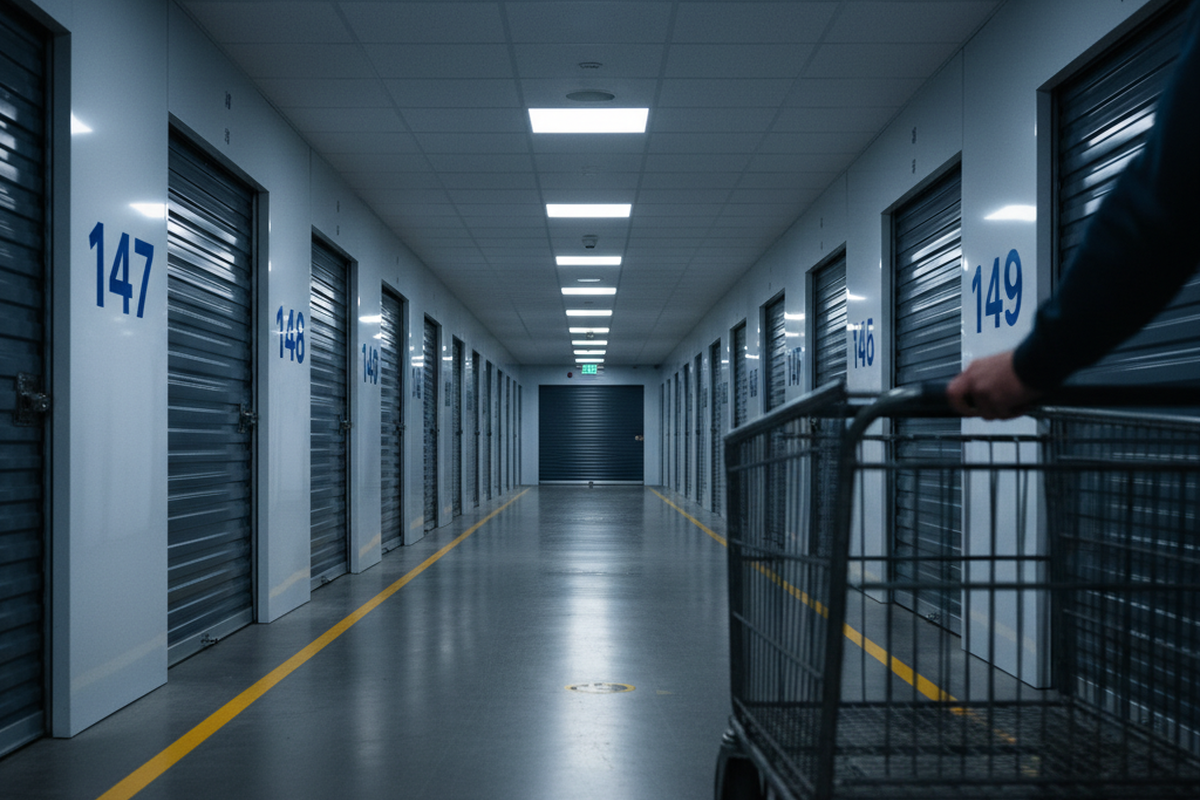
When a customer pushes a flatbed cart loaded with a grandmother’s china or heavy archive boxes, they’re already stressed. If they have to walk ten feet into a pitch-black hallway before the motion sensor wakes up, the facility has failed. That momentary hesitation—the “corridor anxiety”—kills retention.
Most owners obsess over the energy bill, calculating cents per kilowatt-hour saved by aggressive timeouts. They miss the real cost: the reputation hit when a tenant leaves a one-star Yelp review describing your facility as “creepy” or “dark.” You don’t retrofit just to cut the utility bill. You do it to ensure the light is always waiting for the tenant, not the other way around.
The Physics of Leading the Target
Most retrofit lighting projects fail on geometry, not electricity. A standard residential motion switch—the kind you pick up at a big-box store for a laundry room—is designed for a 12×12 room where movement is erratic and close-range. A storage corridor is a different beast entirely. It is a shooting gallery: long, narrow, and linear.
Generic sensors fail here because of how Passive Infrared (PIR) technology actually sees. PIR sensors detect heat differentials moving across their field of view. They are excellent at detecting movement that cuts across their beams (tangential movement), but notoriously bad at detecting movement coming straight at them (radial movement). In a long hallway, the tenant is almost always walking directly toward the sensor. This creates a blind spot where the sensor effectively ignores the person until they are nearly underneath it.
This is where “Leading the Cart” becomes the only metric that matters. You need a sensor that triggers the fixture at least 15 to 20 feet before the tenant arrives. When testing a Rayzeek RZ022 or similar commercial-grade ceiling mount, don’t just wave your arms under the light. Load a cart—simulating the thermal blockage of boxes—and walk at a standard pace (about 3 feet per second) down the center of the hall. If the light pops on only after you cross the threshold of the darkness, the install is a failure.
For facilities with 100-foot corridors, this physics problem usually demands a specific density of sensors. A single unit at each end of the hall is rarely enough, even if the spec sheet claims a 50-foot radius. That radius assumes optimal tangential movement. In the real world, you often need to place sensors every 30 to 40 feet. You’re trying to create overlapping bubbles of detection; as a tenant leaves the coverage zone of one, they should already be breaking the tangential beams of the next. The pavement must be lit ahead of the wheels.
Get Inspired by Rayzeek Motion Sensor Portfolios.
Doesn't find what you want? Don't worry. There are always alternate ways to solve your problems. Maybe one of our portfolios can help.
There is a common complaint in the industry—the “Waving Arms Dance.” We’ve all seen it: a tenant stops mid-corridor, sets down a box, and starts waving frantically because the lights timed out or didn’t pick up their subtle movements while sorting. This is a sensitivity issue, but also a timeout issue. If you are retrofitting, avoid the temptation to set the timeout to 1 minute just to save pennies. A 15-minute delay is the minimum courtesy for a paying customer sorting through a storage unit.
Hardware Reality: The Dip Switch Defense

Every light bulb nowadays wants to connect to Wi-Fi. But for a metal storage building, the most premium feature you can buy is a physical dip switch. Storage facilities are often essentially Faraday cages—massive boxes of corrugated steel that block RF signals, kill Wi-Fi, and make Bluetooth unreliable.
Relying on app-based controls for your primary infrastructure is a gamble you will lose. Apps update and break compatibility. Hubs lose connection. A facility manager does not want to troubleshoot a Zigbee gateway on a Saturday night because the third-floor hallway won’t turn on. They want to know that the settings are locked in physically.
This is why the Rayzeek RZ021 series and similar commercial units remain the gold standard for these environments. They rely on physical dials or dip switches on the unit itself to set Time Delay, Sensitivity, and Lux (light level). Once you set that dial to 15 minutes and 75% sensitivity, it stays there for ten years. There is no firmware update to crash it. It is boring, and boring is exactly what you want when you are managing 50,000 square feet of rental space.
Maybe You Are Interested In
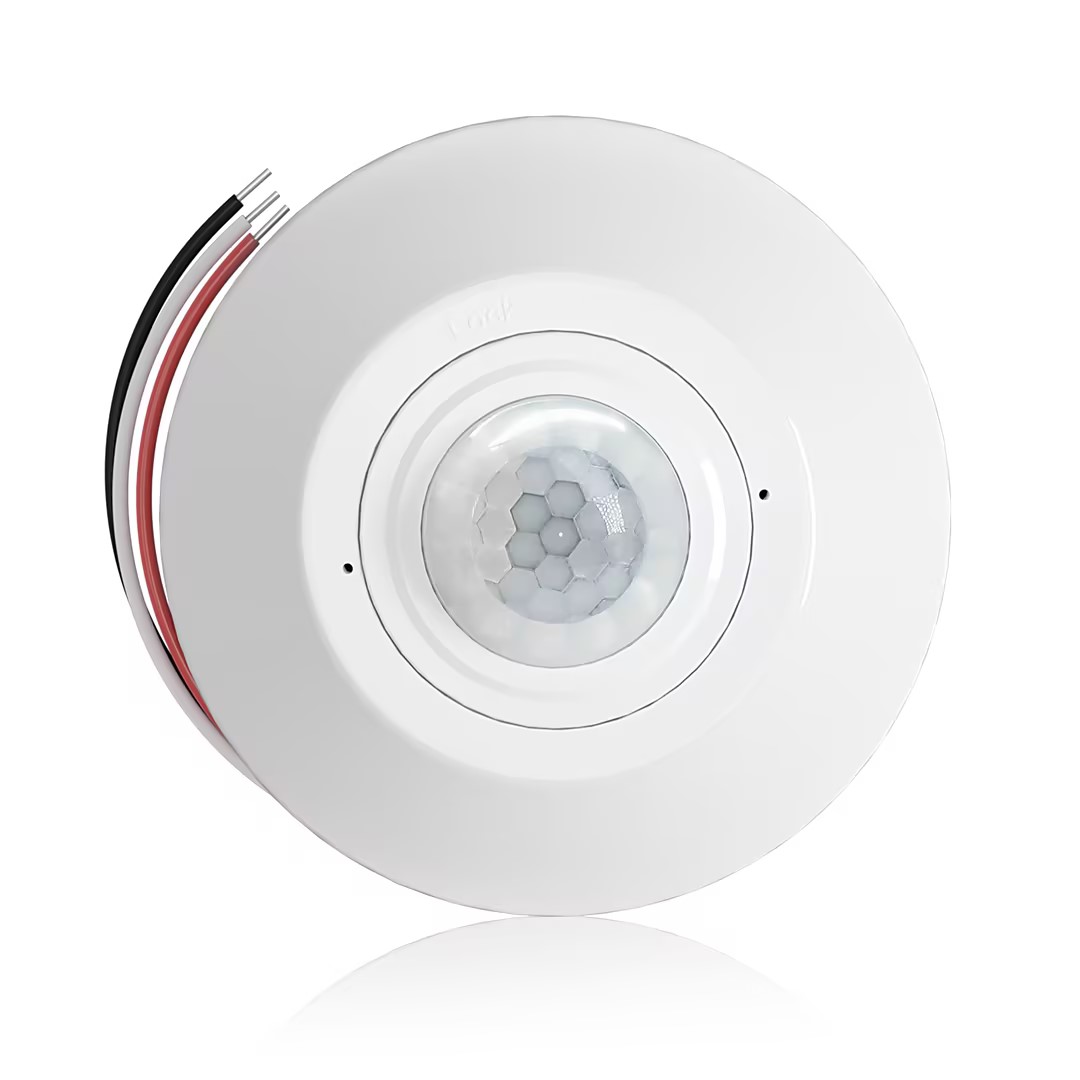
- Ceiling-mounted PIR occupancy sensor with dry-contact relay output
- 12/24VDC or 12/24VAC low-voltage supply
- COM, NO, and NC isolated relay contacts for EMS, HVAC, and building control inputs
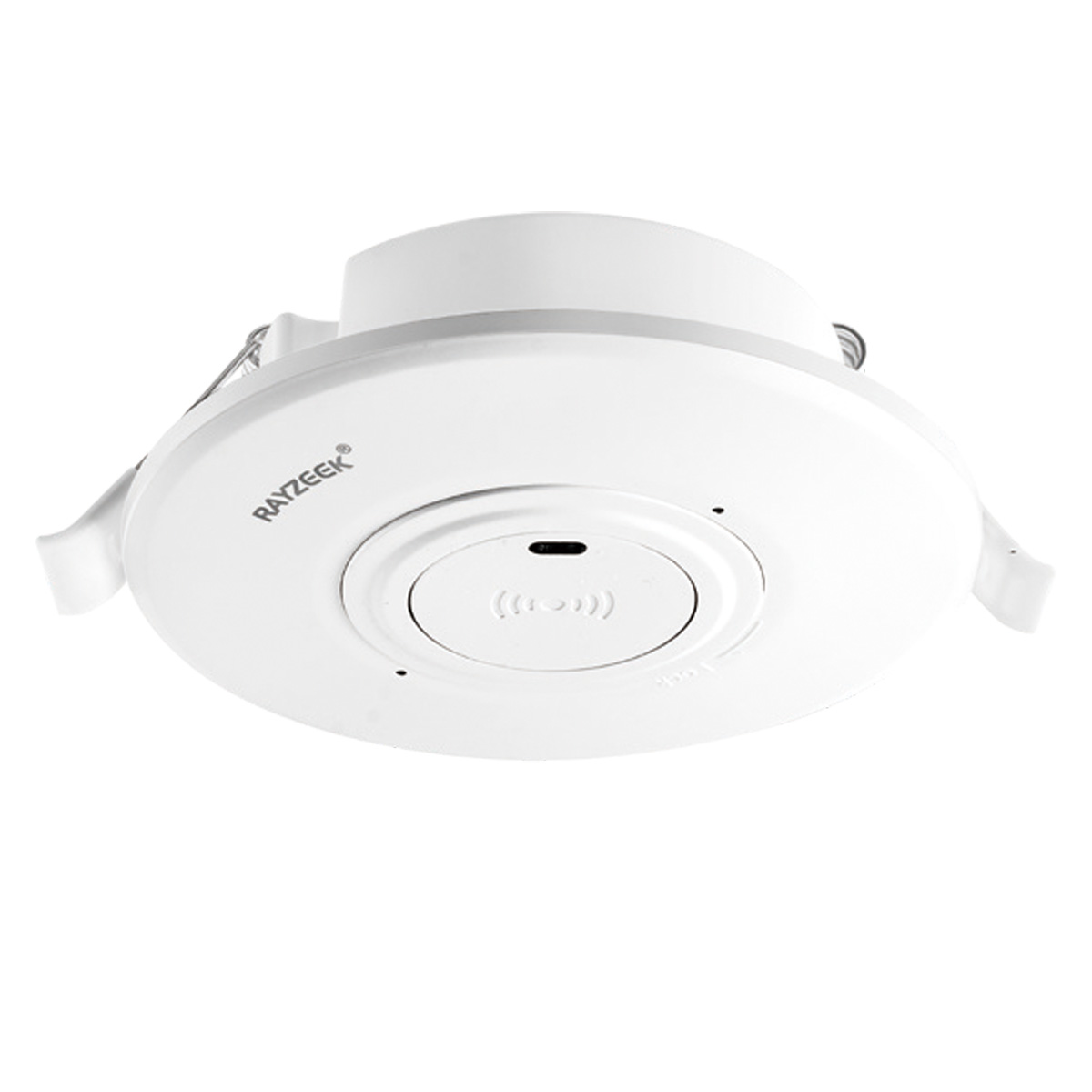
- Low-voltage DC recessed ceiling-mounted microwave motion sensor switch
- 12 VDC / 24 VDC input with 10-30 VDC range
- 10A max work current with adjustable time delay, Lux threshold, and sensitivity
- Higher-load recessed ceiling-mounted microwave motion sensor switch
- 100-265 VAC line-voltage input, 10A model
- 5.8 GHz microwave sensing with adjustable time delay, Lux threshold, and sensitivity
- Recessed ceiling-mounted microwave motion sensor switch
- 100-265 VAC line-voltage input, 5A model
- 5.8 GHz microwave sensing with adjustable time delay, Lux threshold, and sensitivity
- Ceiling-mounted RZ037 PIR occupancy sensor dimmer for 220V power
- 3A maximum working current with 660W rated load
- LUX button controls light-sensor ON/OFF and user-set dimming brightness
- Ceiling-mounted RZ037 PIR occupancy sensor dimmer for 110V power
- 3A maximum working current with 330W rated load
- LUX button controls light-sensor ON/OFF and user-set dimming brightness
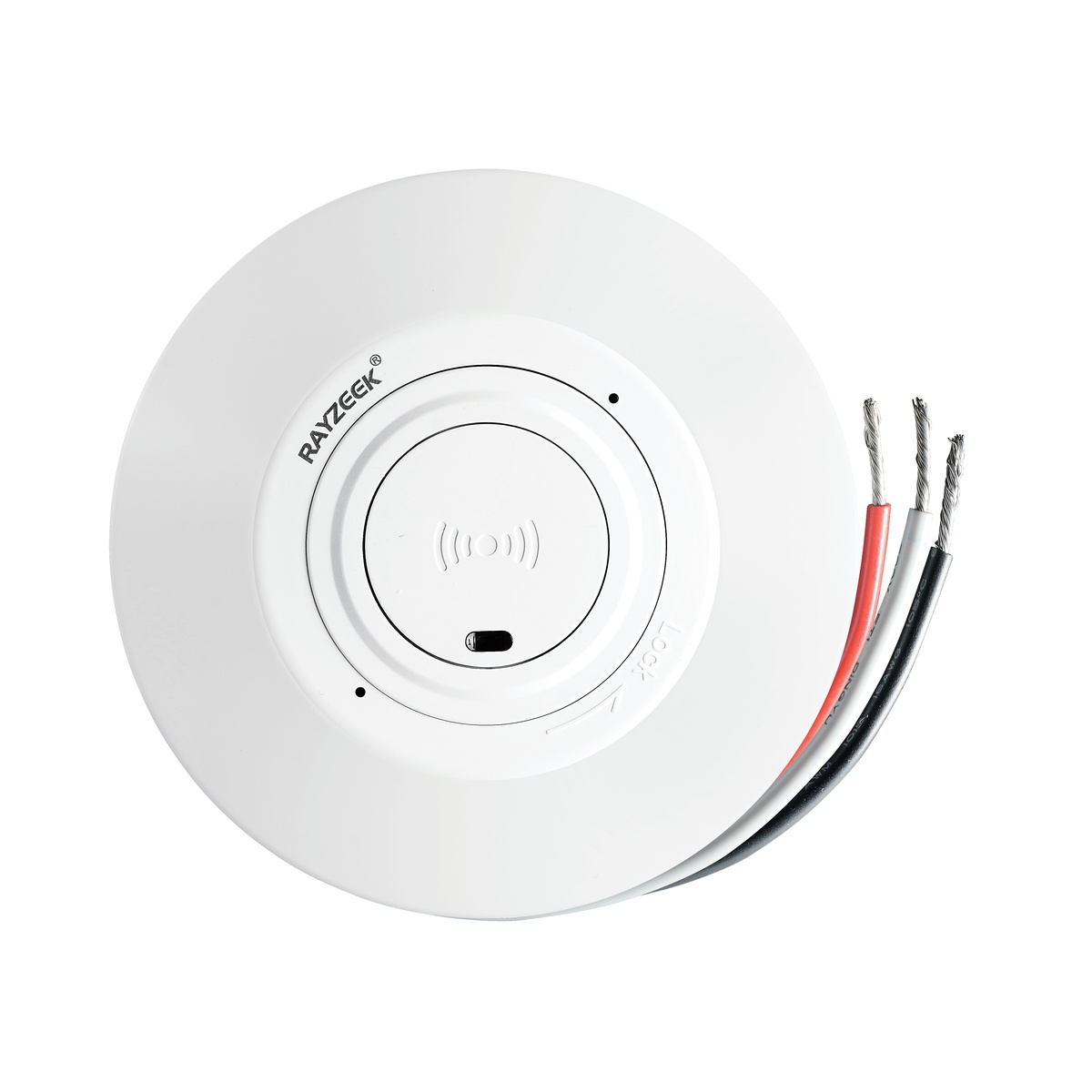
- Low-voltage DC ceiling-mounted microwave motion sensor switch
- 12 VDC / 24 VDC input with 10-30 VDC range
- 10A max work current with adjustable time delay, Lux threshold, and sensitivity
- Higher-load ceiling-mounted microwave motion sensor switch
- 100-265 VAC line-voltage input, 10A model
- 5.8 GHz microwave sensing with adjustable time delay, Lux threshold, and sensitivity
- Ceiling-mounted microwave motion sensor switch
- 100-265 VAC line-voltage input, 5A model
- 5.8 GHz microwave sensing with adjustable time delay, Lux threshold, and sensitivity
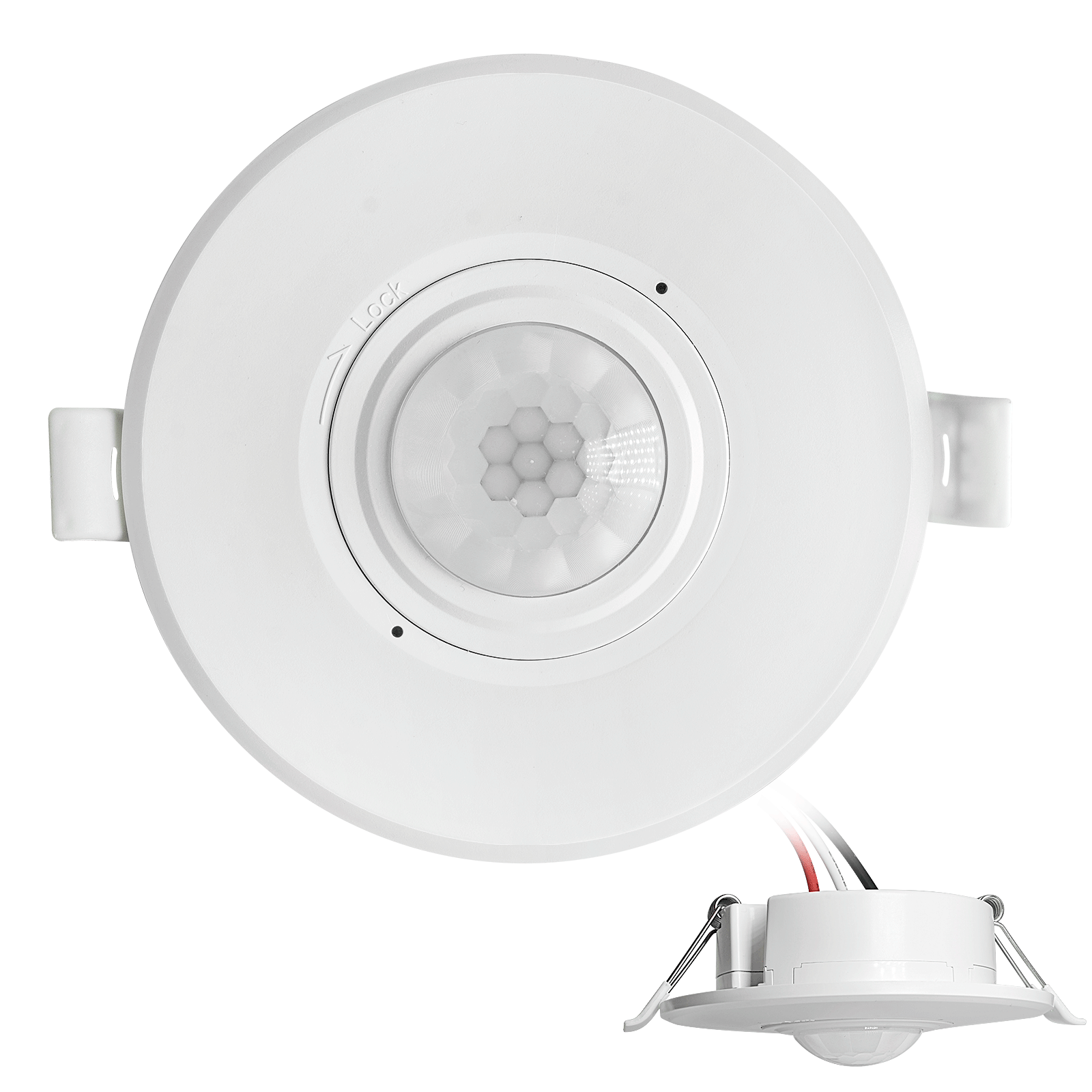
- Low-voltage DC recessed ceiling mount PIR motion sensor switch
- 12 VDC / 24 VDC input with 10-30 VDC range
- Max work current 10A with adjustable time delay, Lux threshold, and sensitivity
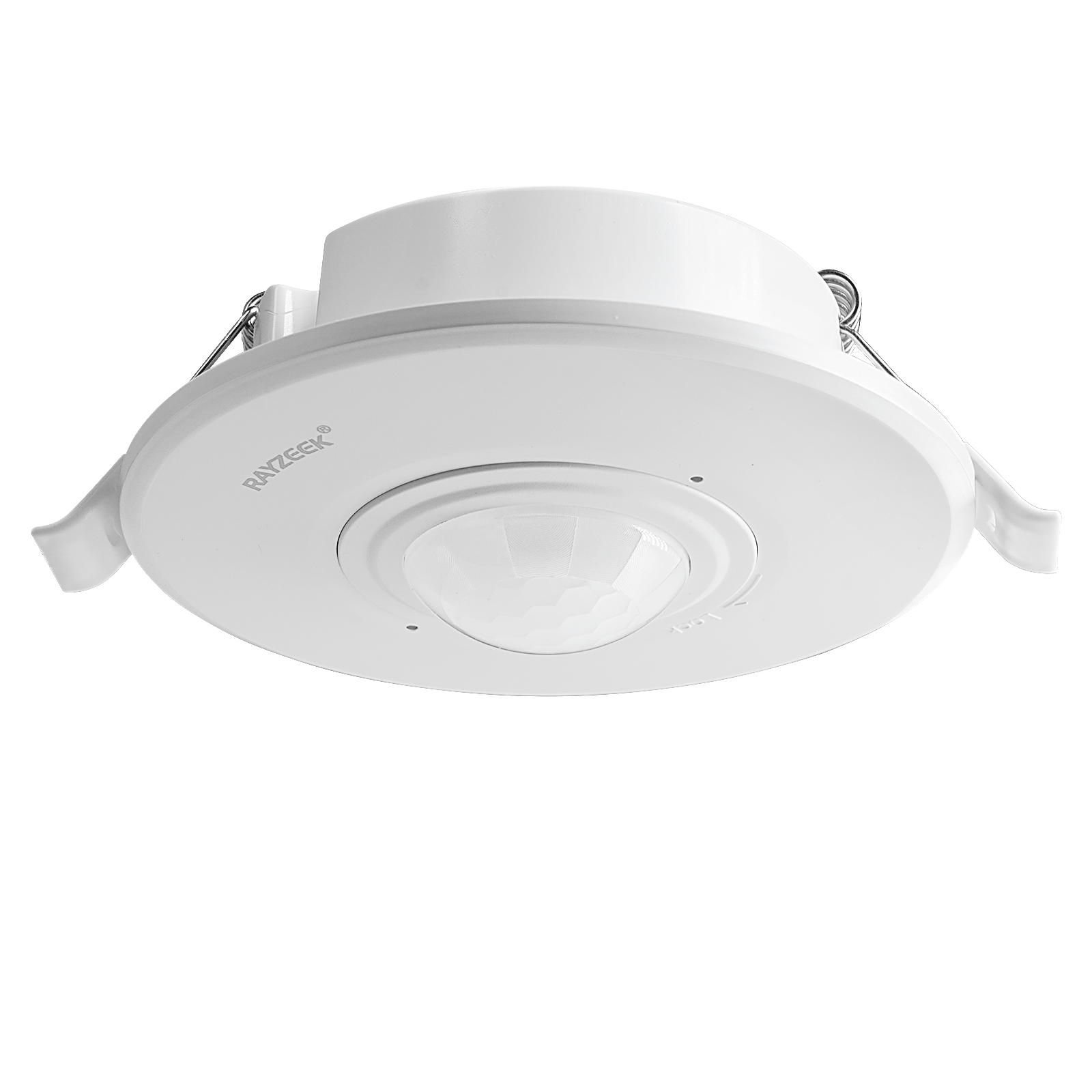
- Higher-load recessed ceiling mount PIR motion sensor switch
- 100-265 VAC line-voltage input, 10A model
- 360-degree detection with adjustable time delay, Lux threshold, and sensitivity
- Recessed ceiling mount PIR motion sensor switch
- 100-265 VAC line-voltage input, 5A model
- 360-degree detection with adjustable time delay, Lux threshold, and sensitivity
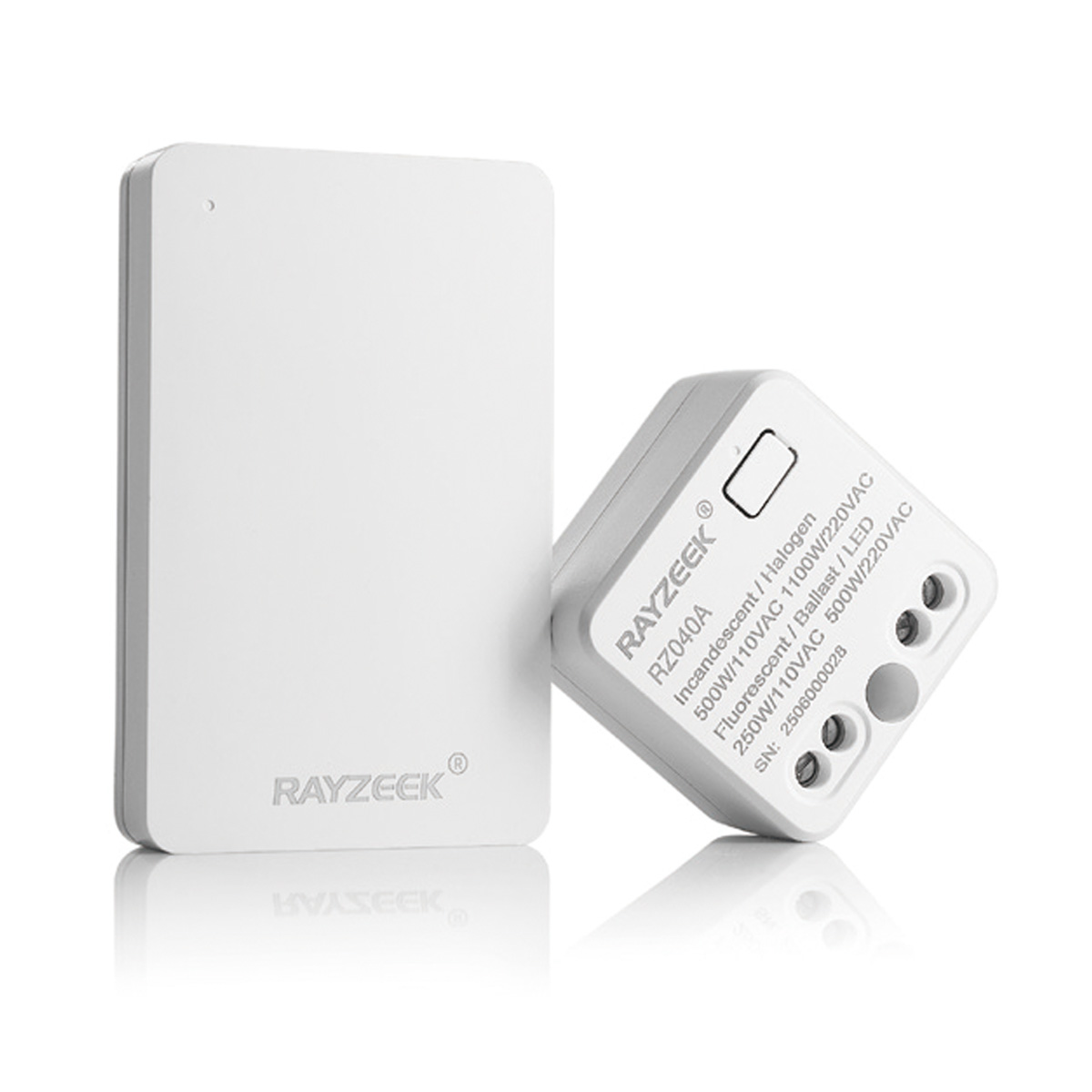
- Wireless switch and receiver kit for indoor ON/OFF lighting control
- 100-230VAC, 50/60Hz receiver with 5A rated current
- CR2032-powered wireless switch with 2.4GHz communication
- Occupancy (Auto-ON/Auto-OFF)
- 12–24V DC (10–30VDC), up to 10A
- 360° coverage, 8–12 m diameter
- Time delay 15 s–30 min
- Light sensor Off/15/25/35 Lux
- High/Low sensitivity
- Auto-ON/Auto-OFF occupancy mode
- 100–265V AC, 10A (neutral required)
- 360° coverage; 8–12 m detection diameter
- Time delay 15 s–30 min; Lux OFF/15/25/35; Sensitivity High/Low
- Auto-ON/Auto-OFF occupancy mode
- 100–265V AC, 5A (neutral required)
- 360° coverage; 8–12 m detection diameter
- Time delay 15 s–30 min; Lux OFF/15/25/35; Sensitivity High/Low
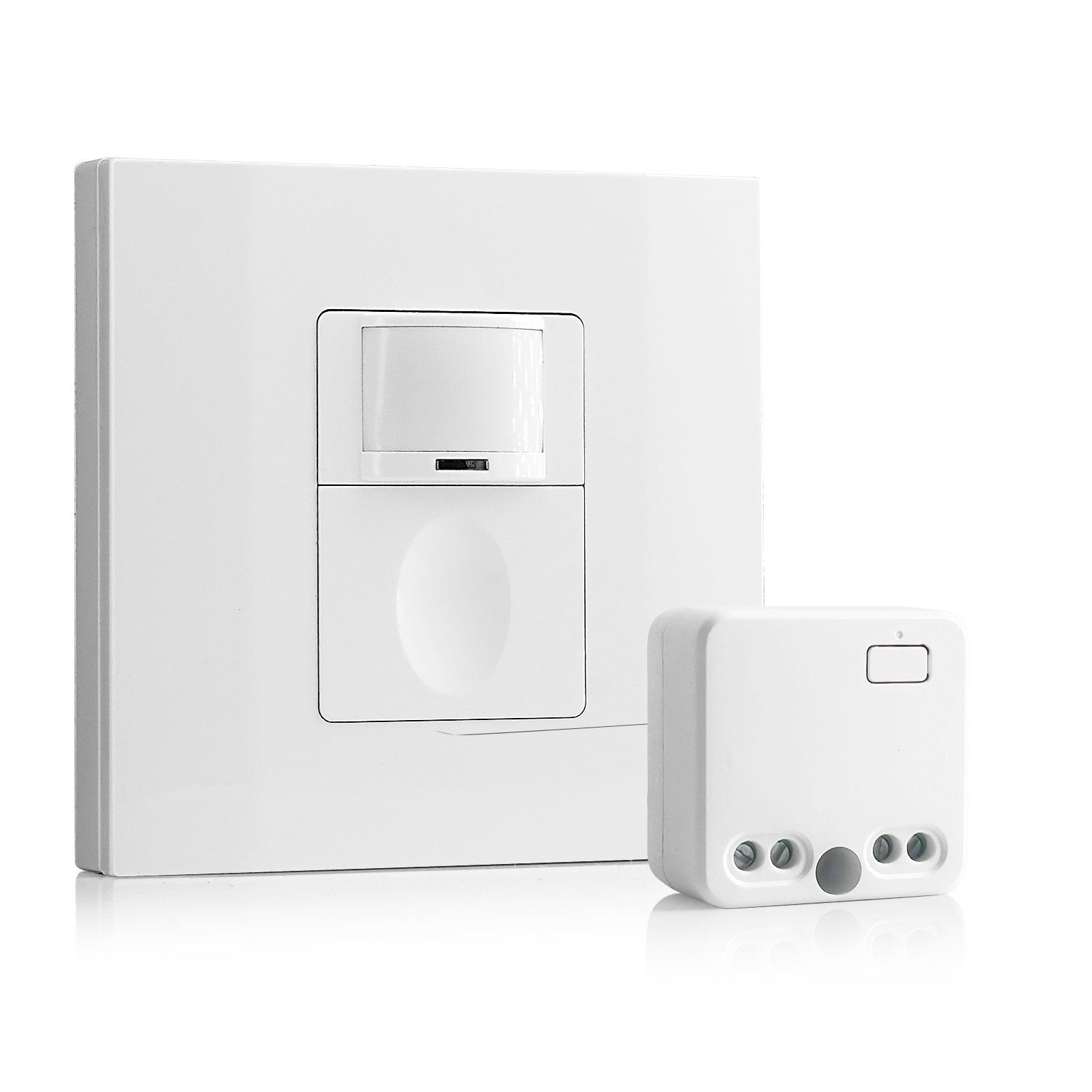
- 100V-230VAC
- Transmission Distance: up to 20m
- Wireless motion sensor
- Hardwired control
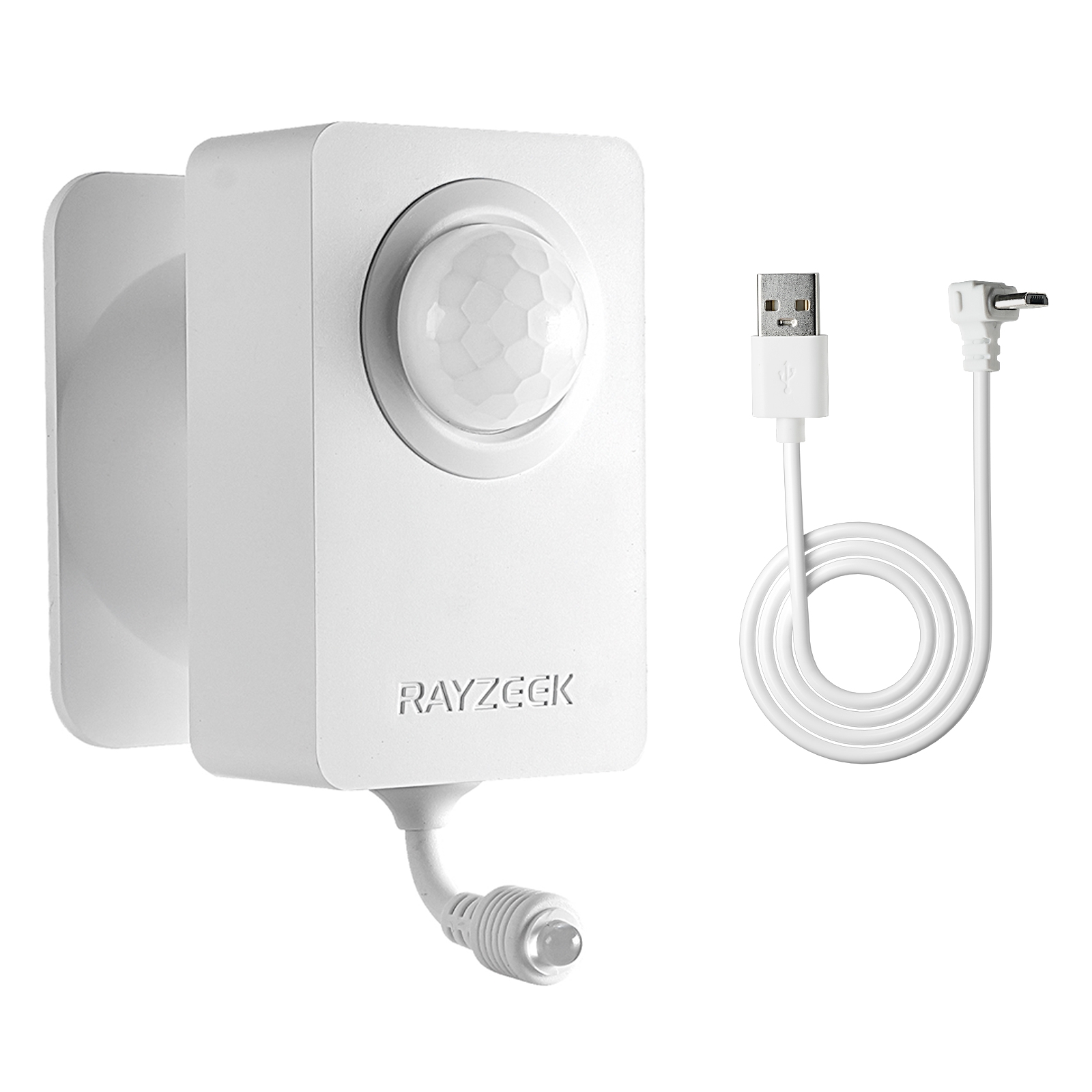
- Voltage: 2x AAA Batteries / 5V DC (Micro USB)
- Day/Night Mode
- Time delay: 15min, 30min, 1h(default), 2h
- EU plug power adapter
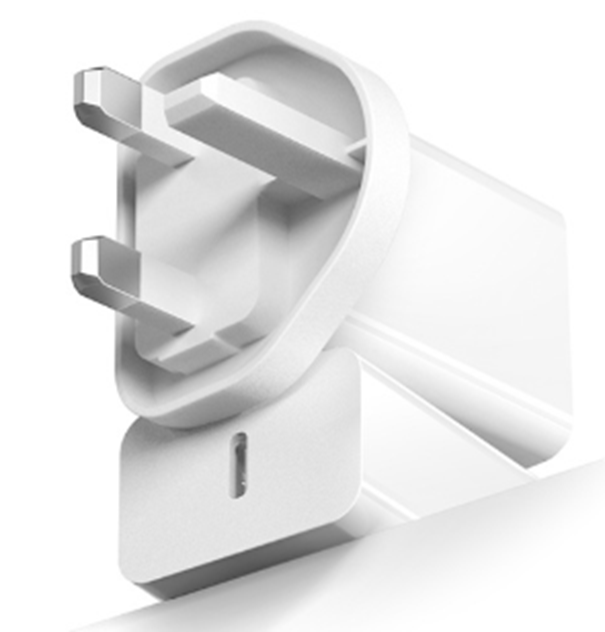
- UK plug power adapter
You generally need to tune three things:
- Time Delay: Set this long. As mentioned, 15 minutes prevents the “waving arms” dance.
- Sensitivity: In a hallway, crank this to near maximum (75-100%) to catch that radial movement early.
- Lux/Daylight Harvesting: In a windowless corridor, disable this entirely. You don’t want a stray beam from an open roll-up door confusing the sensor into thinking it’s sunny inside.
The “Disco” Risk and Installation Logic
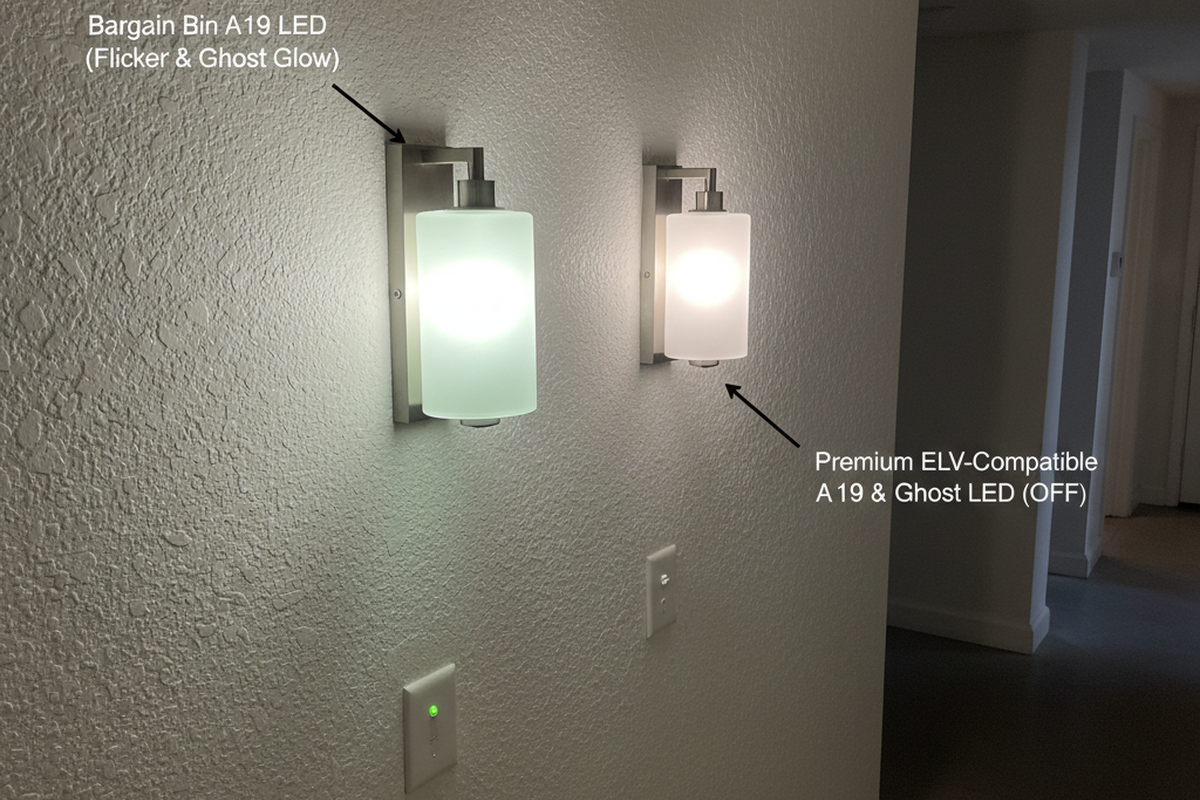
There is a specific nightmare scenario known in the trade as the “Infinite Blink Loop.” You buy fifty cheap sensors online that claim to be “LED Compatible.” You install them. You turn the breaker on. The hallway lights turn on, then off, then on, then off—strobing endlessly like a bad disco.
This happens because of inrush current. Commercial LED fixtures have drivers that pull a massive spike of current for a fraction of a second when they ignite—sometimes 50 times their rated running load. Cheap sensors use weak relays that weld shut or get confused by this spike. Or, they leak a tiny amount of voltage through the neutral to power themselves, which charges the LED driver just enough to flash, discharging the capacitor, and restarting the cycle.
Looking For Motion-Activated Energy-Saving Solutions?
Contact us for complete PIR motion sensors, motion-activated energy-saving products, motion sensor switches, and Occupancy/Vacancy commercial solutions.
To avoid this, you need hardware with “Zero-Crossing” circuitry or heavy-duty relays specifically rated for LED inrush. This isn’t just a spec-sheet suggestion; it’s the difference between a working hallway and a strobe light that induces seizures.
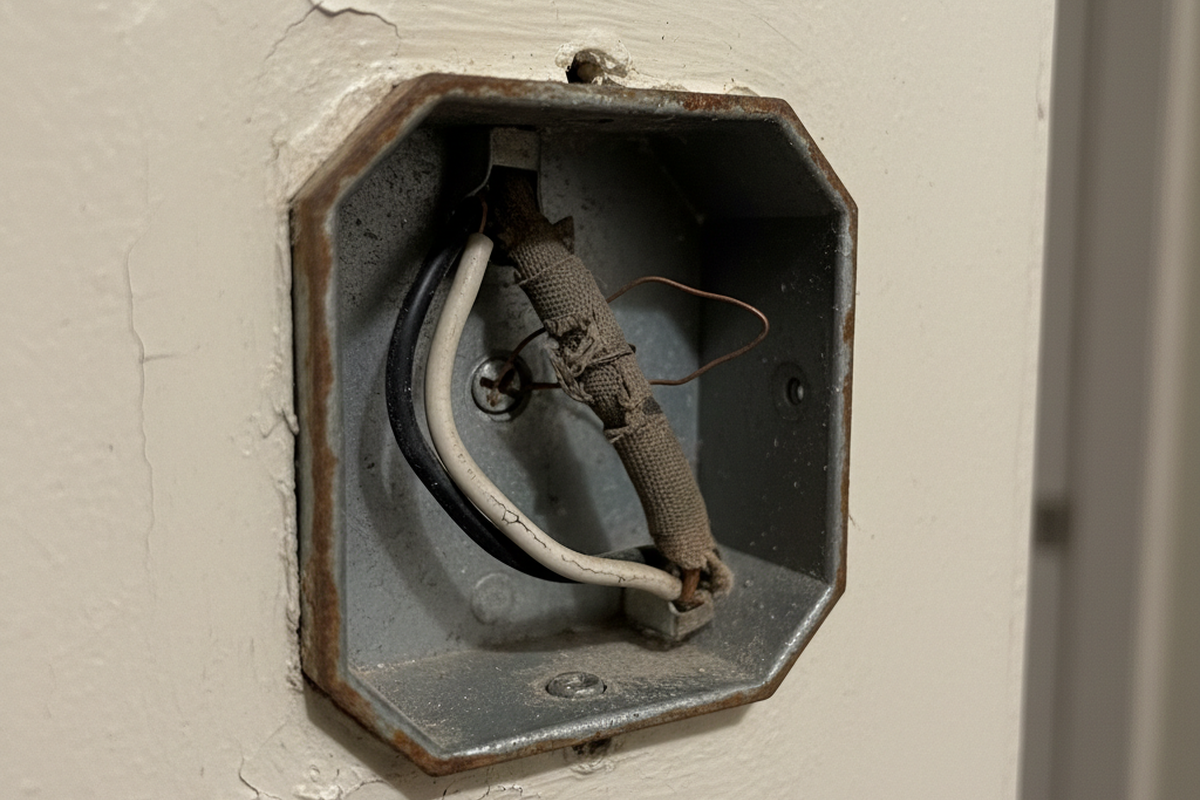
A critical note on wiring: Before you order a pallet of sensors, open a junction box. Many older commercial buildings were wired with “switch loops” that do not have a neutral wire in the switch box. Most commercial sensors, including the robust Rayzeek models, require a neutral wire to function correctly without stealing power from the load (which causes the blinking mentioned above). If you don’t have a neutral wire, your hardware options shrink drastically. You need to know that before the electrician is standing on the ladder billing you by the hour. Codes vary by state, and I’m not an inspector, but physically, that wire needs to be there for reliability.
The Maintenance Math
Finally, stop looking at the price of the sensor in isolation. The most expensive part of a lighting failure isn’t the replacement hardware; it’s the truck roll.
If you save $5 per unit on 100 sensors by buying a generic brand, you have “saved” $500. A single visit from a qualified commercial electrician to troubleshoot a flickering hallway will cost you a minimum of $150 to $250 just to get the van on site. Two failures wipe out your entire project savings. Three failures puts you in the red. And that doesn’t even factor in the “nuisance value”—the cost of your time apologizing to tenants.
In the facility game, you pay for quality hardware once, or you pay for cheap hardware every time the phone rings. Buy the sensor that handles the inrush, leads the cart, and stays set. Your tenants will never notice it, which is the highest compliment they can give.