

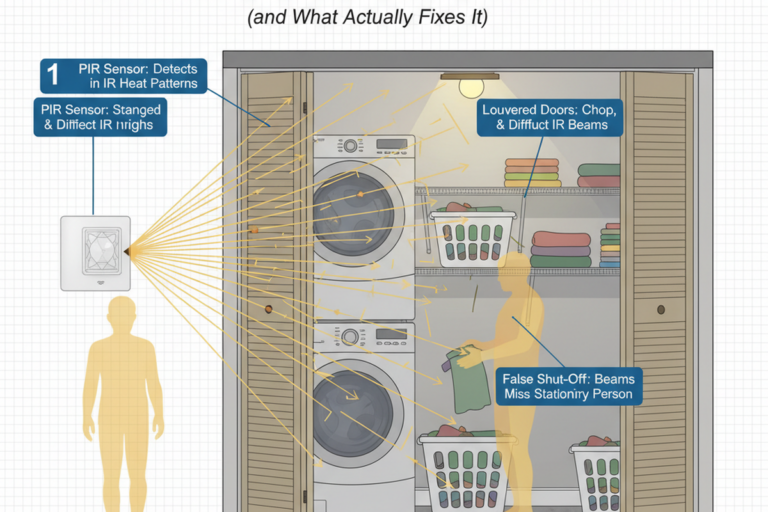
The “Haunted” Laundry Closet Sensor: Why Louvers Break PIR (and What Actually Fixes It)
Louvered bifold doors can make a PIR sensor “see” hallway motion and airflow, causing false-ons and mid-task shut-offs. Learn a durable fix order: re-aim or relocate, mask the hallway sector, use vacancy mode, then fine-tune settings with real walk-tests.
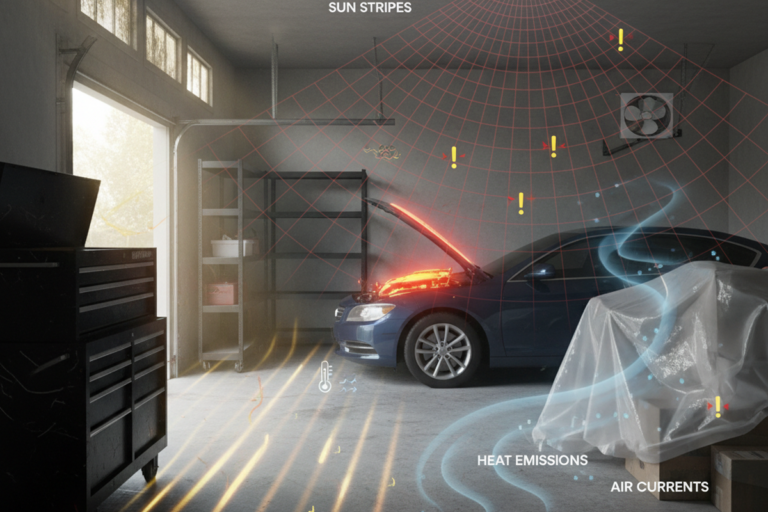
Garage PIR False Triggers: Stop Blaming the Switch and Start Blaming the View
Garage PIR switches often aren’t broken—they’re reacting to sun stripes, hot car cool-down, and door-plane temperature swings. Fix false triggers by changing the sensor’s view first, then fine-tuning settings and adding daylight gating.
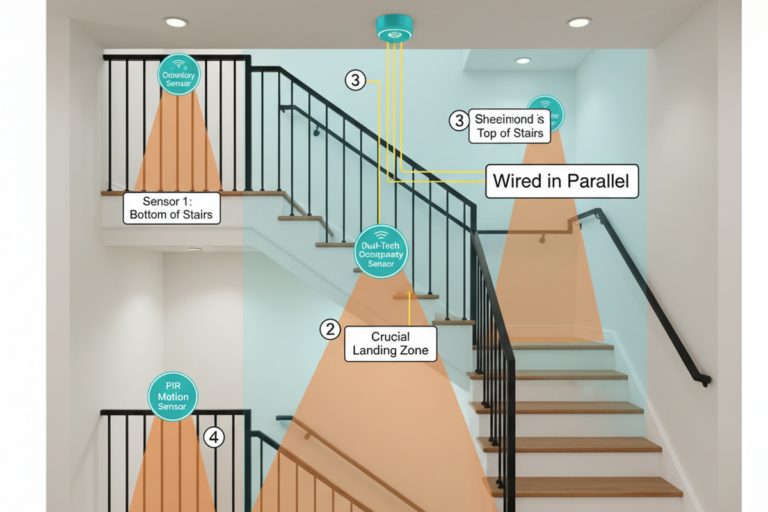
Split-Level Stair Motion Sensors: How to Stop the Landing “Strobe” and Keep Light Ahead of You
Split-level stair landings often cause motion lights to snap off and on because of short timeouts and poor line-of-sight during the pivot. Learn how to fix landing strobe by adjusting hold time, aiming for cross-traffic, and designing multi-location controls correctly.
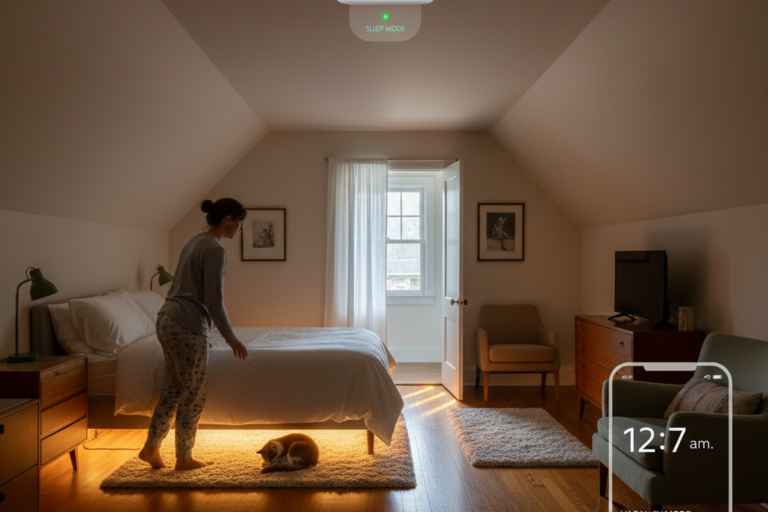
Rayzeek Vacancy Mode in Bedrooms: Stop Surprise Night Auto‑On Without Making Midnight Trips Dangerous
Bedroom motion lights fail when they surprise you at night. Vacancy mode keeps bedrooms manual-on for consent, while safety comes from a dim, warm, predictable path from bed to hall to bathroom.
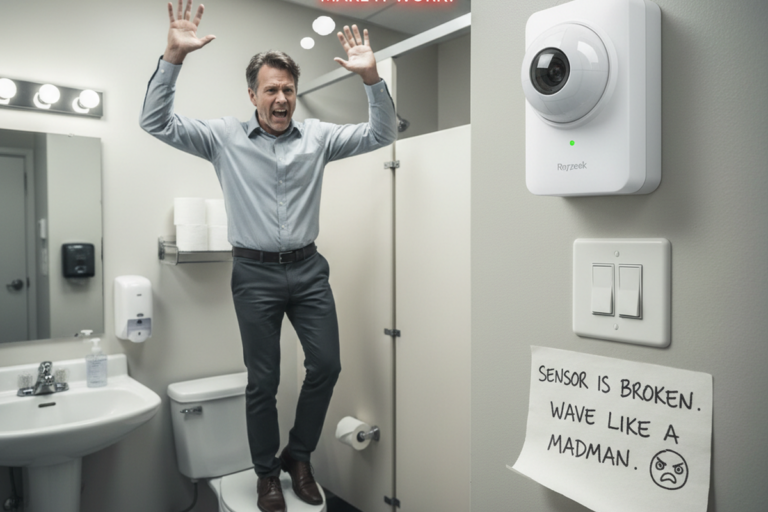
Picking a Rayzeek PIR Motion Sensor Switch for Small-Business Restrooms (Without Buying Yourself Callbacks)
Choose a Rayzeek PIR motion sensor switch for small-business restrooms by preventing the two failures that cause callbacks: dark entry and lights-off-in-stall. Use the right mode, start with a conservative timeout, validate stall coverage, and document settings.
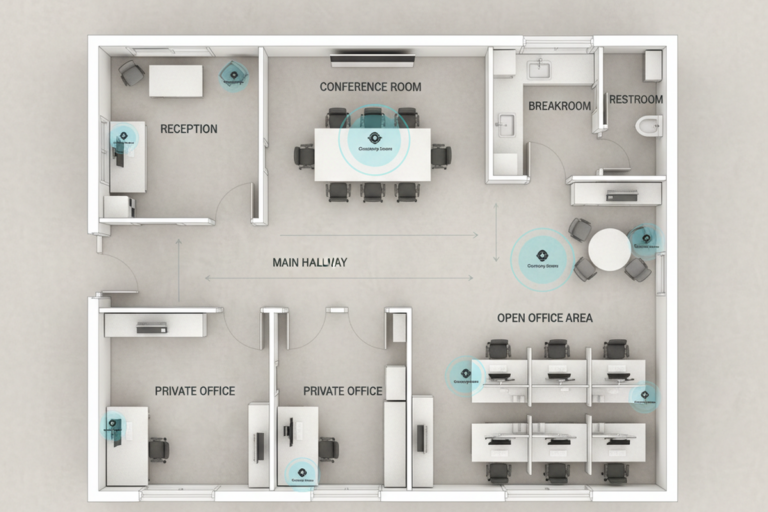
Commissioning Rayzeek Occupancy Sensors in a Small Office Suite (Without Creating a Complaint Machine)
Commission occupancy sensors in small office suites without triggering complaints. Use a quick sightline check, apply three room-type profiles, and adjust in the right order—aim first, timeout second, sensitivity last—then test for real stillness and document reset paths.